
Skin
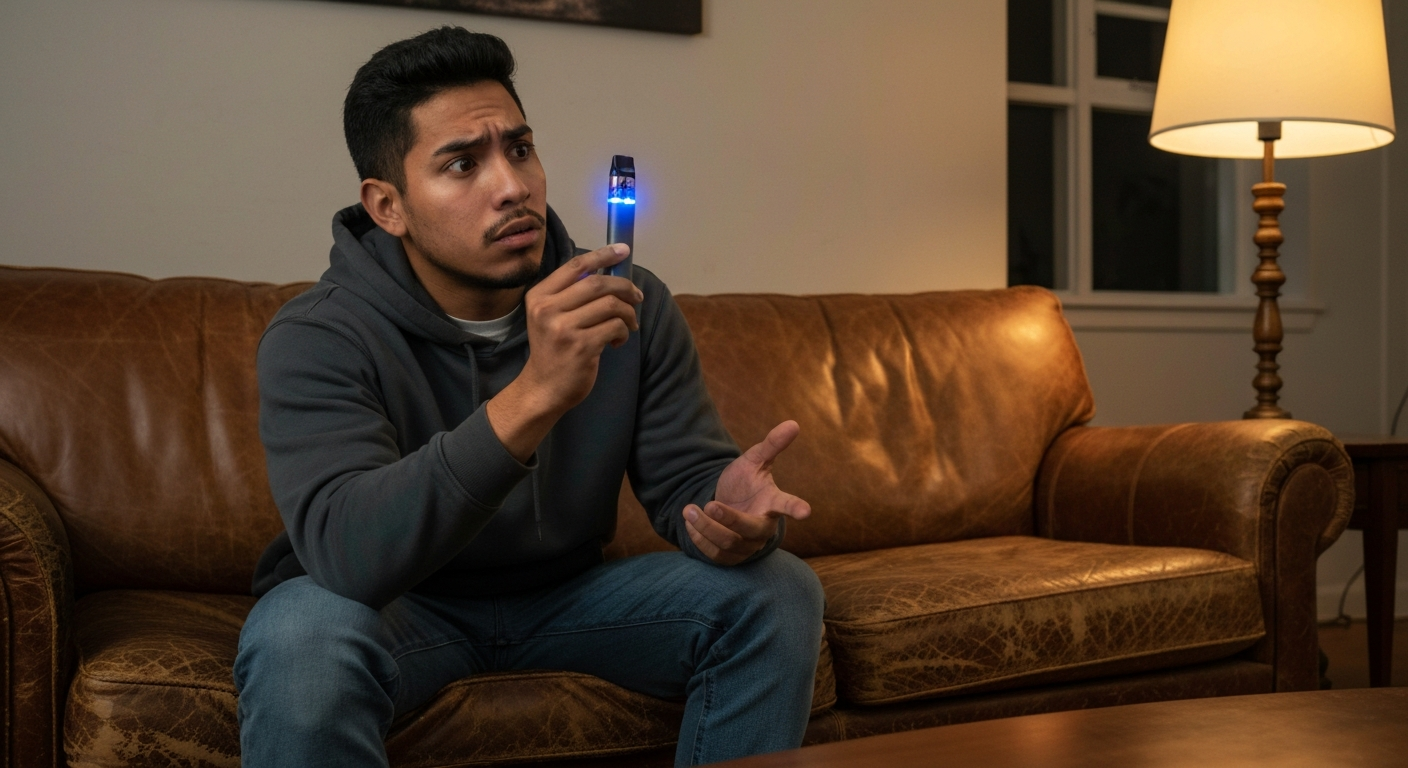

Your vape is blinking because it's communicating a specific status or problem — most commonly a low battery, a connection issue between the cartridge and battery, or a safety feature activation like short-circuit or overheating protection.
Every vape device uses LED blink patterns as its only way to tell you what's happening inside. A blinking light isn't random — it's a diagnostic code. The color, speed, and number of blinks all mean something specific. Once you decode the pattern, you can usually fix the problem in under a minute without any tools or special knowledge.
| ✓Our Pick |
Search replacement vape batteries and chargers on Amazon Highly rated by thousands of buyers — this is one of the most effective solutions for this issue you can try at home. See on Amazon → |
The color and rhythm of your vape's blinking light tells you exactly what's wrong — red typically means low battery or error, white often indicates connection problems, blue usually signals activation or power issues, and green generally means fully charged or ready to use.
Understanding these patterns saves you from replacing a perfectly good device. Here's a quick reference for the most common blink codes across popular vape brands:
| Blink Color | Common Meaning | Typical Fix |
|---|---|---|
| Red (steady) | Low battery | Charge the device |
| Red (rapid) | Short circuit detected | Clean contacts, check cartridge |
| White (flashing) | Connection error | Reseat or clean cartridge |
| Blue (blinking) | Activation failure | Check airflow, clean contacts |
| Green (solid) | Fully charged | Ready to use |
| Green (blinking) | Medium battery | No action needed |
| Alternating colors | Critical error | Reset device or contact manufacturer |
Different manufacturers use slightly different codes. A Stiiizy blinking white usually means a connection problem, while a Puffco blinking red and white typically indicates a coil or atomizer issue. Your device's user manual contains the exact codes, but the patterns above cover about 90% of cases.
When your cart battery blinks but produces no vapor, the battery and cartridge aren't making proper electrical contact — this is the single most common vape problem and almost always fixable by cleaning the connection point.
The 510-thread connection (the industry-standard screw-in fitting used by most cartridges) accumulates oil residue, pocket lint, and oxidation over time. This invisible buildup creates resistance that prevents power from reaching the heating element.
Start with the simplest fix: unscrew the cartridge and screw it back on firmly but not overtight. Overtightening can push the center pin down too far, breaking the connection.
If that doesn't work, clean both contact points:
For stubborn buildup, use a toothpick to carefully scrape residue from the threads. Be gentle — you don't want to damage the delicate center pin.
Many 510 batteries have an adjustable center pin that can get pushed down from overtightening cartridges. Look into the battery's connection area — you should see a small metal pin in the center. If it looks recessed or flat, gently lift it with a toothpick or small flathead screwdriver. You only need to raise it a millimeter or two.
Also Read: Why Is My Geek Bar Not Working? 6 Causes & Quick Fixes
A blinking light during charging is normal behavior for most vape batteries — it indicates the device is actively receiving power and will typically turn solid or shut off when charging completes.
However, if the light blinks continuously for hours without stopping, or blinks in an unusual pattern (like rapid triple-blinks), something may be wrong with the charging connection or the battery itself.
Check these potential charging issues:
Most vape batteries take 1-3 hours to fully charge. If yours has been plugged in much longer and is still blinking, the battery may have reached the end of its lifespan.
This specific pattern — green blinking on an Ooze pen despite being fully charged — usually indicates the battery is trying to fire but can't complete the circuit. The green light means there's sufficient power, but something is blocking the connection.
Remove the cartridge and press the button. If the light stays solid, the issue is with the cartridge or connection, not the battery. Clean both contacts thoroughly and try a different cartridge if available.
Disposable vapes blink when the battery is depleted or the e-liquid is finished — since you can't recharge or refill most disposables, a blinking light often means the device has reached the end of its usable life.
Disposable vapes are designed to last a specific number of puffs (usually printed on the packaging). The blinking is essentially the device telling you it's done.
However, some disposables blink prematurely due to:
For activation sensor problems, try gently blowing into the mouthpiece (the opposite of inhaling) to reset the sensor. Cover the airflow holes while doing this to force air through the sensor chamber. If that doesn't work and you've barely used the device, it may be defective — contact the retailer.
A Stiiizy blinking white four times indicates the pod isn't being detected — the magnetic connection between the pod and battery isn't making proper contact.
Stiiizy uses a proprietary magnetic pod system rather than the standard 510 thread. This design is more convenient but can be more finicky about alignment.
To fix a blinking white Stiiizy:
If cleaning doesn't help, the pod's internal coil may have burned out or the battery's contact pins may be damaged. Try a different pod first to determine which component is failing.
A Puffco device alternating between red and white blinks signals a connection error with the atomizer — the heating chamber isn't being recognized by the base.
Puffco devices (like the Peak and Peak Pro) use sophisticated heating systems that require precise connections. This error code specifically means the base detects something is attached but can't establish proper communication with the atomizer.
If the red and white blinking continues after cleaning, the atomizer itself may need replacement. Atomizers are consumable parts with limited lifespans — typically 6-12 months of regular use.
A Puffco blinking white (not alternating with red) during heating is normal — it indicates the device is heating up to temperature. Once it reaches the target temperature, the light should turn solid in whatever color corresponds to your selected heat setting.
Blue blinking without vapor production typically indicates an airflow blockage, a dead coil, or a voltage mismatch between your battery and cartridge.
Blue LEDs are commonly used to show the device is attempting to fire. If you see the blue light but get no vapor, power is reaching the heating element, but something is preventing vaporization.
Check for these issues:
"Most vape malfunctions stem from connection issues rather than actual device failure. A simple cleaning of the contact points resolves the majority of problems." — American Vaping Association
Red blinking almost always relates to power issues (low battery, charging errors, or power overload), while white blinking typically signals connection or communication problems between components.
This color-coding isn't universal, but it's common enough to be useful as a starting point:
| Red Blink Pattern | Likely Meaning |
|---|---|
| Slow steady blinks | Battery below 30% |
| Rapid continuous blinks | Short circuit detected |
| Three blinks then stop | Overheating protection activated |
| Red during use | Battery nearly dead |
| White Blink Pattern | Likely Meaning |
| --------------------- | ---------------- |
| Slow steady blinks | Cartridge not detected |
| Rapid blinks | Connection resistance too high |
| Blinks when inhaling | Airflow sensor activation (normal) |
| White after charging | Ready to use |
If your cart battery is blinking red, charge it first. If it continues blinking red after a full charge, the battery may have degraded beyond recovery — lithium-ion cells lose capacity over time and eventually won't hold enough charge to function.
Also Read: Why Is My Alarm Not Going Off? 9 Causes & Quick Fixes
Each vape brand programs slightly different meanings into their blink patterns — checking your specific brand's documentation prevents misdiagnosis.
A Muha cart blinking usually indicates the disposable battery is depleted. These devices don't have removable batteries, so a blinking light near the end of the device's life means it's time for a new one. If it blinks immediately after purchase, the device may be defective or counterfeit (Muha products are frequently counterfeited).
Digiflavor makes more advanced mod-style devices with detailed error codes. Common Digiflavor blink patterns include:
These devices typically have screens that display error messages alongside the blinking, making diagnosis easier.
Foger disposables blink when the battery or e-liquid is exhausted. Since Foger devices are budget disposables, quality control varies significantly. A device blinking right out of the package suggests a manufacturing defect.
If you're seeing a blinking light on a Zevo device, you may be looking at a Zevo insect trap rather than a vape — Zevo is a pest control brand. The light behavior would relate to the insect trap's operation, not vaping.
Replace your vape if cleaning doesn't resolve connection issues after multiple attempts, if the battery no longer holds charge for more than a few puffs, or if you notice any physical damage like swelling, leaking, or burn marks.
Lithium-ion batteries in vapes have finite lifespans — typically 300-500 charge cycles. After that, they degrade rapidly. Signs your battery needs replacement:
Never continue using a visibly damaged battery. Lithium-ion batteries can fail catastrophically if damaged, potentially causing fires. If your vape battery looks swollen or has any burn marks, dispose of it properly at an electronics recycling center — don't throw it in regular trash.
A blinking vape is diagnosing itself — decode the pattern (color, speed, number of blinks) to identify whether you're dealing with a dead battery, dirty connection, safety shutoff, or end-of-life device. Most issues resolve with basic cleaning of the contact points or a full recharge. Red blinks typically mean power problems, white blinks usually signal connection issues. If cleaning and charging don't work after multiple attempts, the device has likely reached the end of its usable lifespan and needs replacement.
A cart that blinks indefinitely during charging usually has a failing battery that can no longer hold a charge, or there's a problem with the charging cable or port. Try a different cable and power source first. If the issue persists, the battery's internal cells have degraded — this is common after 6-12 months of regular use. The battery needs replacement.
A green blinking light on a fully charged Ooze pen means the battery is trying to fire but not completing the circuit. This is almost always a connection problem. Remove the cartridge, clean both the battery's contact point and the cartridge's bottom contact with isopropyl alcohol, and ensure the center pin on the battery isn't pushed down. Try a different cartridge to rule out a faulty cart.
A Puffco blinking white during heat-up is normal operation — white indicates the device is actively heating to your selected temperature. If it blinks white continuously without ever heating, the atomizer connection has failed. Remove the atomizer, clean both connection points, and reattach firmly. Persistent white blinking after cleaning means the atomizer needs replacement.
Sometimes. If the blink indicates a clogged airflow sensor, gently blowing into the mouthpiece while covering the air holes can reset it. If the oil is too thick and cold, warming the device between your palms for a minute can help. However, most disposable blinking means the battery is dead or the e-liquid is finished — these aren't designed to be recharged or refilled.
There's no industry-wide standard for vape LED signals. Each manufacturer designs their own diagnostic system based on their hardware capabilities and priorities. More expensive devices typically have more detailed codes (or LCD screens showing text errors), while budget devices may only distinguish between "working" and "not working." Always check your specific device's manual for accurate blink code interpretation.
Reviewed and Updated on June 3, 2026 by George Wright