
Cars
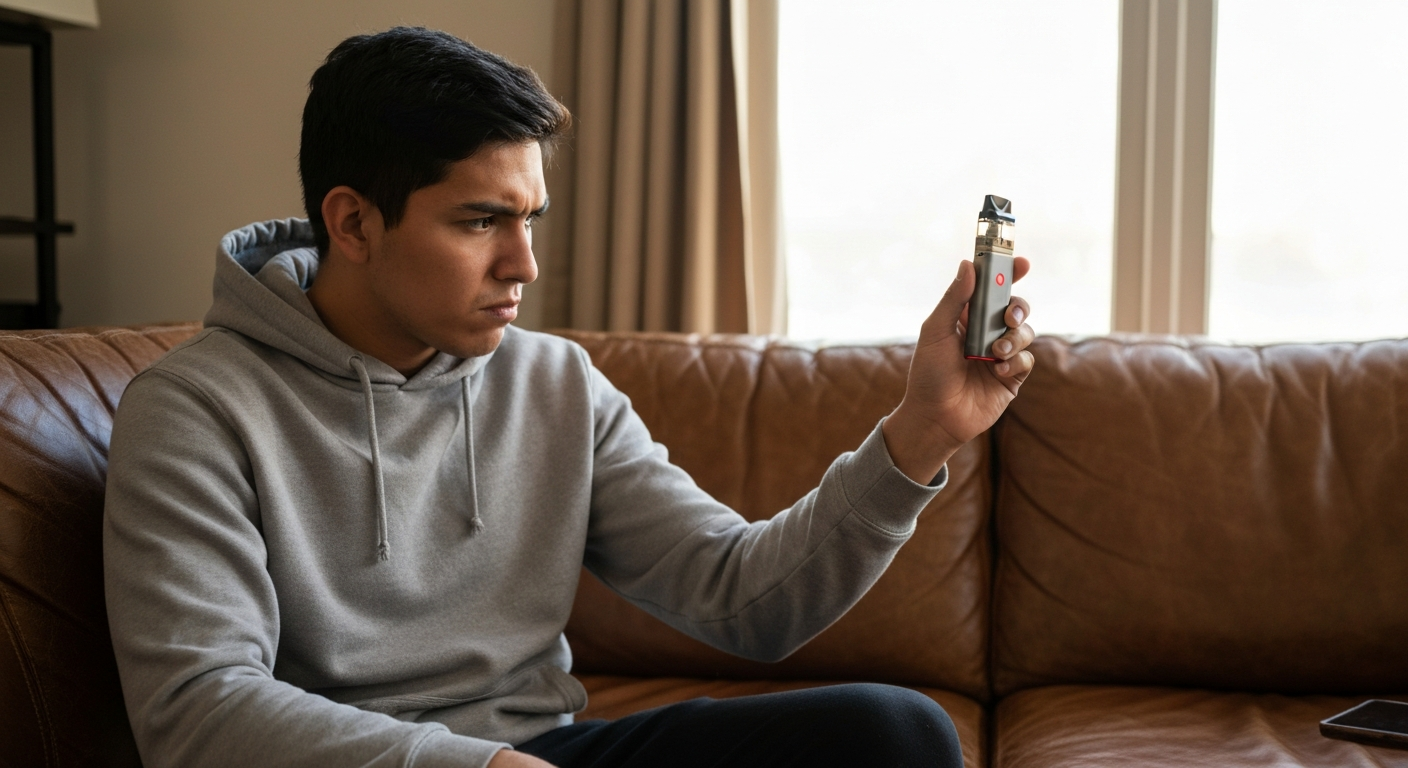

Your Geek Bar isn't working because of one of five common issues: a dead or depleted battery, a clogged airflow sensor, e-liquid that's run out, a faulty charging connection, or a device that's simply reached the end of its lifespan.
These same fixes apply whether you're troubleshooting a Foger vape, an Elf Bar, or any similar disposable or rechargeable vape device. Most problems can be diagnosed and solved in under five minutes without any tools — and you'll know exactly when it's time to replace the device entirely.
The most frequent reason a Geek Bar stops producing vapor is a depleted battery or empty e-liquid reservoir — both of which happen gradually and can catch you off guard.
Disposable and semi-rechargeable vapes like the Geek Bar have a finite lifespan by design. Understanding what's actually happening inside the device helps you figure out whether you're dealing with a quick fix or a dead unit.
A completely drained battery is the number-one reason any vape stops working. Rechargeable Geek Bar models (like the Pulse series) can be revived with a USB-C charge, but older disposable models simply die when the battery runs out. If your device has no indicator lights at all when you draw, the battery is almost certainly the culprit.
Even if the battery still has charge, an empty tank means no vapor. You'll often notice a burnt or harsh taste in the last few puffs before it goes completely dry. Once the e-liquid is gone in a disposable device, there's no refilling it — it's done.
Geek Bars use an automatic draw-activated sensor rather than a manual button. If condensation, pocket lint, or e-liquid residue blocks the airflow sensor at the bottom of the device, it won't register your inhale. This is one of the most common — and most fixable — problems.
Drops and impacts can jostle the internal wiring or battery contacts loose. If your Geek Bar worked fine yesterday and suddenly stopped after being knocked around, a disconnected wire inside may be the issue. Unfortunately, disposable vapes aren't designed to be opened and repaired.
Manufacturing defects happen. A small percentage of vapes leave the factory with faulty batteries, bad coils, or sensor malfunctions. If your brand-new Geek Bar doesn't work out of the box, it's likely a defect rather than user error.
Every disposable vape has a rated puff count (often 5,000 to 15,000 puffs for Geek Bar models). Once you've exceeded that threshold, the device is designed to stop working. There's no reset or fix — it's time for a new one.
A Geek Bar that won't charge typically has a problem with the charging port, cable, or power source — not the internal battery itself.
Rechargeable Geek Bar models use USB-C ports, which are generally reliable but can develop issues over time. Here's how to troubleshoot:
| Symptom | Likely Cause | Fix |
|---|---|---|
| No lights when plugged in | Dead outlet, bad cable, or debris in port | Try different cable/outlet; clean port with toothpick |
| Light flashes then stops | Full charge or battery fault | Unplug and test; if no vapor, battery may be dead |
| Charges but won't hit | Airflow sensor issue or empty tank | Clean mouthpiece and sensor area |
| Gets hot while charging | Internal short or defective battery | Stop charging immediately — discard device |
"Lithium-ion batteries in vaping devices can pose fire and explosion risks if damaged, defective, or improperly charged." — U.S. Fire Administration
If your device becomes unusually hot during charging, stop using it. Swollen or overheating batteries are a safety hazard and should be disposed of properly at an electronics recycling center.
Also Read: Why Is My Jabra Elite 75t Not Working? 7 Causes & Fixes
A red blinking light on a Geek Bar almost always signals a low or dead battery — it's the device's way of telling you it needs a charge or has reached the end of its usable life.
Different blink patterns mean different things:
If your rechargeable Geek Bar blinks red even after a full charge cycle (usually 1–2 hours), the internal battery has likely degraded beyond recovery. Lithium-ion batteries lose capacity over time, especially with heavy daily use.
Most vape malfunctions — whether Geek Bar, Foger, Elf Bar, or other brands — come down to the same handful of issues: power, airflow, liquid, or physical damage.
This quick checklist works for almost any disposable or rechargeable vape:
If none of these steps work, the device has likely reached the end of its functional life.
Foger vapes share nearly identical internals with Geek Bars and other disposable brands, so the same troubleshooting steps apply — check battery, airflow, and e-liquid level first.
Foger devices are known for slightly different indicator light patterns:
One Foger-specific issue: some users report that the mouthpiece sits too tightly, restricting airflow. Try gently pulling up on the mouthpiece to create a small gap if draws feel unusually tight.
For most fixable issues, you can get your Geek Bar working again in under two minutes with no tools required.
The automatic draw sensor is usually located at the bottom of the device near the charging port. Use a dry toothpick or cotton swab to gently clear any debris, lint, or condensation. Blow lightly through the mouthpiece to dislodge any stuck particles.
If your device isn't charging, shine a light into the USB-C port. Pocket lint accumulates here constantly. Use a wooden toothpick (not metal, which can damage contacts) to carefully remove debris.
USB-C cables degrade over time. Try a different cable and plug directly into a wall adapter rather than a laptop or power strip. Some devices need a minimum amperage to charge properly.
Even if the light turns on during charging, give it a full 1–2 hour charge cycle before testing. Partial charges can cause erratic behavior.
Lithium batteries perform poorly below 50°F (10°C). If you've been outside in cold weather, cup the device in your hands for 60 seconds before trying again.
"Cold temperatures can significantly reduce the voltage and capacity of lithium-ion batteries, causing devices to shut down even when partially charged." — Battery University
If you've tried everything and the device still won't work, it's reached the end of its life. Disposable vapes are designed for a set number of puffs — once depleted, they're not repairable.
| ✓Our Pick |
Search replacement vape accessories on Amazon Consistently earns five-star reviews — reliable, well-supported, and genuinely effective. See on Amazon → |
A Geek Bar that isn't working is usually out of battery, out of e-liquid, or has a clogged airflow sensor — all of which can be checked in under a minute. Red blinking lights almost always mean low battery, and if the device won't charge after trying multiple cables and outlets, it's likely reached the end of its usable lifespan. The same troubleshooting applies to Foger vapes and most other disposable or rechargeable vape brands. When in doubt, clean the sensor, charge fully, and if nothing works, it's time for a replacement.
Weak vapor usually means the e-liquid is running low, the coil is burnt out, or the battery doesn't have enough charge to heat the coil properly. Try charging fully and checking if there's visible liquid remaining. A burnt taste combined with weak output is a clear sign the device is nearly depleted.
You can fix certain issues like clogged airflow sensors or dirty charging ports, but disposable vapes aren't designed to be opened or have components replaced. If the battery dies or the e-liquid runs out, the device is meant to be discarded. Attempting to pry open a disposable vape risks damaging the battery and creating a safety hazard.
A burnt taste with liquid still visible usually means the cotton wick inside the coil has dried out or burned. This happens when you chain-vape without giving the wick time to re-saturate. Once the coil is burnt, the taste won't improve — it's time to replace the device.
Most rechargeable Geek Bar models last 1–3 days on a single charge depending on usage. Heavy users (300+ puffs per day) may need to charge daily. The battery's overall lifespan is typically 300–500 charge cycles before capacity degrades noticeably.
No. A vape that becomes noticeably hot during use or charging may have a damaged or defective battery. Stop using it immediately, let it cool in a safe location away from flammable materials, and dispose of it properly at an electronics recycling facility. Overheating lithium-ion batteries can vent, catch fire, or explode.
Reviewed and Updated on June 1, 2026 by George Wright