
Health
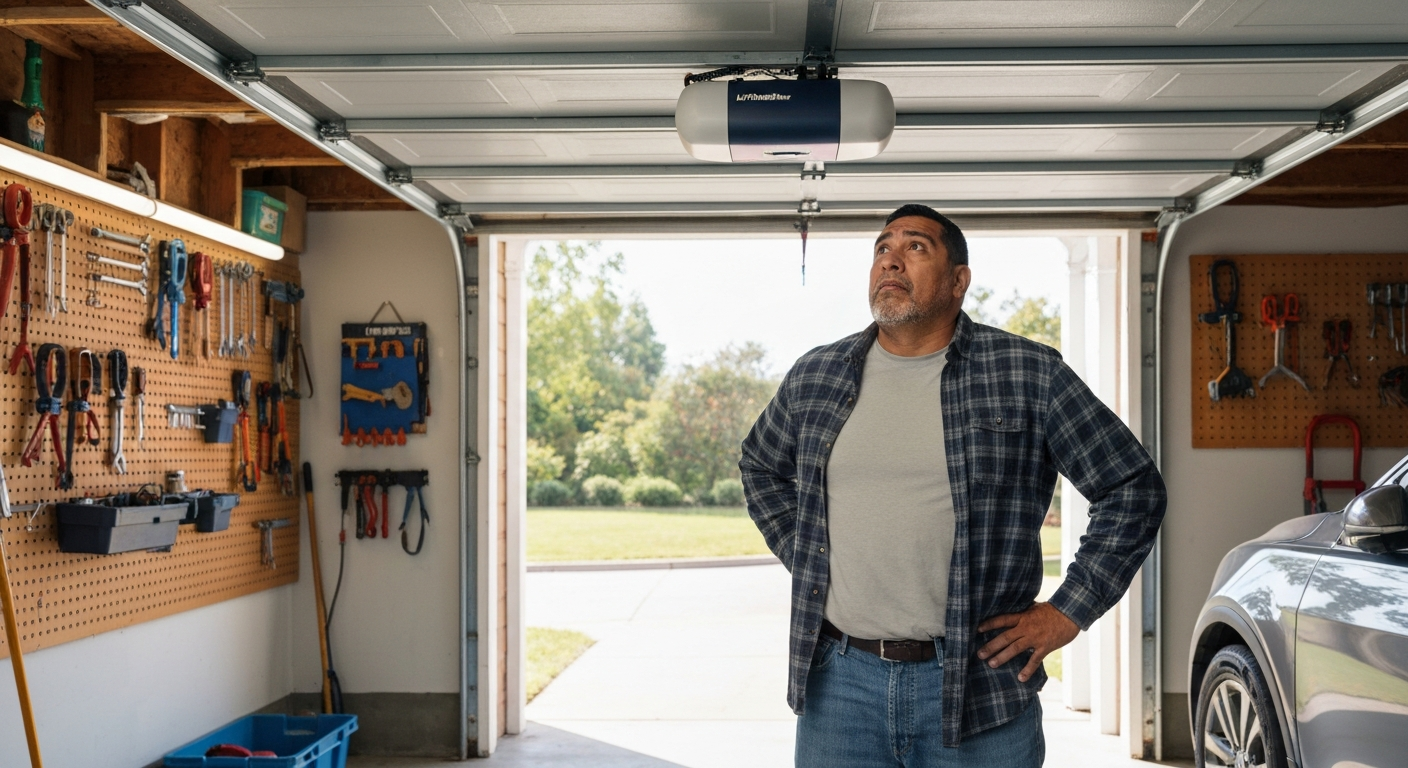

Your LiftMaster garage door opener is beeping because it's alerting you to a specific issue—most commonly a dying backup battery, but it could also signal sensor misalignment, a power interruption, maintenance reminder, or a safety fault that needs attention.
That repetitive beep is designed to get your attention before a minor issue becomes a major inconvenience. The good news is that most causes are easy to diagnose and fix yourself in under 30 minutes. Below, you'll find the seven most common reasons your LiftMaster won't stop beeping, how to identify which one you're dealing with, and exactly what to do about it.
| ✓Our Pick |
LiftMaster backup battery replacement options Great value for money — this product tackles the root cause rather than just masking the symptoms. See on Amazon → |
The beeping pattern itself tells you what's wrong—a single beep every 30 seconds usually means battery, while continuous beeping often indicates a sensor or safety issue.
LiftMaster garage door openers use audible alerts as a diagnostic tool. Instead of simply failing, the unit warns you that something needs attention. Understanding what each beep pattern means will save you time and potentially hundreds of dollars in unnecessary service calls.
| Beep Pattern | Most Likely Cause | Urgency Level |
|---|---|---|
| One beep every 30 seconds | Low backup battery | Low—replace within 2 weeks |
| Beep + flashing LED | Sensor obstruction or misalignment | Medium—door may not close |
| Continuous rapid beeping | Power surge or fault | High—check immediately |
| Beep when pressing button | Lock mode engaged | Low—easy toggle fix |
| Periodic beep + no response | Timer-to-close countdown | Informational only |
| Beep after power outage | Battery depleted or damaged | Medium—test battery |
| Beep + grinding noise | Motor or drive issue | High—stop using and inspect |
The single most common reason a LiftMaster beeps is a backup battery reaching the end of its life. LiftMaster installs backup batteries in most models manufactured after 2012, and these batteries typically last 2-3 years before needing replacement.
When the battery drops below a certain charge threshold, your opener will emit a single beep approximately every 30 seconds. This is accompanied by an orange LED light on the main unit. The beeping continues until you either replace the battery or disconnect it entirely.
To confirm this is your issue, locate the battery compartment on your opener—it's usually on the back or side of the motor unit. If you see an orange or amber light near the battery indicator, you've found your culprit.
"The backup battery provides power to operate the door during an electrical outage. When the battery requires replacement, the opener will beep and the LED on the multi-function door control will flash." — LiftMaster Support at LiftMaster.com
Safety sensor problems cause beeping because federal law requires garage doors to reverse when an obstruction is detected—if the sensors can't communicate, the system alerts you.
LiftMaster openers manufactured since 1993 include photoelectric sensors mounted near the floor on either side of the door opening. These sensors send an invisible beam across the doorway. When something breaks that beam—or when the sensors lose alignment—the opener beeps and refuses to close the door.
Check for these common sensor issues:
Clean both sensors with a soft cloth, then check that each sensor's indicator light is solid (not blinking). If the lights blink, the sensors aren't "seeing" each other. Loosen the wing nut on each sensor bracket and carefully adjust until both lights stay solid.
Also Read: Why Is My Gas Fireplace Beeping? 6 Causes & Quick Fixes
Power surges and outages can cause your LiftMaster to beep even after electricity is restored. The backup battery may have been drained during the outage, or the power surge may have triggered a protective fault mode.
After a power outage, give your opener 5-10 minutes to recalibrate. If the beeping continues, check whether the backup battery successfully recharged. A battery that discharged completely during a long outage may not recover and will need replacement.
Some LiftMaster models also have surge protection that trips during electrical spikes. Unplug the unit for 60 seconds, then plug it back in to reset the system. If you experience frequent power issues, consider installing a surge protector on the outlet powering your garage door opener.
LiftMaster openers have a vacation or lock mode that disables remote controls—when engaged, pressing the remote causes a beep but no door movement.
If your opener beeps only when you press the wall button or remote, and the door doesn't respond, lock mode may be enabled. This feature is designed to prevent the door from opening while you're away, but it's easy to activate accidentally.
To check, look at the wall-mounted control panel. If you see a "Lock" indicator lit, press and hold the lock button for about 3 seconds until the light turns off. Your remotes should work normally again.
On some models, lock mode engages automatically if the lock button is bumped or if a child presses it. The beep is the opener's way of telling you "I heard your command, but I'm locked."
LiftMaster's MyQ-enabled openers and some premium models include a timer-to-close feature. When activated, this feature automatically closes your garage door after a set period—typically 1, 5, or 10 minutes.
Before the door closes, the opener beeps several times as a warning. It may also flash the garage lights. This is normal operation, not a malfunction.
If you find the beeping annoying or don't want the auto-close feature, you can disable it through the MyQ app or the wall control panel. Navigate to the timer settings and toggle the feature off.
Some newer LiftMaster models, particularly those in the 8500W wall-mount series and the 87504 smartphone-controlled series, include maintenance reminder alerts. These reminders trigger beeps at preset intervals (often annually) to prompt you to lubricate moving parts, inspect hardware, or schedule professional service.
Check your owner's manual for the specific maintenance schedule for your model. Once you've performed the recommended maintenance, you'll need to reset the reminder through the control panel or app. The reset procedure varies by model—typically holding a specific button combination for 5-10 seconds.
Also Read: Why Is My Fire Alarm Blinking Red? 6 Causes & Fixes
Beeping combined with grinding, clicking, or jerky door movement indicates a mechanical problem that requires immediate attention.
If your LiftMaster beeps and also makes unusual sounds during operation—or if the door moves erratically—the issue may be mechanical rather than electrical. Common causes include:
Stop using the opener if you notice these symptoms. Continuing to operate a damaged system can cause further damage and create safety hazards. Inspect the track, springs, and hardware visually. If you see obvious damage or wear, call a qualified technician.
"Never attempt to adjust or repair torsion springs yourself. These springs are under extreme tension and can cause serious injury or death if mishandled." — International Door Association at doors.org
| ✓Quick Fix |
The Fastest Fix People Try for This A low-cost, no-commitment option to rule out before spending more on this problem. See on Amazon → |
Start with the most common solution—replacing the backup battery—then work through sensor and power issues if beeping continues.
The backup battery in most LiftMaster openers is either a 485LM or 041A6357-1 battery (depending on model year). These cost $25-$40 and are widely available.
To replace:
1. Unplug the opener from the power outlet
2. Locate the battery compartment (back or side of unit)
3. Disconnect the battery connector
4. Remove the old battery and install the new one
5. Reconnect the connector—ensure proper polarity
6. Plug the opener back in
7. Wait 24-48 hours for the new battery to fully charge
The beeping should stop immediately after connecting a new battery, though the orange LED may stay on until the battery reaches full charge.
With the door open, clean both sensor lenses with a dry microfiber cloth. Check that each sensor bracket is secure and pointed directly at its partner across the door opening.
The sending sensor should show a solid amber light. The receiving sensor should show a solid green light. If either light blinks, adjust that sensor's angle slightly until the light becomes steady. Tighten the wing nut once aligned.
Unplug the opener from the electrical outlet. Wait 60 seconds. Plug it back in. This clears temporary faults and allows the system to recalibrate.
If beeping continues after a reset, check whether your home experienced a power surge. Look for other signs like tripped breakers, reset clocks on other appliances, or damaged electronics. Consider installing a surge protector if surges are common in your area.
Locate your wall control panel (the button mounted inside your garage). Look for a lock indicator light or icon. If illuminated, press and hold the lock button for 3 seconds. The light should turn off, and normal operation should resume.
Also Read: Why Is My Stove Clicking? 6 Causes & Easy Fixes
If you've tried the fixes above and the beeping persists, or if you notice mechanical problems, it's time to call a certified LiftMaster technician.
Some issues require professional intervention:
LiftMaster offers a dealer locator on their website to find authorized service providers. Expect a service call to cost $75-$150 for diagnosis, plus parts and labor for repairs.
Different LiftMaster models use slightly different alert systems. Here's a quick reference for popular series:
| Model Series | Battery Beep Pattern | Sensor Beep Pattern | Where to Find Error Codes |
|---|---|---|---|
| 8500W Wall-Mount | 1 beep/30 sec + orange LED | 10 beeps when closing | Wall control display |
| 8550W Belt-Drive | 1 beep/30 sec + amber LED | Beeps + flashing light | LED indicators on unit |
| 87504 MyQ | 1 beep/30 sec | Beeps + app notification | MyQ smartphone app |
| 8355W Chain-Drive | 1 beep/30 sec | 10 beeps, door reverses | LED on motor unit |
| 84505R | 1 beep/30 sec + orange LED | Beeps + LED blinks | Control panel + app |
Consult your model's manual for exact interpretations. LiftMaster provides digital copies of all manuals at support.liftmaster.com.
Your LiftMaster is beeping to alert you to an issue—usually a dying backup battery, but possibly sensor misalignment, lock mode, or a power-related fault. Start by checking the backup battery (look for an orange light) and replace it if it's more than 2-3 years old. Clean and align your safety sensors next. If the beeping continues after these steps, perform a power reset by unplugging for 60 seconds. Mechanical issues or persistent faults require professional service.
A beep every 30 seconds almost always indicates a low backup battery. The battery powers your opener during power outages and degrades over 2-3 years. Replace the battery (model 485LM or 041A6357-1 depending on your opener) to stop the beeping. The orange LED near the battery indicator confirms this diagnosis.
When your opener beeps but doesn't respond to commands, check whether lock mode is engaged (look for a lit lock indicator on the wall panel). If lock mode isn't the issue, the backup battery may be completely dead, preventing operation. Replace the battery and perform a power reset by unplugging for 60 seconds. If the opener still won't work, there may be a control board fault requiring professional diagnosis.
The fastest way to stop the beeping is to address its cause. For battery beeps, replace the backup battery. For sensor beeps, clean and realign the sensors until both lights are solid. For lock mode beeps, disable lock mode on the wall panel. If you need temporary silence while troubleshooting, you can disconnect the backup battery (the opener will still work on AC power, but you'll lose backup functionality).
LiftMaster backup batteries typically last 2-3 years under normal conditions. Factors that shorten battery life include frequent power outages (which drain the battery repeatedly), extreme temperatures in unconditioned garages, and operating the door on battery power frequently. If your garage experiences temperature extremes, expect closer to 2 years. The battery is a maintenance item—budget for replacement every few years.
You cannot permanently disable the beeping—it's a safety feature designed to alert you to issues. However, you can eliminate the beeping by fixing the underlying problem. If the beeping relates to timer-to-close warnings and you find them annoying, you can disable the timer-to-close feature through the MyQ app or wall control settings. For battery beeps, replacing the battery is the only solution.
Reviewed and Updated on June 20, 2026 by George Wright