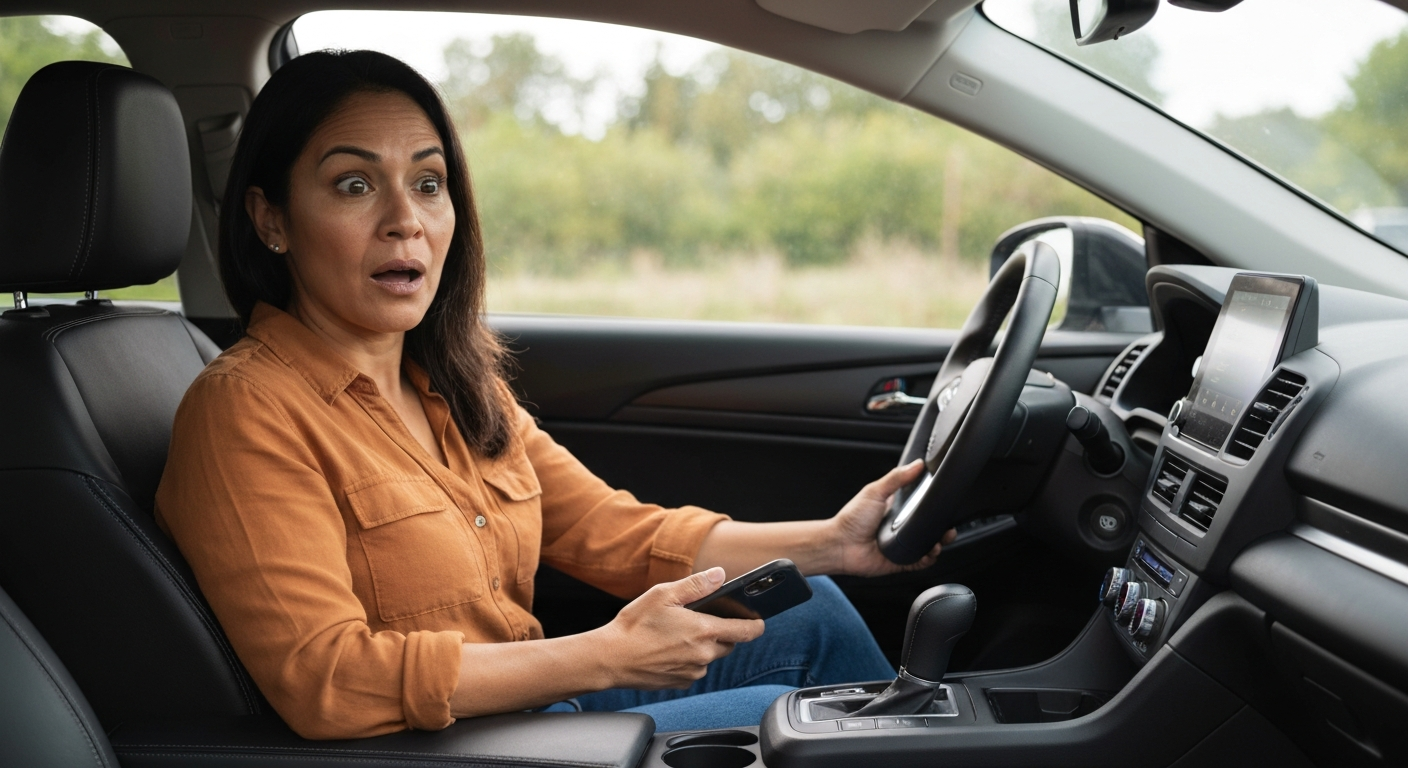
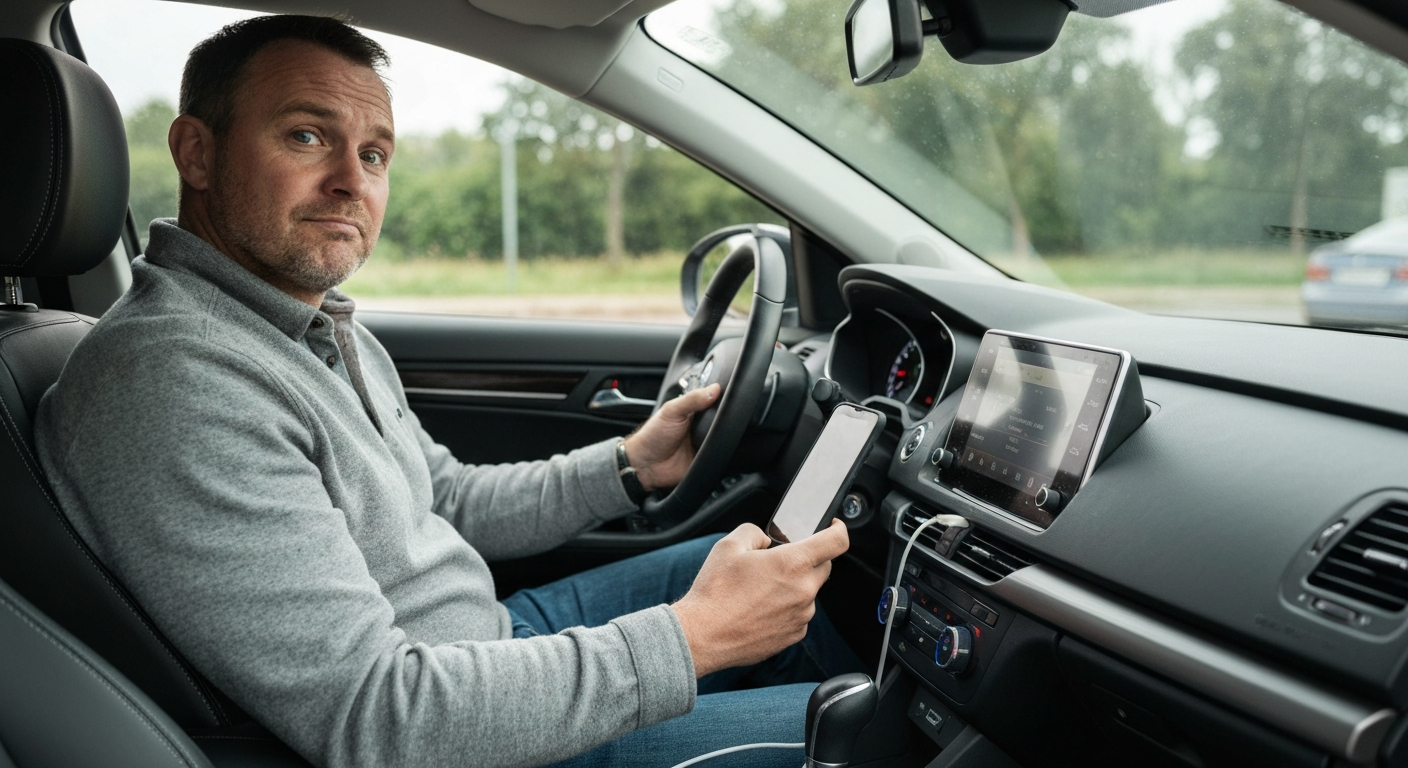
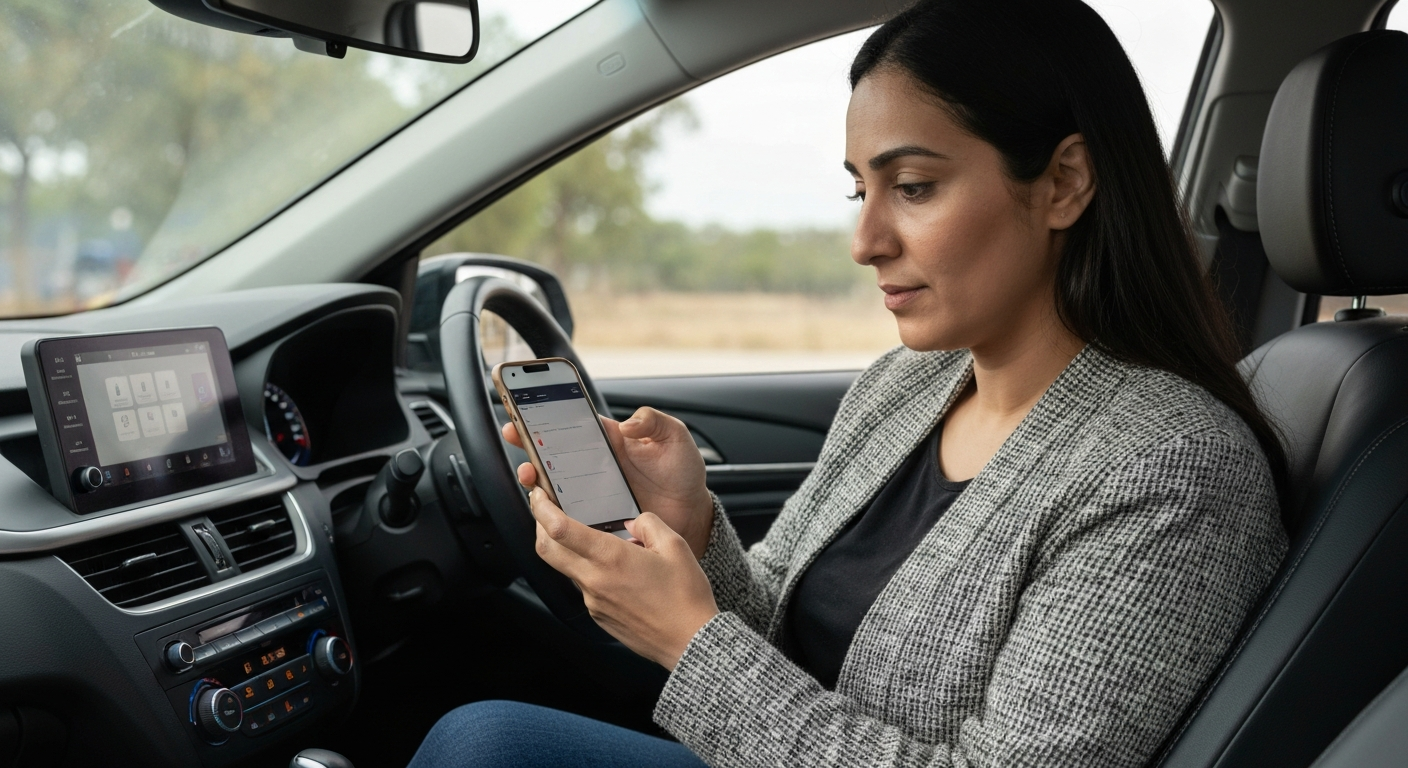
If your phone charges in the car but CarPlay won't start, the connection is carrying power but not data. The usual culprits are a charge-only USB port, a power-only or worn cable, or a phone setting that blocks CarPlay. Switching to a data cable in the data port fixes the large majority of cases.
This is one of the most misleading CarPlay symptoms. The charging icon makes the connection look healthy, so people assume the cable and port are fine and go hunting for a software bug. In reality, charging and data are two separate jobs. A connection can do one without the other, and CarPlay needs both. Once you understand that split, the fix becomes obvious and quick.
Why Does Charging Work but Not CarPlay?
A USB connection carries power and data on different wires. A port or cable can deliver power perfectly while passing no usable data, which charges the phone but leaves CarPlay dead.
Charging only proves the power wires work. CarPlay rides on the data wires, and those fail independently. Two things commonly break the data path while leaving power intact: a charge-only car port and a degraded cable.
"Many car USB ports are power-only, so try different ports if your car has multiple USB connections." — Car Tech Studio
So the charging icon is not the reassurance it seems. It tells you power is flowing and nothing more. Treat it as a sign that the power side works, then move straight to testing the data side rather than assuming the whole connection is healthy.
Is It the Port or the Cable?
Test the port and the cable separately. Move the cable to another USB port, then try a different certified cable, and you will isolate which one is power-only.
Cars often include one true data port among several charge-only ones. The data port is usually marked with a small smartphone or CarPlay icon. Plug into that one first.
"Make sure you're using the correct port and that your cable works." — Leanne Hays at iPhone Life
If the correct port still only charges, the cable is the suspect. Cheap or worn cables frequently lose their data wires while the power wires keep working. Swap in an Apple-certified or MFi-certified cable and try again.
Could a Phone Setting Be Blocking CarPlay?
Even with a perfect data connection, a phone setting can stop CarPlay. The two common blockers are a disabled Siri and a CarPlay restriction under Screen Time.
CarPlay treats Siri as a required component, so if Siri is off, the phone can charge and still refuse to launch the interface. Open Settings, tap Siri & Search, and turn it on. Then check Settings, Screen Time, Content & Privacy Restrictions, Allowed Apps, and confirm CarPlay is permitted. A restriction here produces the same charge-but-no-CarPlay symptom and is easy to overlook.
Does the Connection Need a Reset?
If the data path and the settings both check out, a stale pairing may be the hold-up. Forgetting the car and re-pairing clears it.
Open Settings, tap General, tap CarPlay, select the car, and remove it. Restart the phone and the car, then connect again. For wireless CarPlay, make sure Bluetooth and Wi-Fi are both on first, since charging over a cable does not enable the wireless link at all. A common mix-up is plugging in for charge while expecting wireless CarPlay to start — those are two different connections.
Also Read: Why Is My USB Not Working in My Car? Causes & Fixes
What's the Permanent Fix for a Power-Only Port?
When a car's only usable port is charge-only, or the data port is physically failing, a wireless adapter is the cleanest permanent fix. It connects to the phone wirelessly and uses the charge port only for power.
This is the ideal scenario for an adapter. You keep using the charge-only or weak port for power, while the adapter handles CarPlay over a wireless link that never touches the dodgy data wires. It removes the exact failure that causes the charge-but-no-CarPlay symptom, and it ends the daily routine of jiggling the cable hoping the data side wakes up.
| ✓Our Pick |
Browse plug-in wireless CarPlay adapters that bypass a charge-only port Great value for money — this product tackles the root cause rather than just masking the symptoms. | 🏷Limited Time Offer | | Prime Big Deal Days: up to 50% offextra 10% with code PRIME10ends June 29 |
Learn More → |
Also Read: The Quick Fix Most Drivers Try First
Why Does This Happen Even With a New Cable?
A brand-new cable can still charge without running CarPlay if it is a charge-only cable or a counterfeit that fakes certification. Not every cable is built to carry data.
Many cheap cables are sold purely for charging and never include the data wires at all. Others claim MFi certification they do not actually have, and these often pass power while failing the data handshake CarPlay requires. The packaging looks the same, so you cannot tell by appearance.
The fix is to buy from a reputable source and look for genuine Apple MFi certification, which guarantees the cable carries data correctly. If a new cable still only charges, test it on a port you know is a data port, and test a different known-good cable on the same port. One of those two swaps will reveal whether the cable or the port is the power-only part.
It is also worth remembering that thin or very long cables can pass data poorly even when they technically work. A short, well-made cable gives the cleanest connection, which is the same advice that applies to wired phone-to-car links in general.
Charging-but-No-CarPlay Troubleshooting Table
| Check |
What it tells you |
Fix |
| Try another USB port |
First port may be charge-only |
Use the port with the phone icon |
| Swap the cable |
Old cable may be power-only |
Use a certified data cable |
| Check Siri |
CarPlay needs Siri on |
Enable Siri in Settings |
| Check restrictions |
CarPlay may be blocked |
Allow CarPlay in Screen Time |
| Forget and re-pair |
Pairing may be stale |
Remove the car, reconnect |
What You Also May Want To Know
Why does my iPhone charge in the car but CarPlay won't start?
Charging uses the power wires, and CarPlay uses the data wires, which fail separately. A charge-only port or a power-only cable charges the phone while passing no data. Use a certified data cable in the data USB port to fix it.
How do I know if my car's USB port is data or charge-only?
The data port is usually marked with a small smartphone or CarPlay icon. If a port only charges your phone and never starts CarPlay with a known-good cable, it is charge-only. Test each port to find the data one.
Can a bad cable charge but not run CarPlay?
Yes, this is very common. Cables lose their data wires while the power wires keep working, so the phone charges but CarPlay never connects. Replacing the cable with a certified one usually solves it.
Will a wireless adapter work if my port is charge-only?
Yes. A wireless adapter connects to the phone over a wireless link, so it does not rely on the port's data wires. You can keep using the charge-only port for power while the adapter runs CarPlay.
Reviewed and Updated on June 27, 2026 by George Wright