Cars

When CarPlay suddenly stops working after months of being fine, the cause is almost always a recent change: an iOS update that reset your settings, a cable that finally wore out, a stale pairing, or a setting that got switched. Forgetting the car and checking for updates fixes most sudden failures.
A sudden failure is different from a setup that never worked. Because CarPlay was fine until recently, you are not looking for a compatibility problem — you are looking for what changed. Software updates, a dying cable, and accidental setting changes are the usual triggers. That narrows the search, and it means the fix is usually quick once you find the change responsible. The steps below run through the most common recent changes first.
An iOS update is the most common reason CarPlay suddenly breaks. Updates can reset network settings, leave a stale pairing, or briefly introduce a connection bug.
If CarPlay stopped right after your phone updated, the timing is the clue. The first move is to clear the old connection and rebuild it.
"Tap your car, then tap Forget This Car." — Leanne Hays at iPhone Life
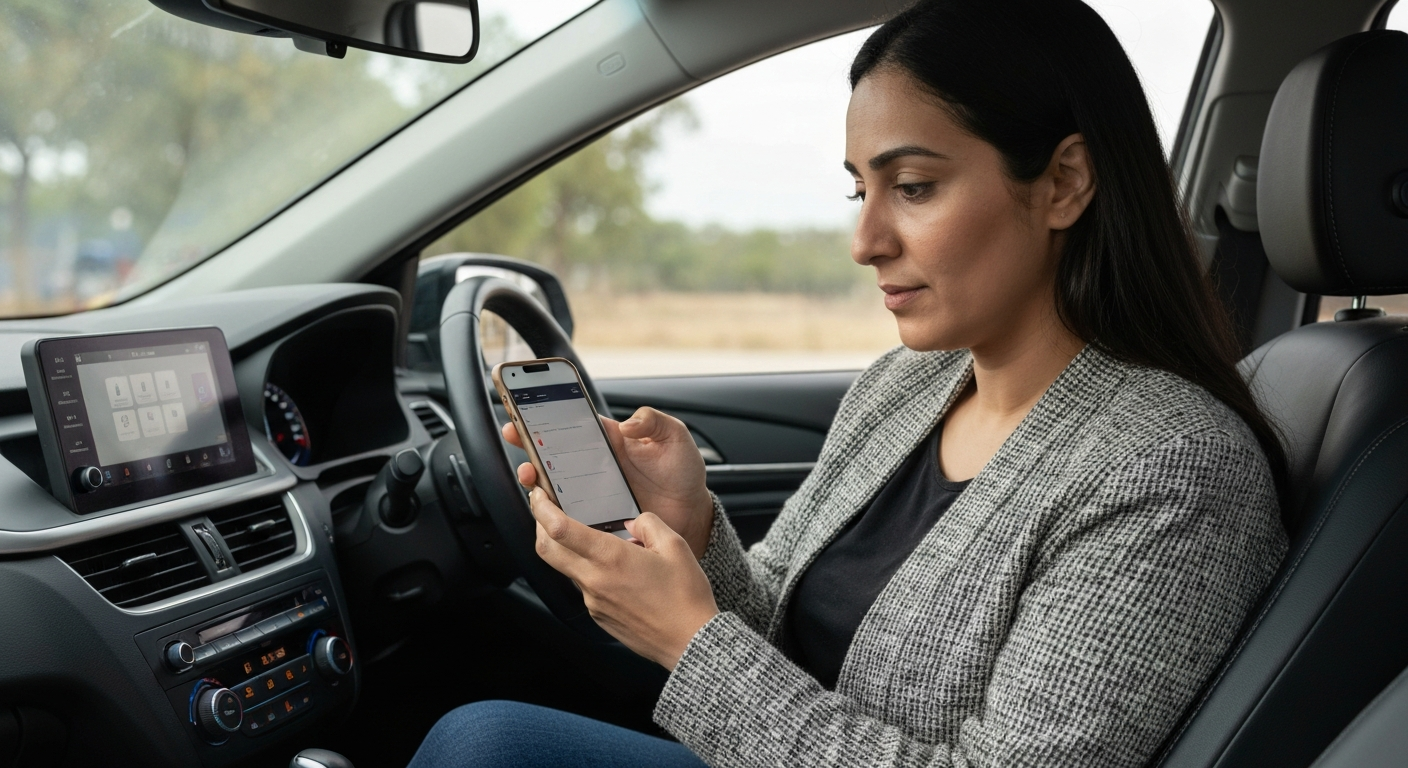
Open Settings, tap General, tap CarPlay, select the car, remove it, then restart both devices and pair again. Also check for a newer iOS point release, since Apple frequently ships fixes for CarPlay bugs shortly after a major update introduces them.
Updates and routine use can flip settings that CarPlay depends on. A disabled Siri, a new restriction, or a freshly enabled VPN can all break a previously working connection.
CarPlay needs Siri, so confirm it is still on under Settings, Siri & Search. Check Screen Time, Content & Privacy Restrictions, Allowed Apps, and make sure CarPlay is still permitted. Then look at whether you recently turned on a VPN.
"For iOS 18 users specifically, turn off any active VPN connections before trying to connect CarPlay." — Car Tech Studio
A VPN you installed last week can block the local pairing handshake on newer iOS versions. Turn it off, connect, and turn it back on afterward if you still need it.
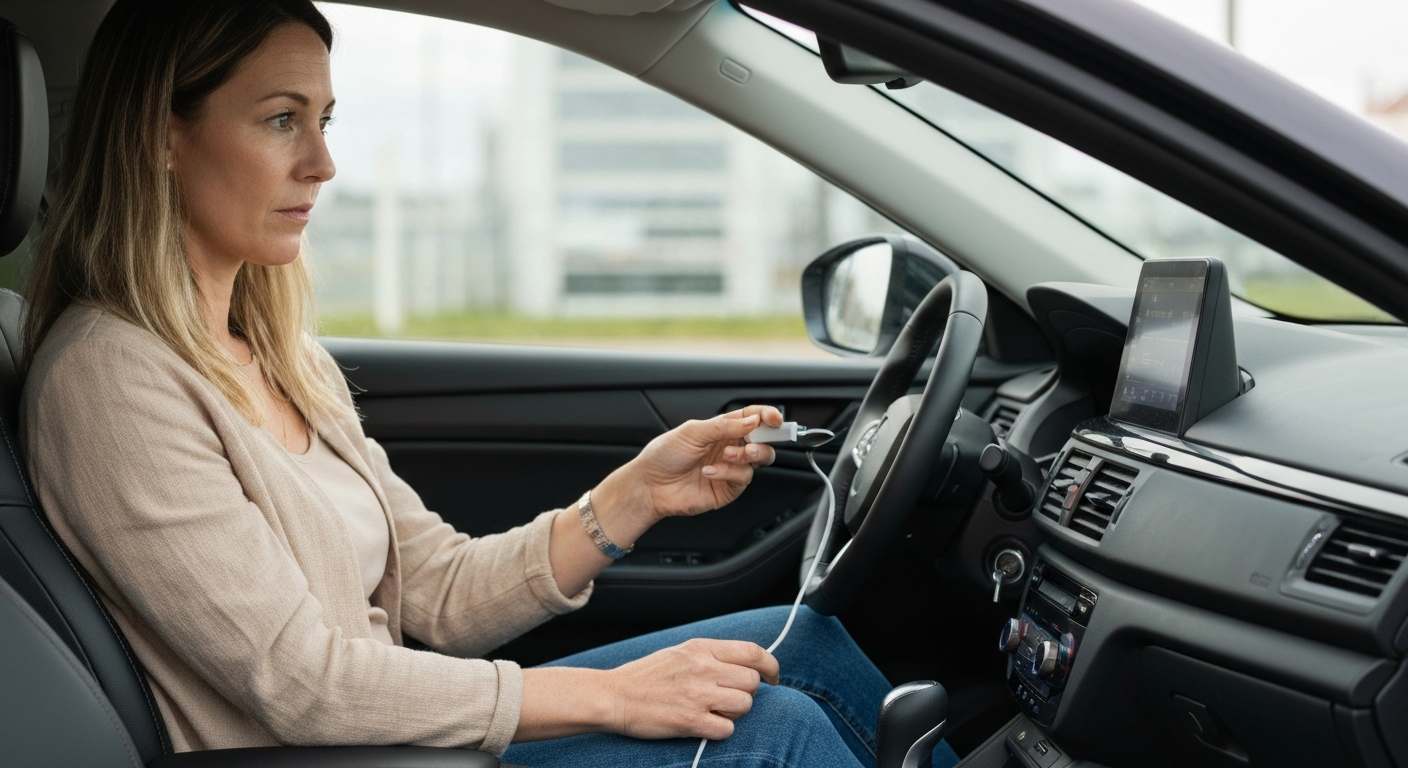
Cables fail suddenly. A cable that worked for a year can lose its data wires overnight from one final bend, charging the phone while CarPlay goes dark.
A sudden wired failure with no software change points straight at the cable. Swap in an Apple-certified or MFi-certified cable and try again. If the new cable works, the old one died — a very common cause of "it worked yesterday." Confirm you are using the data USB port too, since a port problem produces the same symptom. Test the cable in a different data port to separate a cable fault from a port fault.
Also Read: Why Is My USB Not Working in My Car? Causes & Fixes
The change is not always on the phone. A car firmware update, a battery disconnection, or a new device paired to the car can all break CarPlay suddenly.
If your car updated its own software or had its battery disconnected for service, its CarPlay settings may have reset. Check the car's connectivity menu to confirm CarPlay is still enabled. If a new phone or accessory was recently paired, it may be grabbing the connection — clear unused devices from the car's Bluetooth list so yours can connect. Restarting the head unit clears glitches left behind by a car-side change.
Also Read: The Quick Fix Most Drivers Try First
If CarPlay keeps failing suddenly and repeatedly, the cause is usually a worn port chewing through cables. A wireless adapter removes the cable and the port, which ends the recurring failure.
A one-off sudden failure is normal and easily fixed. A pattern of sudden failures is a symptom in itself, and a loose or worn dashboard port is the usual reason — it stresses cables until each one dies, then the next. An adapter plugs into the CarPlay port once and connects to the phone wirelessly from then on, so there is no cable to wear out and no port to wiggle. For drivers stuck in a cycle of replacing cables, it is the most durable fix.
| ✓Our Pick | ||
Browse plug-in wireless CarPlay adapters that end the cable cycle Trusted by professionals and everyday users alike — a smart investment that pays for itself.
|
The fastest way to fix a sudden failure is to retrace the last few days. Whatever changed right before CarPlay broke is almost certainly the cause.
Ask three questions in order. Did the phone update recently? Check the iOS version date under Settings, General, About and Software Update. Did you change anything yourself — a new VPN, a new app, a setting you toggled, a new cable? And was the car touched — serviced, jump-started, or paired with another device? The answer usually points straight at the fix.
A swap test sharpens this further. Try another phone in your car, or your phone in another car. If your phone fails everywhere, the change was on your handset. If it fails only in your car, the change was on the car's side. This quickly tells you where to spend your time instead of resetting everything at once.
Working backward from the change is faster than working through a generic checklist, because a sudden failure has a specific trigger. Once you identify it, the matching fix above usually restores CarPlay in a couple of minutes.
| Recent change | Likely cause | First fix |
|---|---|---|
| Phone just updated | Reset settings or stale pairing | Forget the car, re-pair, update again |
| New VPN or restriction | Blocked connection | Disable VPN, allow CarPlay, enable Siri |
| No change, just stopped | Cable died | Swap to a certified cable |
| Car was serviced | Car settings reset | Re-enable CarPlay, clear device list |
| Keeps failing | Worn port killing cables | Use a wireless adapter |
A sudden failure follows a recent change. The most common are an iOS update that reset your settings, a cable that wore out, or a setting like a VPN or restriction that got switched on. Forget the car, check for updates, and test a certified cable.
Updates can reset network settings or leave a stale pairing. Forget the car under Settings, General, CarPlay, restart both devices, and pair again. Then install any newer iOS point release, which often fixes CarPlay bugs from the previous update.
Yes. Disconnecting the battery for service can reset the car's settings, including CarPlay, and clear saved pairings. Re-enable CarPlay in the car's menu, clear old devices from its Bluetooth list, and pair your phone again.
Repeated sudden failures usually mean a worn dashboard port that wears out cables one after another. Replacing cables only delays the next failure. A wireless adapter removes the cable and port from the connection and ends the cycle.
Reviewed and Updated on June 27, 2026 by Adelinda Manna