Cars
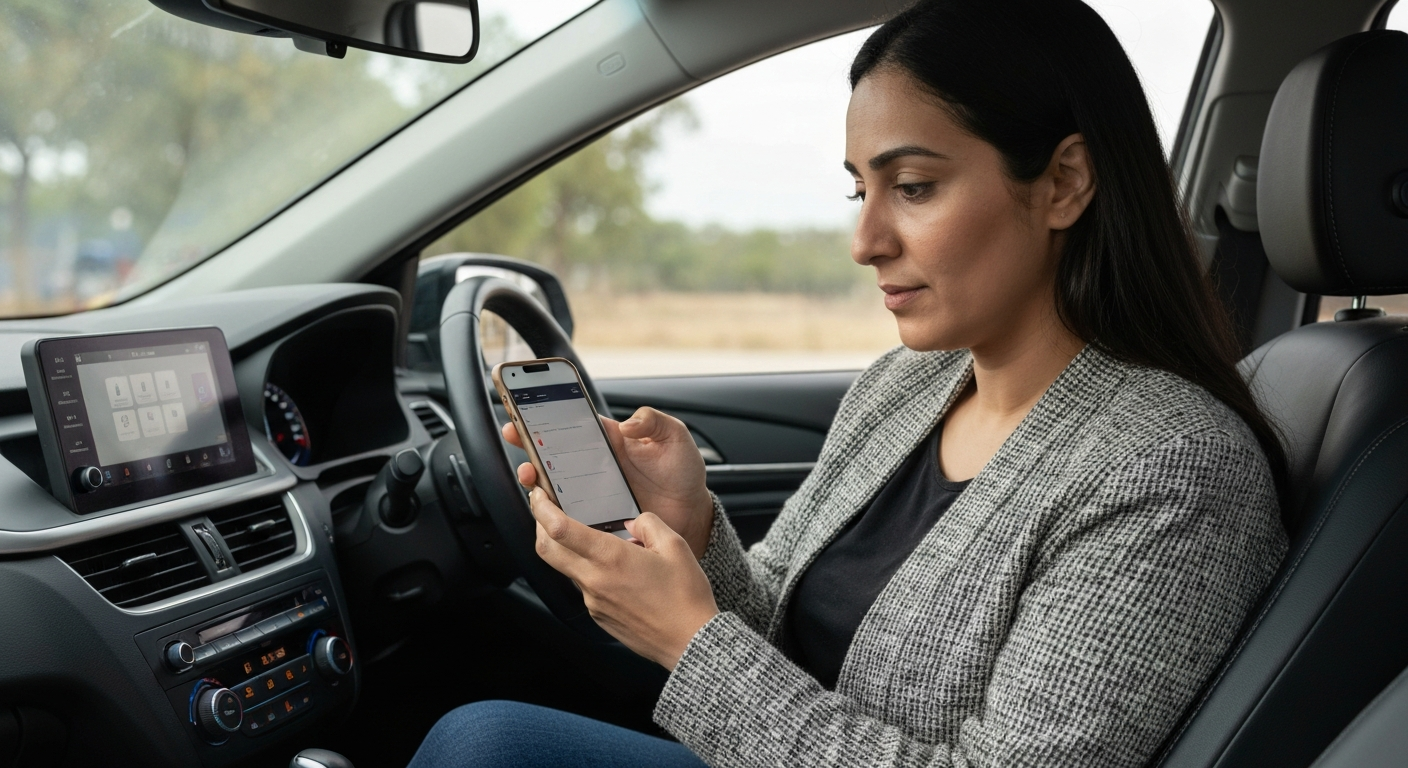

When your phone won't work with CarPlay, the cause is usually a phone-side one: an outdated iOS version, a disabled Siri, a CarPlay restriction, or a connection that needs a certified cable and the data port. Most of these are settings you can fix in a couple of minutes.
CarPlay is an Apple feature, so only an iPhone runs it — an Android phone uses Android Auto instead. Assuming you have a compatible iPhone, the reason it will not work with CarPlay almost always lives in the phone's software or its connection. The dashboard is rarely the problem when the car works for other phones. The checks below start with the quickest, most common fixes and move toward the rarer ones.
| ✓Our Pick | ||
Browse plug-in wireless CarPlay adapters that simplify the connection You'll wonder why you didn't try this sooner — practical, well-reviewed, and easy to get started.
|
CarPlay needs a supported iPhone running a reasonably current version of iOS. A very old phone or an outdated software version can fail to work with CarPlay at all.
CarPlay has been built into iPhones for years, so most models support it, but the software has to be current enough to match modern car systems. Open Settings, tap General, tap Software Update, and install anything pending. A phone several versions behind often loses compatibility after a car's firmware updates, and updating is the simplest way to restore it. Restart the phone after the update so the new version loads cleanly before you try CarPlay again.
Two phone settings quietly block CarPlay: a disabled Siri and a CarPlay restriction under Screen Time. Either one stops the system from working no matter what the car does.
CarPlay relies on Siri, so if Siri is off, the phone may connect and still refuse to launch the interface.
"Make sure Siri is enabled on the iPhone you want to pair." — Leanne Hays at iPhone Life
Turn Siri on under Settings, Siri & Search. Then open Settings, Screen Time, Content & Privacy Restrictions, Allowed Apps, and confirm CarPlay is permitted. This restriction is easy to flip by accident and is a common reason a phone "won't work with CarPlay" despite a perfect connection.
Also Read: The Quick Fix Most Drivers Try First
A phone that won't work with CarPlay over a cable usually has a connection fault: a worn or non-certified cable, or a charge-only port. Both stop the data CarPlay needs.
The cable carries the data, and a degraded one charges the phone while passing nothing useful.
"Check your USB cable and port combination first. Use only Apple-certified cables or high-quality MFi-certified alternatives." — Car Tech Studio
Use a certified data cable in the data USB port — the one marked with a phone or CarPlay icon. For wireless CarPlay, make sure Bluetooth and Wi-Fi are both on, since the phone needs both radios to connect without a cable.
If the software and connection check out, a stale pairing or a temporary glitch may be the cause. Forgetting the car and restarting the phone clears it.
Open Settings, tap General, tap CarPlay, select the car, and remove it. Restart the iPhone and the car, then connect again. If it still fails, resetting network settings under Settings, General, Transfer or Reset iPhone clears corrupted Wi-Fi and Bluetooth data, including the CarPlay profile, without deleting your apps or photos. You will re-enter Wi-Fi passwords afterward, but it often fixes a phone that stubbornly refuses to work with CarPlay.
Also Read: Why Is My Phone in Recovery Mode? Causes & Fixes
A simple swap test confirms whether the phone or the car is at fault. Try your phone in another car, or another phone in your car.
If your iPhone fails in your car but works in another, the fault is in your car's port or settings. If your phone fails everywhere while another phone connects in your car, the problem is your handset — its software, its cable, or its settings. This five-minute test stops you from resetting the wrong device. It also points to the right long-term fix: a phone-side issue is usually a cheap cable or a settings change, while a car-side issue may call for a wireless adapter or a port repair.
Sometimes the phone works with CarPlay but only partly — a few apps appear, or calls work while music does not. That is a configuration issue, not a failed connection.
CarPlay only shows apps that support it, and some have to be added by hand. Open Settings, tap General, tap CarPlay, select your car, and customize which apps appear on the dashboard. Apps without CarPlay support will never show, which is normal rather than a fault.
If audio behaves oddly — calls play but music does not, for example — check the car's source selection and the media volume, since calls and media sometimes run on separate channels. And if one app keeps failing while the rest work, close and update that single app rather than resetting the whole connection.
These partial-function cases are worth separating from a total failure. When most of CarPlay works, the connection is clearly fine, so there is no need to forget the car, reset network settings, or change the cable. Focus instead on the specific app or setting that is misbehaving, which saves time and avoids undoing a connection that is otherwise healthy.
| Check | What it rules out | Fix |
|---|---|---|
| Software update | Outdated iOS | Install pending updates, restart |
| Siri | Siri disabled | Turn Siri on |
| Restrictions | CarPlay blocked | Allow CarPlay in Screen Time |
| Cable and port | Dead cable or charge-only port | Certified cable in the data port |
| Swap test | Wrong device blamed | Test another phone or car |
Assuming a compatible iPhone, the usual blockers are an outdated iOS version, a disabled Siri, or a CarPlay restriction under Screen Time. Update the phone, enable Siri, and confirm CarPlay is allowed. Then check the cable and port if you connect by wire.
No. CarPlay is an Apple feature for iPhones only. Android phones use Android Auto instead, which is a separate system. If you have an Android phone, look up Android Auto troubleshooting rather than CarPlay.
If another phone connects in your car but yours does not, the fault is on your iPhone. Check for an iOS update, confirm Siri and CarPlay restrictions, and test a certified cable. A reset of network settings often fixes a stubborn phone.
Most iPhones from the last several years support CarPlay, but they need a current enough version of iOS to stay compatible with modern cars. A very old phone that can no longer update may struggle, and updating the software is the first fix to try.
Reviewed and Updated on June 27, 2026 by Adelinda Manna