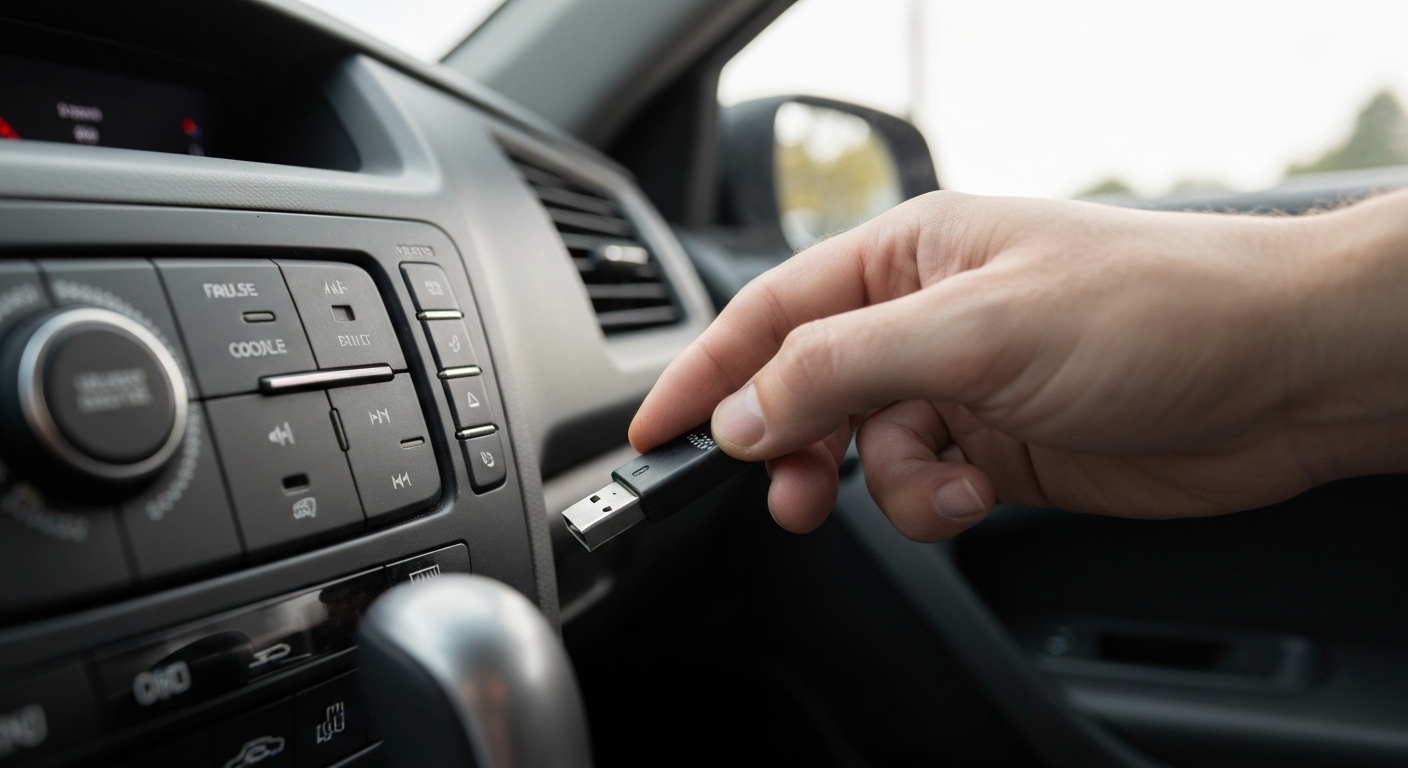
A car USB port that won't work is usually one of four things: a flash drive formatted the wrong way for your stereo, a charge-only port that was never meant to play media, a blown fuse, or an infotainment system that just needs a reboot.
Is Your Flash Drive in the Right Format?
Most car stereos only read FAT32-formatted drives, and Windows automatically formats anything over 32GB as exFAT instead — which is the single most common reason a perfectly good flash drive won't play in a car.
A car audio writer who covers this exact problem explained the core issue plainly:
"Generally, a car stereo or audio system only accepts FAT16 and FAT32 file formats." — Saiful Shakil at Car Audio Hunt
This catches a lot of people off guard because the drive works fine on a computer — it's specifically the car stereo's more limited format support that's the problem, not the drive itself. If your drive is 32GB or smaller, reformatting it to FAT32 through Windows' built-in tools usually takes a couple of minutes. Larger drives need a third-party formatting tool, since Windows won't offer FAT32 as an option above 32GB by default.
Also Read: Compact flash drive many people keep pre-formatted for car audio
Charge-Only Port or Blown Fuse?
Not every USB port in a car is built for media or data — some are charge-only by design, and even a data-capable port can stop working if its fuse blows, often after a firmware update or electrical issue.
A tech writer covering this exact symptom explained the port distinction:
"While some may support full infotainment system connectivity, others could be limited to charging only." — Pankil Shah at SlashGear
Charge-only ports are usually marked with a small battery icon near the port, separate from a data-capable port elsewhere in the cabin — check your owner's manual if it's not obvious which is which. Fuses are the other common, easy-to-miss cause:
"If your USB ports don't work after updating your firmware, you might have a blown fuse." — Pankil Shah at SlashGear
A blown USB fuse is a quick, inexpensive fix at most auto parts stores once you know that's the actual cause, rather than continuing to troubleshoot the drive itself.
Quick Fixes to Try First
Work through these in order before assuming the worst about your stereo or your drive:
- Try a different flash drive (or a different file on the same drive) to rule out a problem specific to one file or one drive
- Reformat your flash drive to FAT32 if it's larger than 32GB and currently exFAT or NTFS
- Check whether the port you're using is marked as charge-only, and try a different port in the cabin if one exists
- Restart your car's infotainment system (a full power cycle, not just turning the car off) to clear a software glitch
- Check the fuse box for a blown USB-related fuse, especially if the port stopped working right after a firmware update
If the issue turns out to be with your computer's USB ports instead, rather than your car's, that's a different troubleshooting path:
Also Read: Why Is My USB Not Working?
When the Problem Is Your Car's Head Unit Itself
If you've tried multiple drives, confirmed the format, ruled out a charge-only port, and checked the fuse, the head unit's USB system itself may be the actual point of failure — which is more common in older factory stereos that were never built with modern file formats or larger drives in mind.
Older factory head units in particular often have stricter format and capacity limits than people expect, and once a unit's USB circuitry degrades, no amount of drive reformatting fixes it. At that point, replacing the head unit with a modern aftermarket unit resolves the USB issue and typically adds wireless CarPlay, Android Auto, and Bluetooth in the process.
| ✓Our Pick |
Aftermarket head unit many people install when the factory stereo's USB stops working No special skills required — straightforward to use and most orders ship quickly. Learn More → |
In Short
A car USB port that won't work is most often a file format mismatch (exFAT or NTFS instead of FAT32), a charge-only port mistaken for a data port, or a blown fuse — all fixable without replacing anything. Try a different drive and port first, reformat to FAT32 if needed, and check the fuse box if the problem started after a firmware update. A persistently unreliable USB system on an older factory head unit is usually a sign the unit itself, not your drive, is the actual problem.
What You Also May Want To Know
Why won't my car read my USB flash drive even though it works on my computer?
This is almost always a file format issue. Most car stereos only support FAT32, while Windows automatically formats larger drives as exFAT, which many car systems can't read.
How do I know if my car's USB port is charge-only?
Charge-only ports are often marked with a small battery icon near the port. If your owner's manual doesn't clarify which port is which, try the same drive in each available USB port in the cabin.
Can a blown fuse make my car's USB port stop working?
Yes, this is a real and fairly common cause, especially if the port stopped working right after a firmware or software update. Checking the fuse box for a blown USB-related fuse is worth doing before assuming the port itself is dead.
Will reformatting my flash drive to FAT32 delete my files?
Yes, formatting erases the drive's current contents, so back up anything important first. Reformat only after you've copied your files elsewhere.
Does restarting my car's infotainment system fix USB problems?
It can, especially for a temporary software glitch. A full power cycle (not just turning the car off) clears most temporary infotainment issues, including ones affecting USB recognition.
Reviewed and Updated on June 25, 2026 by Adelinda Manna