Health
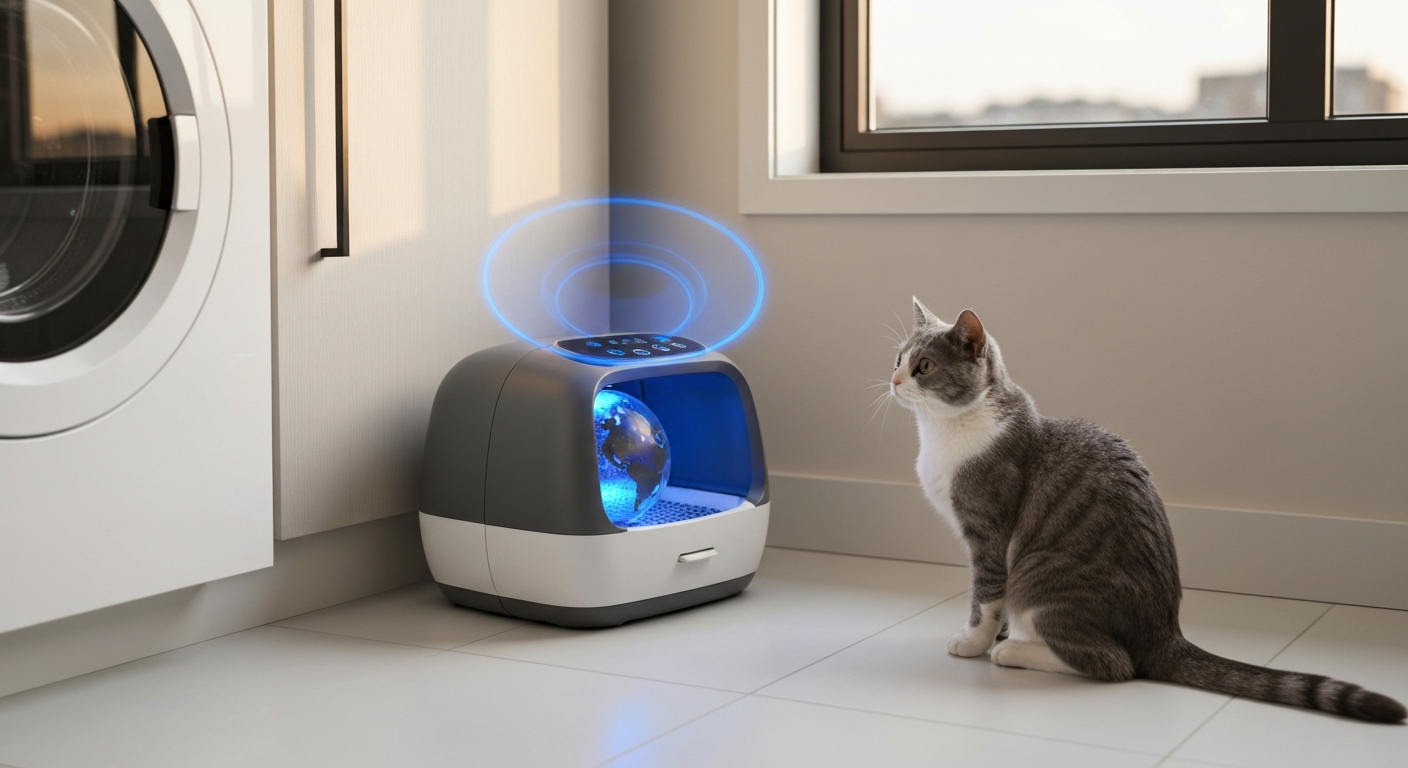

A blinking blue light on your Litter Robot indicates the unit is actively cycling—running its automatic cleaning rotation after your cat has used it—and this is completely normal behavior in most cases. However, if the blue light blinks continuously for more than a few minutes, pauses unexpectedly, or is accompanied by other warning signals, your unit may be experiencing a sensor issue, a drawer full of waste, or a mechanical obstruction that needs attention.
The blue blinking light is your Litter Robot's way of telling you it's in the middle of a clean cycle—the globe is rotating to sift waste into the drawer below.
When your cat exits the unit, a countdown timer begins (typically 3-15 minutes depending on your settings). Once that timer ends, the globe slowly rotates, sifting clumped litter through the grate and depositing waste into the drawer. During this entire rotation process, the blue light blinks steadily.
A normal cycle takes approximately 2-3 minutes to complete. The blue light should stop blinking and return to a solid state (or turn off entirely, depending on your model and settings) once the globe returns to its home position.
Here's what each blue light pattern typically indicates:
| Blue Light Pattern | What It Means | Action Needed |
|---|---|---|
| Slow, steady blinking | Normal clean cycle in progress | None—wait for cycle to complete |
| Continuous blinking (5+ minutes) | Cycle interrupted or stuck | Check for obstructions |
| Blinking with yellow light | Drawer full or sensor triggered | Empty the waste drawer |
| Blinking then stopping mid-cycle | Motor or pinch issue detected | Inspect globe and reset unit |
| Rapid blinking | Sensor error or bonnet misalignment | Reseat bonnet and check sensors |
If your Litter Robot's blue light keeps blinking indefinitely without completing its cycle, something is preventing the globe from rotating fully or returning to its home position.
The most common reason for an interrupted cycle is a full waste drawer. The Litter Robot 3 and Litter Robot 4 both have drawer-full indicators that can pause the cycle mid-rotation. When the infrared sensors detect the drawer is at capacity, the unit may stop cycling to prevent overflow.
Check your drawer even if you don't think it's full—clumps can shift and block the sensor, triggering a false "full" reading. Remove the drawer, empty it completely, and reinsert it firmly until you hear it click into place.
Litter clumps, toys, or even a curious paw can obstruct the globe's rotation. The Litter Robot's safety sensors detect resistance and pause the cycle to prevent injury or damage.
Power off the unit, manually rotate the globe to the dump position, and inspect both the interior and the waste port. Remove any visible blockages, then return the globe to its home position before powering back on.
"The most frequent cause of cycle interruptions is litter buildup around the waste port or globe track," explains the Whisker Support Team in their troubleshooting documentation. "Regular cleaning of these areas prevents most blinking-light issues."
Your Litter Robot uses multiple sensors to track cat entry, weight, and globe position. When these sensors become coated with dust or litter residue, they can misread data and interrupt cycles.
Locate the anti-pinch sensors along the globe opening and the cat sensor near the entryway. Wipe them gently with a dry microfiber cloth. For stubborn buildup, use a slightly damp cloth with water only—avoid cleaning chemicals that could leave residue.
If the bonnet (the top cover) isn't properly aligned, the safety interlock can prevent the unit from completing its cycle. The Litter Robot is designed to stop all movement if it detects the bonnet is loose or mispositioned.
Remove the bonnet entirely, then reseat it carefully, ensuring all clips or latches engage completely. On the Litter Robot 4, listen for the distinct click that confirms proper placement.
Also Read: Why Is My Dyson Pulsing? 6 Causes & Quick Fixes
A simple power cycle clears most temporary sensor glitches and is the first step in any Litter Robot troubleshooting process.
Follow these steps to perform a full reset:
During calibration, the globe will rotate through a full cycle to establish its home position. The blue light will blink during this process—this is normal. Once calibration completes, the light should return to a solid state or turn off.
If the blue light continues blinking after a reset, proceed to the deeper troubleshooting steps in the next section.
Different Litter Robot generations have slightly different diagnostic systems, so knowing your specific model helps target the fix faster.
The Litter Robot 3 uses a combination of LED colors to communicate status. A blinking blue light specifically means the cycle is in progress. If it blinks continuously:
The Litter Robot 4 introduced enhanced connectivity and additional sensors. Blue light behavior is similar, but this model adds app-based diagnostics:
According to Whisker's official 2026 support documentation, "Firmware version 1.2.73 and later includes improved sensor tolerance that reduces false cycle interruptions in high-humidity environments."
If you've tried all troubleshooting steps and your blue light still blinks indefinitely, the issue may require professional diagnosis or replacement parts.
Contact Whisker Support if you experience any of the following:
Whisker's customer service can often diagnose issues remotely through the app's diagnostic mode for Litter Robot 4 owners. They may ship replacement parts at no cost if your unit is under warranty.
Regular maintenance dramatically reduces the frequency of sensor errors and cycle interruptions—most owners who clean their units monthly report far fewer blinking-light issues.
Establish a cleaning schedule that includes:
Using the right litter also matters. Clumping clay litter works best—avoid lightweight, crystal, or non-clumping varieties that can interfere with the sifting mechanism or trigger sensor issues.
| ✓Our Pick |
Search for Litter Robot replacement parts and accessories Great value for money — this product tackles the root cause rather than just masking the symptoms. See on Amazon → |
A blinking blue light on your Litter Robot almost always means the unit is cycling normally, but if it continues for more than 5 minutes, check the waste drawer, inspect for obstructions, clean the sensors, and try a power reset. Most issues resolve with these simple steps. For persistent problems, especially grinding noises or app error codes, contact Whisker Support—your unit may need replacement parts covered under warranty.
Continuous cycling usually indicates a cat sensor issue or debris stuck in the entryway. The unit thinks a cat is repeatedly entering and exiting, triggering cycle after cycle. Clean the cat sensor thoroughly and check for any litter buildup near the entrance. If the problem persists after cleaning, the sensor itself may need replacement.
Yes—press the power button once to pause the current cycle. The globe will stop rotating, and the blue light will remain on. Pressing the button again will either resume the cycle or return the globe to home position, depending on your model. For immediate stops, you can also simply unplug the unit.
Blue indicates cycling, yellow warns of a full drawer or sensor issue, and red signals a pinch or error condition that requires immediate attention. A solid blue light on some models means the unit is ready and waiting. Flashing lights combined (blue and yellow together) typically indicate a drawer-full condition detected mid-cycle.
A standard clean cycle takes approximately 2 minutes and 15 seconds from start to finish. If your wait time setting is at the default 7 minutes, you'll see the blue light start blinking about 7 minutes after your cat exits, then continue for just over 2 minutes during the actual rotation. Cycles longer than 4 minutes suggest an obstruction or motor issue.
No—the Litter Robot requires constant AC power and doesn't have a battery backup. If power goes out mid-cycle, the unit will stop immediately. Once power returns, most models will attempt to complete the interrupted cycle or perform a calibration rotation. Check the globe position manually if the unit seems confused after a power restoration.
Reviewed and Updated on June 3, 2026 by George Wright