
Health
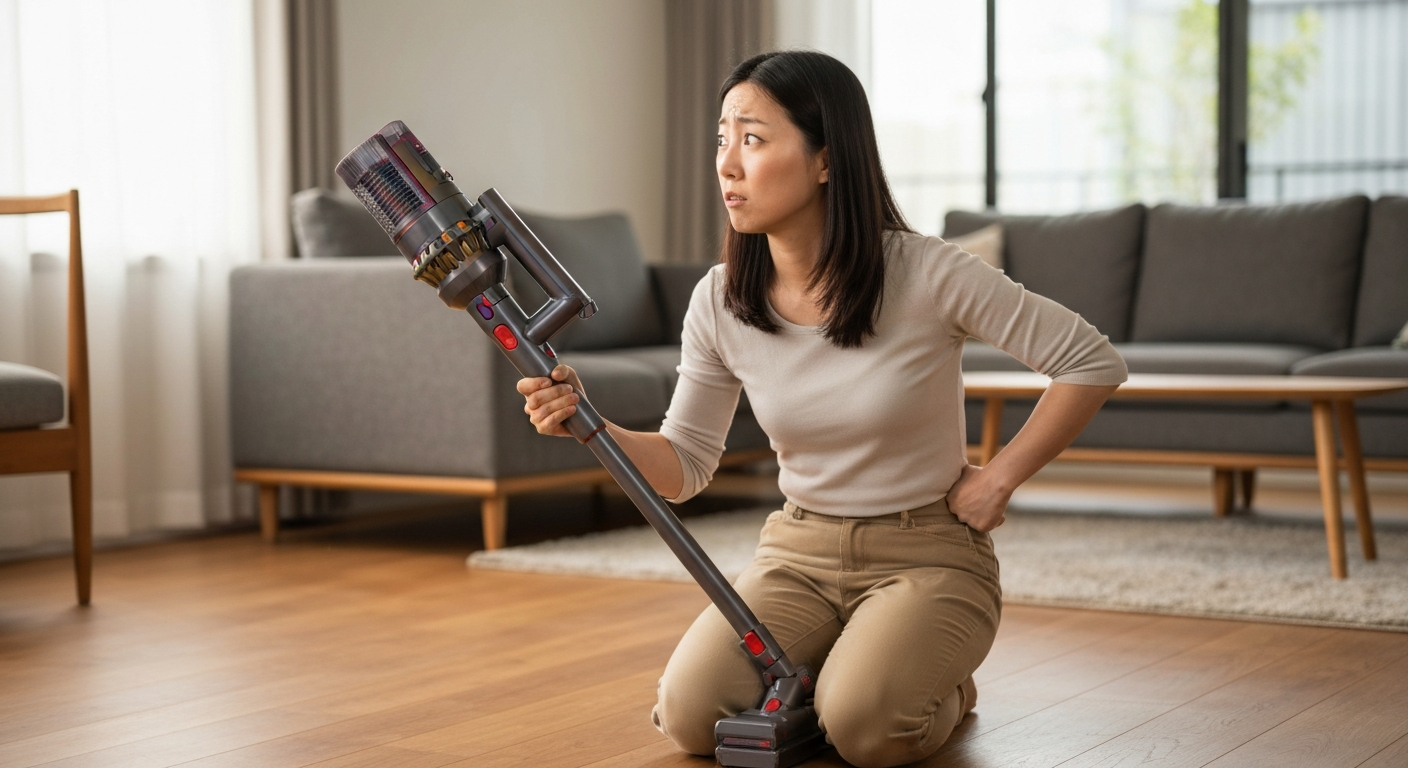

Your Dyson vacuum is pulsing because it's detecting a blockage, the filter needs cleaning, the battery is running low, or the brush bar is jammed — the pulsing is actually a built-in protection feature that prevents the motor from overheating.
This rhythmic on-off-on-off behavior feels alarming, but it's Dyson's way of telling you something specific is wrong. The good news: in about 90% of cases, you can fix a pulsing Dyson yourself in under 15 minutes without any tools or replacement parts. Let's walk through exactly what's causing your vacuum to pulse and how to get it running smoothly again.
The pulsing isn't a malfunction — it's an intentional safety feature called "motor cut-out protection" that cycles power to prevent permanent damage to your vacuum's digital motor.
Dyson cordless vacuums use high-speed digital motors that spin at up to 125,000 RPM. When airflow becomes restricted or the motor works too hard, internal sensors detect the strain and automatically reduce power in pulses. This prevents the motor from overheating, which could cause irreversible damage or even create a fire hazard.
The pulsing pattern itself gives you diagnostic information. A slow, steady pulse usually indicates an airflow blockage. Rapid pulsing often points to a battery issue. Understanding this system helps you troubleshoot faster because you're working with the vacuum's feedback, not against it.
Yes — a dirty or damp filter is the single most common reason your Dyson vacuum pulses, and Dyson recommends washing filters at least once per month.
The filter sits between the dust you're collecting and the motor. When it becomes clogged with fine dust particles, airflow drops dramatically. The motor works harder to pull air through, overheats, and triggers the pulsing protection.
Here's how to check and clean your filter properly:
The 24-hour drying time is critical. A filter that feels dry on the outside can still retain moisture inside, and putting a damp filter back in will cause immediate pulsing or even damage the motor. In humid climates, allow 48 hours to be safe.
"Always make sure your filter is completely dry before refitting. A wet filter can damage the motor and will cause pulsing." — Dyson Support at Dyson.com
Also Read: Why Is My House Infested With Flies? 7 Causes & Fixes
A blockage anywhere in the airflow path — the wand, hose, cleaner head, or bin inlet — forces the motor to work overtime and triggers pulsing, even if the obstruction seems small.
Blockages can form from hair wrapped around internal components, compressed debris in narrow passages, or objects like socks or small toys that got sucked up accidentally. The location of the blockage affects how quickly pulsing starts.
Check these areas in order:
| Location | How to check | Common culprits |
|---|---|---|
| Cleaner head inlet | Flip the head over and look directly into the opening | Hair clumps, carpet fibers, string |
| Brush bar | Remove the brush bar (most models have a coin-release) | Long hair wrapped around the bar |
| Wand/extension tube | Detach and look through it toward a light source | Compressed dust, small objects |
| Bin inlet | Remove the bin and inspect the opening where it connects | Compacted debris at the cyclone entry |
| Main body inlet | Check where the wand connects to the main unit | Dust buildup, lodged items |
For stubborn blockages in the wand, use a long, flexible object like a broom handle — never use water inside the wand or main body. If you find compressed debris, break it up gently rather than pushing it further in.
| ✓Our Pick |
Search Dyson vacuum filters and replacement parts Used by over 10,000 satisfied customers — an easy, affordable option you can start using today. See on Amazon → |
Absolutely — when battery voltage drops below the threshold needed to power the motor properly, your Dyson will pulse rather than run weakly or damage the battery cells.
Battery-related pulsing has distinct characteristics. It typically starts after the vacuum has been running for several minutes and gets worse as you continue using it. The vacuum may work fine on a lower power setting but pulse immediately on MAX mode.
Signs your battery is the problem:
Dyson batteries are lithium-ion, which degrade over time. After 2–3 years of regular use, a battery may hold only 60–70% of its original capacity. If your vacuum is older and pulses despite clean filters and no blockages, the battery likely needs replacement.
Check your battery's health in the Dyson Link app if your model supports it, or count how many LED lights illuminate when you check the charge — fewer lights than expected indicates degradation.
MAX mode draws significantly more power and creates stronger suction, which amplifies any existing issue — a partially clogged filter or aging battery that works fine on normal mode may fail under MAX demands.
Think of it like running up a hill versus walking on flat ground. Your cardiovascular system might handle walking easily but struggle with sprinting. The same principle applies to your vacuum's motor and battery.
If your Dyson only pulses on MAX:
Many users find they rarely need MAX mode for everyday cleaning. If your vacuum runs perfectly on normal settings, consider whether the MAX-only pulsing is actually affecting your cleaning results or just your expectations.
Follow this systematic approach to identify and fix your pulsing Dyson in order of likelihood, starting with the most common causes.
Step 1: Filter check (fixes ~50% of cases)
Remove the filter and hold it up to light. If light doesn't pass through, it's too clogged. Wash following the method above and wait the full 24–48 hours before reinstalling.
Step 2: Blockage inspection (fixes ~30% of cases)
Detach every removable component — cleaner head, wand, bin — and check each one individually. Run the vacuum with just the main body to isolate whether the blockage is in an attachment.
Step 3: Brush bar examination
Remove the brush bar and clear any wrapped hair or fibers. Check that the bar spins freely by hand. A seized brush bar creates motor strain even without an airflow blockage.
Step 4: Battery assessment
Fully charge the vacuum (solid blue light, no flashing). Test on normal mode first, then MAX. If pulsing only occurs after extended use or on MAX, the battery is likely degraded.
Step 5: Reset the vacuum
Some Dyson models benefit from a reset: remove the battery (if possible), hold the trigger for 20 seconds, reconnect, and fully charge. This clears any sensor errors.
"If your machine keeps stopping and starting, check for blockages in the bin, cyclone, and airways. Also ensure the filter is dry." — Dyson Troubleshooting Guide at Dyson.com
Also Read: Why Is My Tablet So Slow? 9 Causes & Quick Fixes
If you've cleaned the filter, cleared all blockages, and the battery is healthy but pulsing continues, the motor or internal sensor may be failing — this requires professional service.
Signs of motor or sensor failure:
Dyson offers out-of-warranty repairs for a flat fee on most models. If your vacuum is under 2 years old, it's likely still covered by warranty — check your purchase date and contact Dyson support directly.
Third-party repair shops can often replace motors or batteries for less than Dyson's official service, but using non-genuine parts may affect future warranty claims on other components.
Regular maintenance prevents most pulsing issues from developing in the first place — a 5-minute monthly routine keeps your vacuum running at peak performance.
| Maintenance task | Frequency | Time required |
|---|---|---|
| Wash filter | Monthly (weekly if you have pets) | 5 minutes + drying time |
| Clear brush bar of hair | Every 2–4 uses | 2 minutes |
| Check wand for blockages | Monthly | 1 minute |
| Empty bin before it reaches MAX line | Every use | 30 seconds |
| Wipe cyclone inlet | Monthly | 1 minute |
Avoid vacuuming very fine powders (like drywall dust or fireplace ash) without a specialized filter — these particles clog standard filters almost immediately. Never vacuum liquids or damp surfaces, which can damage the motor and filter permanently.
Store your Dyson in a cool, dry location. Heat accelerates battery degradation, and humidity can cause filters to develop mold even when they appear dry.
Your Dyson pulses as a protective response to restricted airflow, motor strain, or low battery power — not because something is broken. Clean the filter and let it dry completely for 24 hours (this fixes most cases). Check for blockages in the cleaner head, wand, and bin inlet. If pulsing only happens on MAX mode or after extended use, your battery may be aging. A systematic check of filter, blockages, brush bar, and battery will resolve the issue in under 15 minutes for the vast majority of users.
The most likely reason is the filter wasn't completely dry when you reinstalled it. Even 8–12 hours of drying isn't always enough, especially in humid environments. Remove the filter, confirm it's bone-dry inside and out, and wait a full 24–48 hours before trying again. If it's definitely dry, you may have a blockage elsewhere in the system or a battery issue.
You can, but you shouldn't. The pulsing indicates the motor is under stress, and continuing to use it may cause permanent damage. Stop using the vacuum, identify the cause, and fix it before resuming. Running a pulsing Dyson shortens the motor's lifespan and could void your warranty.
Dyson recommends replacing filters every 12 months with regular use, but many filters last longer if washed properly each month. If your filter no longer feels springy after washing, has visible damage or holes, or your vacuum pulses soon after cleaning it, it's time for a replacement.
Immediate pulsing — before the vacuum has even started cleaning — usually indicates a completely blocked airflow path, a severely clogged filter, or a faulty motor/sensor. Check the filter first, then inspect every component for blockages. If both are clear, the vacuum likely needs professional repair.
Yes. Extreme cold can temporarily reduce battery performance, causing pulsing until the battery warms up. Extreme heat can trigger thermal protection in the motor. If your vacuum has been stored in a very hot or cold space (garage, car trunk), let it acclimate to room temperature for an hour before use.
Reviewed and Updated on June 2, 2026 by George Wright