Technology
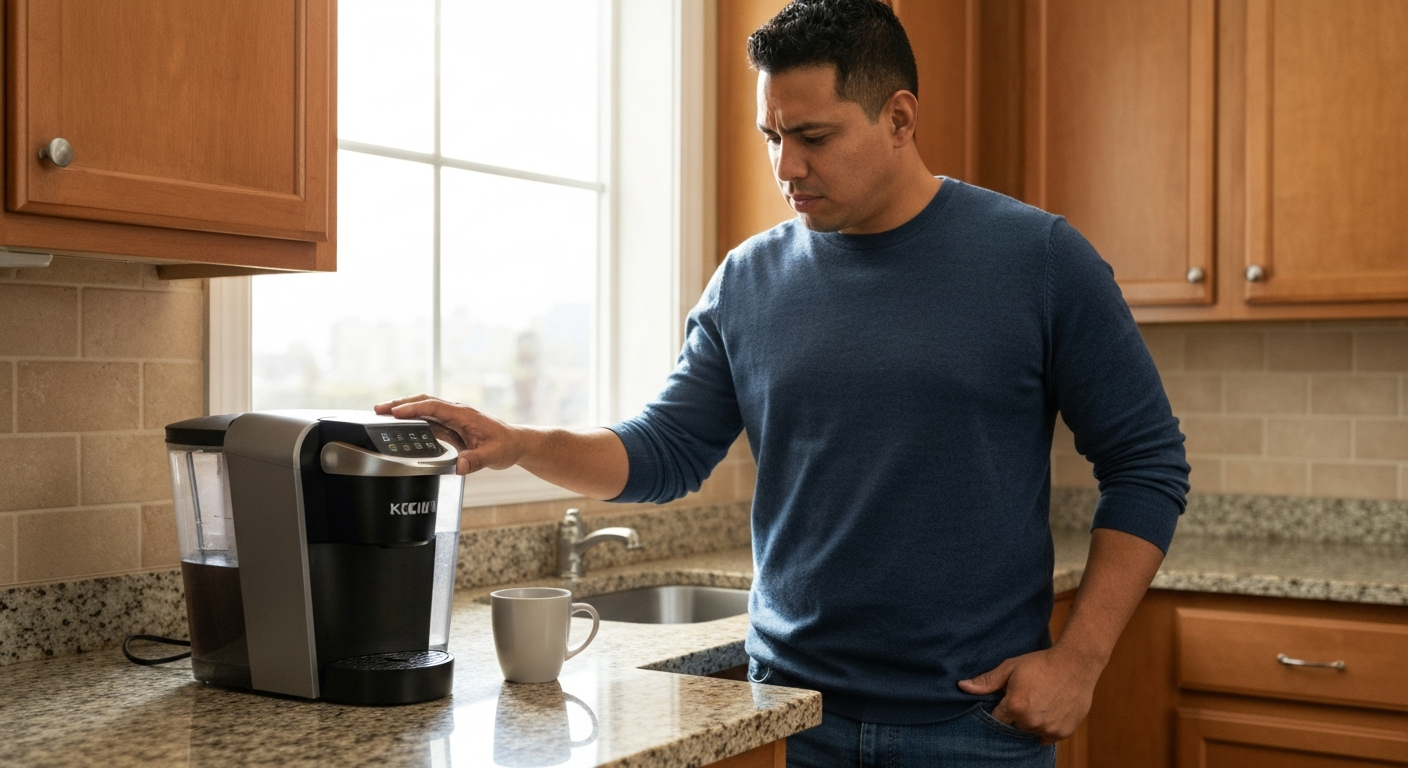

Your Keurig isn't working because of a clogged needle, air trapped in the water lines, scale buildup inside the machine, a water reservoir that isn't seated properly, or a brewing system that needs to be reset — all fixable at home in under 10 minutes.
When your Keurig stops brewing, blinks endlessly, or refuses to respond at all, it's almost always one of a handful of common problems that don't require professional repair. Mineral deposits from hard water clog the internal tubing, debris from K-Cup punctures blocks the needles, and air bubbles can lock up the pump entirely. The good news: most Keurig issues can be diagnosed and fixed without any tools, and you'll be back to your morning coffee within minutes.
| ✓Our Pick |
Keurig descaling solution and maintenance kit Highly rated by thousands of buyers — this is one of the most effective solutions for this issue you can try at home. See on Amazon → |
A blinking Keurig that won't brew is telling you something specific — the light pattern indicates whether it's a water issue, a heating problem, or a signal to descale the machine.
Keurig machines use indicator lights to communicate different problems. Understanding what your specific blinking pattern means is the first step to fixing it. Here's what each light pattern typically indicates:
| Light Pattern | What It Means | Most Likely Cause |
|---|---|---|
| All lights blinking | Machine needs reset | Power surge or software glitch |
| Blue light blinking | Water reservoir issue | Tank not seated or empty |
| Add Water light blinking | Sensor not detecting water | Dirty sensor or air lock |
| Descale light blinking | Scale buildup detected | Hard water mineral deposits |
| Single button blinking | Ready to brew | Normal operation |
| Rapid blinking then shutdown | Overheating protection | Internal temperature sensor triggered |
If your Keurig is blinking and not responding to button presses, the machine has likely entered a protective mode. This happens when the brewer detects a problem that could damage the internal components if ignored. The fix depends on which light is blinking, but most patterns lead back to the same handful of causes covered below.
| ✓Quick Fix |
The Go-To Fix for This Right Now Most people dealing with this exact problem start here — quick, affordable, and easy to try today. See on Amazon → |
The exit needle — located inside the K-Cup holder — is the most common reason a Keurig stops brewing, and it takes 30 seconds to clean.
Every time you brew a cup, the needle punctures the bottom of the K-Cup to let coffee flow through. Coffee grounds and paper fragments gradually build up in the tiny opening, eventually blocking water flow completely. When this happens, your Keurig may power on and go through the motions, but nothing comes out — or you get a weak trickle instead of a full cup.
To clean it: remove the K-Cup holder assembly by pushing up from underneath while pulling outward. You'll see a small needle pointing up from the bottom of the holder. Use a paperclip or the cleaning tool that came with your Keurig to clear out any debris. Run the paperclip through the opening several times, then rinse the holder under warm water before reassembling.
Air bubbles in the internal tubing prevent the pump from building pressure, which stops water from flowing even when the reservoir is full.
This happens most often after you let the water reservoir run completely dry, move the machine to a new location, or leave it unused for several weeks. The pump needs continuous water contact to prime properly — when air gets into the system, it creates a vapor lock that the pump can't overcome.
The fix is simple: remove the water reservoir, fill it completely, and reseat it firmly. Then run 3-4 water-only brew cycles (no K-Cup) using the largest cup setting. This forces water through the system and pushes out trapped air. You may hear gurgling sounds during the first couple cycles — that's the air clearing.
Hard water deposits build up inside your Keurig's heating element and water lines over time, restricting flow and eventually stopping the machine from brewing.
If you live in an area with hard water (most of the US), calcium and magnesium minerals accumulate inside your brewer with every cup. According to the Water Quality Association, over 85% of American homes have hard water, which means scale buildup is nearly universal for Keurig owners who don't descale regularly.
"Mineral deposits in coffee makers can significantly reduce water flow and brewing temperature over time." — Water Quality Association
Keurig recommends descaling every 3-6 months, but if you brew multiple cups daily with hard water, you may need to do it monthly. The descale light blinking is your machine's way of telling you it's overdue. Use Keurig's descaling solution or a 50/50 mix of white vinegar and water, then run multiple rinse cycles afterward to clear the taste.
Also Read: Why Is My Dishwasher Not Cleaning? 8 Causes & Quick Fixes
A misaligned water tank prevents the machine from detecting water, causing it to blink indefinitely or display an "Add Water" message even when full.
The reservoir has alignment pins or magnets that must connect with sensors in the base unit. If the tank is even slightly out of position, the Keurig won't recognize that water is available. This is especially common after cleaning the reservoir or moving the machine.
Remove the reservoir completely, check that the bottom is clean and dry, then reseat it firmly. You should feel it click into place. Some models have a small float inside the tank — make sure it moves freely and isn't stuck. If the problem persists, wipe the sensor contacts on both the reservoir and the machine base with a dry cloth.
The top needle that punctures K-Cups can become clogged with coffee oils and residue, blocking water from entering the pod during brewing.
While most people know about the exit needle, the entrance needle (located in the lid assembly that closes over your K-Cup) is equally important and often overlooked. Coffee oils coat this needle over time, creating a film that eventually restricts water flow.
To access it: open the handle and look up at the underside of the brewer head. You'll see a pointed needle surrounded by a plastic housing. Use a damp cloth to wipe around the needle, then carefully insert a paperclip into the needle opening to clear any blockage. Be gentle — you don't want to bend or damage the needle itself.
Electronic glitches can cause your Keurig to freeze, blink erratically, or refuse to respond to buttons — a hard reset clears the system memory and often fixes the problem immediately.
Modern Keurigs have electronic control boards that occasionally need to be reset, just like a computer. Power surges, interrupted brew cycles, and software bugs can all cause the machine to get stuck in an error state.
To perform a hard reset:
1. Turn off the machine and unplug it from the wall
2. Remove the water reservoir
3. Wait 5 full minutes (this clears the internal capacitors)
4. Plug the machine back in
5. Reattach the reservoir and turn it on
For newer models with touchscreens, you may also need to hold down specific button combinations during startup. Check your model's manual for exact instructions, but the unplug-and-wait method works for most Keurig brewers.
If your Keurig brews one cup then shuts down and won't restart, the thermal protection system has activated to prevent damage from overheating.
Keurigs have internal thermal switches that shut down the heating element if the temperature exceeds safe limits. This usually happens when there's not enough water flow to cool the heating chamber (often due to scale buildup or clogs), or when the machine is used in a very hot environment.
Let the machine cool completely — at least 30 minutes — then try again. If it keeps overheating, the internal tubing is likely scaled up and restricting water flow. A thorough descaling usually fixes this. If the problem continues after descaling, the thermal fuse may be damaged and the machine may need replacement.
Follow this diagnostic sequence to identify and fix most Keurig problems in under 10 minutes without any special tools.
Confirm the outlet is working by plugging in another device. Make sure the water reservoir is filled to at least the minimum line and seated properly. These obvious issues account for a surprising number of "broken" Keurigs.
Remove the K-Cup holder and clean the exit needle with a paperclip. Then open the lid and clean the entrance needle. Run a water-only cycle to flush debris.
Run 3-4 large water-only brew cycles consecutively. Listen for gurgling — that's air clearing from the lines.
If the descale light is on, or if you can't remember when you last descaled, do it now. Use descaling solution or white vinegar followed by multiple fresh water rinses.
Unplug for 5 minutes, remove the reservoir, then reassemble and restart. This clears most electronic glitches.
"Unplugging a small appliance and waiting before reconnecting allows internal circuits to fully discharge and reset." — Consumer Reports
If none of the above works, the problem may be a failed pump, heating element, or control board. Keurig warranties typically cover 1 year from purchase, and their customer service is known for sending replacement units even for out-of-warranty machines if you explain the issue politely.
Also Read: Why Is My Alexa Red? What the Light Means & Quick Fix
Different Keurig models have different quirks — knowing your specific machine helps you troubleshoot faster.
| Keurig Model Series | Common Issue | Quick Fix |
|---|---|---|
| K-Classic / K-Select | Exit needle clogs frequently | Clean needle weekly if brewing daily |
| K-Elite / K-Café | Strong Brew button causes confusion | Hold 3 seconds to activate; single press does regular brew |
| K-Mini / K-Mini Plus | Air lock after any pause in use | Prime with 3 water-only cycles before each brewing session |
| K-Supreme / K-Supreme Plus | Multistream needle clogs | Use official cleaning pod monthly |
| K-Duo / K-Duo Plus | Carafe side won't brew | Check carafe lid is fully closed; sensor must detect it |
| K-Express | Add Water light stays on | Wipe reservoir sensor contacts with dry cloth |
For K-Mini owners specifically: these machines don't have a water reservoir that holds excess water between brews. The single-cup design means air enters the system more easily. Get in the habit of priming with a water cycle whenever the machine has sat unused for more than a day.
Regular maintenance takes 5 minutes a week and prevents most Keurig failures before they happen.
Also Read: Why Is My Fire Detector Beeping? 7 Causes & Quick Fixes
If your Keurig is over 5 years old and still malfunctioning after all troubleshooting steps, replacement is usually more cost-effective than repair.
Keurig machines typically last 3-5 years with regular use, though some owners get a decade out of them with careful maintenance. Signs that your brewer is reaching end of life include:
Replacement pumps and heating elements exist, but the labor cost to install them typically exceeds the price of a new machine. If your Keurig is out of warranty and you've tried everything in this article, a new brewer is often the most practical solution.
Most Keurig problems come down to clogged needles, air in the lines, scale buildup, or a misaligned water reservoir — all fixable at home in minutes. Clean both needles with a paperclip, run several water-only cycles to clear air, descale every 2-3 months, and perform a hard reset by unplugging for 5 minutes. If your machine is over 5 years old and still failing after these steps, replacement is more practical than repair.
Partial cups usually mean a partial clog. The exit needle or internal tubing has enough buildup to restrict — but not completely block — water flow. Clean both needles thoroughly and descale the machine. Also check that you're selecting the right cup size on the brewer; some models default to the smallest setting after a reset.
A blinking Keurig that won't fully power on is typically in thermal protection mode or has a power supply issue. Unplug the machine for 30 minutes to let it cool completely, then try again. If it still won't turn on, try a different outlet to rule out electrical problems. Blinking during power-up without progressing to ready status often indicates a failed control board.
The descale light has a reset procedure separate from just running descaling solution. After completing the descaling process, you need to hold the 8oz and 12oz buttons simultaneously for 5 seconds (on most models) to clear the indicator. If the light persists, run another full descaling cycle — sometimes one pass isn't enough for heavily scaled machines.
Yes, white vinegar works effectively for descaling. Use a 50/50 mix of white vinegar and water. The downside is that vinegar requires more rinse cycles afterward (at least 6-8) to fully clear the taste. Commercial descaling solutions rinse cleaner but cost more. Both remove mineral scale equally well.
Most Keurigs last 3-5 years with average use, though proper maintenance can extend this to 7-10 years. The pump and heating element are the most common failure points. Machines used multiple times daily in hard water areas tend to wear out faster. Regular descaling and needle cleaning are the biggest factors in extending lifespan.
Reviewed and Updated on June 20, 2026 by George Wright