Technology
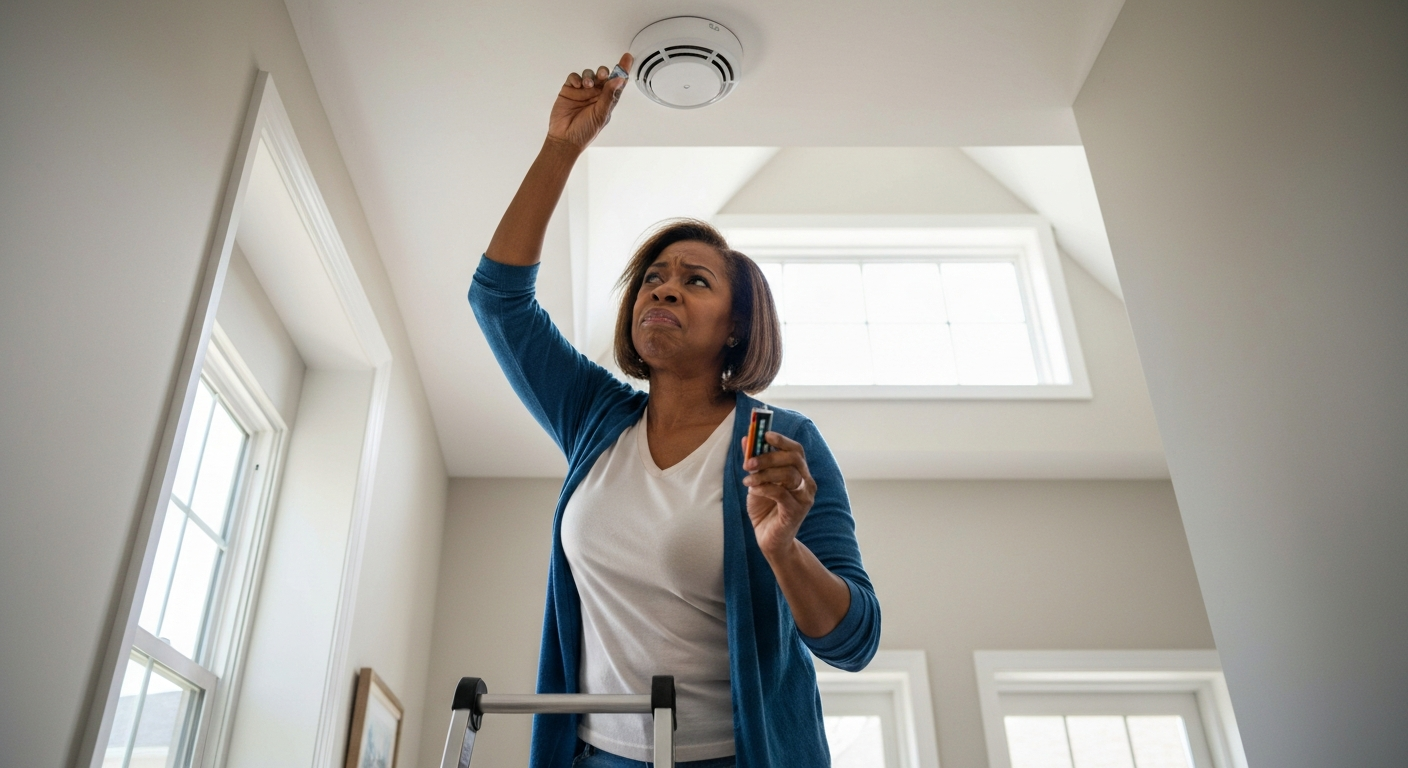

Your fire detector is beeping because the battery is low, the unit has reached its end of life, or environmental factors like dust, humidity, or temperature changes are triggering false signals—replacing the battery or the entire unit usually stops the noise within minutes.
That persistent chirp every 30 seconds at 3 AM isn't your smoke detector being dramatic—it's communicating a specific problem through a pattern you can decode. Most beeping falls into predictable categories: low battery warnings (single chirps every 30–60 seconds), end-of-life alerts (multiple chirps in sequence), or environmental triggers causing random false alarms. Understanding which pattern you're hearing is the first step to silencing it for good.
| ✓Quick Fix |
The Fastest Fix People Try for This One of the simplest things to try immediately — no appointment, no waiting. See on Amazon → |
A single chirp every 30 to 60 seconds almost always indicates a low or dying battery—this is the most common cause of fire detector beeping and the easiest to fix.
Smoke detectors are designed to alert you well before the battery dies completely, giving you time to replace it while the unit can still protect you. Most detectors use a 9-volt alkaline battery or a sealed lithium battery that lasts 10 years. When voltage drops below the threshold needed for reliable operation, the detector enters low-battery mode and begins chirping at regular intervals.
The timing matters. A chirp every 30 seconds is the standard low-battery signal for most brands, including Kidde, First Alert, and BRK. Some models chirp every 60 seconds instead. If you're hearing this predictable, metronomic pattern, battery replacement should be your first move.
"When the battery is low, the smoke alarm will 'chirp' about once a minute to let you know the battery needs to be replaced." — U.S. Fire Administration at FEMA
Even hardwired smoke detectors have backup batteries that need replacing. Many homeowners assume their wired units don't require battery maintenance, but the backup battery ensures protection during power outages—and it will chirp when that battery weakens.
Also Read: Why Is My Outlet Buzzing? 7 Causes & How to Fix It
Three beeps in a repeating pattern typically indicate the detector has reached its end of life and needs complete replacement—not just a new battery.
Smoke detectors don't last forever. The sensors inside degrade over time, becoming either less sensitive (dangerous) or overly sensitive (annoying). Manufacturers build in an end-of-life warning that sounds different from the low-battery chirp. This is usually three beeps followed by a pause, then three more beeps, repeating indefinitely.
The National Fire Protection Association recommends replacing smoke alarms every 10 years from the date of manufacture—not the date you installed them. Check the back of your detector for a manufacture date. If it's older than 10 years, no amount of battery replacement will stop the beeping.
| Beep Pattern | Most Likely Cause | Solution |
|---|---|---|
| 1 chirp every 30–60 seconds | Low battery | Replace battery |
| 3 beeps, pause, repeat | End of life | Replace entire unit |
| Continuous loud alarm | Smoke or fire detected | Evacuate and investigate |
| 4 beeps, pause, repeat | Carbon monoxide detected (combo units) | Evacuate immediately |
| Random chirps at irregular intervals | Environmental interference | Clean unit, check placement |
If your detector is a combination smoke/CO alarm, pay close attention to the pattern. Four beeps typically indicate carbon monoxide—a potentially fatal gas you can't see or smell. Treat four-beep patterns as emergencies.
| ✓Our Pick |
Smoke detector with sealed 10-year lithium battery Backed by strong customer feedback — the most recommended solution in forums and Q&A communities. See on Amazon → |
Random false alarms without visible smoke usually stem from dust buildup, insects inside the chamber, humidity, steam, or placement too close to kitchens and bathrooms.
False alarms are frustrating, but they're also the leading reason people disable their smoke detectors—a decision that kills approximately 1,000 Americans each year. Understanding why your alarm triggers randomly helps you fix the problem without compromising safety.
Dust is the most common culprit behind random beeping and false alarms. Smoke detectors work by sensing particles in the air—they can't distinguish between smoke particles and dust particles. Over time, dust accumulates on the sensing chamber, making the detector hypersensitive.
Cleaning your detector every six months reduces false alarms significantly. Use a vacuum with a soft brush attachment to gently clean the exterior vents. For stubborn dust inside the chamber, a can of compressed air works well. Never use water or household cleaners.
Steam and humidity from showers, cooking, or humidifiers can trigger photoelectric smoke detectors. The water vapor scatters light inside the sensing chamber the same way smoke does. If your detector is within 10 feet of a bathroom or directly above a stove, relocation often solves the problem.
"Smoke alarms should be installed at least 10 feet from cooking appliances to minimize false alarms." — National Fire Protection Association (NFPA)
Rapid temperature changes can cause condensation inside the detector or affect battery performance. Detectors in unheated garages, attics, or near exterior doors experience more temperature-related false alarms. In 2026, newer models with improved temperature compensation are available, but older units remain susceptible.
To silence a beeping smoke detector, replace the battery first, then clean the unit, reset it by holding the test button for 15–20 seconds, and replace the entire detector if it's over 10 years old.
Here's a systematic approach to stopping the noise:
Replace the battery — Use a fresh 9-volt alkaline battery or the specific battery type listed in your manual. Don't use rechargeable batteries; they don't maintain consistent voltage.
Clean the detector — Vacuum the exterior vents and use compressed air to clear the sensing chamber. Gently wipe the cover with a dry microfiber cloth.
Reset the unit — After replacing the battery, press and hold the test button for 15–20 seconds until you hear a beep or two. This clears any residual charge and resets the processor.
Check the manufacture date — If the detector is over 10 years old, replace it entirely. No amount of battery replacement or cleaning will stop end-of-life chirping.
Check for interconnected units — In homes with interconnected smoke detectors, one failing unit can cause all units to chirp. Identify which detector initiated the alarm (usually indicated by a blinking LED) and address that one first.
For hardwired detectors, turn off the circuit breaker before removing the unit, replace the backup battery, then restore power and reset.
Also Read: Why Is My GFCI Tripping? 7 Causes & How to Fix It
Modern smoke detectors use standardized beep patterns to communicate specific issues—learning these patterns helps you respond correctly without disabling critical safety equipment.
Manufacturers have largely standardized alarm signals, though some variation exists:
| Brand | Low Battery Signal | End of Life Signal | Hush Duration |
|---|---|---|---|
| Kidde | 1 chirp/60 sec | 3 chirps, pause | 8 minutes |
| First Alert | 1 chirp/60 sec | 5 chirps, pause | 10 minutes |
| Nest Protect | Voice alert + chirp | Voice alert | Silenceable via app |
| BRK | 1 chirp/60 sec | 3 chirps, pause | 8 minutes |
Smart smoke detectors like Nest Protect and First Alert Onelink provide voice alerts that tell you exactly what's wrong—"low battery" or "smoke detected in hallway"—eliminating guesswork. If you're frequently frustrated by ambiguous beeping, upgrading to a smart detector may be worth considering.
If your fire alarm keeps beeping after a fresh battery, residual charge in the processor, a faulty battery drawer connection, or end-of-life status is likely the cause.
This is one of the most common frustrations. You've installed a new battery, but the chirping continues. Here's why:
The detector's processor stores residual charge that must be cleared. Remove the battery, press and hold the test button for 15–30 seconds to drain this charge, then reinstall the battery. Many detectors require this reset to recognize new battery voltage.
Check that the battery is fully seated. The drawer mechanism on some detectors is finicky—if the battery isn't making solid contact with both terminals, the detector reads it as low or absent.
The new battery itself might be old or defective. Batteries sitting on store shelves lose charge over time. Check the expiration date and try a different fresh battery.
If none of these work, the detector has likely reached end of life. The internal sensor has degraded beyond recovery, and replacement is the only solution.
Also Read: Why Is My Microwave Tripping the Breaker? 7 Causes & Fixes
Hardwired smoke detectors still have backup batteries that need replacement, and interconnected systems can propagate chirping from one failing unit to the entire network.
Many homeowners misunderstand hardwired systems. These detectors receive primary power from your home's electrical system but contain backup batteries for power outages. When that backup battery weakens, the unit chirps just like a battery-only detector.
In interconnected systems, detectors communicate with each other. When one senses smoke, all units alarm simultaneously. Some systems also propagate fault signals—meaning one detector's low battery warning can cause chirping throughout your home.
To identify the source unit, look for a blinking red LED or check each detector's status indicator. The initiating unit usually shows a different blink pattern than the responding units.
To replace the backup battery in a hardwired detector:
A beeping fire detector is communicating a specific problem through its chirp pattern. Single chirps every 30–60 seconds mean low battery—replace it. Three beeps in a repeating pattern indicate end of life—replace the entire unit. Random beeping usually comes from dust, humidity, or poor placement. After replacing the battery, always reset the detector by holding the test button for 15–20 seconds. Check the manufacture date; any detector over 10 years old should be replaced regardless of whether it seems functional.
Three beeps followed by a pause, repeating continuously, is the standard end-of-life signal for most smoke detectors. This means the internal sensor has degraded after years of use and the unit needs complete replacement—not just a new battery. Check the manufacture date on the back; if it's over 10 years old, this confirms the diagnosis. Some models use five beeps instead of three, so consult your manual if uncertain.
A chirp every 30 seconds is the universal low-battery warning. The detector is telling you the battery voltage has dropped below the threshold for reliable operation. Replace the battery with a fresh 9-volt alkaline (not rechargeable), then reset the unit by holding the test button for 15–20 seconds. If chirping continues after replacement, residual charge or a faulty battery connection is likely.
Random false alarms typically result from dust buildup in the sensing chamber, humidity or steam from nearby bathrooms or kitchens, insects that have entered the unit, or rapid temperature changes. Clean the detector with a vacuum and compressed air, relocate it if it's too close to moisture sources, and ensure it's not in a drafty area. Detectors older than 10 years may also become hypersensitive as sensors degrade.
You can, but you shouldn't. A disabled smoke detector can't protect you from fire while you sleep—and house fires kill roughly 2,500 Americans annually, most of whom had working smoke alarms. Instead of removing the battery, diagnose and fix the actual problem. If the beeping is unbearable while you troubleshoot, most detectors have a "hush" button that silences chirping temporarily without disabling the smoke-sensing function.
Standard 9-volt alkaline batteries last approximately one year under normal conditions, though this varies by brand and detector model. Sealed lithium batteries in 10-year detectors last the full decade. Hardwired detectors with backup batteries typically need replacement every 2–3 years. The NFPA recommends testing smoke detectors monthly and replacing batteries at least once per year, or immediately when low-battery chirping begins.
Reviewed and Updated on June 20, 2026 by George Wright