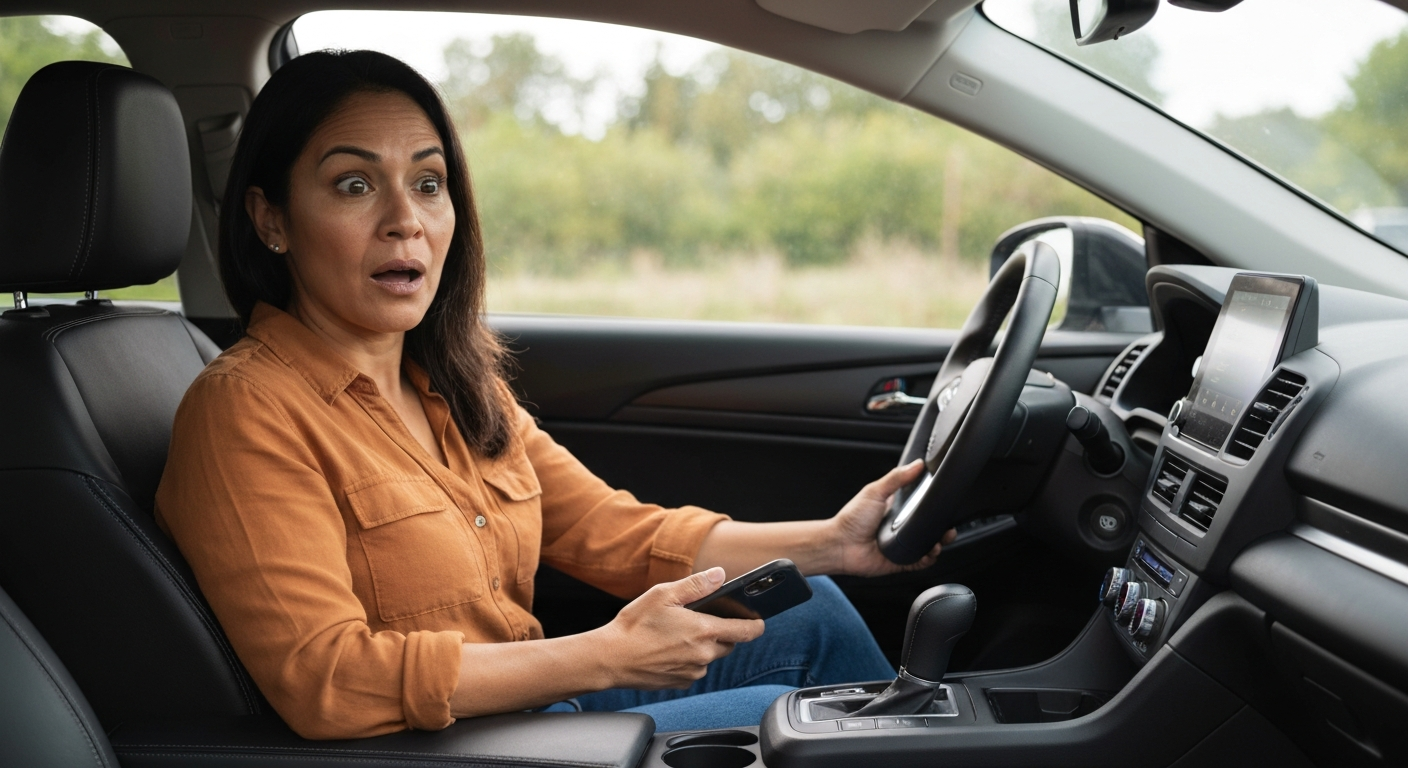
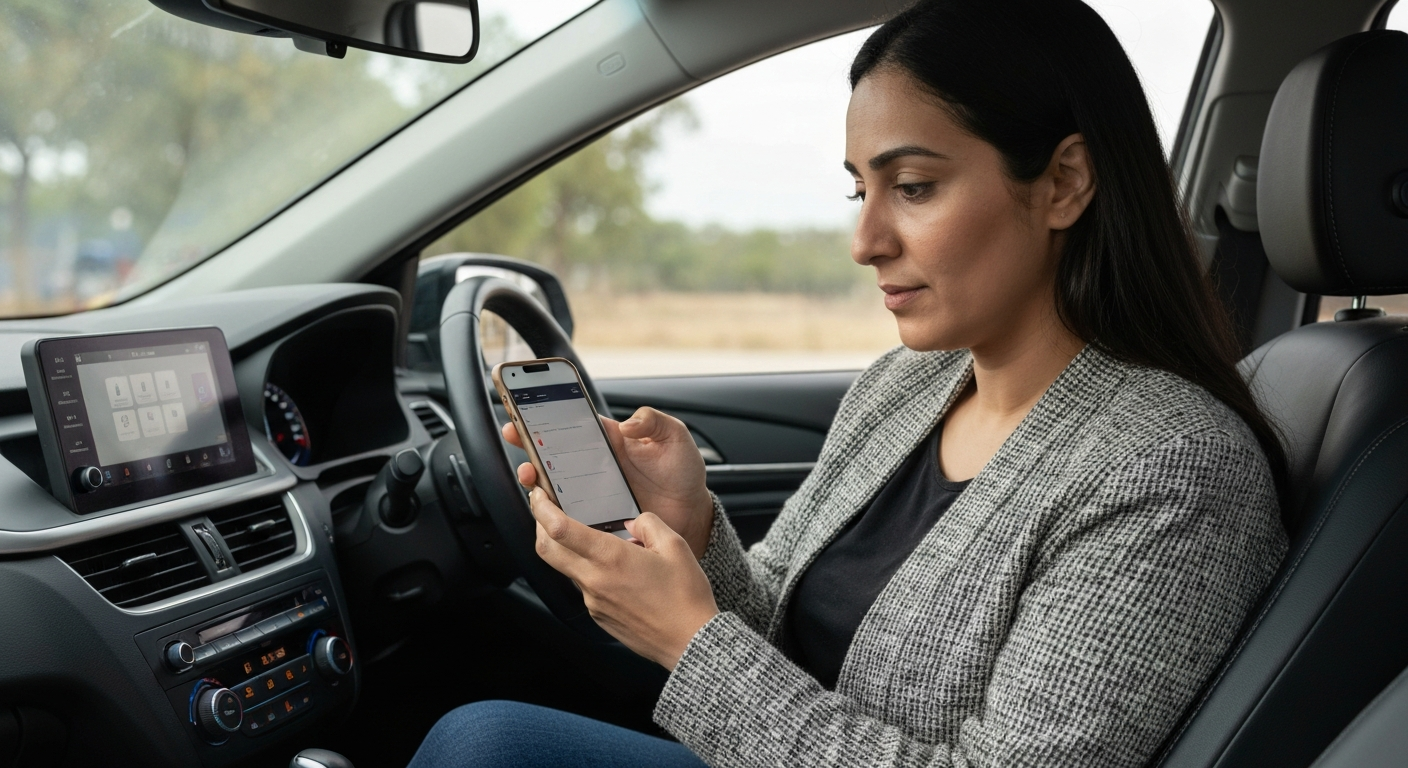
CarPlay usually fails for one of four reasons: a bad USB cable or port, a software glitch, Siri being switched off, or a dropped wireless link. Most cases are fixed in minutes — check the cable and restart both devices before you assume your iPhone or your car is broken.
When CarPlay quits, the screen either goes blank, freezes on the car's home display, or never launches at all. The fix depends on whether you connect with a cable or wirelessly. A wired connection fails most often at the cable or port. A wireless connection fails most often at Bluetooth, Wi-Fi, or a recent iOS update. The steps below work the same whether you call it CarPlay, Apple CarPlay, or "car play."
| ✓Our Pick |
Skip the cable for good with a plug-in wireless CarPlay adapter Trusted by professionals and everyday users alike — a smart investment that pays for itself. | 🏷Limited Time Offer | | Prime Big Deal Days: up to 50% offextra 10% with code PRIME10ends June 29 |
Learn More → |
What Causes CarPlay to Stop Working in 2026?
CarPlay relies on three things at once: a clean data connection, current software, and an enabled Siri. Break any one of them and the system stops responding.
The single most common failure point is the physical link. A worn Lightning or USB-C cable still charges your phone but no longer carries data reliably. Charge-only car ports make this worse, because they supply power but pass no data signal. That is why a phone can sit there charging while CarPlay refuses to launch.
"Bad USB cables account for nearly half of all wired CarPlay problems we help fix." — Car Tech Studio
The second cause is software. iOS updates occasionally reset connection settings or introduce a short-lived bug. The third is configuration. CarPlay leans on Siri to read messages and take commands, so if Siri is disabled, the system often will not start.
Also Read: The First Thing Most Drivers Replace to Get CarPlay Back
How Do You Fix Wired CarPlay?
Start at the cable and the port. Swap the cable for a known-good one, then move it to a different USB port before changing any settings.
A genuine, certified cable matters more than people expect. Cheap cables often pass power but fail the data handshake CarPlay needs. Use an Apple-certified or MFi-certified cable, and plug into the port marked with a CarPlay or smartphone icon if your car has one.
"Make sure you're using the correct port and that your cable works." — Leanne Hays at iPhone Life
Is Siri Turned Off?
CarPlay treats Siri as a core component, not an extra. If Siri is off, the dashboard may show nothing when you plug in. Open Settings, tap Siri & Search, and confirm the assistant is enabled.
"Make sure Siri is enabled on the iPhone you want to pair." — Leanne Hays at iPhone Life
Does a Restart Actually Help?
Yes, more often than any other free fix. A restart clears the temporary memory state that causes a frozen or blank screen. Turn the car off completely, reboot the iPhone, then reconnect.
If the cable, the port, and Siri all check out and CarPlay still will not launch wired, the connector hardware in your dash may be the weak link. A wireless adapter sidesteps the cable and port entirely, which is why drivers with a flaky USB connection often switch to a plug-in dongle rather than chase the fault.
Also Read: Why Is My USB Not Working in My Car? Causes & Fixes
How Do You Fix Wireless CarPlay?
Wireless CarPlay needs both Bluetooth and Wi-Fi switched on. It pairs over Bluetooth, then hands the data load to Wi-Fi, so one disabled radio breaks the whole link.
Confirm both radios are on in Settings. Then forget the car and pair again, which clears a stale connection profile that often survives an iOS update.
"Wireless CarPlay uses Bluetooth for initial pairing and authentication, then switches to Wi-Fi for data transfer." — Car Tech Studio
To forget the car, open Settings, tap General, tap CarPlay, choose your vehicle, and tap Forget This Car. Reconnect from scratch afterward. If you run a VPN, turn it off before pairing, because a VPN tunnel can block the local handshake on recent iOS versions.
Also Read: Why Is My Phone in Recovery Mode? Causes & Fixes
Is the USB Port the Real Problem?
Not every USB port in a car carries data. Some are wired for charging only, and CarPlay cannot run over a power-only port no matter how good your cable is.
This catches a lot of drivers off guard. Your phone shows the charging icon, so the connection looks fine, yet CarPlay never appears. The fix is to test each port your car has. Look for the one labeled with a smartphone or CarPlay symbol, since that is the data port.
"Many car USB ports are power-only, so try different ports if your car has multiple USB connections." — Car Tech Studio
If your car has only one port and it is charge-only, a wireless adapter becomes the practical route, because it bypasses the dashboard port completely and connects straight to your phone.
CarPlay Troubleshooting at a Glance
| Symptom |
Likely cause |
First fix |
| Phone charges but no CarPlay |
Charge-only port or data-dead cable |
Swap cable, change port |
| Screen blank on plug-in |
Siri disabled or software glitch |
Enable Siri, restart both |
| Drops out while driving |
Loose cable or Bluetooth interference |
Replace cable or go wireless |
| Worked until iOS update |
Stale connection profile |
Forget This Car, re-pair |
| No wireless option at all |
Bluetooth or Wi-Fi turned off |
Enable both radios |
In Short
CarPlay almost always fails at one of four points: the cable, the port, the software, or the wireless handshake. Replace a suspect cable with a certified one, confirm Siri is on, and restart both devices. For wireless, enable Bluetooth and Wi-Fi, then forget and re-pair the car. If a wired port keeps failing, a wireless adapter is the most reliable long-term fix.
What You Also May Want To Know
Why is my Apple CarPlay not working all of a sudden?
A sudden failure usually points to a recent change rather than hardware. The most common triggers are an iOS update that reset your connection, a cable that finally wore out, or Siri being switched off. Restart both devices first, then forget and re-pair the car.
Is "Apple CarPlay" the same as "car play"?
Yes. "Apple CarPlay," "Apple car play," and "car play" all refer to the same Apple system that mirrors your iPhone onto the car's screen. The different spellings make no difference to how you fix it.
Why does CarPlay work but some apps don't appear?
CarPlay only shows apps that support it, and some must be enabled manually. Open Settings, tap General, tap CarPlay, choose your car, then customize which apps appear. Apps without CarPlay support will never show on the dash.
Does CarPlay need cellular data or Wi-Fi to work?
CarPlay itself does not need an internet connection to launch or to play stored music. It only needs data for live features like maps, streaming, and messages. Wireless CarPlay uses a direct phone-to-car Wi-Fi link, which is separate from home or mobile internet.
Reviewed and Updated on June 27, 2026 by Adelinda Manna