
Sleep
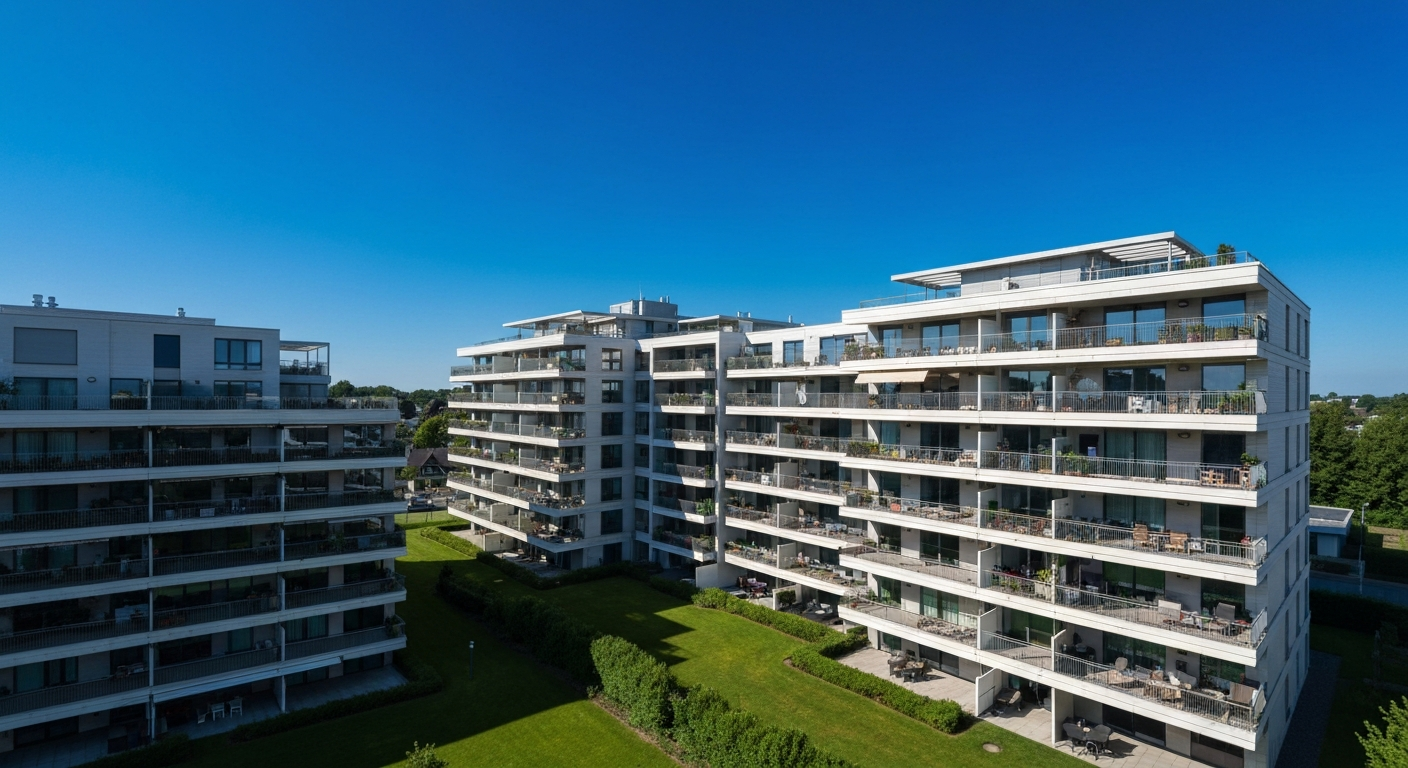

Xfinity Communities is Comcast business division that provides bulk internet, TV, and phone service contracts to apartment complexes, condominiums, student housing, and senior living properties. Residents in a Xfinity Communities property receive service through a bulk agreement negotiated by their property owner — not through a standard residential Xfinity subscription.
Xfinity Communities is Comcast program for multi-dwelling unit (MDU) properties. Property managers contract with Comcast to provide internet, TV, or voice service to all units at a bulk rate — often included in rent or HOA fees.
Xfinity Communities operates differently from standard residential Xfinity service in several ways:
As of 2026, Xfinity Communities serves over 4 million residential units across the United States, including luxury apartments, student housing complexes, senior communities, and affordable housing developments.
Comcast installs shared cable infrastructure in the building and distributes service to each unit using existing coax wiring or new installation. Residents connect through a gateway (modem/router combo) provided by Comcast as part of the property agreement.
The typical Xfinity Communities setup:
Internet speeds vary by property contract. Most Xfinity Communities agreements include plans ranging from 100 Mbps to 1 Gbps depending on what the property management selected. Residents generally cannot upgrade to higher speeds without the property manager amending the contract.
"Bulk internet agreements allow properties to offer high-speed connectivity as an amenity, which has become one of the most requested features by apartment renters in 2024 and 2025 surveys." — NMHC (National Multifamily Housing Council) at nmhc.org
| Feature | Xfinity Communities (Bulk) | Standard Xfinity Residential |
|---|---|---|
| Who contracts with Comcast | Property manager | Individual resident |
| Plan choice | Set by property contract | Customer chooses plan |
| Billing | Property/HOA (often included in rent) | Monthly bill to resident |
| Equipment | Provided by property arrangement | Resident chooses or rents |
| Speed upgrades | Requires property to amend contract | Customer upgrades directly |
| Common-area WiFi | Often included | Not applicable |
Also Read: Why Is My VPN Not Working? 9 Causes and Quick Fixes
If you live in a Xfinity Communities property, your setup process is managed through your building, not the standard Xfinity residential website. Activation and troubleshooting paths differ.
To activate service in a Xfinity Communities building:
1. Contact your property management office — they coordinate with the Comcast account representative
2. You may receive a Xfinity Communities activation kit or be directed to a resident portal specific to your building
3. Some properties have an on-site Comcast activation kiosk or schedule tech visits
For troubleshooting connectivity issues as a Xfinity Communities resident:
- First contact your property management office — they have a dedicated Comcast business support line, not the standard residential 1-800 number
- Your building may have a Comcast business account manager who handles escalations faster than residential support
- Speed tests at your unit should reflect what the property contract specifies — if consistently below contracted speeds, report to property management
| ✓Our Pick |
 |
NordVPN — secure your connection on shared building internet networks Consistently earns five-star reviews — reliable, well-supported, and genuinely effective. Learn More → |
In most Xfinity Communities arrangements, individual residents cannot upgrade their personal speed tier. However, some properties offer optional speed upgrades through a resident portal, depending on how the contract is structured.
If you need faster speeds than the building provides:
- Ask your property manager whether resident-initiated speed upgrades are available
- In some buildings, residents can supplement the building service with a personal Xfinity residential account at an additional cost (if Comcast permits dual service in the building)
- If you frequently work from home or stream in 4K, raising the issue with property management may prompt a contract renegotiation at renewal time
"Multifamily operators are increasingly under pressure from residents to offer gigabit-capable internet. Operators who do not offer high-speed options risk resident dissatisfaction and higher turnover at lease renewal." — Broadband Communities Magazine at bbcmag.com
Xfinity Communities is the Comcast program that provides bulk internet and TV service to apartment buildings, condos, student housing, and senior communities. Residents receive service through their property management contract rather than individual Xfinity accounts. Speed tiers, billing, and plan options are determined at the property level. For activation, troubleshooting, or speed upgrade requests, contact your property management office rather than Xfinity residential customer service.
In some cases yes, and in others no — it depends on whether Comcast has an exclusivity agreement with your building. Ask your property manager whether individual residential Xfinity service is permitted in addition to the bulk service.
The infrastructure is shared at the building level, but each unit typically has its own provisioned bandwidth allocation. However, in congested buildings during peak hours, residents can experience slower speeds if the property contract does not include sufficient total capacity.
Contact your property management office and document your speed test results (use fast.com or speedtest.net) including the time of day. Your property manager has access to a dedicated Comcast business support contact who can investigate node congestion or equipment issues.
Standard Xfinity is a residential contract between Comcast and an individual customer. Xfinity Communities is a business contract between Comcast and a property owner, who provides service to all residents as an amenity or included utility. Residents in Communities properties cannot choose plans, change speed tiers, or contact Comcast directly as primary account holders.
Reviewed and Updated on June 16, 2026 by George Wright