
DIY
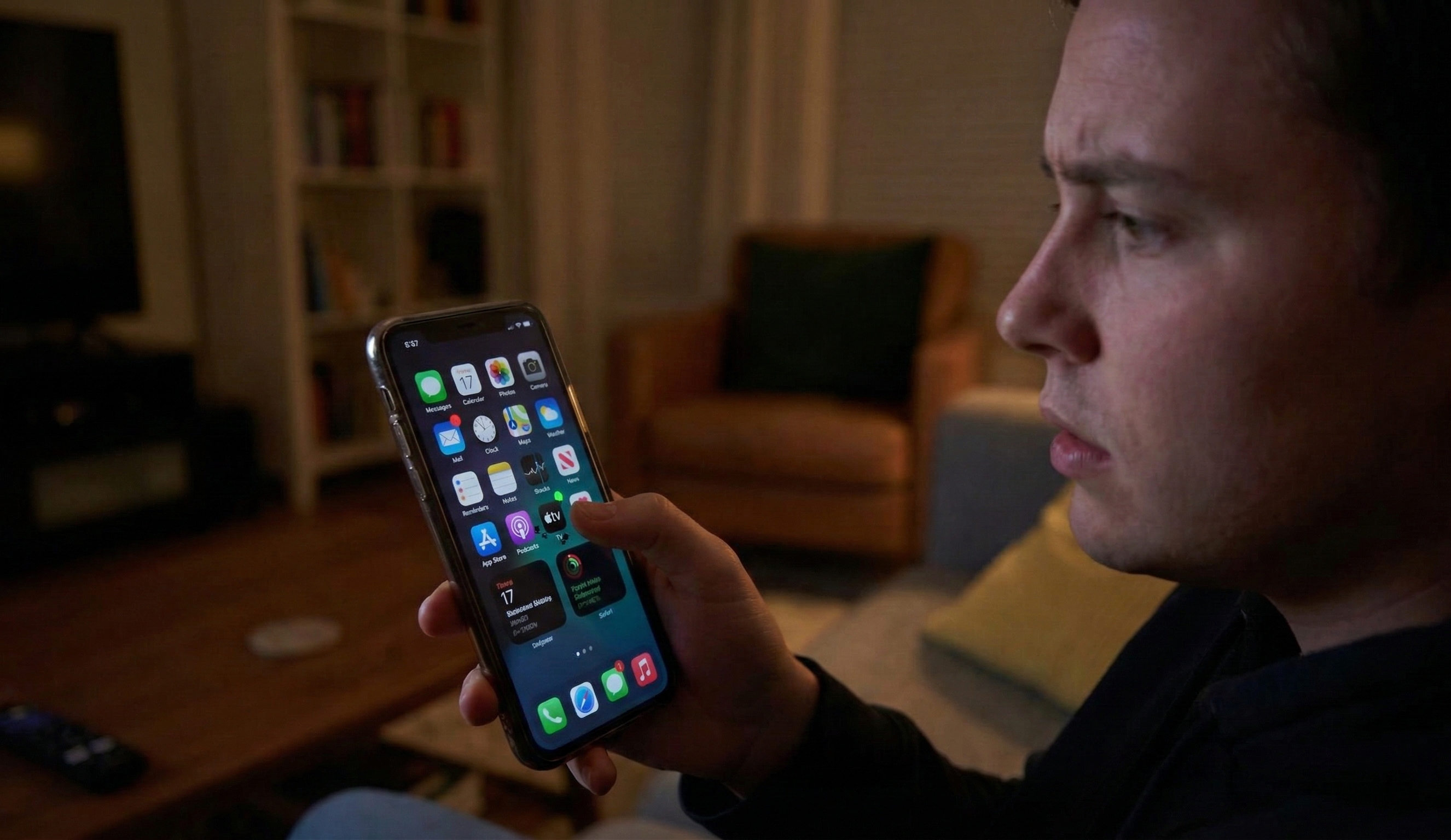

Display imperfections can occur on any mobile device regardless of the manufacturer, price point, or operating system. Understanding the exact mechanics behind these display issues is crucial for determining whether a quick home repair is possible or if professional intervention is required.
A bright spot on a phone screen is typically caused by a stuck pixel, pressure against the backlight layer, hardware damage to the phone's frame, or trapped debris under a screen protector. Most software-related pixel spots can be fixed using screen-refreshing tools, while hardware damage requires component replacement.
When a user searches "why is there a bright spot on my phone screen," the search intent is inherently informational and navigational. Users need immediate, factual diagnostics to prevent further damage to their devices. In 2026, smartphone displays rely heavily on either Liquid Crystal Display (LCD) or Organic Light-Emitting Diode (OLED) technology. Both architectures are highly susceptible to physical trauma and electrical faults. While modern screens are manufactured with resilient materials, the microscopic components illuminating the display can fail individually or in clusters. Identifying the specific visual artifact—whether it is a tiny, pinpoint dot or a broader, glowing cloud—will directly inform the required troubleshooting steps.
Identifying the root cause of a display anomaly is the most important step in the troubleshooting process. The visual defect generally stems from either software-level pixel synchronization errors or physical hardware pressure exerting force on delicate internal layers.
The five most common causes of bright spots on a phone screen are stuck pixels, internal pressure spots, backlight layer damage, a bent outer frame, or simple debris trapped under an applied screen protector.
Modern smartphone displays are not monolithic pieces of glass; they consist of multiple thin layers. These layers include the top glass panel, the touch-sensitive digitizer, the actual display panel (LCD or OLED), and, in the case of LCDs, a backlight assembly. When any of these distinct layers experience localized stress or electrical anomalies, bright visual artifacts bleed through to the surface.
To accurately diagnose the problem, it helps to cross-reference the visual symptoms with their mechanical causes. The table below categorizes the most frequent culprits.
| Cause | Visual Symptom | Technical Description | Required Fix |
| Stuck Pixel | A tiny, sharp pinpoint of constant red, green, or blue light. | A single pixel transistor remains fixed in an active, powered state. | Pixel fixing software or gentle manual pressure. |
| Pressure Spot | A glowing, irregular blotch that may change shape when the screen is touched. | Internal components, like a swelling battery, press against the backlight layer. | Professional hardware inspection and battery replacement. |
| Backlight Damage | A bright white area that looks like a stage light shining from the edge. | Delamination or tearing of the light-emitting layer of an LCD screen. | Full screen assembly replacement. |
| Bent Frame | Bright spots localized near the edges or corners of the device. | Structural damage to the chassis exerts continuous torsion on the display glass. | Frame realignment and screen replacement. |
| Trapped Debris | A small, bright halo effect visible even when the screen is turned off. | Dust or lint caught beneath an adhesive screen protector creates light refraction. | Cleaning the glass and applying a new screen protector. |
Also Read: Top-Rated Phone Repair Tool Kits
Distinguishing between a dead pixel and a stuck pixel determines if a user-applied remedy will be successful without voiding the warranty. While dead pixels permanently display black due to a lack of electrical power, stuck pixels still receive power but are locked into a single color state.
You can fix a stuck pixel by using a specialized pixel-repair application that flashes high-contrast colors, or by applying very gentle, localized pressure to the affected area with a blunt object.
"A stuck or dead pixel can look like a tiny dot on your Android phone's screen that doesn't display the correct color or only displays black." — Shavo Hacopian, Smartphone Repair Specialist at wikiHow
When dealing with a stuck pixel, the LCD or OLED panel fails to update the color state of a specific microscopic diode. This often happens after displaying a static image for too long or due to minor manufacturing variances. Fortunately, resolving this issue at home is entirely possible and requires no technical disassembly.
While applying pressure to a screen might feel like giving your mobile device a deep-tissue massage, restraint is paramount. Excessive force will simply create more dead pixels or shatter the underlying glass substrate.
"While 'stuck' and 'dead' are often used interchangeably for malfunctioning pixels, stuck pixels can be fixed while dead pixels cannot be fixed." — Luigi Oppido, Computer & Tech Specialist at wikiHow
Also Read: Repair stuck pixels free, online, no login
The internal volume of a modern smartphone is strictly limited, meaning any expanding or shifting component immediately impacts the display panel. A swollen lithium-ion battery is the most common internal hazard that pushes forcefully against the backlight layer, creating intense, bright patches on the screen.
If the bright spot is larger than a single pixel and appears as an irregular, glowing blotch, it is almost certainly a pressure spot caused by a swollen battery or a physically bent chassis.
When an internal component presses against the screen from the inside out, it forces the backlight layer closer to the exterior glass. This physical compression creates a localized area of increased brightness because the light diffusers are no longer perfectly aligned. In these structural scenarios, software fixes and gentle massage techniques are entirely ineffective.
Explicitly stating relationships between internal entities: A swollen battery directly impacts the display backlight layer by physically displacing the internal chassis, which in turn distorts the light distribution across the LCD or OLED panel. This chain reaction means that a visual screen defect is often the first symptom of a failing power cell.
The device must be powered down immediately if a battery issue is suspected, as lithium-ion swelling poses a severe fire hazard. Device owners should inspect the side profile of their phone; a visible outward curve or a screen that appears to be lifting out of the chassis strongly indicates dangerous internal pressure.
Attempting a complex hardware repair without the proper thermal tools and technical experience often results in permanent damage to the logic board or delicate display ribbon cables. Certified technicians possess the specialized equipment required to safely unseal and reseal modern water-resistant smartphones without compromising their structural integrity.
You should immediately seek professional repair services if the bright spot is accompanied by cracked glass, a bloated chassis, or touch unresponsiveness, as these are critical indicators of systemic hardware failure.
If your device is still under the manufacturer's warranty, attempting unauthorized DIY repairs will instantly void the coverage. It is highly recommended to consult the original manufacturer or an authorized third-party service provider for an initial diagnostic test. Look out for these signs that professional intervention is required:
Resolving a bright spot on a smartphone screen relies heavily on accurate initial diagnostics and a calm, methodical approach to troubleshooting. By carefully observing the size, color, and behavior of the display anomaly, users can select the most appropriate and cost-effective remediation strategy for their specific hardware.
Microscopic stuck pixels can often be resolved at home using color-flashing software or gentle pressure, but larger, hardware-induced pressure spots require component replacement by a certified technician.
"If your phone has developed a bright or white spot on the screen, you are likely wondering how to fix it." — wikiHow Staff, Writers at wikiHow
The longevity of a mobile display depends on regular maintenance, avoiding extreme temperature fluctuations, and using high-quality protective cases. To conclude this guide, here are the answers to the most common questions regarding display spots.
Reviewed and Updated on March 8, 2026 by Adelinda Manna