A card reader that won't work is usually a driver problem, a disabled device, or a dead reader slot — not the SD card itself — and the fastest way to tell the difference is testing more than one card before troubleshooting anything else.
| ✓Our Pick |
External USB card reader many people switch to when a built-in reader fails A top-rated pick that works — readers who tried this reported noticeable improvement within days. See on Amazon → |
Is It the Reader or the Card?
If multiple different SD cards all fail in the same reader, the reader itself is the problem — but if one specific card fails while others work fine, the card is the actual issue, not the reader.
This distinction matters because the fixes are completely different. If you've confirmed it's a specific card causing trouble rather than the reader itself, we've covered that situation separately:
Also Read: Why Is My SD Card Not Reading?
The rest of this article assumes the reader itself — built into your laptop or a standalone USB card reader — is the actual problem, confirmed by testing it with more than one card.
Common Reasons a Card Reader Stops Working
Most non-working card readers come down to one of three things: an outdated or corrupted driver, the reader being disabled in Windows or BIOS/UEFI, or genuine hardware failure in the reader itself.
A tech writer who covers this issue frequently explained how often the driver is the actual culprit:
"Your computer may fail to recognize or detect the external storage device due to outdated or missing device drivers." — Tashreef Shareef at MakeUseOf
Another tech support writer described essentially the same pattern from a slightly different angle:
"The most common cause of an unrecognized SD card is a faulty, incorrect or outdated card reader driver." — Camilla Mo at Driver Easy
Beyond drivers, two other common causes are worth checking before assuming the reader is dead: the reader can be accidentally disabled in Device Manager, and built-in laptop readers can sometimes be disabled at the BIOS/UEFI level, especially after a system update or a BIOS reset.
Also Read: Compressed air duster many people use to clear dust from a card reader slot
Quick Fixes to Try First
Work through these roughly in order — most card reader problems resolve with one of the first three steps:
- Test at least two different SD cards in the reader to confirm whether the reader or a specific card is the actual problem
- Open Device Manager, find the card reader (often under "Disk drives" or "Universal Serial Bus controllers"), and make sure it's enabled, not disabled
- Update or reinstall the card reader's driver through Device Manager if it shows a warning icon or hasn't been updated in a while
- Check your BIOS/UEFI settings for a built-in card reader that may have been disabled, especially after a recent BIOS update or reset
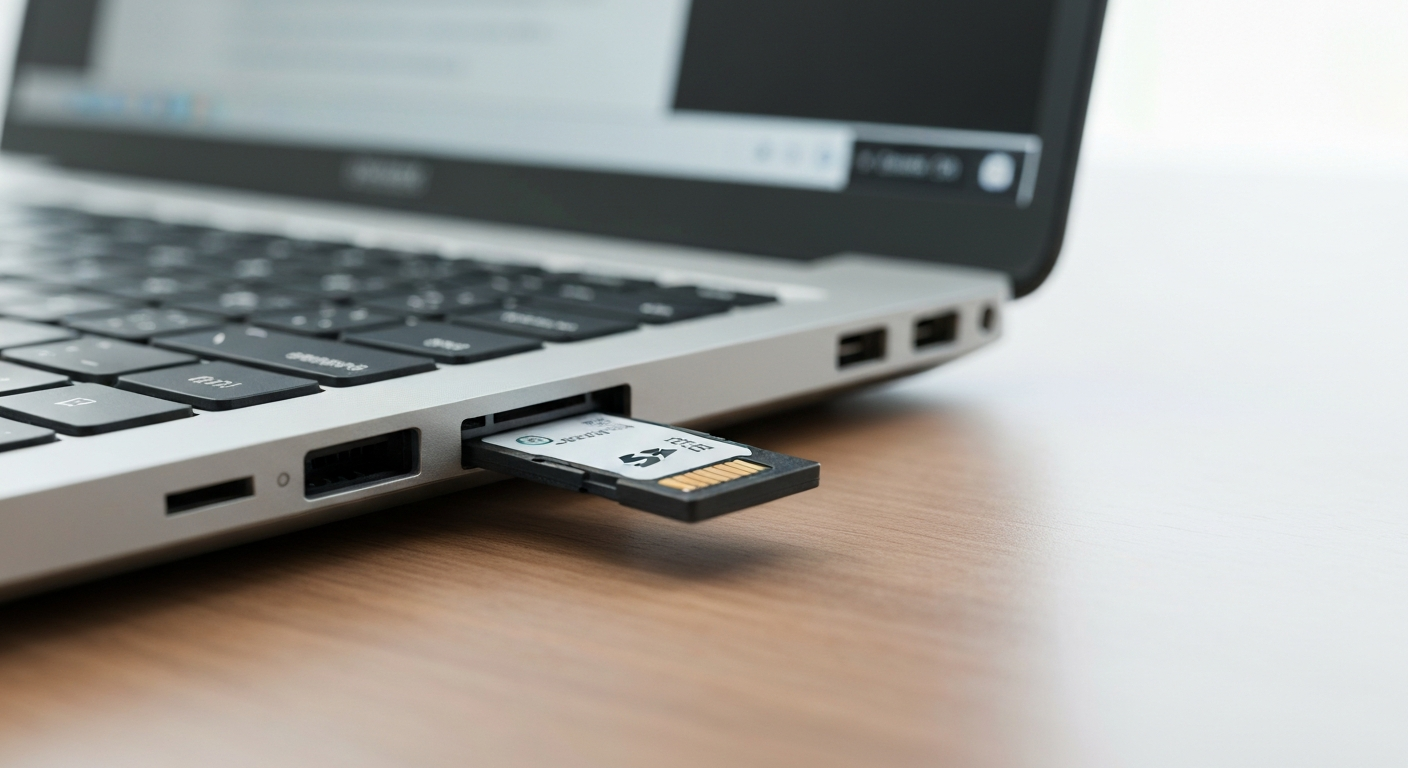
- Inspect the reader slot for visible dust or debris, and use compressed air to clear it gently if needed
What If the Reader Itself Has Physically Failed?
If you've confirmed multiple cards fail, the driver is current and enabled, and the reader is enabled in both Windows and BIOS, the reader's hardware itself has likely failed. For a built-in laptop reader, that typically means the internal connector or reader chip is damaged. For external USB readers, this is the point where replacing the reader is faster and cheaper than continuing to troubleshoot it.
In Short
A non-working card reader is usually a driver issue, a setting disabled in Windows or BIOS/UEFI, or genuine hardware failure — rarely the SD card itself, as long as multiple cards fail the same way. Testing more than one card first tells you which path to troubleshoot. Updating the driver, checking Device Manager, and confirming BIOS settings resolve most cases; a reader that still fails after all of that has likely reached the end of its life.
What You Also May Want To Know
How do I know if it's my SD card reader or my SD card that's broken?
Test at least two different SD cards in the same reader. If all of them fail, the reader is the problem. If only one specific card fails while others work fine, the card itself is the issue.
Can a card reader be disabled without me knowing?
Yes. Built-in card readers can be disabled in Device Manager or at the BIOS/UEFI level, sometimes after a Windows update, a driver update, or a BIOS reset, without any obvious notification that it happened.
Will updating my card reader driver delete any files?
No, updating or reinstalling a driver only affects how Windows communicates with the hardware. It doesn't touch any files on your SD cards.
Is it worth fixing a built-in laptop SD card reader, or should I just buy an external one?
If basic driver and settings fixes don't work, an external USB card reader is usually faster and cheaper than repairing a built-in reader, especially on laptops where the internal reader isn't designed to be easily replaced.
Can dust actually stop a card reader from working?
Yes, dust and debris in the reader slot can prevent a card from making proper contact with the reader's pins, which can look identical to a driver or hardware failure until the slot is cleaned.
Reviewed and Updated on June 25, 2026 by Adelinda Manna