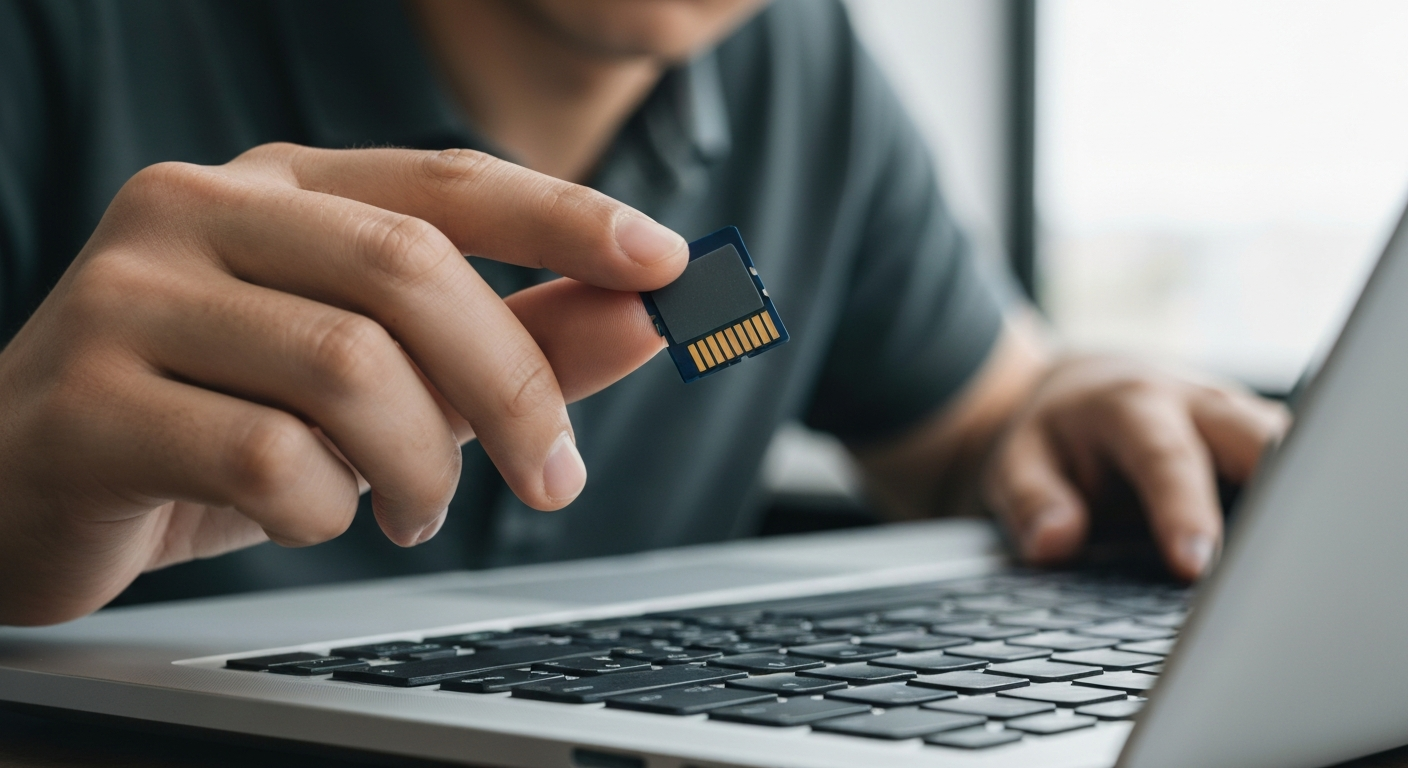
An SD card that is not reading is almost always caused by a corrupted file system, a dirty or damaged card connector, a faulty card reader, or driver issues on the host device — not a dead card. Most cards are recoverable if you act before overwriting data.
| ✓Our Pick |
Recover files from an unreadable SD card — MiniTool data recovery software Backed by strong customer feedback — the most recommended solution in forums and Q&A communities. Learn More → |
Why Is My SD Card Not Reading? 7 Most Common Causes
SD card reading failures split into four categories: physical damage to the card, connector contamination, file system corruption, and software or driver issues on the device.
Is the SD Card Slot or Reader the Problem?
Before blaming the card itself, test it in a second device. If the card reads fine on a second computer or phone, your original device has the fault — the card reader, card slot, or USB adapter. Card readers are cheap and fail silently over time. If you are using a USB card reader and the card is not recognized, try a different reader first.
Also inspect the gold contacts on the card itself. Dust, skin oils, and humidity leave residue that breaks the electrical connection. Wipe the contacts gently with a dry cotton swab or a soft eraser, then reinsert.
Is the File System Corrupted?
Corruption is the most common reason a previously working SD card stops being recognized — particularly after an unsafe removal, a power interruption during a write, or a camera crash mid-recording.
When an SD card is removed while data is being written, the file system table (FAT32, exFAT, or ext4 on Android) can be left in a partially updated state. Windows may see the card as "RAW" instead of a valid file system. macOS may say it is unreadable and ask to format it.
Do not format the card if you need to recover files. Instead:
- Open Windows Disk Management (right-click Start > Disk Management) — confirm the card appears as a drive
- Run CHKDSK: open Command Prompt as administrator and type
chkdsk X: /f (replace X with the card drive letter)
- If CHKDSK reports errors and fixes them, the card may be usable again
"File system corruption on removable media is a predictable outcome of unsafe removal. The operating system cannot guarantee data integrity unless a safe-eject procedure completes before the device is disconnected." — Microsoft at Microsoft Support
Could the Card Be Write-Protected?
Many full-size SD cards have a physical write-protect switch on the left side. If this lock switch is slid down (toward the bottom of the card), the device cannot write to — or sometimes even read from — the card.
Slide the lock switch up toward the card label, reinsert, and try again. This is one of the most overlooked causes of apparent read failures.
Is the Card Formatted for the Wrong Device?
Some SD cards are formatted in a file system that the target device does not support. Android phones typically need FAT32 or exFAT. Older cameras may not read cards formatted above 32 GB as FAT32 (they need specific formatting tools). A card formatted as NTFS will not be recognized by most cameras or Android devices.
Are Drivers or Software Outdated?
On Windows, an outdated or corrupted card reader driver can cause "This device cannot start (Code 10)" or no drive letter appearing in File Explorer. Update the driver:
- Open Device Manager (right-click Start > Device Manager)
- Expand "Disk Drives" or "SD Host Adapters"
- Right-click the relevant device and select "Update Driver"
If the card appears with a yellow warning icon, right-click and choose "Uninstall Device," then unplug and replug the card reader to reinstall the driver automatically.
Could the Card Be Physically Damaged or Worn Out?
SD cards have a finite write cycle limit — typically 1,000–10,000 cycles depending on the NAND flash grade. Cards used in high-write scenarios like dash cams, security cameras, or frequent video recording wear out faster.
Signs of a physically dying card:
- Card shows up, then disappears after a few seconds
- Increasing number of corrupted files even after formatting
- Capacity shown as 0 bytes or wildly incorrect
A worn card may still be readable once. Use data recovery software to pull files off before the card fails completely.
How to Recover Files From an Unreadable SD Card
If your SD card shows up in Disk Management but is not accessible in File Explorer, file recovery software can often reach the data even when the file system is corrupted.
| Software |
Best For |
Cost |
| MiniTool Power Data Recovery |
Windows, deep scan of unreadable cards |
Free tier available |
| Recuva |
Simple deleted file recovery |
Free |
| PhotoRec |
Photos and videos from any card type |
Free, open-source |
| Disk Drill |
Mac and Windows, intuitive UI |
Free scan |
Recovery works by reading raw sector data, bypassing the corrupted file system entirely. The longer you wait and the more data you write to the card afterward, the lower your recovery chances.
"The most important rule after a storage failure is to stop writing to the device immediately. Every new write can overwrite sectors that contain recoverable files." — National Institute of Standards and Technology (NIST) at nist.gov
Also Read: Why Is My External Hard Drive Not Showing Up? 8 Fixes
In Short
An SD card not reading is usually caused by file system corruption, a dirty contact, write protection being enabled, or a driver issue — not a dead card. Test in a second device first, check the write-protect switch, clean the contacts, then run CHKDSK if the card shows up in Disk Management but not in File Explorer. If you need to recover files, use data recovery software before attempting any format.
What You Also May Want To Know
Why does my SD card show up but not open?
If the card appears in Disk Management or File Explorer but will not open, the file system is likely corrupted. Run CHKDSK on the drive letter assigned to it. If the card shows as RAW in Disk Management, use data recovery software to pull files before formatting.
Why is my SD card not reading on Android?
Android SD card read failures are often caused by a dirty contact, a card formatted in NTFS (not supported on Android), or a faulty slot on the phone. Remove the card, clean the gold contacts with a dry cloth, reinsert, and restart the phone. If still unreadable, test the card in a computer.
Can an SD card be repaired without losing data?
Sometimes. CHKDSK can repair file system corruption without deleting files. If the card is showing as RAW, data recovery software can extract files before a reformat. Physical damage to the memory cells themselves cannot be repaired — but data recovery from a partially working card is often possible.
How long does an SD card typically last?
Consumer SD cards are rated for 1,000 to 10,000 write cycles depending on the flash memory grade. In a typical camera used weekly, a quality SD card lasts 5 to 10 years. Cards used continuously in dash cams or security cameras wear out in 1 to 2 years — use endurance-rated cards for those applications.
Reviewed and Updated on June 16, 2026 by Adelinda Manna