Cars
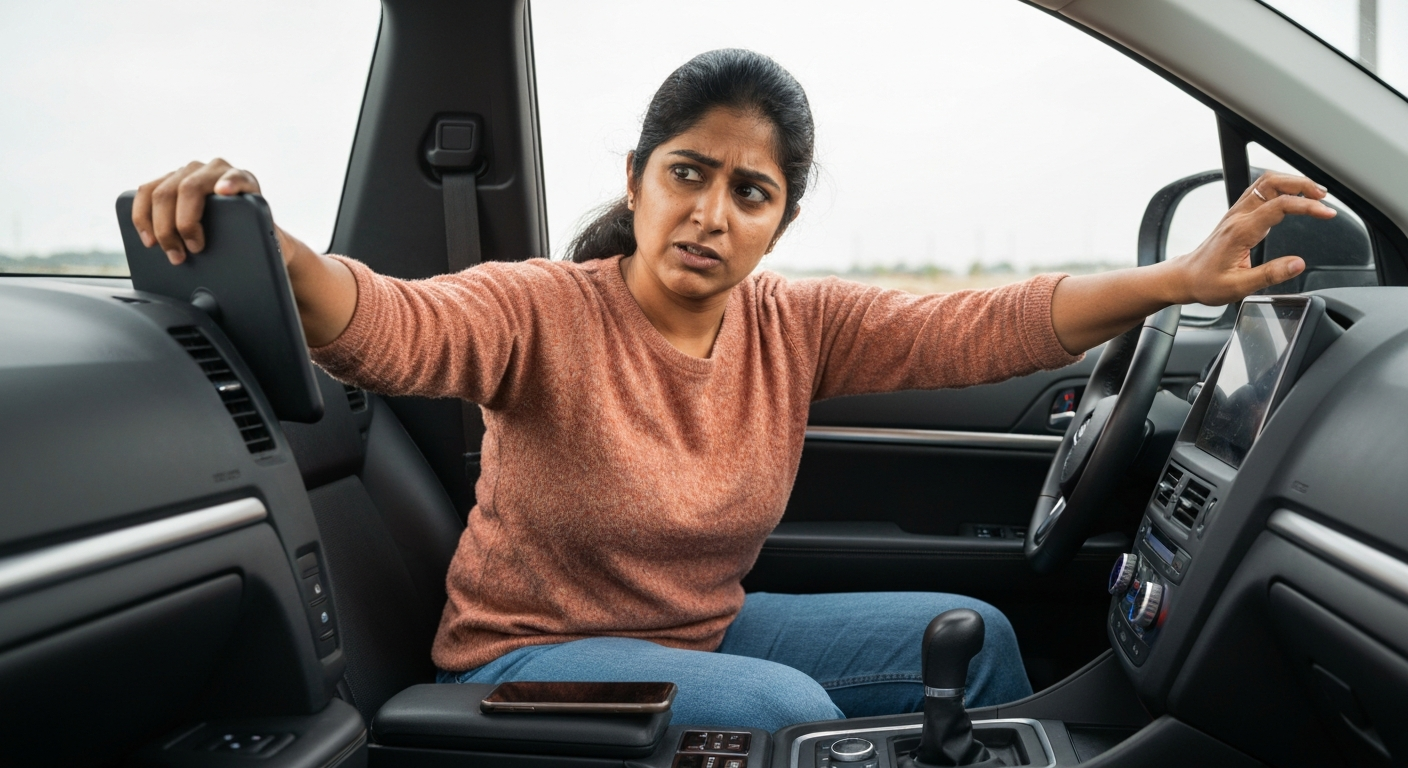

When your phone won't respond to CarPlay, the interface has usually frozen, the connection has gone laggy, or a single app has hung. A restart of both the phone and the car clears most freezes, and a fresh cable or wireless re-pair fixes the laggy connection behind the rest.
There is a clear difference between CarPlay that will not connect and CarPlay that connects but then ignores you. Here the dashboard shows CarPlay, but taps do nothing, the screen lags, or an app sits frozen. That points to a software or signal problem rather than a pairing failure. The fixes target the frozen state and the unstable connection that cause it.
| ✓Our Pick | ||
Browse plug-in wireless CarPlay adapters for a more stable connection This is what many people find solves the problem quickly, without a costly professional visit.
|
A frozen CarPlay screen is almost always a temporary software glitch. The phone and car build up a stuck memory state, and the interface stops accepting input until it is cleared.
The fastest cure is also the simplest. Restarting both devices flushes the stuck state and restores responsiveness.
"Restart your car and reboot your iPhone." — Leanne Hays at iPhone Life
Turn the car off completely rather than just shutting the screen, power the iPhone off and on, then reconnect. If CarPlay freezes again soon after, the cause is likely the connection itself, not a one-off glitch, and the next sections address that.
Sometimes CarPlay works but one app hangs and makes the whole screen feel unresponsive. The fix is to close that app on the phone, not to reset the connection.
If the freeze always happens in the same app — a map, a podcast player, a streaming service — that app is the suspect. On the iPhone, swipe it closed from the app switcher, then reopen it. Update the app from the App Store as well, since an outdated version can hang on the CarPlay display while running fine on the phone.
A useful test is to switch to a different CarPlay app. If the rest of CarPlay responds normally, you have isolated the problem to one app and can avoid a full reset.
Also Read: The Quick Fix Most Drivers Try First
Lag that makes CarPlay feel unresponsive usually comes from a weak link: a worn cable on a wired setup, or a poor wireless signal. The screen is receiving input late, so it feels broken.
On a wired connection, a degraded cable causes delayed, stuttering input. Replace it with a certified data cable.
"Check your USB cable and port combination first. Use only Apple-certified cables or high-quality MFi-certified alternatives." — Car Tech Studio
On a wireless connection, lag points to a weak phone-to-car Wi-Fi link or interference. Forget the car and re-pair to rebuild a clean connection, and keep the phone where the signal is strongest rather than in a deep console bin.
Outdated software on either side is a common cause of an unresponsive CarPlay. An old iOS version or stale car firmware can leave the interface sluggish or unreliable.
Check Settings, General, Software Update on the iPhone and install anything pending, since Apple regularly fixes CarPlay responsiveness bugs in point releases. Then look for an infotainment update from your car maker. A current iPhone paired with current car firmware is far less likely to freeze than a mismatched pair. After updating, restart both devices before testing again.
Also Read: Why Is My Phone in Recovery Mode? Causes & Fixes
If your CarPlay only freezes or lags over the cable, the wired hardware is the problem. A wireless adapter removes the cable and the port, which often ends the unresponsiveness for good.
A loose port or a tired cable produces exactly this stutter-and-freeze behavior, and it is hard to fix without dash work. An adapter connects to the car's CarPlay port once and then links to the phone wirelessly, giving a steadier signal than a failing cable can. For drivers whose CarPlay is smooth right after a fresh cable but degrades within weeks, the port is usually wearing the cables out, and going wireless breaks that cycle.
When CarPlay locks up so hard that a normal restart leaves it unresponsive, a force-restart of the iPhone clears the deeper software state behind it. It is safe and does not erase any data.
A regular power-off sometimes is not enough for a badly stuck system. A force-restart forces the phone to drop every running process and reload, which clears the kind of lock-up that survives a normal reboot. On recent iPhones, press and release Volume Up, press and release Volume Down, then press and hold the side button until the Apple logo appears. Let go and let the phone start normally.
After the force-restart, disconnect from the car, wait a moment, and reconnect. Pair the car again if CarPlay still will not load. If the unresponsiveness returns within a day or two, stop treating it as a glitch — the connection hardware or software is the real cause, and the cable, port, and update checks above are where the lasting fix lives.
It also helps to keep the dashboard and the phone's port clean. Dust and lint in a charging port cause intermittent contact that mimics a frozen screen, and a quick, careful clean sometimes restores steady input.
| Symptom | Likely cause | First fix |
|---|---|---|
| Whole screen frozen | Stuck software state | Restart phone and car |
| One app hangs | Outdated or crashed app | Close and update that app |
| Laggy, late taps over cable | Worn cable or loose port | Swap to a certified cable |
| Laggy over wireless | Weak Wi-Fi link | Forget car, re-pair, move phone |
| Sluggish overall | Old iOS or car firmware | Update both, then restart |
A frozen CarPlay screen is usually a temporary software glitch. Restart both the iPhone and the car completely, then reconnect. If it keeps freezing, the connection is the cause, so check the cable on wired setups or re-pair a wireless one.
Lag comes from a weak connection delivering input late. On a cable, replace a worn cable with a certified one. On wireless, re-pair the car and keep the phone where the signal is strong. Updating iOS often improves responsiveness too.
If the freeze is limited to one app, that app has hung rather than the whole connection. Close it from the app switcher and reopen it, and update it from the App Store. The rest of CarPlay should respond normally.
Yes. A worn or low-quality cable delivers input late and intermittently, which feels like an unresponsive screen. Swap in a certified data cable, or switch to a wireless adapter to remove the cable entirely.
Reviewed and Updated on June 27, 2026 by Adelinda Manna