Cars
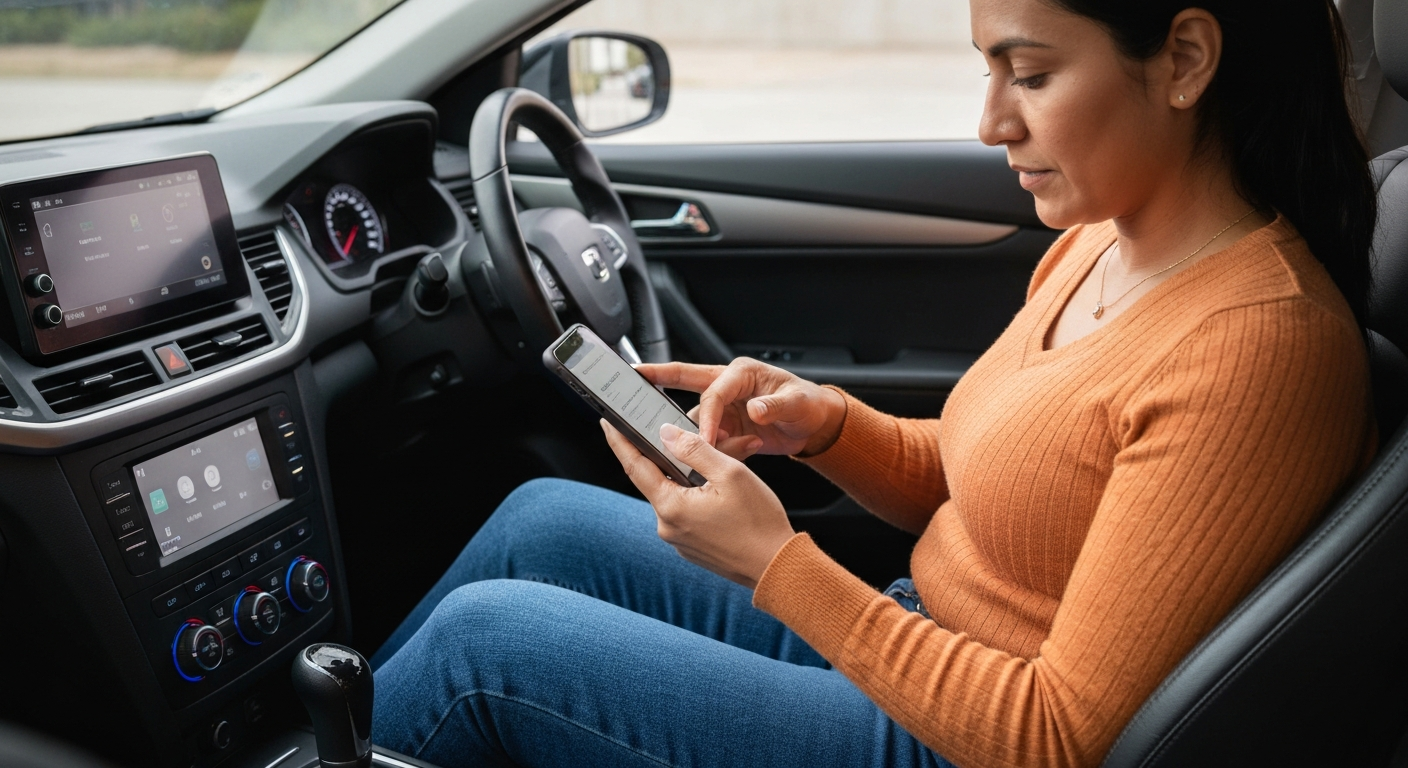

When your iPhone won't connect to CarPlay, the cause is usually on the phone: Siri is off, CarPlay is restricted under Screen Time, the software needs updating, or the network settings are scrambled. These are all free, two-minute fixes you can do from the phone itself.
If CarPlay fails and you have already ruled out the car — because the same car works with another phone — the problem lives in your iPhone's settings. The phone controls whether CarPlay is allowed, whether Siri is available, and how it pairs over Bluetooth and Wi-Fi. Each of those is a switch you can check. The steps below apply to "Apple CarPlay" and the "car play" spelling alike, and they move from the most common cause to the rarest.
CarPlay depends on Siri to function. If Siri is switched off, the car may detect the phone but CarPlay will refuse to launch.
This catches many people because Siri feels optional. For CarPlay it is not. The system uses Siri for voice control and message handling, and it will not start without it.
"Make sure Siri is enabled on the iPhone you want to pair." — Leanne Hays at iPhone Life
Open Settings, tap Siri & Search, and turn the assistant on. CarPlay leans on two specific Siri options in particular.
"CarPlay needs both 'Listen for Hey Siri' and 'Allow Siri When Locked' to be enabled." — Car Tech Studio
Enable both, then try to connect again. This alone resolves a large share of phone-side failures.
Screen Time can block CarPlay entirely. If it has been turned off under Content & Privacy Restrictions, the phone will never connect no matter what the car does.
This setting is easy to flip by accident, and it is often left on when a phone was first set up for a child or handed down. Open Settings, tap Screen Time, tap Content & Privacy Restrictions, then look for Allowed Apps and confirm CarPlay is turned on.
A restricted CarPlay produces the same symptom as a hardware fault: nothing happens when you plug in. Checking this switch takes seconds and rules out a frustrating dead end.
| ✓Our Pick | ||
Browse plug-in wireless CarPlay adapters that pair automatically This is what many people find solves the problem quickly, without a costly professional visit.
|
An outdated iOS version or a temporary software glitch is a frequent cause of connection failures. Updating and restarting the phone clears most of them.
First, check for an update. Open Settings, tap General, tap Software Update, and install anything pending. A current iPhone connects far more reliably than one several versions behind, especially with newer car firmware.
"Restart your car and reboot your iPhone." — Leanne Hays at iPhone Life
A reboot clears the temporary memory state behind a frozen or unresponsive connection. Power the phone fully off, wait a few seconds, turn it back on, and reconnect. If you cannot remember the last time you restarted the phone, that alone is a good reason to do it now, because background processes pile up and quietly interfere with pairing.
Also Read: The Quick Fix Most Drivers Try First
If the phone still will not connect, two resets help: forget the car, and reset network settings. Both clear corrupted data that blocks pairing.
Start small. Open Settings, tap General, tap CarPlay, select the car, and remove it. Then restart and pair again. If that fails, reset the network settings under Settings, General, Transfer or Reset iPhone, Reset, Reset Network Settings. This wipes saved Wi-Fi and Bluetooth data, including the stale CarPlay profile, without touching your apps or photos. You will need to re-enter Wi-Fi passwords afterward.
For wireless CarPlay, confirm both Bluetooth and Wi-Fi are on before re-pairing, since the phone uses both at once. And if you run a VPN, turn it off first.
"For iOS 18 users specifically, turn off any active VPN connections before trying to connect CarPlay." — Car Tech Studio
If CarPlay connects but a specific app is missing, the issue is app permissions, not the connection. CarPlay only displays apps that support it and are enabled.
Open Settings, tap General, tap CarPlay, select your car, and customize which apps appear. Drag the ones you want onto the dashboard. Apps without CarPlay support will never show, regardless of settings. This is normal behavior, not a fault.
A related case is audio that connects but will not play. That is usually a focus or output issue rather than a connection failure. Make sure the car's source is set to CarPlay, not Bluetooth or radio, and check that the volume is up on both the phone and the head unit. If a single app like a podcast player stays silent while others work, force-close and reopen that app. These app-level quirks are separate from the pairing problems above, so do not reset your network settings just because one app misbehaves.
| Check | Where to look | Fix |
|---|---|---|
| Siri | Settings, Siri & Search | Turn Siri on, including when locked |
| Restrictions | Screen Time, Content & Privacy | Allow CarPlay under Allowed Apps |
| Software | General, Software Update | Install pending iOS updates |
| Connection | General, CarPlay | Forget the car, then re-pair |
| Network | Reset Network Settings | Clear corrupted Wi-Fi and Bluetooth data |
An iPhone that won't connect to CarPlay almost always has a setting in the way. Enable Siri, confirm CarPlay is allowed under Screen Time, update iOS, and restart the phone. If it still fails, forget the car and reset network settings to clear a corrupted profile, and turn off any VPN before pairing. When a car port keeps failing on top of all this, a wireless adapter pairs on its own and avoids the cable entirely.
A sudden failure usually follows a change on the phone, most often an iOS update or a setting that got flipped. Restart the phone, confirm Siri and CarPlay restrictions are correct, and forget then re-pair the car. A recent update is the most common trigger.
It often does. Resetting network settings clears saved Wi-Fi and Bluetooth data, including a corrupted CarPlay profile that blocks pairing. Your apps, photos, and accounts are untouched, but you will need to re-enter Wi-Fi passwords afterward.
Charging proves the port supplies power, not data. If the phone charges with no CarPlay, use a certified data cable in the data-capable USB port. On the phone side, confirm Siri is on and CarPlay is not restricted.
Yes. On newer iOS versions, an active VPN can interfere with the local pairing handshake. Turn the VPN off before connecting, then switch it back on once CarPlay is running if you still need it.
Reviewed and Updated on June 27, 2026 by Adelinda Manna