Finance
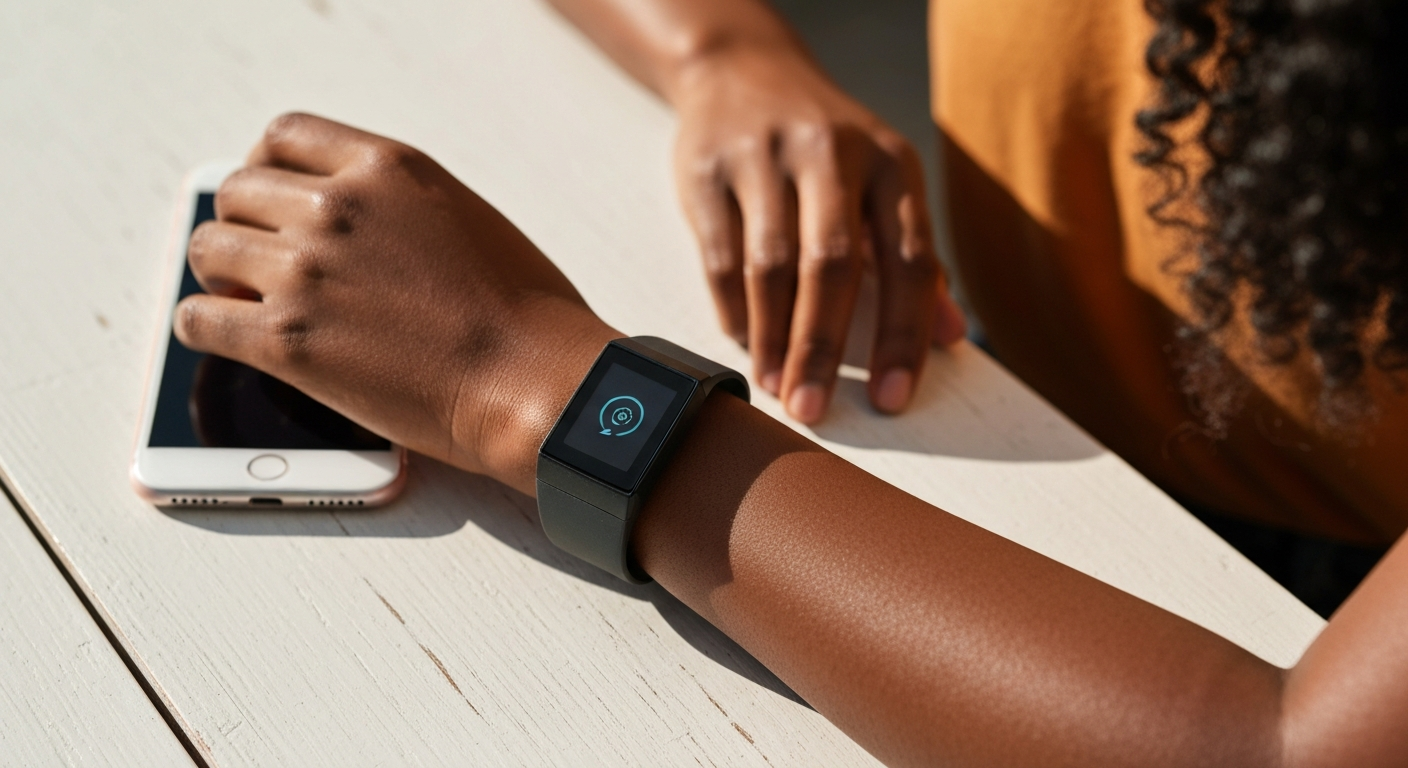

Your Fitbit isn't syncing because of a Bluetooth interference, an outdated app, a low device battery, or a connection that needs to be reset — all of these are fixable in under five minutes without contacting support.
Also Read: Why Is My Left AirPod So Quiet? 7 Causes & Easy Fixes
Fitbit syncing works via Bluetooth Low Energy (BLE). The connection fails when Bluetooth is disrupted, when the Fitbit app loses its paired session, or when the tracker's software is out of date. Knowing which layer is broken tells you exactly where to focus.
Your Fitbit tracks steps, heart rate, and sleep locally, then pushes that data to your phone app via Bluetooth. This handoff is typically automatic and invisible. When it breaks, you notice a growing gap between what your tracker shows and what the app reports. The good news: most sync failures are software-level and resolve with a straightforward fix.
According to Fitbit's official support documentation, the majority of sync issues are resolved by ensuring Bluetooth is enabled on your phone, the Fitbit app is running in the background, and the tracker is within 20 to 30 feet of the paired device.
"To sync your Fitbit device, make sure Bluetooth is on and your phone or tablet is nearby. Open the Fitbit app and sync manually from the Today tab. If your device doesn't sync, try restarting both your Fitbit and your phone." — Fitbit Help at help.fitbit.com
Eight failure points cover nearly every Fitbit sync problem. Work through them from top to bottom — most users find the fix within the first three.
Bluetooth is the only pathway Fitbit uses to sync. If it is turned off on your phone, the tracker cannot connect regardless of signal strength. Check: Settings → Bluetooth → confirm it is on. Also check whether Airplane Mode is active, which disables all wireless radios simultaneously.
Some routers and 2.4 GHz Wi-Fi networks interfere with Bluetooth in the same frequency band. If syncing consistently fails at home but works elsewhere, try moving away from your router.
Many phones aggressively close background apps to save battery. If your phone has killed the Fitbit app, there is no process to receive the incoming data. Open the app manually, pull down on the Today tab to trigger a manual sync, and check your phone's battery-optimization settings. On Android, go to Settings → Apps → Fitbit → Battery → and select "Don't optimize."
A tracker with less than 10% battery begins throttling background processes including Bluetooth syncing. Charge your Fitbit until the battery indicator shows at least 50% before troubleshooting further — a depleted battery can mask all other fix attempts.
Like any small computer, Fitbit devices develop temporary software glitches that a restart clears. The restart process varies by model: most devices use a button hold of 8–15 seconds, while screen-based models like the Fitbit Sense or Versa use a swipe menu. After the restart, re-open the app and attempt a manual sync.
Fitbit regularly pushes app updates that include Bluetooth protocol improvements and bug fixes. An outdated app version may be incompatible with your tracker's current firmware. Open the App Store (iOS) or Play Store (Android), search for Fitbit, and update if a newer version is available.
Also Read: Why Is My Volume Not Working? 11 Causes & Quick Fixes
The Fitbit device itself runs firmware that governs Bluetooth communication. Firmware updates sometimes resolve sync bugs. Once a sync is established (even briefly), firmware updates download automatically. If you have been unable to sync for days, try pairing via a different phone or tablet to force a connection long enough to pull the update.
Android specifically requires location permissions for Bluetooth Low Energy devices because BLE can be used for location tracking. If location access is denied for the Fitbit app, Bluetooth connectivity is restricted at the OS level. On Android: Settings → Apps → Fitbit → Permissions → Location → set to "Allow all the time" or at minimum "Allow only while using the app."
If all previous steps fail, removing the device from your Fitbit account and re-pairing it from scratch clears all cached connection data and reestablishes a clean session. Note that this does not delete your historical data — it only resets the Bluetooth pairing. Go to: Fitbit app → Today tab → profile icon → your device → Remove This Device → then follow the Add a Device flow.
"If your device isn't syncing after checking Bluetooth and the app, try removing it from your account and re-adding it. Your data synced before removal is saved to your account, and the device will sync any unsynced data once reconnected." — Fitbit Community Help at community.fitbit.com
| Problem | Most Likely Cause | Quick Fix |
|---|---|---|
| Never synced after setup | Bluetooth pairing incomplete | Remove and re-pair the device |
| Synced before, stopped suddenly | App force-stopped or update needed | Re-open app, check for update |
| Syncs occasionally, not reliably | Background app restriction | Disable battery optimization for Fitbit |
| Long data gap in app | Tracker battery died | Charge fully, re-sync manually |
| Sync spinner spins forever | Bluetooth interference | Move away from router; toggle BT off/on |
Most Fitbit sync failures come down to Bluetooth being off, the app being killed by your phone, or a low battery. Enable Bluetooth, open the Fitbit app manually, charge the tracker, and attempt a manual sync from the Today tab. If those steps do not work, restart both devices and check that location permissions are enabled on Android. A remove-and-re-pair is the last resort and fixes nearly everything else.
The Fitbit app requires individual Bluetooth pairing per device — it does not sync across multiple phones simultaneously. If the device is paired to another phone, it will prefer that connection. Remove the Fitbit from the other phone's Bluetooth settings and the Fitbit app account, then re-add it to the phone you want to use.
A normal sync takes 30 seconds to 2 minutes depending on how much data has accumulated since the last sync. A device that has not synced in several days may take up to 5 minutes on the first successful connection. If the spinner runs for more than 5 minutes, the connection has stalled — toggle Bluetooth off and on, then try again.
If the app shows different step or heart rate data than the tracker display, a partial sync likely occurred. Pull down on the Today tab to force a full sync. If numbers still differ, check that the app's time zone matches your current location — a mismatch shifts data into the wrong day slots.
No. Fitbit uses Bluetooth Low Energy as its only phone-syncing method. Wi-Fi is used on some models to sync independently of your phone to Fitbit servers, but the initial setup and most ongoing syncing still requires Bluetooth to be active and the phone nearby.
Reviewed and Updated on June 5, 2026 by George Wright