When your car won't connect to CarPlay, the car usually isn't detecting the phone — because of a charge-only port, a full or conflicted Bluetooth device list, a car not set to the right mode, or a stale pairing. Clearing old connections and using the data port fixes most cases.
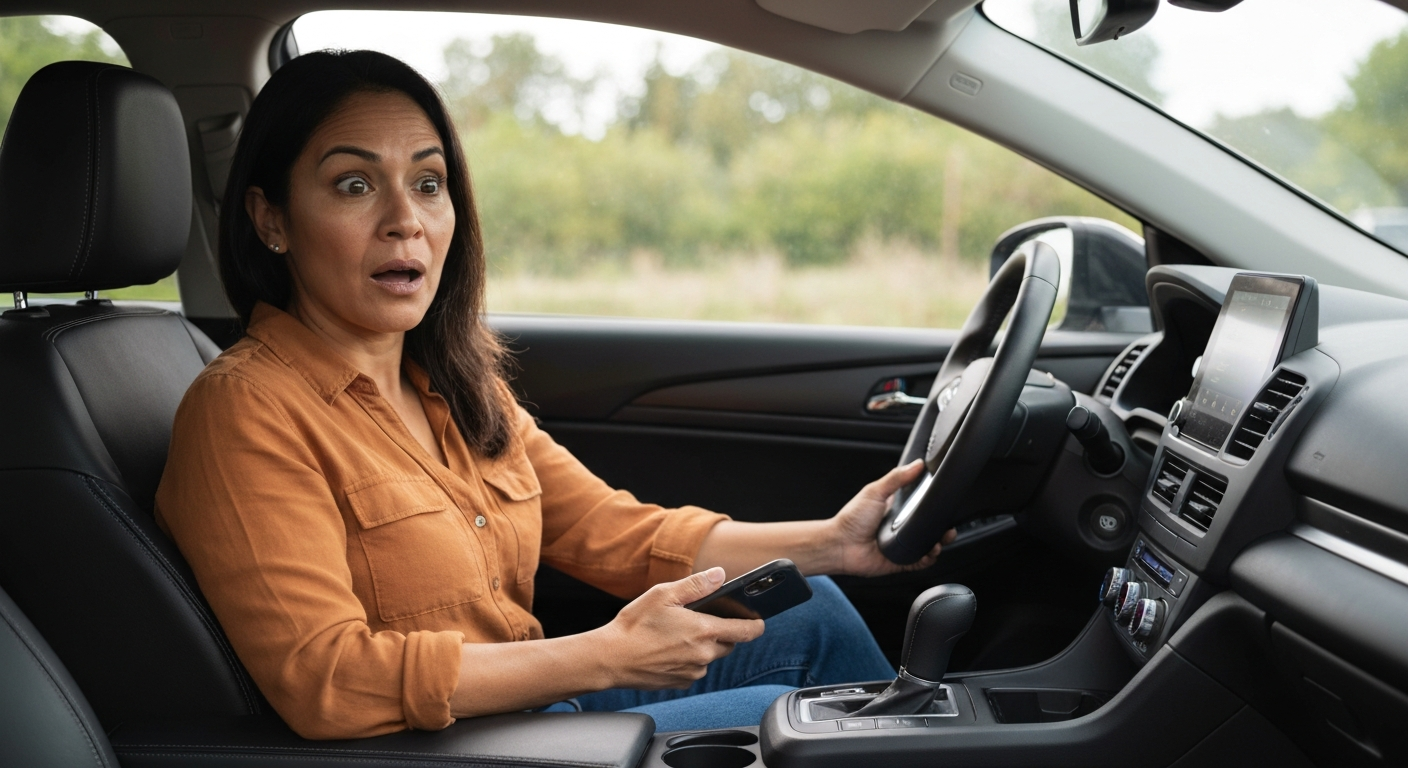
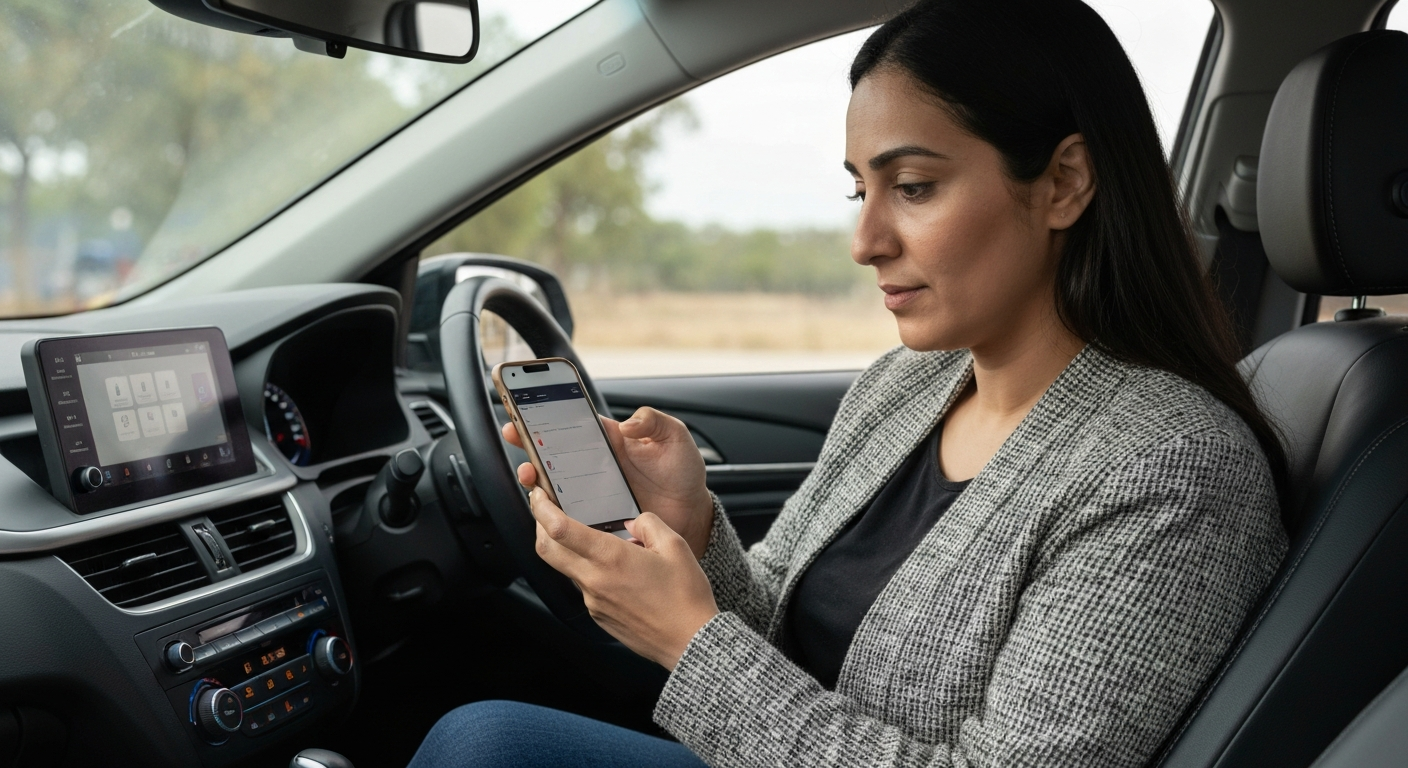
This problem looks different from CarPlay freezing or crashing. Here the car acts as if the phone is not there at all. There is no prompt, no logo, and no "connecting" message. The car simply ignores the iPhone. That points to the link between the two devices, and the car's own connection settings are the first place to look. The fixes apply whether you say CarPlay or "Apple CarPlay."
Why Isn't Your Car Detecting the Phone?
A car that won't detect an iPhone is usually stuck on a charge-only port or waiting for the wrong connection type. The car has to be looking for the phone on the right channel before it can connect.
Over a cable, the car only "sees" a phone through a data-capable port. A charge-only port supplies power but sends no data, so the car never registers that a phone is attached. Test each USB port and use the one marked with a smartphone or CarPlay icon.
Over wireless, the car has to be set to accept a wireless smartphone connection in the first place. Many systems sit on radio or media mode and never look for CarPlay until you switch them.
"Make sure your car stereo is in Bluetooth or wireless mode." — Leanne Hays at iPhone Life
Put the head unit into the correct mode, then plug in or start the wireless pairing. If the car still shows nothing, the saved device list is the next suspect.
Is the Car's Bluetooth List the Problem?
Cars store a limited number of paired devices, and a full or conflicted list will block a new connection. Deleting old pairings from the car often restores CarPlay immediately.
Every phone that has ever paired with the car takes a slot. When the list fills up, or when two phones fight to connect at once, the car can refuse the one you actually want. This is common in family cars and used cars that still carry the previous owner's devices.
Open the car's Bluetooth or device menu and delete every pairing you do not need, including your own old entries. Then add your phone back as a fresh device.
"Wireless CarPlay uses Bluetooth for initial pairing and authentication, then switches to Wi-Fi for data transfer." — Car Tech Studio
Because wireless CarPlay starts over Bluetooth, a messy Bluetooth list breaks it before Wi-Fi ever takes over. Cleaning the list on the car side is one of the most effective fixes for this exact symptom.
| ✓Our Pick |
Browse plug-in wireless CarPlay adapters that connect on their own This is the go-to fix recommended by professionals — save time and money by getting it right the first time. | 🏷Limited Time Offer | | Prime Big Deal Days: up to 50% offextra 10% with code PRIME10ends June 29 |
Learn More → |
How Do You Reset Both Sides of the Connection?
A clean reset means clearing the pairing on the car and the phone, then connecting fresh. A profile saved on only one side causes a half-broken connection that never completes.
Start on the phone. Open Settings, tap General, tap CarPlay, choose the car, and remove it. Then do the same on the car by deleting the phone from its device list.
"Tap your car, then tap Forget This Car." — Leanne Hays at iPhone Life
After both sides are cleared, restart the phone and the car, then pair again from scratch. This rebuilds a matching profile on each device, which is what the connection needs to succeed.
Also Read: The Quick Fix Most Drivers Try First
What Else Stops the Car From Connecting?
Three smaller issues round out the list: a worn cable, a disabled Siri, and a VPN running on the phone. Each can stop the car from completing a connection.
A cable that only charges will leave the car blind to the phone over USB, so swap in a certified data cable. Siri must be enabled, because CarPlay treats it as a required part of the system. And on newer iOS versions, an active VPN can block the local pairing, so turn it off before connecting.
If a passenger's phone connects in the same car while yours does not, the issue is on your iPhone. If no phone connects, the car's port, software, or hardware is the cause, and an adapter or a service visit becomes the next step.
It also helps to check whether a software update is waiting on either device. An iPhone several versions behind can fail to handshake with current car firmware, and a car running old infotainment software can reject a newer phone. Install any pending updates on both sides, then try the connection again before assuming the hardware has failed. This single check resolves a surprising number of "car won't connect" reports after a major iOS release.
Car-Connection Troubleshooting Table
| Symptom |
Likely cause |
First fix |
| Car ignores the phone on USB |
Charge-only port or dead cable |
Use the data port, swap cable |
| Wireless never starts |
Car not in wireless mode |
Set the correct source mode |
| Connection refused |
Full or conflicted device list |
Delete old pairings on the car |
| Worked before, not now |
Stale pairing after update |
Forget on both sides, re-pair |
| Half-connects then drops |
VPN or disabled Siri |
Turn off VPN, enable Siri |
In Short
A car that won't connect to CarPlay is almost always failing to detect the phone. Use the data USB port, set the head unit to the right mode, and clear the car's saved device list. Then forget the car on the phone, restart both, and pair fresh. If the port or head unit keeps failing, a wireless adapter connects on its own each time and removes the cable from the equation.
What You Also May Want To Know
Why won't my car connect to Apple CarPlay even with a good cable?
A good cable still needs the data port, and the car still needs to detect the phone. If the cable and port check out, clear the car's Bluetooth device list and forget the car on your phone. A conflicted or full pairing list is a common cause.
Why does my car connect to Bluetooth but not CarPlay?
Plain Bluetooth audio and CarPlay are separate systems. The car can stream Bluetooth music while CarPlay still fails, usually because of a charge-only port over USB or a stale CarPlay profile. Use the data port and re-pair CarPlay specifically.
How do I clear old phones from my car?
Open the car's Bluetooth or device settings menu and delete every paired device you no longer use. This frees up slots and removes conflicts. Then add your phone back as a new device and start CarPlay again.
Can a wireless adapter fix a car that won't connect?
If your car supports CarPlay but the port or pairing keeps failing, a plug-in adapter often helps because it manages the connection itself. It will not add CarPlay to a car that never supported it, but it reliably reconnects cars that do.
Reviewed and Updated on June 27, 2026 by Adelinda Manna