Technology
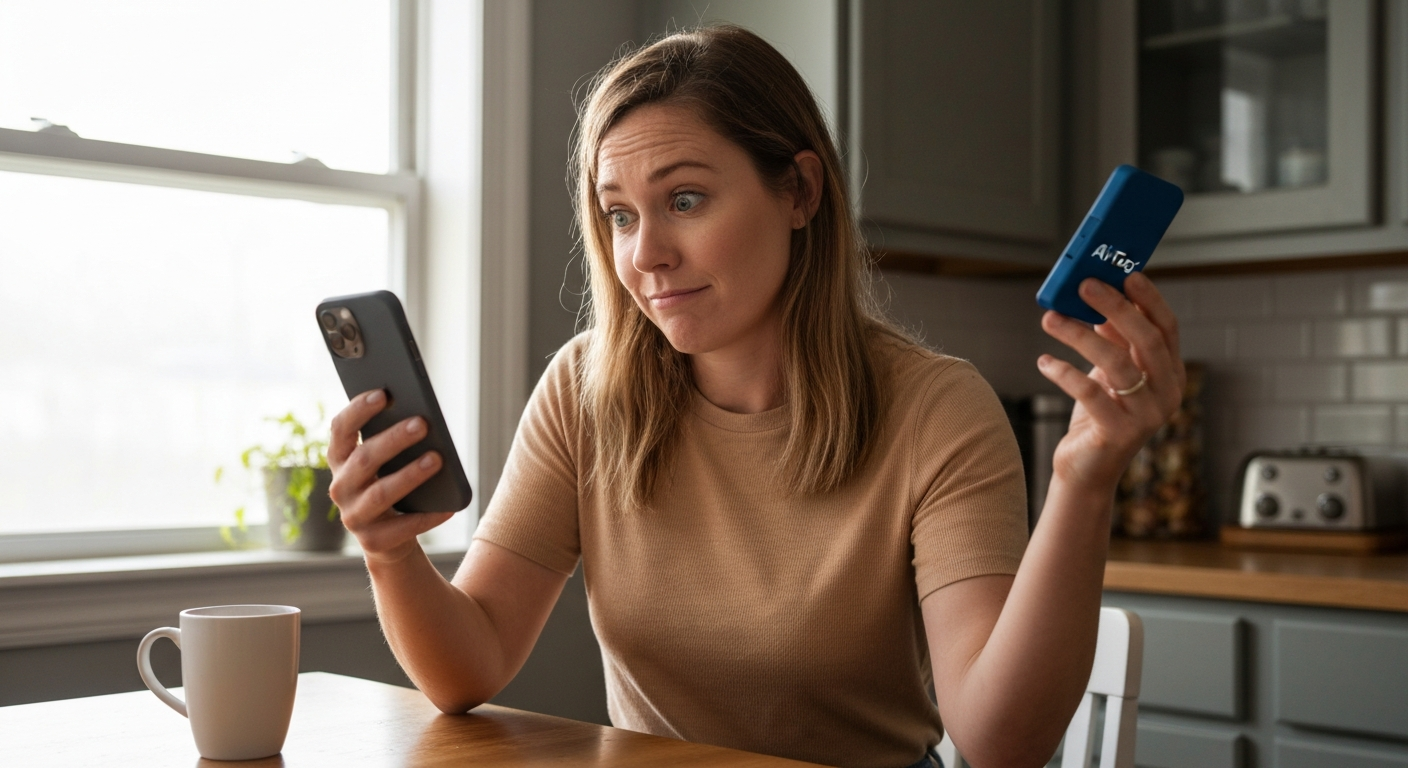

Your AirTag isn't updating because it relies on nearby Apple devices to relay its location to the Find My network — if no iPhones, iPads, or Macs pass within Bluetooth range, the location stays frozen at its last known position, sometimes for hours or even days.
This is exactly how AirTags are designed to work, and it catches many people off guard. Unlike GPS trackers with cellular connections, AirTags don't have their own internet link. They're passive beacons waiting for someone else's Apple device to anonymously pick up their signal. When your AirTag location isn't updating, it usually means one of a handful of fixable issues: low foot traffic in that area, Bluetooth or network settings on your iPhone, a dying AirTag battery, or a Find My configuration problem.
| ✓Our Pick |
AirTag replacement batteries (CR2032) — 4-pack with correct voltage for reliable tracking This is what many people find solves the problem quickly, without a costly professional visit. See on Amazon → |
AirTags don't contain GPS chips or cellular radios — they broadcast a rotating Bluetooth signal that nearby Apple devices detect and anonymously report to Apple's servers, which then relay the position to your Find My app.
This "crowdsourced" system is ingenious for battery life (your AirTag lasts about a year on a single CR2032 coin cell), but it means updates depend entirely on the density of Apple devices around your tracker. In a busy city, an AirTag on your stolen bike might update every few minutes. In a rural cabin or a parked car in a quiet lot, it could sit silent for days.
When you open Find My and see "Last seen 3 hours ago," that timestamp reflects when the most recent Apple device passed close enough to relay the signal — not a failure of your AirTag itself.
"AirTag sends out a secure Bluetooth signal that can be detected by nearby devices in the Find My network. These devices send the location of your AirTag to iCloud — then you can see it in the Find My app." — Apple Support
| ✓Quick Fix |
What Actually Works for This, Fast Most people dealing with this exact problem start here — quick, affordable, and easy to try today. See on Amazon → |
The most common causes range from environmental factors (low Apple device traffic) to settings issues on your iPhone that block location relay — most are fixable in under two minutes.
This is the number-one reason for stale locations. If your AirTag is attached to luggage in a warehouse, a pet wandering a rural property, or a car parked in a suburban neighborhood overnight, there simply aren't enough passing iPhones to relay its position. The Find My network needs physical proximity — roughly 30 to 100 feet — to pick up the Bluetooth signal.
AirTag batteries typically last 12 months, but heavy use or extreme temperatures can drain them faster. When the battery drops too low, the AirTag stops broadcasting reliably. In the Find My app, tap your AirTag's name — if you see a low battery indicator, it's time to replace the CR2032 cell.
Your iPhone needs Bluetooth on to communicate with AirTags directly when nearby, and Location Services enabled for the Find My app to function. Go to Settings → Privacy & Security → Location Services and confirm it's on, with Find My set to "While Using" or "Always." Then check Settings → Bluetooth and make sure it's toggled on.
Your AirTag links to your Apple ID through Find My. If Find My is disabled or you're signed out of iCloud, your AirTag's location can't sync to your account. Verify this in Settings → [Your Name] → Find My → Find My iPhone — both "Find My iPhone" and "Find My network" should be on.
The Find My app needs to run in the background to receive location updates. If you've disabled Background App Refresh to save battery, the app may not pull new data until you manually open it. Check Settings → General → Background App Refresh and enable it for Find My.
Find My retrieves AirTag locations from Apple's servers over Wi-Fi or cellular. A flaky connection, expired data plan, or disabled cellular data for Find My can prevent updates from reaching your phone even when the AirTag has been spotted. Toggle Airplane Mode on and off, or switch between Wi-Fi and cellular to test.
If someone with access to your Apple ID (or a family member in your Family Sharing group) accidentally removed the AirTag, it will no longer appear in your Find My app. Open Find My, tap Items, and confirm your AirTag is still listed.
| Symptom | Likely Cause | Fix |
|---|---|---|
| "Last seen" timestamp is hours or days old | Low Apple device traffic in area | Wait for devices to pass, or travel to the location yourself |
| AirTag shows low battery icon | Depleted CR2032 cell | Replace battery (twist counterclockwise to open) |
| Location never updates, even in busy areas | Bluetooth or Location Services off | Enable in Settings → Bluetooth and Settings → Privacy & Security → Location Services |
| AirTag not visible in Find My | Removed from account or signed out of iCloud | Re-add AirTag or sign back into iCloud |
| Updates work on Wi-Fi but not cellular | Cellular data disabled for Find My | Settings → Cellular → Find My → toggle on |
| Spinning wheel, no location loads | Poor internet connection | Switch networks or toggle Airplane Mode |
| AirTag plays sound but location doesn't refresh | Find My background refresh disabled | Settings → General → Background App Refresh → Find My → on |
You can't directly force an AirTag to push a new location, but you can take steps to speed up the relay process or confirm it's working.
Get physically closer. If you're within Bluetooth range (about 30 feet), open Find My and tap your AirTag. You'll see a "Find Nearby" option that uses Ultra Wideband to pinpoint it — this confirms the AirTag is broadcasting correctly.
Play a sound. In Find My, tap your AirTag and select "Play Sound." If it chirps, the AirTag is alive and communicating. The act of connecting to play the sound may also trigger a location update.
Toggle Bluetooth off and on. On your iPhone, go to Settings → Bluetooth, toggle it off, wait 10 seconds, and toggle it back on. This can re-establish the connection.
Restart your iPhone. A full restart clears temporary glitches in the Bluetooth stack and Find My services.
Remove and re-add the AirTag. As a last resort, open Find My, tap your AirTag, scroll down, and tap "Remove Item." Then hold the AirTag near your iPhone to re-pair it. This resets the connection to your Apple ID.
Also Read: Why Is My GFCI Tripping? 7 Causes & How to Fix It
AirTags are designed for locating items that move through populated areas — expect lag in remote locations, but investigate if a tracker in a busy city stays frozen for more than a few hours.
Here's a realistic expectation framework:
If your AirTag is in Manhattan and hasn't updated in 8 hours, something is likely wrong with your settings or the battery. If it's on a suitcase in a storage unit, the silence is expected.
"The Find My network is a crowdsourced network of hundreds of millions of Apple devices that can help you locate your items." — Apple
This "hundreds of millions" figure sounds impressive, but those devices have to be physically near your AirTag — and awake, with Bluetooth on, and connected to the internet themselves.
AirTags excel at low-cost, long-battery-life tracking in populated areas, but dedicated GPS trackers with cellular connections provide real-time updates anywhere with cell coverage — at the cost of monthly fees and shorter battery life.
| Feature | AirTag | Cellular GPS Tracker |
|---|---|---|
| Location method | Crowdsourced Bluetooth (Find My network) | Built-in GPS + cellular modem |
| Update frequency | Varies (seconds to days, depending on nearby Apple devices) | Real-time or configurable intervals (every 30 seconds to 10 minutes) |
| Monthly fee | None | $10 to $30/month |
| Battery life | ~12 months (CR2032) | 1 to 4 weeks typical (rechargeable) |
| Works in remote areas | Only when Apple devices pass by | Yes, anywhere with cell signal |
| Best for | Keys, wallets, bags, bikes in urban/suburban areas | Vehicles, high-value equipment, pets in rural areas, fleet tracking |
If your use case demands updates in remote locations — tracking a dog on a rural property or a vehicle parked at a trailhead — a cellular GPS tracker may be the better tool for the job.
| ✓Our Pick |
GPS pet trackers with real-time cellular updates No special skills required — straightforward to use and most orders ship quickly. See on Amazon → |
There's a specific setting called "Find My network" that must be enabled for your iPhone to participate in relaying other AirTags — and for yours to be relayed by others.
Check it at Settings → [Your Name] → Find My → Find My iPhone → Find My network. This setting allows your iPhone to help locate offline devices, which is the same network your AirTag depends on. If it's off, turn it on — and know that the more people who enable it, the better the network works for everyone.
Replacing an AirTag battery takes about 30 seconds and requires only a standard CR2032 coin cell, available at any grocery store or pharmacy.
Use a name-brand battery (Energizer, Duracell, Panasonic) rather than ultra-cheap imports — some off-brand cells have bitterant coatings that can interfere with the electrical contact.
Also Read: Why Is My Humidifier Not Working? 7 Causes & Quick Fixes
Your AirTag isn't updating because it depends on passing Apple devices to relay its location — not its own GPS or cellular connection. Low foot traffic, a dying battery, or disabled Bluetooth/Location Services on your iPhone are the most common culprits. Check your settings, replace the battery if needed, and understand that location lag is normal in quiet areas. For real-time tracking in remote locations, a cellular GPS tracker is the better tool.
If you're in a populated area but still seeing stale locations, the issue is almost certainly on your iPhone's end. Verify that Bluetooth is on, Location Services are enabled for Find My, you're signed into iCloud with Find My active, and Background App Refresh is enabled. Also check your internet connection — Find My needs to reach Apple's servers to pull the latest position.
There's no guaranteed interval. In high-traffic urban areas, updates can occur every few minutes. In suburban settings, expect every 30 minutes to a few hours. In rural or isolated spots, updates may only happen when an Apple device finally passes by — which could be days. The system is designed around opportunistic relay, not scheduled pings.
You can't force an AirTag to broadcast more frequently, but you can ensure your iPhone is ready to receive updates: keep Bluetooth on, enable Background App Refresh for Find My, and maintain a stable internet connection. Physically traveling to the AirTag's last known area yourself will also trigger an immediate update when you get within Bluetooth range.
Extreme cold can temporarily reduce CR2032 battery output, weakening the Bluetooth signal. Once the AirTag warms up, normal function returns. Extreme heat can also degrade battery life over time. If your AirTag is in a hot car or freezing outdoor location, temperature may be a factor in slow or missing updates.
This message means no Apple device has detected your AirTag recently enough to report a position. It's common in low-traffic areas, metal enclosures (like storage containers), or underground locations where Bluetooth signals can't escape. It doesn't mean the AirTag is broken — just that the Find My network hasn't reached it yet.
Reviewed and Updated on June 20, 2026 by George Wright