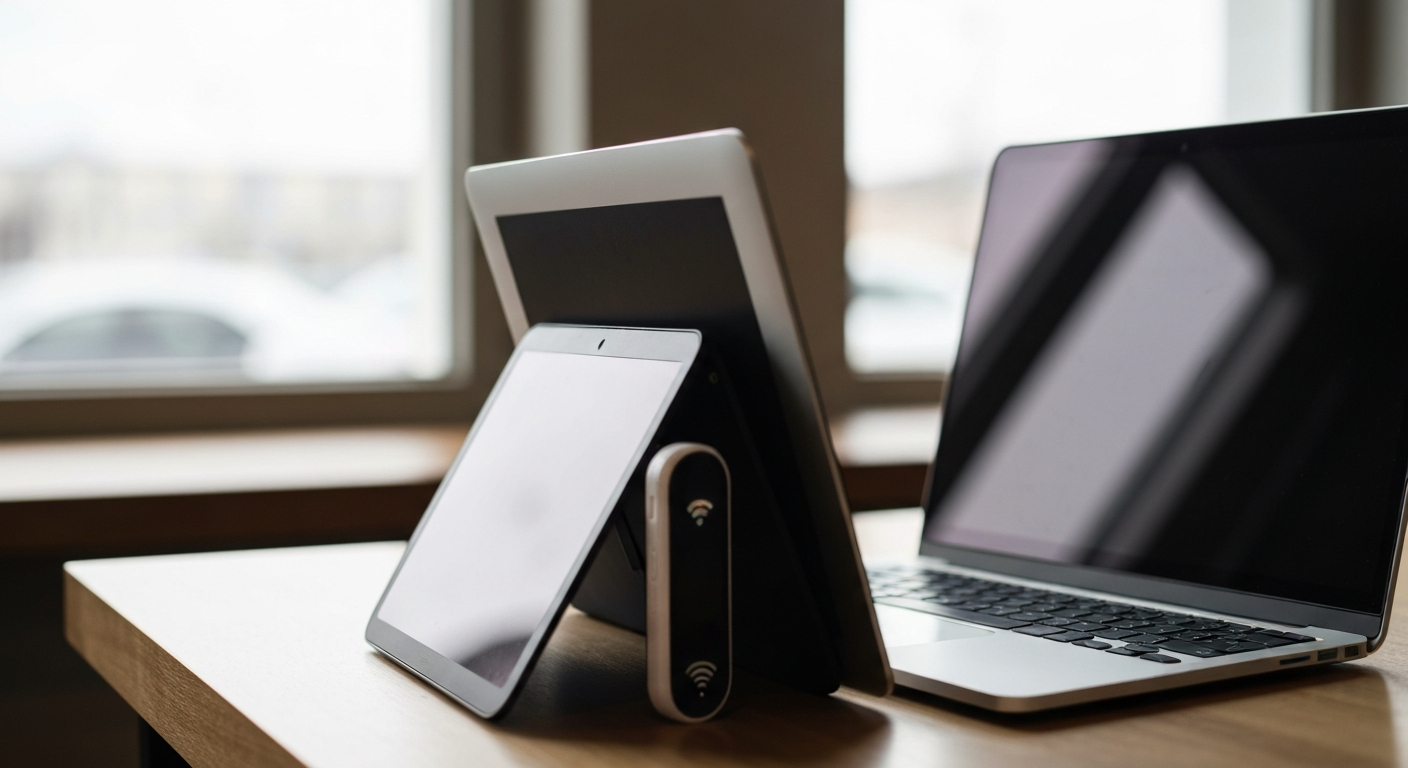
T-Mobile throttles hotspot (tethered) data separately from your phone's own data — once you use up your plan's high-speed hotspot allotment, tethered devices drop to around 600 Kbps for the rest of the billing cycle, even while data on your phone itself keeps running at full speed.
Why Does T-Mobile Throttle Hotspot Data Specifically?
Hotspot data gets a smaller, separate high-speed allowance because T-Mobile's network management treats tethered traffic as lower priority than on-device traffic by design, not as a glitch or a punishment.
This is the part that confuses people most: your phone's browser, apps, and streaming might feel completely normal while a laptop tethered to the same phone crawls. That's not a coincidence or a bug — it's how the plan is structured. A VPN and cybersecurity guide covering this exact issue put it directly:
"If you're using a tethered connection, T-Mobile prioritizes on-device traffic." — James Milin-Ashmore at BleepingComputer
In practice, that means two devices pulling data through the exact same phone, at the exact same moment, can get noticeably different speeds — your phone's apps stay fast because they're on-device, while your laptop's browser crawls because it's riding the hotspot connection.
Also Read: Quick speed test gadget to confirm your actual connection speed
How Much Hotspot Data Can You Use Before It Throttles?
The high-speed hotspot allotment depends on your plan tier, and it's almost always smaller than your overall "unlimited" data — once you use it up, hotspot speed drops to roughly 600 Kbps, which is too slow for video and frustrating for most browsing.
| Plan |
High-Speed Hotspot Data |
After the Limit |
| Essentials / Essentials Saver |
None at usable speed |
Hotspot capped near 600 Kbps the entire cycle |
| Experience More |
60GB |
Drops to roughly 600 Kbps |
| Experience Beyond |
250GB |
Drops to roughly 600 Kbps |
600 Kbps is enough for text-based browsing and basic email, but it struggles with video calls, streaming, and large downloads — most people notice the slowdown immediately because it's such a sharp drop from typical 4G/5G speeds.
Is This the Same as the General T-Mobile Data Cap?
No, and the difference matters. T-Mobile's broader "premium data" deprioritization (covered in our main data cap guide) only kicks in during network congestion and applies to your overall plan data. Hotspot throttling is different: it's a hard, dedicated allotment specific to tethered devices, and once it's gone, the slower speed applies for the rest of your billing cycle regardless of how congested the tower is.
Also Read: Does T-Mobile Have a Data Cap? What Happens When You Hit It
Can You Get Around Hotspot Throttling?
Not by using a VPN to hide that you're tethering — modern carrier networks, including T-Mobile's, can usually detect tethered traffic regardless of encryption, so a VPN doesn't restore your speed once your high-speed hotspot data is used up.
What actually helps:
- Upgrading to a plan with a larger high-speed hotspot allotment if tethering is a regular need, rather than trying to work around a smaller one
- Lowering video quality settings on whatever you're streaming through the hotspot connection, since video is by far the most data-intensive use
- Using a dedicated mobile hotspot device on its own data plan for heavy or frequent tethering, since some standalone plans offer hotspot-specific allowances that are easier to track and sometimes larger
- Tracking your hotspot data usage in the T-Mobile app throughout the month so the slowdown doesn't catch you mid-task
| ✓Our Pick |
Dedicated mobile hotspot device with its own data plan A top-rated pick that works — readers who tried this reported noticeable improvement within days. See on Amazon → |
In Short
T-Mobile throttles hotspot data separately from your regular plan data, dropping tethered speeds to around 600 Kbps once you use your plan's high-speed hotspot allotment — 60GB on Experience More, 250GB on Experience Beyond, and effectively none on the entry-level Essentials tiers. This is a hard, dedicated limit rather than congestion-based deprioritization, and a VPN won't restore speed once it's triggered. Matching your plan to your actual hotspot needs, or using a dedicated hotspot device, are the most reliable fixes.
What You Also May Want To Know
Why is my T-Mobile hotspot so much slower than my phone's own data?
Because tethered (hotspot) traffic is treated as lower priority than on-device traffic, and it draws from its own separate high-speed data allotment. Once that allotment is used, hotspot speed drops even while your phone's apps continue running at normal speed.
What speed does T-Mobile hotspot drop to after throttling?
Most throttled hotspot connections run at roughly 600 Kbps, which is enough for basic browsing and email but generally too slow for video streaming or large downloads.
Does a VPN stop T-Mobile from throttling my hotspot?
No, not for usage-based hotspot throttling. A VPN can occasionally help with throttling based on traffic type, but once your high-speed hotspot allotment is used up, the slowdown is tied to your data usage, not what's inside the encrypted traffic.
How much high-speed hotspot data do I get with T-Mobile?
It depends on your plan: Experience More includes 60GB, Experience Beyond includes 250GB, and the Essentials tiers don't include a meaningful high-speed hotspot allotment at all.
Can I check my hotspot data usage separately from my regular data?
Yes, the T-Mobile app breaks out hotspot/tethering usage separately from your regular phone data, so you can see exactly how much of your high-speed hotspot allotment is left before it throttles.
Reviewed and Updated on June 25, 2026 by Adelinda Manna