
Cats
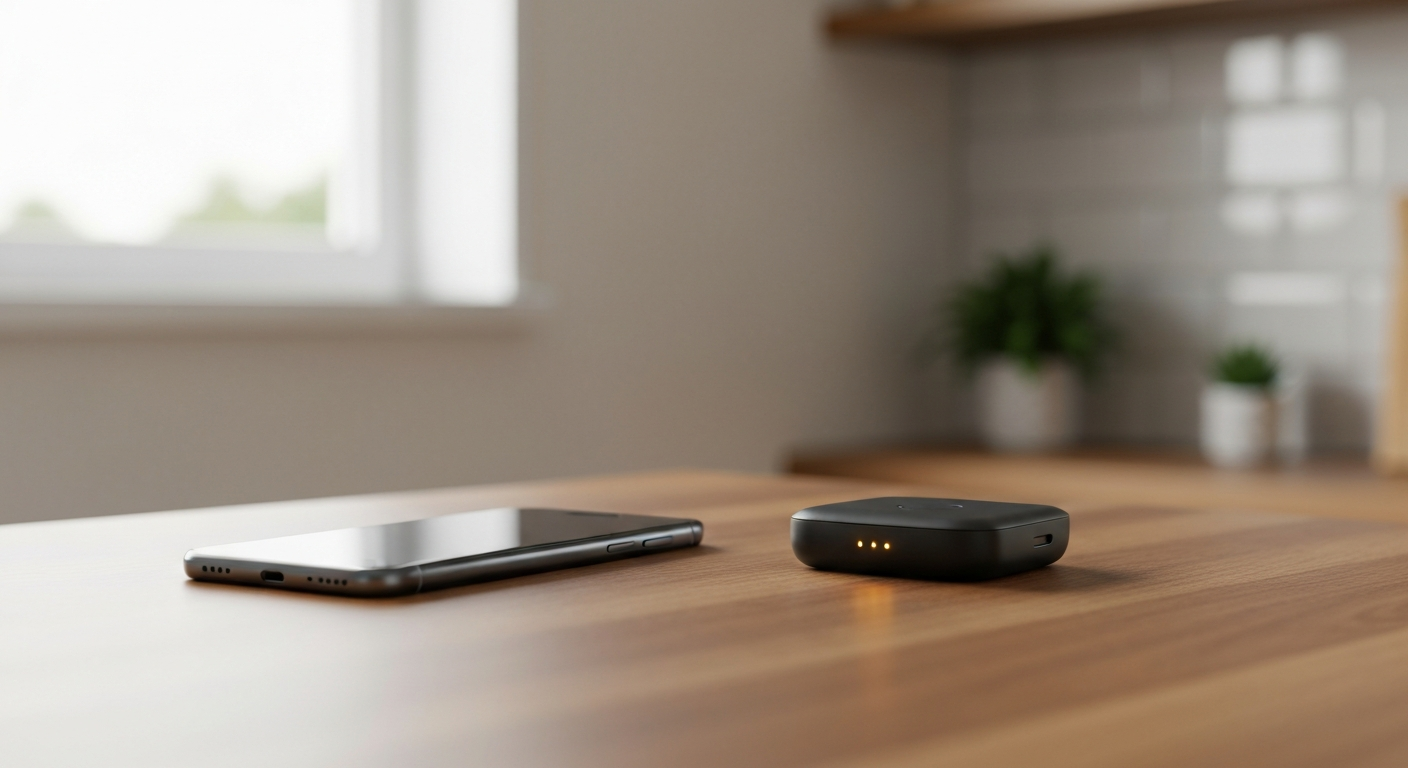

T-Mobile doesn't cut off your data with a hard cap on most plans — instead, your speed can be slowed during network congestion once you pass a "premium data" threshold that varies by plan, typically 50GB on Essentials and not at all on Experience Beyond.
Not in the traditional sense — T-Mobile calls its unlimited plans "unlimited" because they are, but most of them include a deprioritization threshold that can slow your speed during busy network conditions once you cross it.
This is a distinction that trips a lot of people up. A true data cap would stop your connection or charge you extra once you hit a number. T-Mobile's plans don't do that. What they do instead is quietly shift you to "deprioritized" status after a certain amount of high-speed (premium) data use in a billing cycle, which only actually affects your speed if the local tower is congested at that moment. On a quiet tower at 2 AM, you may never notice it. On a packed tower at a concert or during a Friday evening at home, you will.
A mobile internet specialist who tracks these policy changes closely described what deprioritization actually feels like in practice:
"Your data will be prioritized behind everyone else on the network... your data speeds and performance can slow to almost nothing" during periods of heavy congestion. — Andrew McNabb at Mobile Internet Resource Center
That quote was written about T-Mobile Home Internet's 1.2TB threshold specifically, but the same mechanism — prioritized-behind-everyone-else, congestion-dependent — applies to phone plan deprioritization too. The number is just smaller.
Also Read: Portable battery that keeps a hotspot running all day
The premium data threshold depends entirely on which plan you're on, ranging from 50GB on the cheapest unlimited plans to no threshold at all on the top tier.
| Plan | Premium Data Threshold | High-Speed Hotspot Included |
|---|---|---|
| Essentials | 50GB, then possible slowdown during congestion | None (3G speeds only) |
| Essentials Saver | 50GB, then possible slowdown during congestion | None (3G speeds only) |
| Experience More | None — truly unlimited premium data | 60GB at high speed |
| Experience Beyond | None — no deprioritization at all | 250GB at high speed |
The practical takeaway: if you're a heavy data user — lots of video streaming, large downloads, frequent hotspot use — the entry-level Essentials plans are where you're most likely to actually feel deprioritization during a busy evening. Experience More and Experience Beyond largely solve the problem by removing the threshold rather than raising it.
Hotspot data is tracked separately from your regular phone data, with its own, usually much smaller, high-speed allotment before speeds drop to roughly 600 Kbps for the rest of the billing cycle.
This is the limit that catches people off guard most often, because it's easy to assume "unlimited data" on your phone plan means unlimited hotspot too. It doesn't. Each plan tier sets its own high-speed hotspot allowance — 60GB on Experience More, 250GB on Experience Beyond, effectively none at usable speed on the Essentials tiers — and once that's used up, tethered devices connect at a speed too slow for video streaming or large downloads, even though data is technically still flowing.
A VPN can occasionally help with throttling that's based on traffic type — some networks slow specific kinds of traffic like video streaming, and a VPN can mask what type of data you're sending. It does not help with a usage-based cap. As one consumer privacy writer who tested VPN performance against carrier limits put it plainly:
"If you've exceeded your data cap, then a VPN won't help." — Paul Bischoff at Comparitech
If you're hitting deprioritization specifically because of how much data you've used, the fix is a plan change or a separate connection, not encryption software.
The most reliable fix is matching your plan to your actual usage — upgrading to Experience More or Experience Beyond if you regularly use hotspot data or stream heavily, since both remove or significantly raise the threshold that triggers slowdowns.
A few practical options if upgrading isn't the right move for you right now:
| ✓Our Pick |
Unlocked mobile hotspot device for a separate, dedicated data connection Used by over 10,000 satisfied customers — an easy, affordable option you can start using today. See on Amazon → |
If your issue isn't a cap but consistently slow speeds even early in your billing cycle, that's usually a different problem — see our dedicated guide:
Also Read: Why Is My T-Mobile Internet So Slow? Causes & Fixes
T-Mobile doesn't impose a hard data cap on most plans, but it does deprioritize speed during network congestion once you pass a premium data threshold — 50GB on Essentials plans, none at all on Experience Beyond. Hotspot data runs on its own, separate allotment that's easy to exhaust faster than you'd expect. The most lasting fix is matching your plan tier to how much data and hotspot use you actually need, rather than trying to work around the threshold after the fact.
No. T-Mobile's unlimited plans don't cut off data entirely. Once you pass your plan's premium data threshold, your speed may be reduced during network congestion, but you'll still have a connection.
It depends on your plan: 50GB on Essentials and Essentials Saver, and no threshold at all on Experience More or Experience Beyond, which are designed for heavier data users.
No. Data used over Wi-Fi doesn't count against your cellular premium data threshold at all, since it never travels over T-Mobile's mobile network.
Hotspot data has its own, separate high-speed allotment that's usually smaller than your overall plan data. Once it's used up, tethered devices drop to a much slower speed even while your phone's own data continues working normally.
Yes, the T-Mobile app shows your current billing cycle's data usage, including premium data and hotspot data separately, so you can see how close you are to your plan's threshold before it affects your speed.
Reviewed and Updated on June 25, 2026 by George Wright