Technology
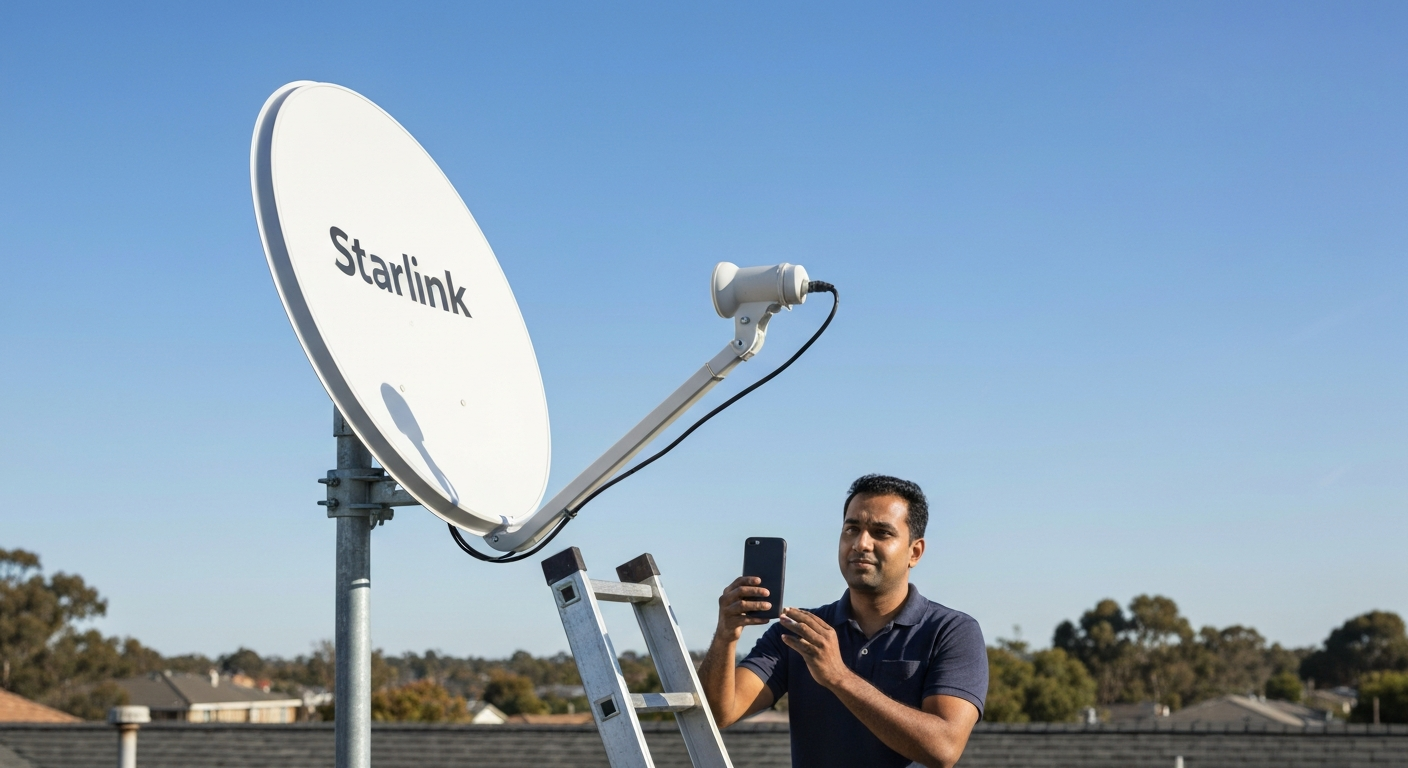

Most Starlink customers see real download speeds of 65–130 Mbps, well under the "up to" marketing numbers, because every household within the same satellite cell splits one fixed pool of bandwidth.
| ✓Our Pick |
Mesh wifi system to stop signal drop-off after the dish Highly rated by thousands of buyers — this is one of the most effective solutions for this issue you can try at home. See on Amazon → |
Independent speed tests put Starlink's US median around 92–105 Mbps download and 12–15 Mbps upload in late 2025 and early 2026 — usable for most households, but inconsistent enough that under half of users consistently clear the FCC's 100/20 Mbps broadband threshold.
Starlink advertises a range rather than a fixed number, and that range is wide on purpose. Speeds depend on your plan tier, how many other subscribers share your satellite's coverage area, and the time of day you connect. The gap between the marketing range and what a typical household actually measures is the single biggest source of "why is my Starlink so slow" complaints.
According to RCR Wireless News, satellite broadband performance data shows the gap is structural, not anecdotal:
"Fewer than 20% of Starlink satellite broadband users can consistently get speeds that meet the federal definition of broadband." — Kelly Hill at RCR Wireless News
That federal definition — 100 Mbps download and 20 Mbps upload — is the bar set by the FCC. Median Starlink upload speeds (commonly measured between 12 and 15 Mbps) are the part that falls short most often, which matters more than it sounds: upload speed is what limits video calls, cloud backups, and live streaming, even when download feels fast enough for everyday browsing.
| Plan | Priority Level | Best For | Typical Real-World Range |
|---|---|---|---|
| Standard (Residential) | Standard | Most homes | 65–130 Mbps down / 8–15 Mbps up |
| Priority | Business-tier data | Remote work, video calls | Higher floor during local congestion |
| Roam (RV/Portable) | Lower than Standard | Travel, RVs, boats | Often 20–40% slower in busy cells |
| Mini | Standard, smaller dish | Portable/backup use | Slightly lower ceiling than full-size dish |
Starlink speed swings mainly because every customer within roughly 15 to 60 square miles of ground shares one satellite's fixed bandwidth — more signups nearby, or more people streaming at once, both shrink your individual slice.
Each satellite serves a "cell" of ground coverage, and the total bandwidth available to that cell doesn't change no matter how many households are connected inside it. In a sparsely populated rural cell with a handful of subscribers, you get a large slice and speeds feel close to the advertised ceiling. In a fast-growing suburb where dozens of new customers activate dishes in the same season, that same pool of bandwidth gets divided more ways — and your measured speed drops even though nothing changed on your end.
SpaceX's main lever for this problem is launching more satellites. As Ookla's editorial director put it when explaining the network's 2025 speed gains:
"The more satellites a constellation has, the more capacity it has to handle subscribers and the faster speeds it can deliver to more places." — Sue Marek at Ookla
That capacity buildout is measurable: Ookla's tracking found the share of Starlink users hitting the FCC's 100/20 Mbps threshold rose from roughly 17% in early 2025 to around 45% by the end of the year. Speeds are genuinely improving — but the underlying cause of variation, shared cell bandwidth, hasn't gone away, so where you live and when you log on still matter.
Three other factors stack on top of cell congestion:
Also Read: The Fastest Fix People Try for a Slow Home Connection
Run a wired speed test first, then check the Starlink app's obstruction map before assuming the connection itself is the problem.
Most "slow Starlink" reports trace back to one of a handful of fixable issues rather than the satellite link itself:
No. A VPN adds an extra encryption and routing step to every packet, which typically costs you a small amount of speed rather than adding any. VPNs are useful for privacy, security on public wifi, or unblocking region-locked content — none of which addresses the shared-bandwidth bottleneck described above. If you're running a VPN for other reasons and notice connection problems specifically in your browser, that's usually a separate, fixable software conflict.
Also Read: Why Is My Browser Not Working With NordVPN? Causes & Fixes
Yes, temporarily. Heavy precipitation absorbs and scatters some of the signal between the dish and the satellite, an effect engineers call rain fade. Most users see a brief speed dip or short dropout during the worst of a storm, with speeds returning to normal once the weather clears — snow that physically piles up on the dish itself (rather than falling snow) causes the most prolonged slowdowns, since it can fully block the signal until it melts or is brushed off.
| Connection Type | Typical Download | Typical Upload | Typical Latency |
|---|---|---|---|
| Fiber | 300 Mbps–2 Gbps | Matches download | 5–15 ms |
| Cable | 100–500 Mbps | 10–35 Mbps | 15–25 ms |
| Starlink (Standard) | 65–130 Mbps | 8–15 Mbps | 25–50 ms |
| Older satellite (geostationary) | 25–100 Mbps | Around 3 Mbps | 600+ ms |
Starlink's biggest advantage over older satellite internet isn't top-line speed — it's latency. Because Starlink's satellites orbit roughly 60 times closer to Earth than older geostationary satellites, round-trip latency lands around 25–50 ms instead of 600+ ms. That difference is what makes video calls, online gaming, and live streaming workable on Starlink in a way they never were on older satellite services, even when the raw download number looks similar on paper.
Starlink's real-world speed in 2026 typically falls between 65 and 130 Mbps download, with upload usually the weaker number. Variation comes mainly from shared bandwidth within your satellite's coverage cell, made worse by peak evening hours, storms, and physical obstructions. Most slow-speed complaints are fixable: clear the dish's view of the sky, test with a wired connection before blaming wifi, and consider the Priority tier if you depend on stable upload speed for work.
Anything in the 65–130 Mbps download range is normal and sufficient for 4K streaming, video calls, and most online gaming. If you're consistently seeing speeds under 50 Mbps with a clear view of the sky, check the obstruction map in the Starlink app before assuming it's a network-wide issue.
Residential internet usage peaks between roughly 6 and 11 PM as households stream and browse simultaneously, and Starlink's shared per-cell bandwidth means everyone in your coverage area is competing for the same pool at once. This pattern matches what cable networks experience during the same hours, just with a lower overall ceiling on satellite links.
Yes. Heavy rain, wet snow, and thick cloud cover can cause a temporary signal loss called rain fade, leading to brief speed drops or short dropouts. Snow that physically accumulates on the dish itself is the more persistent problem, since it can block the signal until it's cleared.
For most users, yes — Starlink's latency of roughly 25–50 ms is fast enough for both, especially compared to older satellite services at 600+ ms. Upload speed (typically 8–15 Mbps) is the more likely bottleneck for video calls and competitive online gaming during peak congestion hours.
Yes — Starlink's Priority data add-on gives your connection precedence over Standard accounts sharing the same satellite cell, which mainly helps during congested evening hours rather than raising your theoretical top speed.
Reviewed and Updated on June 25, 2026 by Adelinda Manna