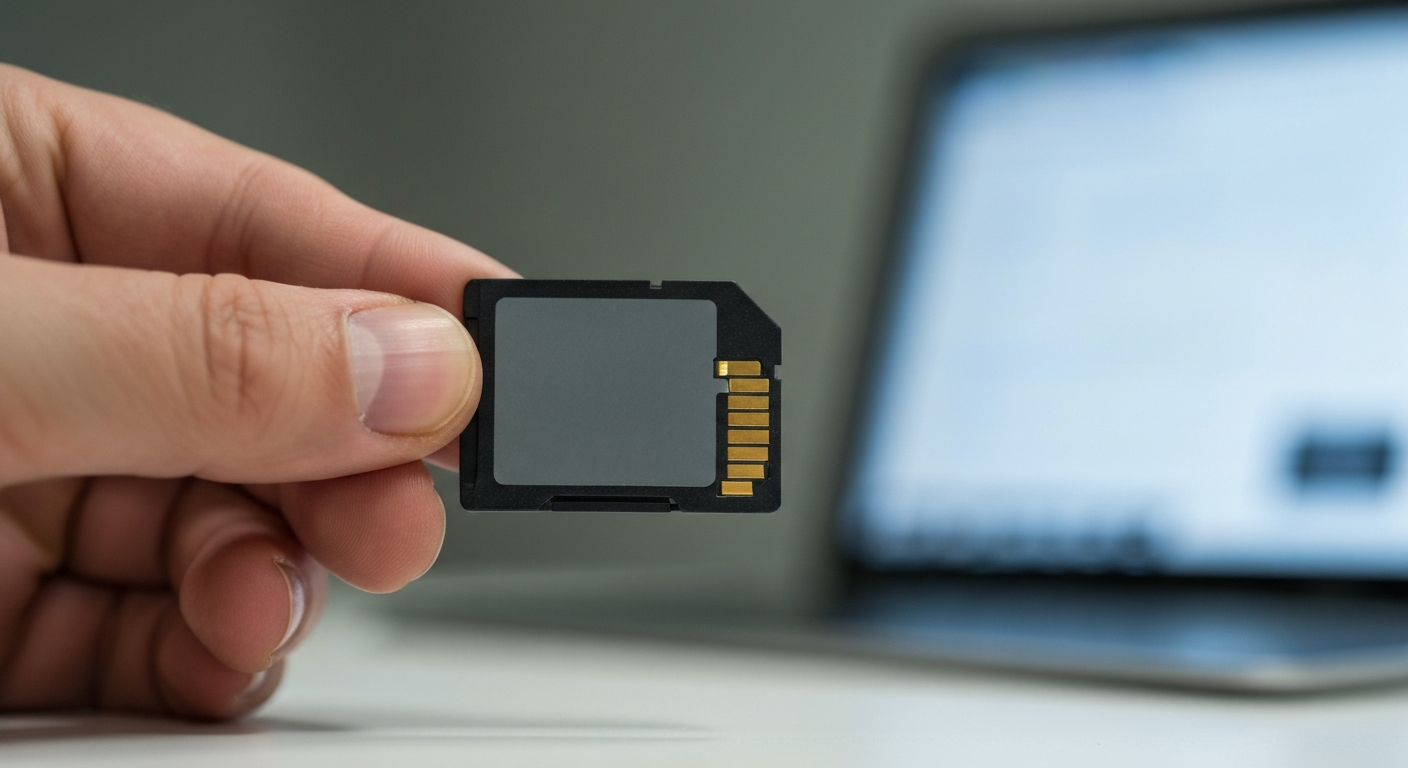
A memory card showing as "locked" is almost always the small physical switch on the side of the card, accidentally bumped into the lock position — but if the switch looks fine and it's still locked, the cause is either a Windows software setting or, less often, the card itself failing.
Check the Physical Lock Switch First
Nearly all full-size SD cards have a tiny slider switch on the side that toggles write protection, and it's surprisingly easy to bump into the locked position without noticing, especially when a card has been in a bag or pocket.
A tech writer who covers this exact issue explained how the switch works:
"When it's at the bottom position, towards the Lock arrow, the card is read-only." — Ben Stegner at MakeUseOf
Slide the switch up, away from the "Lock" label, and try the card again. If you're using a microSD card in a full-size adapter, check the adapter's switch too — microSD cards themselves don't have a physical switch, but the adapter they're inserted into does.
Software-Based Write Protection
If the physical switch is unlocked and the card still won't accept new files, Windows itself may have flagged the card as read-only, separate from anything on the card.
A tech writer covering this same error described it this way:
"Some external devices might carry with them a hardware lock that enables the device to be turned on and off." — Sophie Luo at Driver Easy
In practice, this software-level lock is usually cleared one of two ways: through a Windows registry setting related to removable storage, or with the built-in DiskPart tool (open Command Prompt as administrator, run diskpart, then list disk, select disk X, and attributes disk clear readonly to remove the read-only flag once you've confirmed which disk is your card).
Also Read: Spare microSD card many people keep on hand while troubleshooting one that's locked
What If the Switch Isn't the Problem?
A missing or broken lock tab, or a card that reports itself as locked due to internal wear, are less common but real possibilities once the switch and software checks come up empty.
If the physical lock tab is broken off or missing entirely, some card readers default to treating the card as locked since they can't read the switch position at all. A small piece of thin tape placed carefully over the notch (not too thick, or the card may not fit in the slot) can sometimes restore normal read/write behavior as a workaround.
If none of the above explains it, the card's internal memory may be wearing out. Memory cards write data in blocks, and many cards are designed to write-protect themselves once too many blocks fail, as a way of preventing further data loss rather than continuing to write to an unreliable card. A card behaving this way is nearing the end of its usable life regardless of the switch position.
Should You Back Up Before You Keep Troubleshooting?
If you suspect the card itself is wearing out rather than dealing with a simple switch or software issue, recovering whatever data is currently on it should come before any further troubleshooting, formatting, or repair attempts.
Dedicated data recovery software can often pull files off a card even while it's reporting as locked or read-only, since reading data and writing new data are different operations — a card can refuse new writes while still allowing your existing files to be copied off.
| ✓Our Pick |
Data recovery software many people use to back up files from a failing memory card Consistently earns five-star reviews — reliable, well-supported, and genuinely effective. Learn More → |
In Short
A "locked" memory card is almost always the physical switch on the card or adapter, accidentally slid into the lock position. If that's not it, a Windows software setting is the next most likely cause, fixable through DiskPart or registry settings. A card that reports as locked with no switch or software explanation may be nearing the end of its life — worth backing up before continuing to use it.
What You Also May Want To Know
Why does my SD card say locked when the switch looks unlocked?
This usually points to a software-level write-protection flag in Windows, rather than the card itself. Clearing the read-only attribute through DiskPart, or checking related registry settings, typically resolves it.
Can a microSD card be locked if it doesn't have a switch?
Yes, but only through its adapter. MicroSD cards themselves don't have a physical lock switch — if you're using one in a full-size adapter, check the adapter's switch instead.
Is it safe to use tape to fix a broken lock tab on an SD card?
It's a workable temporary fix for some card readers that need to detect the switch position, but it's not a permanent solution. A very thin piece of tape works best so the card still fits properly in the slot.
Does a locked memory card mean it's failing?
Not usually — the physical switch or a software setting explains most cases. But a card that reports as locked with no clear switch or software cause may be write-protecting itself due to internal wear, which is worth taking seriously.
Will clearing write protection with DiskPart delete my files?
No, clearing the read-only attribute with DiskPart doesn't erase any files. It only changes whether new data can be written to the card.
Reviewed and Updated on June 25, 2026 by Adelinda Manna