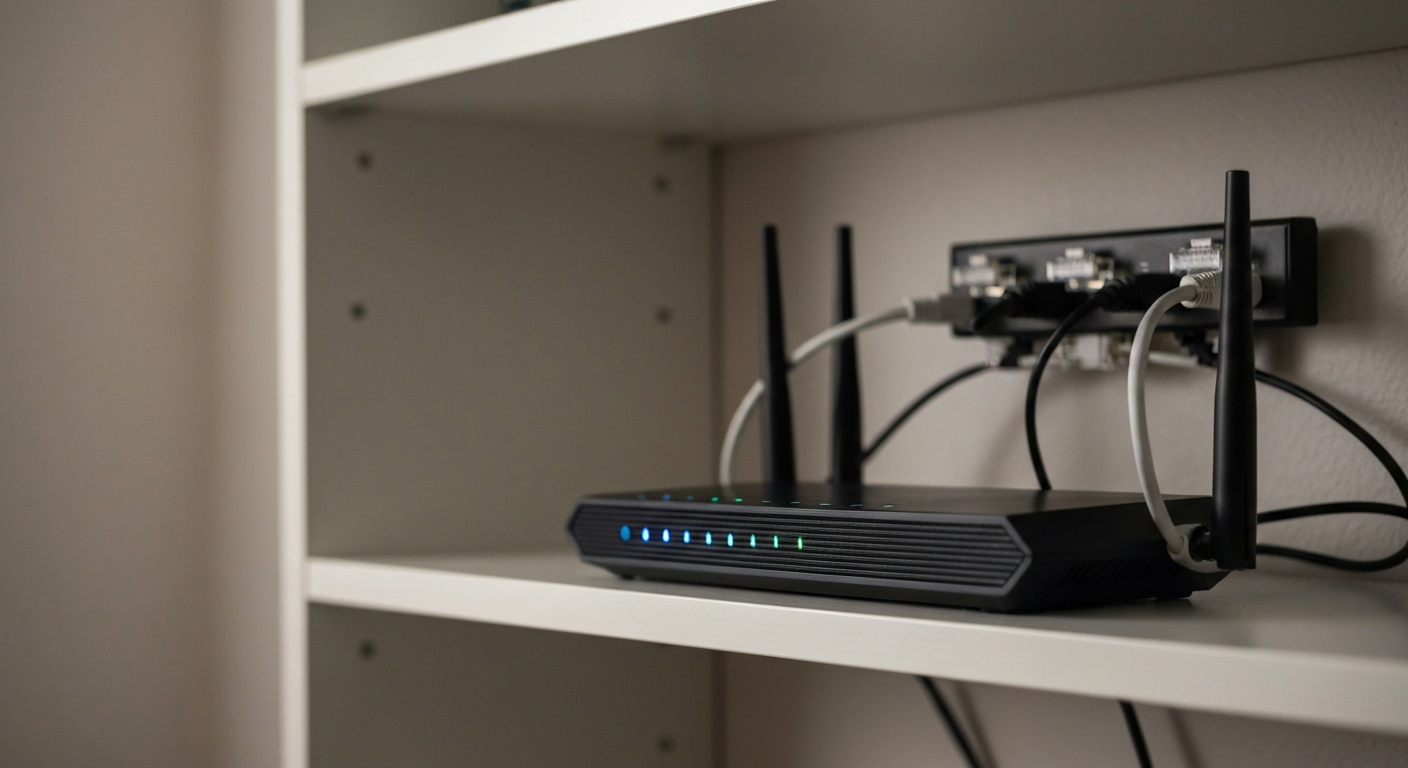
Spectrum itself does not offer configurable QoS (Quality of Service) settings to residential subscribers — Spectrum manages traffic prioritization at the network level. QoS settings on your home router, however, can significantly reduce gaming lag, video call drops, and buffering when multiple devices compete for bandwidth on the same Spectrum connection.
What Is QoS and Does Spectrum Have It?
QoS (Quality of Service) is a set of techniques that prioritize certain network traffic over others — giving video calls, gaming packets, or VoIP higher bandwidth priority than file downloads or background syncing.
On a Spectrum residential connection, there are two separate QoS layers:
-
Spectrum network QoS: Spectrum manages traffic shaping at its CMTS (cable modem termination system) level. This is not visible or configurable by subscribers. Spectrum uses DOCSIS traffic prioritization internally to manage its network, but subscribers have no control over this layer.
-
Home router QoS: Most third-party routers (and some Spectrum-provided gateways) include configurable QoS settings. You control these. They prioritize traffic on your local network between your modem and your connected devices.
Most congestion problems Spectrum customers attribute to "Spectrum QoS" are actually router-level bandwidth management issues — solvable without calling Spectrum.
How to Enable QoS on Your Spectrum Router Setup
The location of QoS settings depends entirely on your router model, not on Spectrum. The Spectrum gateway (provided modem/router combo) has limited QoS options; third-party routers offer much more control.
Spectrum-Provided Gateway (SAX1V1R or E31N2V1)
Spectrum-provided gateways have basic traffic management but limited user-configurable QoS. To access:
- Open a browser and go to
192.168.0.1 (or 192.168.1.1 depending on your gateway model)
- Log in with the credentials on the back of the gateway
- Look for "Advanced Settings" or "QoS" — not all Spectrum gateway models expose these settings to users
If your Spectrum gateway does not show QoS options, consider enabling bridge mode on the gateway and connecting a third-party router — this gives full QoS control.
Third-Party Routers (ASUS, Netgear, TP-Link, Eero)
Most third-party routers include adaptive QoS or similar features:
- ASUS routers: Adaptive QoS under "Adaptive QoS" in the router admin panel at
192.168.1.1
- Netgear Nighthawk: QoS under "Advanced" > "Setup" > "QoS Setup"
- TP-Link: QoS under "Advanced" > "QoS"
"Quality of Service is most effective when configured to match your actual usage pattern — prioritizing video conferencing and gaming traffic over background app updates and cloud backups." — Wi-Fi Alliance at wi-fi.org
QoS Settings That Actually Help Spectrum Users
The most impactful QoS setting for typical Spectrum households is upstream bandwidth management — upstream is far more limited than downstream on cable connections.
Spectrum residential plans are asymmetric: typical upload speeds on cable plans are 10–35 Mbps while download can be 300–1000 Mbps. When someone uploads a large file or a security camera streams footage, it saturates the upstream channel and causes lag for everyone on the connection.
Recommended QoS priorities for most Spectrum households:
| Priority |
Traffic Type |
Why It Matters |
| Highest |
Video calls (Zoom, Teams, FaceTime) |
Latency-sensitive; any delay breaks calls |
| High |
Gaming UDP traffic |
High-frequency, small packets — easily starved |
| Medium |
Video streaming (Netflix, YouTube) |
Buffered — tolerates some delay |
| Low |
File uploads, cloud backup |
Large, tolerant of delay |
| Lowest |
Background OS updates |
Non-urgent, can run overnight |
Does a VPN Help With Spectrum QoS Problems?
A VPN can help when Spectrum is throttling specific traffic types — streaming, gaming, or peer-to-peer — because it encrypts all traffic, making it impossible for Spectrum to classify and deprioritize it. If you notice that specific services (gaming, Netflix, YouTube) are consistently slower than a speed test suggests, ISP throttling may be involved.
A VPN does not help with node congestion (too many subscribers on one Spectrum segment) or hardware limitations. If your modem signal stats show problems, a VPN will not address those.
| ✓Our Pick |
NordVPN — stop ISP throttling on your Spectrum connection Trusted by professionals and everyday users alike — a smart investment that pays for itself. Learn More → |
When QoS Will Not Fix Your Spectrum Problem
QoS manages how your available bandwidth is shared — it cannot create bandwidth that does not exist. If your Spectrum plan is underprovisioned for your household needs, QoS is a limited solution.
Signs that you need more bandwidth rather than better QoS:
- Every device on the network is slow simultaneously (not just lower-priority ones)
- Speed tests show speeds significantly below your plan tier
- Problems occur even with only one device active
In those cases, upgrading your Spectrum plan tier is more effective than optimizing QoS. Spectrum Gig (up to 1 Gbps download) is available in most Spectrum markets and significantly reduces multi-device congestion.
Also Read: Why Is My VPN Not Connecting? 7 Fixes for NordVPN
In Short
Spectrum QoS at the subscriber level means configuring your home router QoS settings — Spectrum itself does not expose network-level QoS to residential customers. Prioritizing video calls and gaming traffic above file uploads and cloud backup resolves most multi-device lag complaints on Spectrum connections. If all devices are simultaneously slow, you likely need a plan upgrade rather than QoS tuning.
What You Also May Want To Know
Does Spectrum throttle internet traffic?
Spectrum states in its network management policy that it does not engage in throttle-based network management for lawful traffic. However, like most ISPs, Spectrum may deprioritize certain traffic types during periods of extreme congestion. A VPN encrypts your traffic and prevents Spectrum from classifying it for any potential prioritization.
What is the best QoS setting for gaming on Spectrum?
Set your router QoS to prioritize UDP traffic on gaming ports (typically 3074 for Xbox, 9307 for PlayStation) above all other traffic categories. Also prioritize DNS traffic so game server lookups are fast. Most ASUS and Netgear routers include gaming-specific QoS presets that handle this automatically.
Can I configure QoS on the Spectrum gateway (Spectrum-provided modem/router)?
Limited options are available on some Spectrum gateway models, accessible at 192.168.0.1 under Advanced Settings. For full QoS control, put the Spectrum gateway in bridge mode and connect a third-party router with comprehensive QoS features.
Does QoS help with video call quality on Spectrum?
Yes, significantly. Video calls are the most sensitive traffic type — even a brief congestion event causes pixelation and audio drops. Setting video conferencing apps (Zoom, Teams, Google Meet) to the highest QoS priority prevents file downloads or streaming from stealing their bandwidth.
Reviewed and Updated on June 16, 2026 by George Wright