Sleep
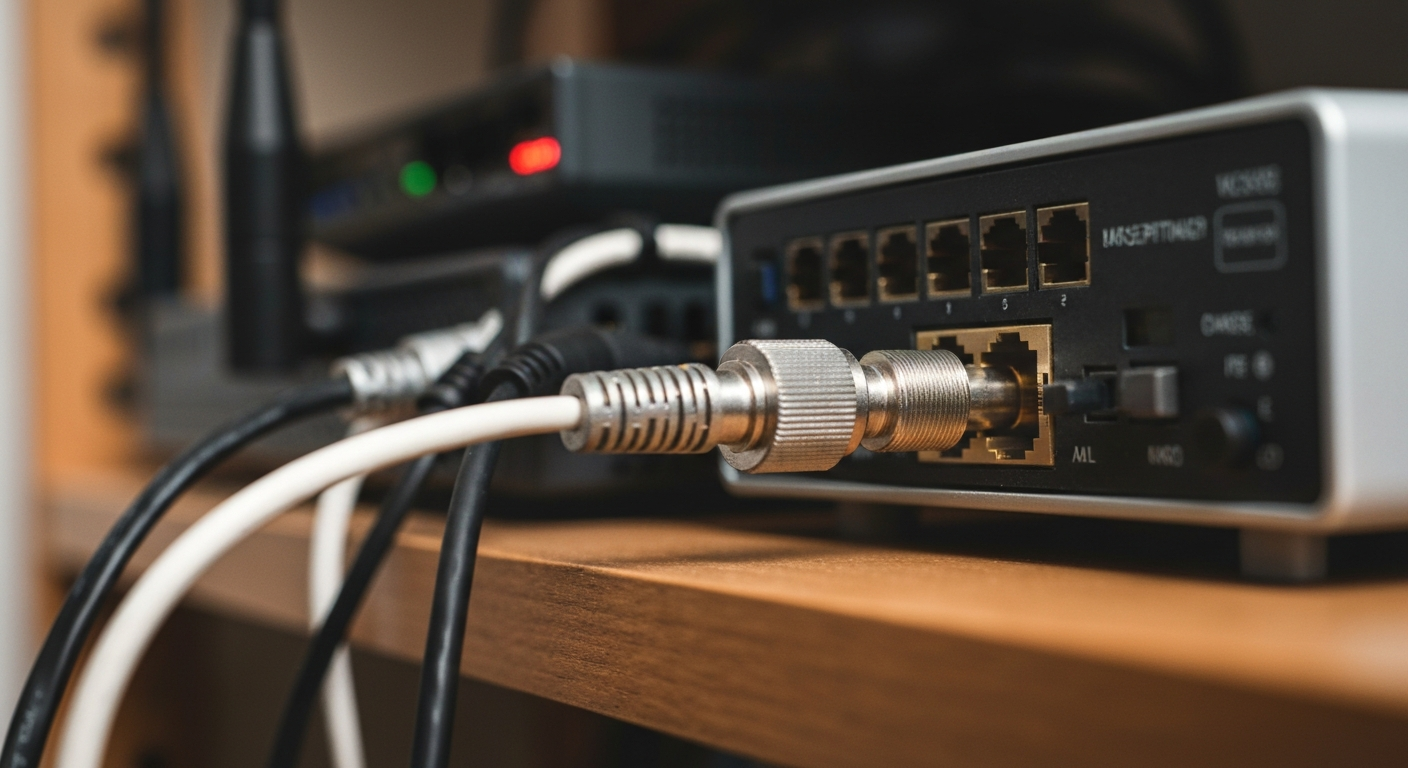

Spectrum packet loss is usually caused by a faulty coax cable or splitter between your wall and modem, signal level problems at the tap, modem hardware failing, or network congestion during peak hours. Most cases are fixable with a few targeted checks before calling Spectrum support.
Packet loss means data packets sent between your modem and the Spectrum network are being dropped — arriving incomplete or not at all. Even 1–3% loss causes visible problems: call drops, lag spikes in games, and video pixelation.
Internet traffic travels as discrete packets. Your modem sends a packet, the receiving end acknowledges it, and if no acknowledgment comes back, the packet is retransmitted. This retransmission adds latency and reduces effective bandwidth. At 5% loss, video calls become unreliable. At 10% loss, most real-time applications break entirely.
Spectrum packet loss is distinct from slow internet — your plan speeds may test fine during an off-peak speed test while packets are still being dropped at the cable plant level, particularly under load.
Spectrum packet loss almost always traces to the physical layer (cables and connectors) or the Spectrum network itself — rarely to your router or computer.
Every coax splitter in the signal path reduces signal strength. Too many splitters, or a single damaged one, degrades the SNR (signal-to-noise ratio) enough to cause packet loss.
Inspect the coax connection from your wall outlet to the modem. If there is a splitter anywhere in the line — even one meant for a cable TV outlet — it reduces signal strength. The ideal setup runs a dedicated coax line from the wall directly to the modem with no splitters. If you cannot eliminate splitters, replace any splitter rated below 2 GHz with a quality 3 GHz passive splitter.
Also check connectors: loose, corroded, or hand-tightened-only F-connectors cause intermittent signal loss that perfectly mimics network congestion.
Most cable modems expose a signal statistics page in a browser at 192.168.100.1. Check:
"Impaired upstream signals are one of the leading causes of packet loss and intermittent connectivity on cable systems. Upstream path degradation is often invisible to the subscriber but measurable at the CMTS." — ARRIS/CommScope, cable infrastructure documentation at commscope.com
If packet loss occurs only between 7 p.m. and 11 p.m. and clears up late at night, the likely cause is node congestion on Spectrum network. Spectrum DOCSIS networks share bandwidth among multiple households per node. When too many subscribers in a node area are active simultaneously, capacity is exceeded and packets drop.
Run a packet loss test using PingPlotter or WinMTR during the problem window to confirm timing. If the loss shows up specifically at the first Spectrum hop (the CMTS address), congestion or upstream line impairment is the cause — not anything inside your home.
| ✓Our Pick |
 |
NordVPN — reduce gaming lag and bypass ISP congestion on Spectrum A well-reviewed choice that delivers real results — worth every penny for anyone dealing with this. Learn More → |
Cable modems have a finite life. Most consumer-grade modems last 3–5 years before capacitors degrade and signal handling deteriorates. If your modem is older than that, power-cycle it (unplug 60 seconds) and check the event log at 192.168.100.1/cmEventLog.htm for T3 and T4 timeout errors. Repeated T3 timeouts indicate the modem is losing upstream lock — a hardware or line issue.
Check the modem temperature too. Modems placed in enclosed cabinets overheat and throttle performance, which can manifest as packet loss under load.
Use WinMTR (Windows) or MTR (Mac/Linux) to trace the packet path hop by hop. Run the test to a stable destination like 8.8.8.8 (Google) for 10 minutes during the problem period. Look for:
If loss is clearly inside Spectrum network, document the WinMTR output and include it when you call or chat with Spectrum support. This significantly speeds resolution and escalation to a line technician.
| Symptom | Likely Cause | Fix |
|---|---|---|
| Loss occurs at all times of day | Coax cable or connector fault | Replace cable, check connectors |
| Loss only 7–11 PM | Node congestion | Call Spectrum, log WinMTR evidence |
| High upstream power in modem stats | Line attenuation | Schedule line tech visit |
| T3/T4 errors in modem event log | Modem failing or upstream noise | Replace modem |
| Loss resolves when modem is warm | Modem overheating | Relocate modem, improve ventilation |
Also Read: Why Is My VPN Not Connecting? 7 Fixes for NordVPN
Spectrum packet loss is most often a physical layer problem — bad coax cable, degraded connectors, too many splitters, or failing modem hardware — rather than a Spectrum network outage. Check your modem signal stats page, eliminate splitters, and test during different times of day to determine whether the issue is inside your home or upstream on Spectrum network. Document results with WinMTR before calling support.
Use the Windows ping command: open Command Prompt and type ping -n 100 8.8.8.8. Look for the percentage of lost packets in the summary line. For a more detailed analysis showing which network hop is dropping packets, use PingPlotter (free tier available) or WinMTR.
Zero percent is normal on a healthy connection. Anything above 0.5% is worth investigating. At 1–2% loss, real-time applications like gaming and video calls will show symptoms. Above 5%, most real-time traffic becomes unusable.
Evening packet loss that clears up overnight is a classic sign of network node congestion. Spectrum cable nodes share capacity among multiple households. As usage peaks after work hours, the shared bandwidth fills. Call Spectrum and ask for a node capacity review in your area — they can upgrade node equipment to add capacity.
Sometimes. If your modem is more than three years old and shows T3 or T4 timeout errors in its event log, replacing it can eliminate hardware-related packet loss. However, if the cause is an upstream line issue or node congestion, a new modem will not help. Check the modem signal statistics first before purchasing hardware.
Reviewed and Updated on June 16, 2026 by George Wright