Technology
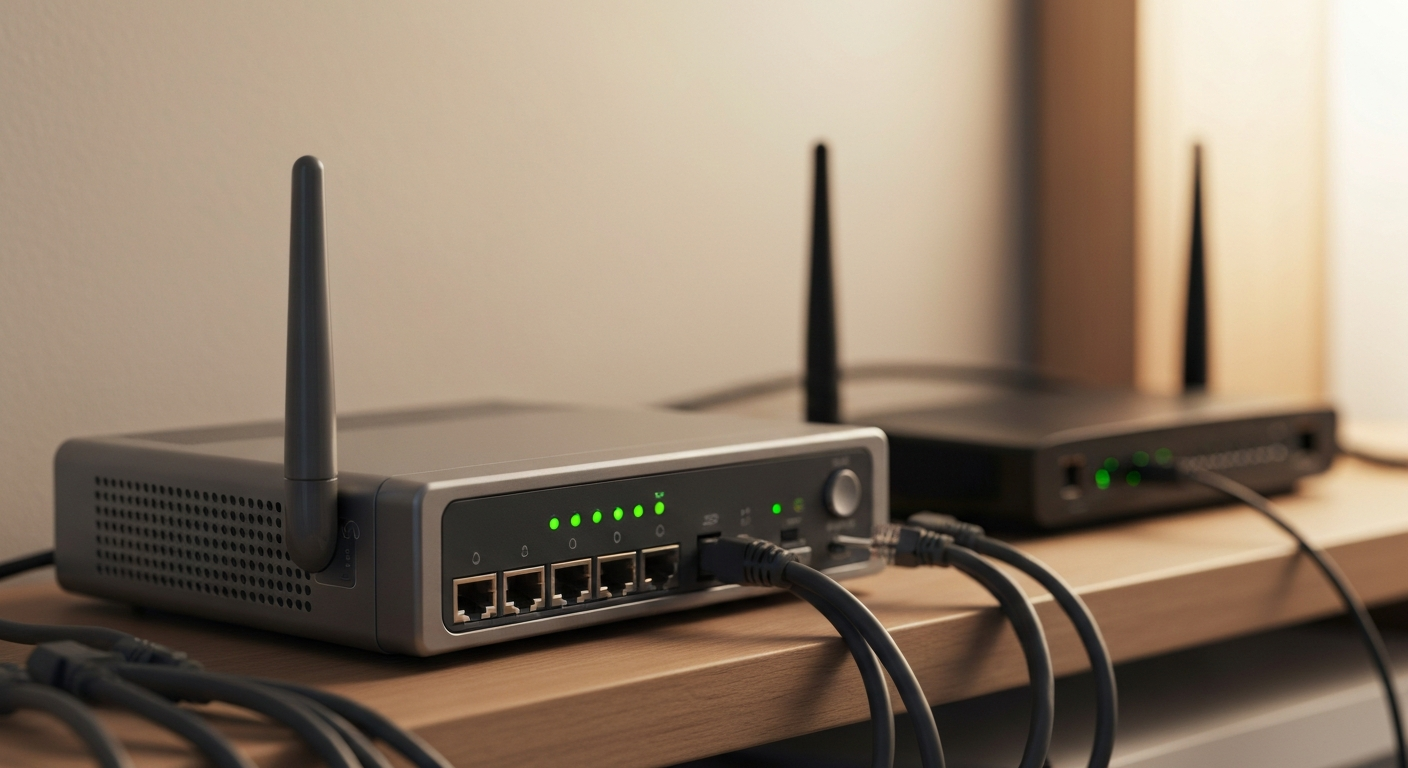

Yes, your modem directly affects internet speed -- an outdated modem limits your maximum achievable throughput regardless of what plan you pay for, and a modem that does not support your ISP's current channel bonding standard can cap speeds well below your plan tier even with a perfect Wi-Fi setup.
A modem is the bridge between your ISP's network and your home. It converts the signal on the coaxial cable (or fiber or DSL line) into the Ethernet signal your router uses. If the modem cannot process data fast enough, it becomes the bottleneck -- no amount of Wi-Fi improvement will overcome a modem-level speed cap.
The key specification that determines how fast your modem can receive data from a cable ISP is its DOCSIS version (Data Over Cable Service Interface Specification) and channel count:
| DOCSIS Version | Maximum Download Speed | Typical Use Case |
|---|---|---|
| DOCSIS 2.0 | ~38 Mbps | Obsolete; far too slow for any current plan |
| DOCSIS 3.0 (8x4 channels) | ~340 Mbps | Adequate for plans up to ~300 Mbps |
| DOCSIS 3.0 (32x8 channels) | ~1.4 Gbps | Handles gigabit plans on most cable ISPs |
| DOCSIS 3.1 | Up to 10 Gbps downstream | Required for multi-gig plans; future-proof |
Real-world example: If you pay for a 600 Mbps internet plan but your modem is an older DOCSIS 3.0 model with only 8 downstream channels (maximum throughput ~340 Mbps), your real-world download speed cannot exceed approximately 300-340 Mbps -- the modem is the bottleneck, not your ISP or router.
"A modem that does not support the channel bonding configuration your ISP uses for your tier of service will underperform that tier regardless of other network equipment. ISPs provision download speed based on the number of bonded channels the modem reports during initialization." -- ARRIS/CommScope DOCSIS Technical Reference, DOCSIS Channel Bonding and Speed Provisioning.
Yes, but indirectly -- a slow modem will create a ceiling that no router can break through, even a very fast Wi-Fi 6E or Wi-Fi 7 router. Conversely, if your modem is adequate for your plan, upgrading it will not improve Wi-Fi speeds beyond your ISP plan speed.
The modem only handles the WAN (wide-area network) side of the connection -- the link between your home and your ISP. Your router handles the LAN (local area network) side -- the Wi-Fi and wired connections inside your home.
The chain of potential bottlenecks in order:
If the modem is the bottleneck (step 2), every device in your home is capped at the modem's maximum throughput.
The definitive test:
1. Connect a laptop or desktop directly to your modem via Ethernet (bypassing your router entirely).
2. Run a speed test at speedtest.net or fast.com.
3. Compare the result to your ISP plan speed.
If the wired-to-modem speed is significantly below your plan speed (more than 20-30% lower), the modem is likely the constraint. If wired-to-modem speeds are near your plan speed but Wi-Fi is slow, the modem is fine and the issue is your router, Wi-Fi environment, or device.
Match the modem's DOCSIS version and channel count to your plan tier and ISP:
Approved DOCSIS 3.1 modems compatible with most major US cable ISPs include models from ARRIS/SURFboard, Motorola, and Netgear. Buying your own modem (rather than renting from your ISP) typically pays for itself within 12-18 months in eliminated rental fees ($10-$15 per month on most plans).
Also Read: Find DOCSIS 3.1 modems, cable modem-router combos, and network gear on Amazon
The DOCSIS specifications above apply to cable internet. For other connection types:
Yes, your modem directly affects internet speed. An outdated modem (DOCSIS 3.0 with few channels, or DOCSIS 2.0) can cap your real-world speeds well below your ISP plan tier. To test whether your modem is the bottleneck, plug a laptop directly into the modem and run a speed test -- if the wired speed is far below your plan speed, replace the modem. For plans above 300 Mbps, choose a DOCSIS 3.1 modem from your ISP's approved device list. Fiber ONTs are provided by the ISP and cannot be replaced by the user.
Most cable modems reliably serve their rated performance for 5-7 years. The practical limit is often not hardware failure but technology obsolescence -- ISPs roll out new DOCSIS features and higher plan speeds that older modems cannot support. If your modem is more than 5 years old and you are on a plan above 200 Mbps, check whether it is limiting your performance.
Not inherently -- ISP-rental modems are typically current models. However, ISPs sometimes delay updating rental equipment, meaning you might be paying monthly rental fees for an older model that limits your speeds. Buying a current DOCSIS 3.1 modem typically pays for itself within 12-18 months in eliminated rental fees and often delivers better performance.
Yes. A failing modem with a deteriorating coaxial connection, failing capacitors, or overheating can cause intermittent packet loss, high ping spikes, and connection drops -- even if speed tests run normally between failure events. If you experience intermittent connectivity issues rather than consistently slow speeds, check your modem's event log (accessible via a web browser at 192.168.100.1 on most modems) for T3/T4 timeout errors, which indicate a poor signal or failing hardware.
Separate devices give you more flexibility -- you can upgrade your router (for better Wi-Fi coverage) or modem (for a faster plan) independently. Combo units (gateways) are simpler to set up and manage. For most households on plans under 500 Mbps, a quality combo unit is a practical choice. For power users, separate devices offer better performance and more configuration options.
Reviewed and Updated on June 30, 2026 by Adelinda Manna