Technology
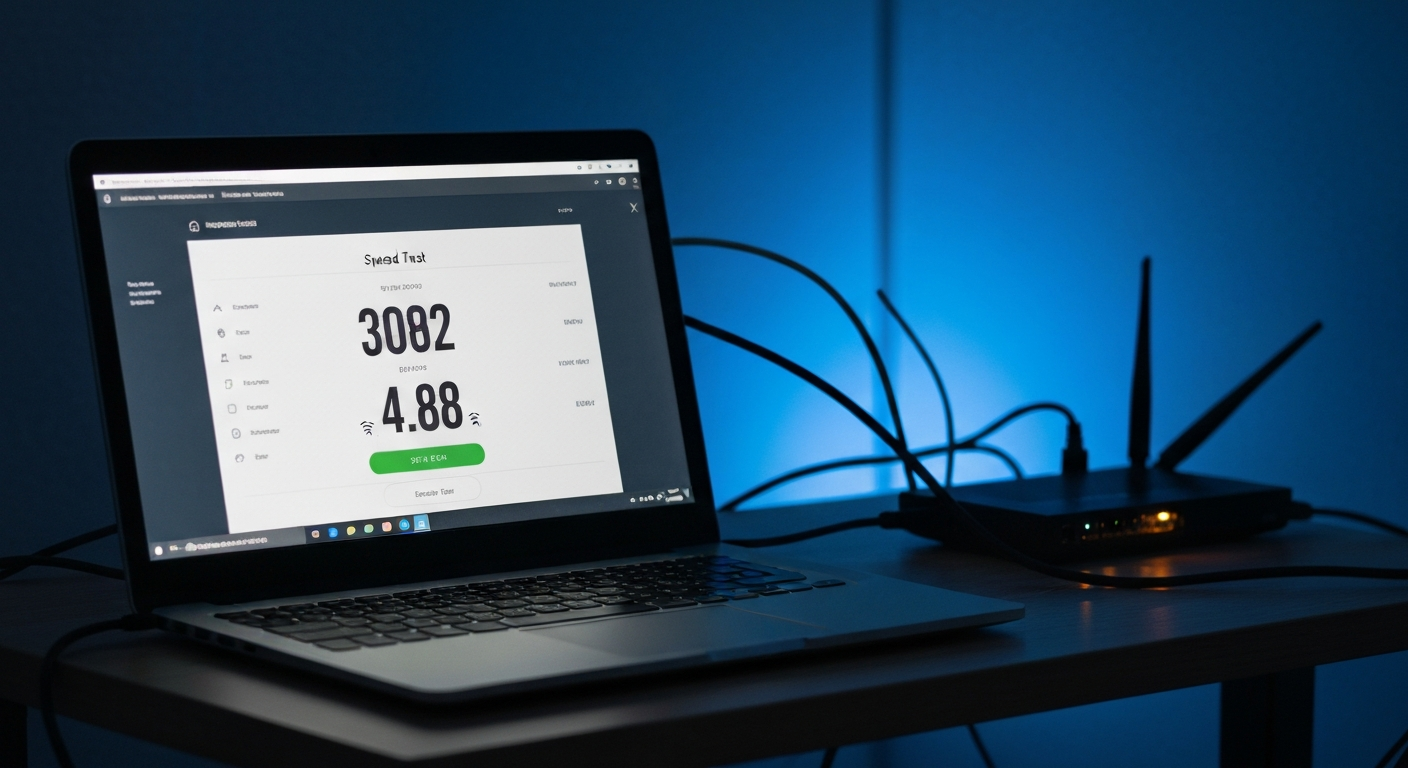

Your internet is likely being throttled if your speeds drop significantly during specific activities (streaming, gaming, video calls) while general browsing feels normal, or if speeds fall at predictable peak hours every evening -- and if running a speed test with a VPN on restores your normal speeds while the VPN is connected.
The most reliable throttling test compares your connection speeds with and without a VPN. If your speeds jump when you add VPN encryption, your ISP is inspecting and rate-limiting your unencrypted traffic by content type.
This is the definitive test for content-based throttling:
What the results mean:
- Speeds increase significantly with VPN on: Your ISP is throttling content-based traffic. The VPN hides the content type from your ISP's Deep Packet Inspection, so the throttle does not apply.
- Speeds stay the same or decrease slightly with VPN: Not content-based throttling. The cause may be your plan speed, network congestion, or an issue inside your home network.
"A VPN speed comparison test is the most reliable consumer-available method for detecting ISP throttling. If download or upload speeds increase when a VPN is active, that differential is evidence that the ISP is applying traffic management policies that differentiate based on traffic type or destination." -- Electronic Frontier Foundation (EFF), Detecting and Challenging ISP Traffic Management.
The Internet Health Test (run by Measurement Lab, a Google-backed project) specifically tests for congestion at the interconnection points between your ISP and major backbone networks -- the same places where ISP throttling most frequently occurs.
Unlike speedtest.net (which tests speed to a nearby server), the Internet Health Test routes your traffic through multiple transit providers and reports where performance degrades. If speeds drop specifically at ISP interconnect points, that is evidence of deliberate traffic management rather than distance-related slowdown.
Run speed tests at:
- Peak hours: 7:00-9:00 PM on a weekday (when throttling is most aggressive)
- Off-peak hours: 2:00-4:00 AM or a weekday morning
A significant speed difference (50%+ lower in the evening) indicates either peak-hours network congestion (all customers slowed) or targeted peak-hours throttling by the ISP. The VPN test distinguishes these -- if speeds recover with a VPN at peak hours, it is targeted throttling; if speeds remain low with VPN, it is general congestion.
Netflix publishes ISP speed rankings for its users at ispspeedindex.netflix.com. If your ISP's Netflix speed ranking is significantly lower than your plan speed -- and your general speed tests show near-plan speeds -- your ISP may be specifically throttling traffic to Netflix's servers.
Run the comparison:
1. Test with fast.com (routes through Netflix's servers)
2. Test with speedtest.net using a non-ISP-affiliated test server
If fast.com shows dramatically lower speeds than speedtest.net, your ISP may be rate-limiting traffic to Netflix CDN endpoints specifically.
Without running formal tests, these symptoms suggest throttling:
Your baseline should be the speed promised in your ISP plan:
If your normal off-peak speeds are consistently 50%+ below your plan speed (after ruling out Wi-Fi distance, outdated router, or in-home network issues), contact your ISP before assuming throttling -- there may be a legitimate line quality or plan misconfiguration issue.
If the VPN test confirms your ISP is content-throttling:
Our Pick: NordVPN -- stop content-based throttling with always-on encryption
| ✓Our Pick |
Find mesh Wi-Fi systems, VPN routers, and network speed tools on Amazon Consistently earns five-star reviews — reliable, well-supported, and genuinely effective. See on Amazon → |
Also Read: Find network monitoring tools, Wi-Fi analyzers, and router accessories on Amazon
Test for throttling with a VPN speed comparison: run speedtest.net or fast.com with and without a VPN connected. If speeds increase significantly with the VPN on, your ISP is using Deep Packet Inspection to throttle specific content types. Other tests -- the Internet Health Test, peak vs. off-peak comparison, and Netflix vs. general speed test gap -- add supporting evidence. Confirmed content-based throttling is most reliably stopped by running a VPN full-time on high-bandwidth activities. Data-cap throttling (after hitting monthly limits) requires upgrading your plan.
Yes. There is currently no federal net neutrality law in the US -- the FCC's 2024 net neutrality rules were vacated by federal courts. ISPs must disclose traffic management practices, but are generally free to throttle non-illegal traffic. Some states (California, Washington) have their own net neutrality laws.
You can file a complaint with the FCC (fcc.gov/consumers/guides/filing-informal-complaint), your state's public utilities commission, or the FTC if you believe your ISP is violating its stated policies. Document your speed tests and the times and conditions of throttling before filing.
Yes -- an older or overloaded router can create symptoms identical to ISP throttling (consistent speed drops during peak hours as multiple devices compete for bandwidth). Test over a wired Ethernet connection directly from your modem to eliminate your home network as the cause before concluding your ISP is throttling.
Not necessarily. A single slow website could be the result of that website's own server congestion, CDN routing issues, or a high-traffic event at that site. True ISP throttling affects a category of traffic (streaming video, gaming) rather than a single website.
Deep Packet Inspection (DPI) is a technology ISPs use to analyze internet traffic passing through their network hardware. Unlike basic packet routing which only reads headers (destination IP), DPI reads the content of packets to identify traffic type -- Netflix, YouTube, gaming, P2P. This allows ISPs to apply different bandwidth rules to different categories. A VPN encrypts packet content so DPI cannot read it.
Reviewed and Updated on June 30, 2026 by Adelinda Manna