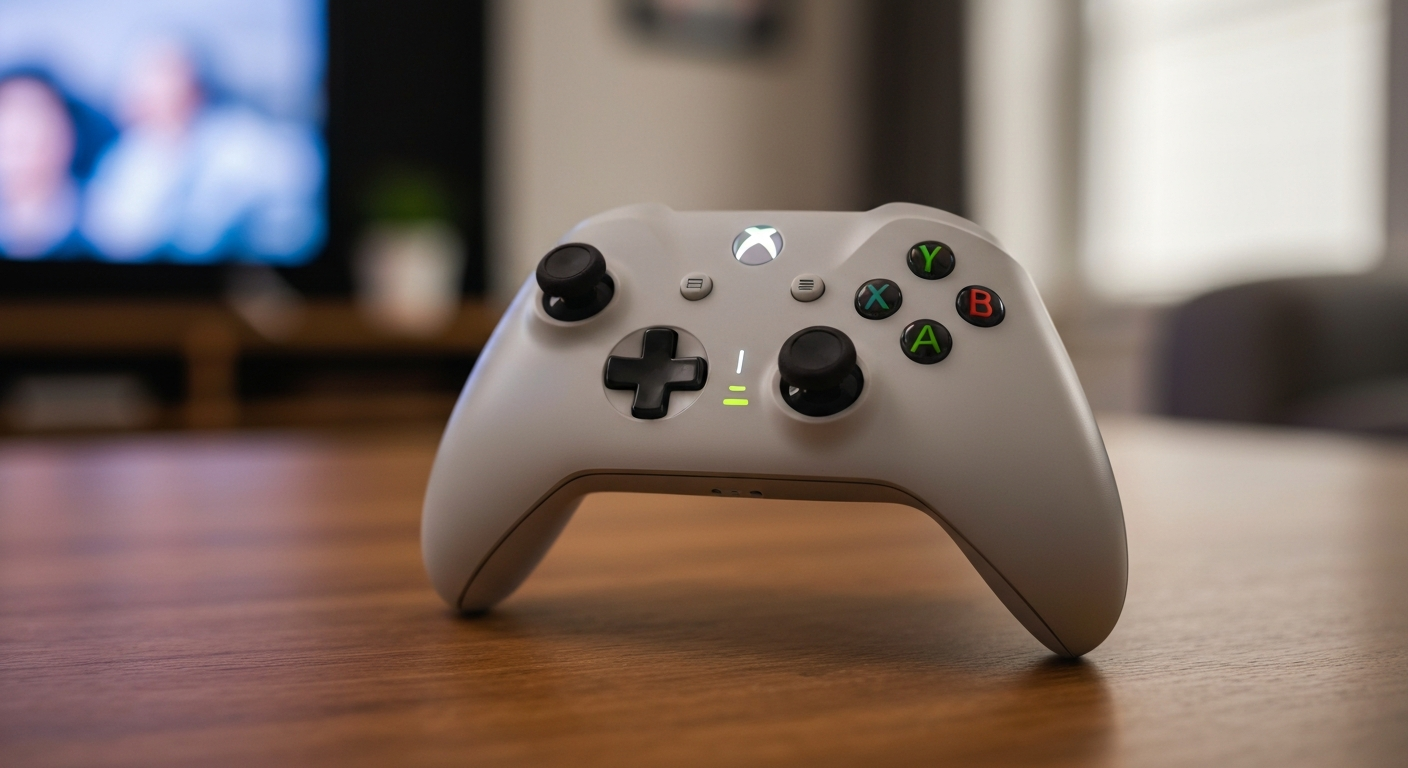
An Xbox controller blinks rapidly when it's searching for a console to connect to, the batteries are critically low, or the pairing process failed and needs to be re-initiated. A slow pulse means the controller is in pairing mode. A fast blink that stops means connection failed.
What Do Xbox Controller Blink Patterns Mean?
Xbox controllers use four distinct blink patterns to communicate their state. Identifying the pattern is the fastest way to diagnose the problem before trying any fix.
| Blink Pattern |
What It Means |
| Rapid blink (4 lights or center) |
Searching for console, batteries low, or connection lost |
| Single slow pulse |
Pairing mode active — waiting for console to pair |
| Blinks then goes dark |
Connection failed after timeout |
| All four corners blink then one stays |
Controller joined as player 1–4, number of lit corners = player slot |
The most common complaint — "my Xbox controller is blinking and won't connect" — almost always means the controller is in an unresolved search loop. This happens after a power cut, after switching between consoles, or after a battery swap.
"If your controller blinks rapidly or the Xbox button pulses, the controller is searching for a console. Make sure your console is on, then press the sync button on the controller and on the console to pair them." — Xbox Support at Microsoft
Is It a Battery Problem?
A rapidly blinking controller with no console response almost always has critically low batteries. Replace the AA batteries with fresh alkaline cells (not rechargeable NiMH unless you're using the Xbox Play & Charge Kit, which is optimized for them). Controllers use roughly 30–40 hours of play before requiring new batteries.
Did Pairing Get Interrupted?
Moving the controller to a different room, switching the console off during a game, or the controller timing out during an idle period can all break the pairing bond. You'll need to re-pair — the existing pairing is lost.
How to Fix an Xbox Controller That Keeps Blinking
The fix in 90% of blinking-controller cases is either fresh batteries or re-pairing. Try batteries first — it takes 30 seconds — before attempting a re-pair or power cycle.
Step 1: Replace the batteries. Open the back cover, swap both AA batteries for fresh cells. Try powering on immediately.
Step 2: Re-pair the controller to your console.
- Xbox Series X|S / Xbox One: Press the Xbox button on the console to turn it on. On the controller, press and hold the Xbox button until it glows. Then press the Sync button on the console (a small circular button on the front-left), and immediately press and hold the Bind button on the controller (top edge, left of the USB port) until the Xbox button flashes rapidly. The controller pairs within a few seconds.
- PC: Go to Windows Settings → Bluetooth & Devices → Add Device → Everything Else → Xbox Wireless Controller. Press the Bind button on the controller when prompted.
Step 3: Power cycle the console. Hold the Xbox button on the console for 10 seconds until it turns off completely. Unplug the power cable, wait 30 seconds, plug it back in, and power on. Then re-pair the controller.
Step 4: Update controller firmware. Connect the controller via USB cable, open the Xbox Accessories app on the console or PC, and check for firmware updates. Outdated firmware can cause persistent connection drops.
Step 5: Check for wireless interference. 2.4 GHz wireless devices (routers, cordless phones, microwaves) can interfere with Xbox wireless signals. Move the console closer to your play area or switch your router to 5 GHz if possible.
"If your controller isn't syncing, try moving closer to the console. Xbox wireless controllers have a range of up to 19 feet (6 meters), but walls, other wireless devices, and interference can reduce that range." — Xbox Support at Microsoft
When Is the Controller Defective?
If fresh batteries, re-pairing, and a power cycle all fail, the controller's wireless chip may be failing. Signs of a defective controller include:
- Pairs successfully but disconnects within seconds, repeatedly
- Pairs on one console but not another (despite both consoles working with other controllers)
- USB wired connection works but wireless does not
- Xbox button light doesn't respond at all despite fresh batteries
A controller that works wired but not wireless has a failed wireless module. At that point, warranty replacement (1 year from purchase) or a new controller is the practical solution.
| ✓Our Pick |
Xbox controller batteries that last longer than alkaline AAs Backed by strong customer feedback — the most recommended solution in forums and Q&A communities. Learn More → |
Also Read: The quick fix most Xbox users grab when their controller stops syncing
| ✓Our Pick |
Rechargeable battery pack for Xbox controllers This is the go-to fix recommended by professionals — save time and money by getting it right the first time. See on Amazon → |
In Short
A blinking Xbox controller is almost always out of batteries or stuck in a failed pairing loop. Replace the batteries first, then re-pair using the Sync and Bind buttons. If that fails, power cycle the console. A controller that blinks after all of these steps may have a defective wireless module and needs replacement.
What You Also May Want To Know
Why is my Xbox controller blinking but the console is on?
The controller's pairing bond was lost — it no longer knows which console to connect to. This happens after power cuts, battery swaps, or idling out. Hold the Sync button on the console and the Bind button on the controller simultaneously to re-pair.
Can I use an Xbox controller while it's blinking?
No. A blinking Xbox button means the controller hasn't connected to a console yet. It's in search mode and won't send any input until it pairs successfully. Re-pair using the buttons above, and the blinking will stop once connected.
Why does my Xbox controller blink three times and turn off?
Three blinks followed by shutdown usually means the batteries are too low to sustain a connection attempt. The controller tried to connect, couldn't maintain power through the connection sequence, and shut down. Fresh batteries are the fix.
Why is my Xbox controller blinking on PC?
On PC, the Xbox controller uses Xbox Wireless protocol (not Bluetooth unless it's a newer model). Open Windows Settings → Bluetooth & Devices → Add Device → Everything Else. Press the Bind button on the controller during the pairing window.
How do I know which player slot my Xbox controller is in?
After pairing, the Xbox button on the controller displays a small segment in one corner: bottom-left = player 1, bottom-right = player 2, top-left = player 3, top-right = player 4. If only part of the ring lights up, that's the player indicator, not a blink pattern.
Reviewed and Updated on July 3, 2026 by Adelinda Manna