

Health
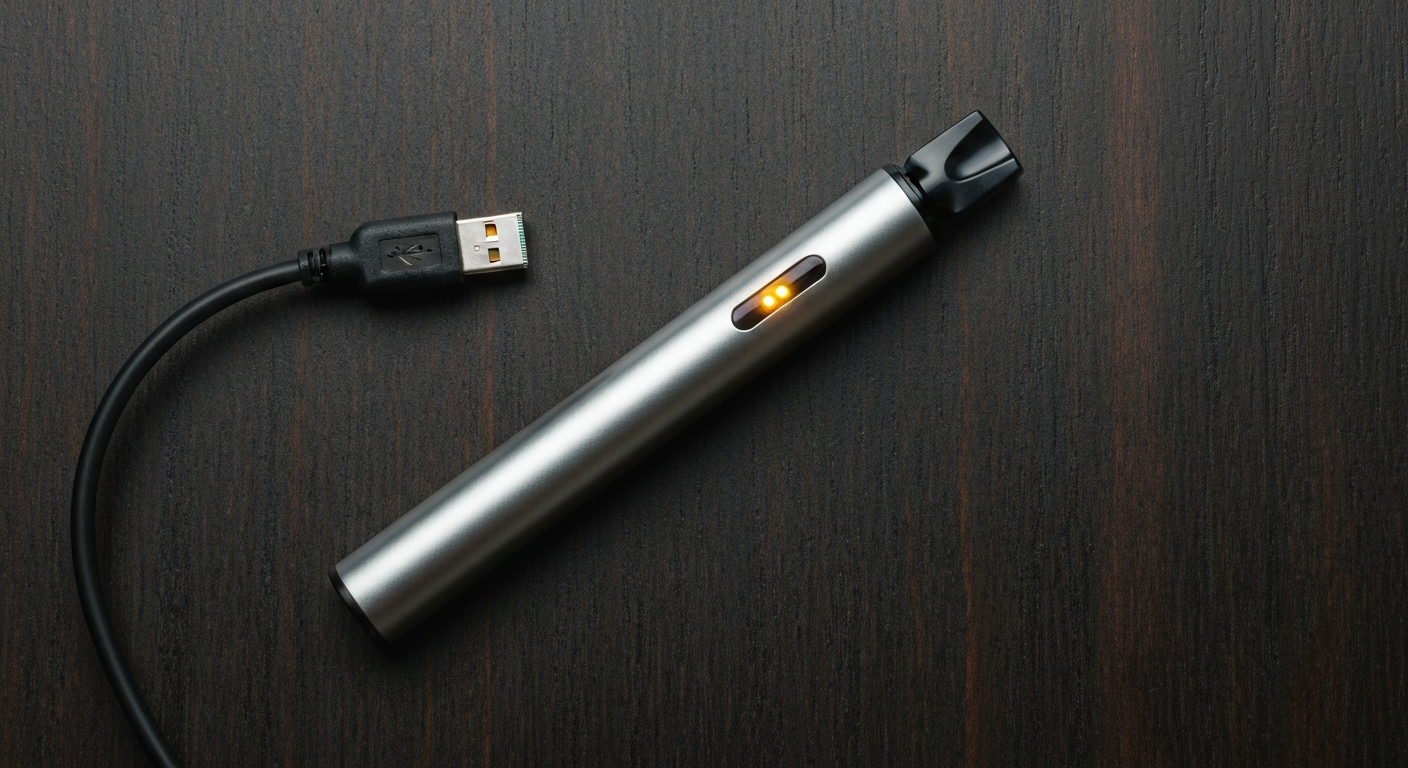

Your vape is flashing because it detected a problem and shut down to protect you — the most common triggers are a dead battery, short circuit protection, a flooded coil, or a pod that isn't making clean contact. Count the blinks: different patterns mean different faults.
| ✓Our Pick |
Replacement vape coils, pods, and batteries Save yourself the frustration — a proven solution with consistently positive feedback from real buyers. See on Amazon → |
Modern vapes have built-in safety chips that flash a specific number of times to communicate different fault codes. Understanding what each pattern means turns a frustrating blank flash into a specific diagnosis.
The most common cause of flashing by far. Most devices flash between 10 and 15 times when the battery is depleted. A low battery may also cause the device to fire weakly or cut out mid-draw before flashing.
Fix: Connect to the charger. Most pod systems take 30–60 minutes to reach full charge. If the device doesn't respond to charging at all, try a different cable and charger block — USB-C cables from fast-chargers can overvolt some vapes.
Three or four consecutive blinks on most pod vapes indicates the device has detected a resistance value outside its safe range — typically because of a faulty coil, a flood of liquid shorting the coil, or a pod not seated correctly.
Fix: Remove the pod, inspect the contacts on both the pod and device for liquid or debris, dry them with a cotton swab, and reinsert firmly. If the issue persists with the same pod, try a different pod — the coil inside has likely failed.
All regulated vapes include a 10-second fire button lockout. If you hold the button continuously for 10 seconds, the device locks out and blinks 10 times to indicate it cut the draw. This is a safety feature designed to prevent accidental burns and coil damage, not a malfunction.
Fix: Release the button, wait 30 seconds, and fire normally.
When too much liquid saturates the cotton wicking inside the coil, the atomizer can't vaporize it efficiently. This causes gurgling draws, spitback, and sometimes a blinking fault code as the chip detects an electrical anomaly.
Fix: Remove the pod and hold it upside-down over a paper towel for 30 seconds. Then flick it sharply downward two or three times to force excess liquid out of the coil chamber. Let it sit open for 10 minutes before reinserting.
Pod vapes make electrical contact through gold-plated pins on the bottom of the pod and the device body. Dust, lint, and dried e-liquid on these contacts increase resistance and can prevent the device from recognizing the pod at all — resulting in repeated flashing without any draw.
Fix: Wipe both the pod contacts and device contacts with a dry cotton swab or a swab lightly dampened with isopropyl alcohol. Allow to dry completely before reinserting.
Many vape pens include a safety lock that activates after five rapid button presses. When locked, the device flashes five times to show the lock is active and does nothing else. Users often accidentally trigger this without realizing it.
Fix: Press the fire button five times rapidly in under 2 seconds. The device should flash three times to confirm it's unlocked, then operate normally.
Coils degrade. The internal heating element burns out after 1–3 weeks of regular use, and a burned coil produces a harsh taste, reduced vapor, and sometimes a fault code. At this stage no amount of cleaning or charging will fix the device — the coil needs replacing.
Fix: Replace the pod or coil. If you're using a refillable tank system, unscrew the coil head and install a new one after priming it with 5–6 drops of e-liquid and letting it soak for 5 minutes.
| Blink Pattern | Common Meaning | Fix |
|---|---|---|
| 3 blinks | Short circuit protection | Remove pod, clean contacts, try new pod |
| 4 blinks | Atomizer resistance too low | Replace coil/pod |
| 5 blinks | Safety lock activated | Press button 5x rapidly to toggle |
| 10 blinks | Battery dead OR button timeout | Charge device or release button |
| 15+ blinks | Battery fully depleted | Charge |
| Constant blink (no pattern) | Hardware fault or water damage | Replace device |
Blink patterns vary by manufacturer. If your device blinks in a pattern not listed here, consult the manual or the manufacturer's website — many brands publish fault code tables in their product support sections.
Also Read: Why Is My Right AirPod Not Working? 7 Causes & Quick Fixes
If cleaning the contacts, replacing the pod, and fully charging the battery all fail to stop the flashing, the battery or chipset inside the device has failed. Budget vapes in particular have a rated lifespan of 3–6 months under regular use.
Signs the device itself needs replacing:
- Charges fine but won't fire at all
- Casing is swollen or warm to the touch (battery swelling — do not use)
- Device got wet or fell in liquid
- Purchased more than 12 months ago
The FDA advises against using any vaping device that shows signs of battery swelling, leaking, or unusual heat, as these are symptoms of lithium-ion battery failure.
"Damaged, defective, or improperly used e-cigarette batteries have caused injuries — including fires and explosions, some of which have resulted in serious injuries." — FDA Center for Tobacco Products
A flashing vape is telling you something specific. Count the blinks: 3–4 blinks = short circuit or bad pod; 5 blinks = locked; 10 blinks = dead battery or button timeout. Start by cleaning the contacts, reseating the pod, and checking the charge. If the device blinks the moment a fresh pod is inserted, the coil inside has failed and needs replacing. A device that won't respond to any of these steps is at end of life.
The most common causes are a dead or low battery (charge it), a short circuit protection trigger (let the device cool, then retry), or a flooded coil (remove the pod, flick it sharply downward, and let it air out for 10 minutes). Count the blinks — most devices use a specific pattern to identify the fault.
Three blinks on most disposable and pod vapes signals short circuit protection. The atomizer resistance is outside the device's safe range. Remove and reinsert the pod, check the contacts for debris, and try again. If the 3-blink pattern repeats with a different pod, the battery or chipset has failed.
Ten consecutive blinks on most vape pens means the battery is fully depleted and needs charging. On some devices, 10 blinks indicates a button timeout — the fire button was held for more than 10 seconds and the auto-cutoff engaged. Release the button for 30 seconds and try again.
If your vape blinks immediately after a full charge, the problem is the pod or cartridge, not the battery. The pod contacts may be dirty or misaligned, the coil may be flooded, or the pod itself has failed. Wipe the contacts with a dry cotton swab and try a new pod.
This usually means a flooded coil or a blocked airflow sensor. Remove the pod, flick it firmly downward to dislodge excess liquid from the coil, and wipe the airflow inlet. Reassemble and let it sit for 10 minutes before inhaling again.
Reviewed and Updated on May 31, 2026 by Adelinda Manna