
Technology
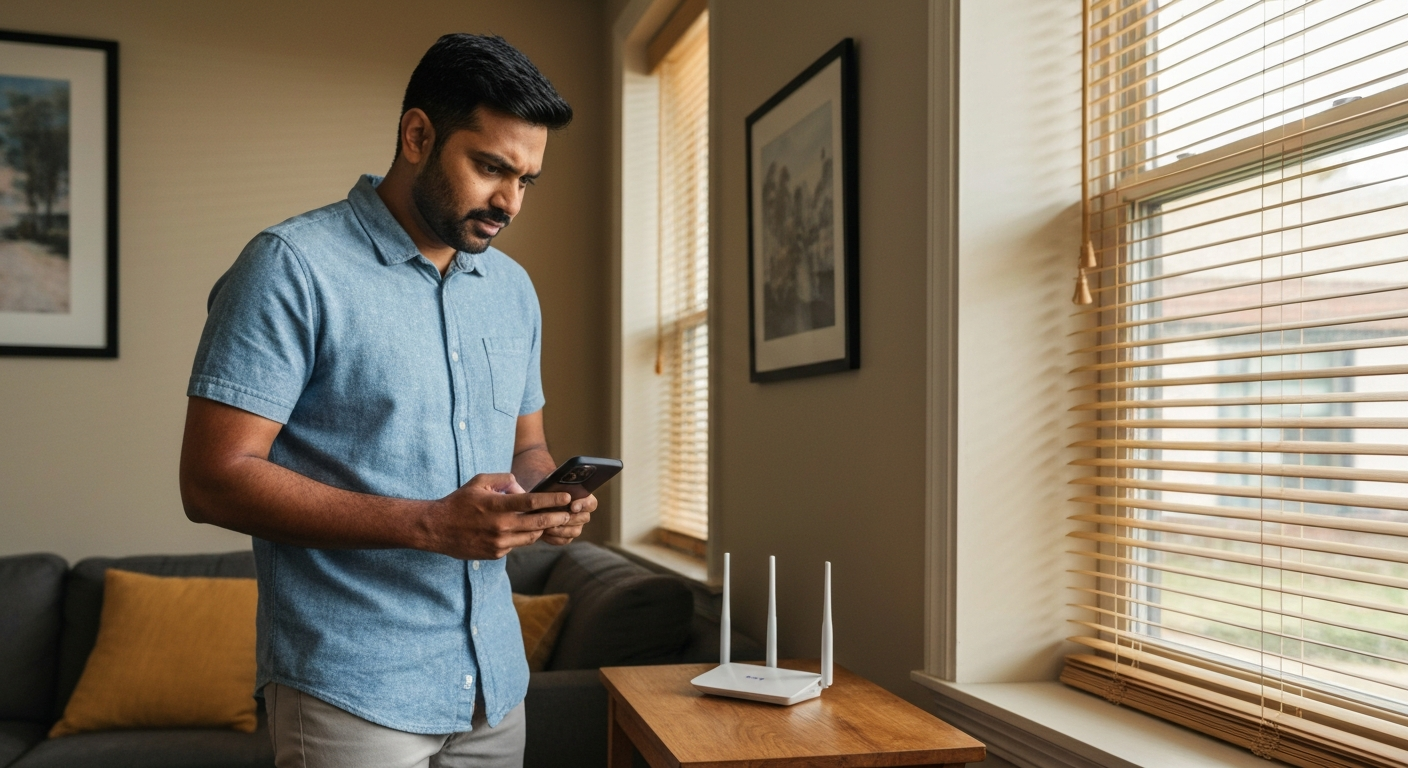

T-Mobile internet is slow because of network congestion, weak signal strength, router placement issues, device limitations, or throttling after exceeding your data priority threshold — most cases resolve by repositioning your gateway, checking for outages, or optimizing connected devices.
Also Read: Why Is My T-Mobile WiFi So Slow? 9 Causes & Quick Fixes
T-Mobile Home Internet runs on cellular 5G and 4G LTE towers rather than physical cables to your house, which means signal quality and network demand directly affect your speeds in ways traditional broadband doesn't experience.
Unlike Spectrum, Xfinity, Cox, or Verizon Fios, T-Mobile's fixed wireless service shares bandwidth with millions of mobile phone users on the same towers. When those towers get busy — during evening hours, major events, or in densely populated areas — your home internet competes for the same airwaves. This architecture explains why your connection might be rock-solid at 2 PM and frustratingly slow at 8 PM.
The T-Mobile 5G Gateway receives signals wirelessly, converts them to WiFi, and distributes that connection throughout your home. Any weakness in that chain — from tower congestion to gateway placement to device-level issues — can tank your speeds.
Before troubleshooting your equipment, check whether T-Mobile itself is experiencing service disruptions in your area.
Visit T-Mobile's official network status page or use the T-Mobile app to check for reported outages. You can also check Downdetector.com for real-time user reports. If thousands of other customers are reporting problems simultaneously, the issue isn't on your end.
T-Mobile occasionally performs tower maintenance or upgrades that temporarily affect service. These maintenance windows often happen between midnight and 6 AM, but unscheduled work can occur anytime.
Evening slowdowns between 6 PM and 11 PM occur because network congestion peaks when everyone gets home from work and starts streaming, gaming, and video calling simultaneously.
T-Mobile prioritizes mobile customers and certain plan tiers during high-demand periods. If your local tower serves a dense residential area, evening congestion can cut your speeds dramatically. This affects every carrier's fixed wireless product, not just T-Mobile.
"During periods of congestion, customers may notice reduced speeds." — T-Mobile Network Management Policy at T-Mobile
The only real solutions for consistent evening congestion are repositioning your gateway for better signal or contacting T-Mobile about tower capacity in your area.
Sudden speed drops usually stem from tower issues, gateway glitches, data deprioritization, or new sources of interference in your home.
Here's a quick diagnostic table to identify sudden slowdowns:
| Symptom | Likely Cause | First Fix |
|---|---|---|
| Slow on all devices suddenly | Tower issue or gateway glitch | Restart gateway, check outage reports |
| Slow after heavy usage | Data deprioritization | Wait for off-peak hours, check data usage |
| Slow after rearranging furniture | Signal obstruction | Reposition gateway |
| Slow after new device added | Bandwidth competition | Disconnect unused devices |
| Slow during storms | Weather interference | Wait for conditions to improve |
Weather significantly impacts 5G signals. Heavy rain, snow, and dense cloud cover can attenuate millimeter-wave 5G frequencies. Even mid-band 5G experiences some degradation during severe weather.
Also Read: Why Is My Internet Cutting In and Out? 9 Causes & Fixes
Gateway placement is the single biggest factor you can control — a poorly positioned gateway can reduce speeds by 50% or more compared to optimal placement.
The T-Mobile 5G Gateway needs a clear line of sight to the nearest cell tower. Walls, floors, furniture, appliances, and even fish tanks absorb or deflect signals. Place your gateway:
The gateway's signal bars are a rough guide, but use the T-Mobile Internet app to check actual signal metrics. Look for RSRP (signal strength) and SINR (signal quality) values. RSRP should be -80 dBm or stronger; SINR should be above 10 dB for good performance.
When certain devices struggle while others work fine, the problem is device-specific — outdated WiFi drivers, distance from the gateway, interference, or hardware limitations.
Laptops and PCs often have older or weaker WiFi adapters than modern smartphones. A 2019 laptop might only support WiFi 5, while your 2024 phone supports WiFi 6E. The phone will always win that bandwidth competition.
Common device-specific fixes:
For Android phones running slow, clear the cache partition, disable battery optimization for data-heavy apps, and ensure you're connected to WiFi rather than accidentally using mobile data.
Strong signal bars don't guarantee fast speeds — congestion, interference, and bandwidth limits can throttle performance even when your connection looks healthy.
Your gateway shows full bars, but speedtests return 10 Mbps instead of the 100+ you expected. This happens because:
Access your gateway settings through the T-Mobile Internet app and check how many devices are connected. Disconnect smart home devices you're not actively using. IoT gadgets like security cameras and smart speakers constantly consume bandwidth even when idle.
Slow downloads specifically (while uploads seem fine) often indicate tower congestion, throttling, or issues with the download server rather than your connection.
Run speedtests on multiple services — Speedtest.net, Fast.com, and Google's built-in speed test. If results vary wildly, the problem might be the test server location rather than your connection.
T-Mobile Home Internet doesn't have hard data caps, but speeds can be reduced during congestion if you're a heavy user. The FCC requires transparency about these practices:
"Fixed wireless providers must disclose network management practices, performance characteristics, and commercial terms of their broadband services." — FCC Transparency Rule at Federal Communications Commission
If downloads are consistently slow regardless of time or server, your gateway might need a firmware update. Check the T-Mobile Internet app for pending updates.
Also Read: Why Is My Internet Upload Speed So Slow? 7 Causes & Fixes
Unstable connections that constantly disconnect indicate signal fluctuation, interference, gateway overheating, or firmware bugs rather than simple speed problems.
An unstable connection differs from a slow one. Instability causes:
Check your gateway's temperature. The T-Mobile device generates significant heat, and overheating causes erratic behavior. Ensure adequate ventilation — don't place it in cabinets, closets, or against walls.
If instability persists, factory reset your gateway: hold the reset button for 10+ seconds until lights flash. You'll need to reconfigure WiFi names and passwords afterward.
Buffering during streaming happens when your connection can't deliver data fast enough to keep up with video playback — fixing it requires matching your stream quality to your actual bandwidth.
For smooth streaming, you need:
| Service | SD Quality | HD Quality | 4K Quality |
|---|---|---|---|
| Netflix | 3 Mbps | 5 Mbps | 25 Mbps |
| YouTube | 3 Mbps | 5 Mbps | 20 Mbps |
| Disney+ | 5 Mbps | 5 Mbps | 25 Mbps |
If your actual speeds fall below these thresholds, manually lower stream quality in each app's settings. This provides consistent playback rather than constant buffering at higher resolutions.
Also consider using ethernet instead of WiFi for your main streaming device. The T-Mobile gateway has ethernet ports — a wired connection eliminates WiFi interference entirely.
If T-Mobile Home Internet consistently underperforms and traditional broadband isn't available at your address, optimizing your current setup is your only path forward.
Some areas only have T-Mobile as a viable internet option. In these cases, maximize what you have:
T-Mobile customer service can also check whether a different tower in your area might provide better service. They can sometimes manually adjust which tower your gateway connects to.
| ✓Our Pick |
Shop VPN plans to reduce ISP throttling and stabilize gaming connections You'll wonder why you didn't try this sooner — practical, well-reviewed, and easy to get started. Learn More → |
T-Mobile internet slows down due to tower congestion (especially evenings), poor gateway placement, too many connected devices, weather interference, or data deprioritization during peak demand. Position your gateway near a window on your highest floor, disconnect unused devices, restart the gateway regularly, and check for outages before assuming something's broken. If speeds are consistently terrible regardless of time, contact T-Mobile about tower capacity at your location — the issue might be infrastructure, not your equipment.
Your PC likely has an older WiFi adapter that supports slower standards (WiFi 5 or earlier) compared to your phone's newer WiFi 6 or 6E radio. Additionally, PCs often connect to the 2.4 GHz band automatically while phones prefer the faster 5 GHz band. Update your PC's WiFi drivers, manually select the 5 GHz network, or use an ethernet cable for the fastest, most reliable connection.
Consistent daily slowdowns point to network congestion patterns. Evening hours (6–11 PM) see the heaviest traffic as households stream, game, and video call simultaneously. T-Mobile's fixed wireless shares tower capacity with mobile users, so peak-hour slowdowns are expected. Try scheduling bandwidth-heavy tasks for early morning or late night.
Frequent disconnections indicate signal instability, gateway overheating, or firmware issues rather than simple speed problems. Check your gateway's ventilation, ensure it's not enclosed in a cabinet, and verify signal metrics in the T-Mobile app. SINR values below 0 dB or RSRP weaker than -100 dBm cause connection drops. Reposition the gateway or request a replacement if problems persist.
Yes, weather significantly impacts wireless signals. Heavy rain, snow, and dense cloud cover attenuate 5G frequencies, particularly the faster millimeter-wave bands. Mid-band 5G (the most common for home internet) experiences moderate weather interference. Speeds typically recover once conditions clear, but expect degraded performance during severe storms.
Slow loading on specific sites while others work fine indicates server-side issues, CDN problems, or routing inefficiencies rather than your connection. The website itself may be experiencing high traffic or technical difficulties. Test by loading the same content on a different network (mobile data) — if it's still slow, the problem isn't your T-Mobile service.
Reviewed and Updated on June 13, 2026 by Adelinda Manna