Technology
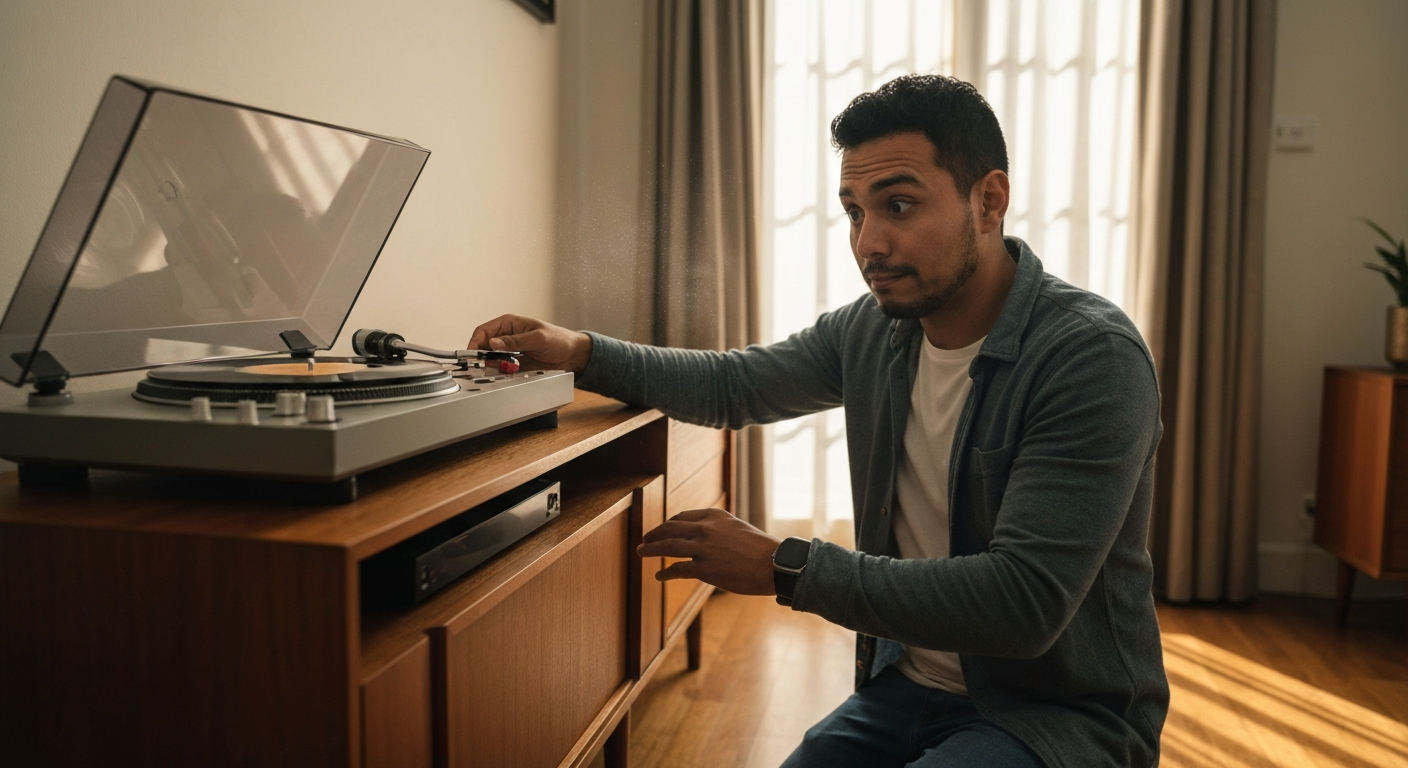

A record player skips when the stylus (needle) loses contact with the groove, and the most common culprits are a dirty record, a worn or damaged stylus, incorrect tracking force, an unleveled turntable, or vibrations traveling through the surface it sits on.
Any of these issues disrupts the delicate balance required for the stylus to trace the groove continuously. The good news: most skipping problems are cheap and easy to fix at home once you identify the cause.
| ✓Quick Fix |
The Go-To Fix for This Right Now Many readers dealing with this exact issue start with something like this before trying anything else. See on Amazon → |
The stylus tip rides inside a vinyl groove that's narrower than a human hair, and even microscopic interference can knock it off track.
A vinyl record's groove is a continuous spiral cut into the surface, with tiny undulations on the walls that encode the audio signal. The stylus—typically a diamond or sapphire tip—traces these undulations at a tracking force of just 1–3 grams. That's roughly the weight of a paperclip pressing down on a contact point smaller than a grain of sand.
When everything is calibrated correctly, the stylus glides smoothly from the outer edge to the label. But if dust particles, warps, weight imbalances, or external vibrations interfere, the stylus bounces out of the groove and lands somewhere else—creating that frustrating skip or repeat.
"The stylus must maintain constant contact with both groove walls to accurately reproduce the recorded signal. Any interruption—whether from contamination, mechanical wear, or environmental factors—results in mistracking." — Michael Fremer, Senior Contributing Editor at Stereophile and Analog Planet
Skipping almost always traces back to one of these seven issues—and most are fixable in under 10 minutes.
This is the single most common cause. Vinyl records are magnets for dust, lint, fingerprints, and airborne particles. When debris accumulates in the groove, it creates physical obstacles that deflect the stylus. Even a single hair can cause repeated skipping at the same spot.
Signs it's a dust problem:
- Skipping happens at the same location every time you play the record
- You can see visible dust or smudges on the surface
- The record plays fine after cleaning
A stylus doesn't last forever. Most manufacturers recommend replacing it every 500–1,000 hours of play. As the tip wears down, it loses its precise shape and can no longer track grooves accurately. A chipped or bent stylus is even worse—it may skip across records and cause permanent groove damage.
Warning signs of stylus wear:
- Skipping across multiple records (not just one)
- Audible distortion, sibilance, or "fuzzy" highs
- Visible damage under magnification (10x loupe or phone macro lens)
| ✓Our Pick |
Turntable stylus replacement kits and cleaning tools Highly rated by thousands of buyers — this is one of the most effective solutions for this issue you can try at home. See on Amazon → |
Tracking force is how much downward pressure the tonearm applies to the stylus. Too light, and the stylus bounces out of grooves on dynamic passages. Too heavy, and it plows through grooves, causing distortion and accelerated wear.
Most cartridges have a recommended tracking force between 1.5 and 2.5 grams—check your cartridge manufacturer's specifications. Budget turntables with non-adjustable tonearms often ship with incorrect tracking force from the factory.
Gravity affects stylus tracking. If your turntable tilts even slightly, the stylus experiences uneven pressure across the groove walls. This commonly causes skipping during loud, bass-heavy passages where groove excursions are widest.
A turntable that worked fine in one location may skip after being moved to a new shelf or room.
Turntables are extremely sensitive to vibration. Footsteps, subwoofer bass, nearby traffic, or even air conditioning units can transmit vibrations through the floor, furniture, and platter—causing the stylus to jump.
This is especially problematic with:
- Lightweight particle-board furniture
- Turntables placed near speakers
- Rooms with bouncy wooden floors
Vinyl warps when exposed to heat, pressure, or improper storage. A warped record creates an uneven surface that the tonearm may struggle to follow, particularly if tracking force is on the lighter side.
Hold the record at eye level and spin it slowly—any visible waves or dips indicate warping.
The spinning record creates an inward pulling force on the tonearm (called skating force). Anti-skate is a counterbalancing mechanism that pushes outward to keep the stylus centered in the groove. If anti-skate is set too low, the stylus rides the inner groove wall too hard; too high, and it favors the outer wall. Either extreme can cause mistracking and skipping.
Also Read: Why Is My Record Skipping? 7 Causes & Easy Fixes
Work through these fixes in order—the first three solve the problem in over 80% of cases.
Use a carbon fiber brush before every play to remove loose surface dust. For deeper cleaning, use a dedicated record cleaning solution and microfiber cloth, wiping gently in the direction of the grooves (never across them).
For heavily soiled records, a wet cleaning system or ultrasonic cleaner delivers professional-grade results.
| Cleaning Method | Best For | Cost Range |
|---|---|---|
| Carbon fiber brush | Daily dust removal | $15–$25 |
| Cleaning solution + cloth | Fingerprints, light grime | $20–$40 |
| Record cleaning machine | Deep cleaning, used records | $80–$500 |
| Ultrasonic cleaner | Restoration, serious collectors | $200–$1,000+ |
Remove the stylus (cartridge) from the headshell if possible and examine the tip under magnification. Look for:
- Visible chips, cracks, or flat spots
- Bent cantilever (the thin rod holding the tip)
- Excessive gunk buildup on the tip
Even if the stylus looks okay, replace it if you've logged 1,000+ hours or bought the turntable used with an unknown history.
You'll need a digital stylus force gauge (around $15–$30). Set the tonearm to float (counterweight adjusted so it's balanced horizontally), then dial in the recommended tracking force for your cartridge. Most entry-level cartridges perform best at 2.0–2.5 grams.
"Proper tracking force is the single most important setup parameter. I've seen countless skipping issues resolved simply by recalibrating to the manufacturer's specification." — Steve Guttenberg, CNET audio reviewer and former high-end audio salesman
Place a small bubble level on the platter (not the plinth) with the platter mat removed. Adjust the turntable feet or use shims until the bubble is perfectly centered. Re-check after any furniture adjustments or room changes.
Move the turntable away from speakers—at minimum, don't place them on the same surface. Consider upgrading to:
- A heavy, solid-wood or MDF furniture piece
- Isolation feet (rubber, sorbothane, or spring-loaded)
- A wall-mounted shelf (eliminates floor vibration entirely)
A good starting point: set anti-skate equal to your tracking force. If your tracking force is 2.0 grams, set anti-skate to 2.0. Fine-tune by ear—if you hear distortion in one channel more than the other, adjust anti-skate in small increments.
Some records skip no matter what you do—the issue is pressed into the vinyl.
Manufacturing defects happen. A record pressed with debris in the stamper, or one that developed groove damage from previous mistracking, may skip permanently. This is common with:
- Bargain bin used records
- Poorly pressed budget reissues
- Records stored improperly (stacked horizontally, exposed to heat)
If one specific record skips while others play fine, and cleaning doesn't help, the record itself is likely damaged. You can try a deep wet clean or ultrasonic cleaning as a last resort, but some damage is irreversible.
Not all turntables are created equal—cheap models are inherently prone to skipping.
Entry-level turntables under $100 often use lightweight platters, non-adjustable tonearms, and ceramic cartridges with poor tracking ability. These design compromises make skipping far more likely, even with perfect records and setup.
If you've tried every fix above and skipping persists across multiple records, your turntable may simply lack the mechanical precision for reliable playback. Upgrading to a turntable with:
- An adjustable counterweight and anti-skate
- A replaceable magnetic cartridge
- A heavier platter with better speed stability
...will dramatically improve tracking performance.
Also Read: Why Is My Firestick So Slow? 8 Causes & Quick Fixes
Record player skipping is almost always caused by dust on the record, a worn stylus, incorrect tracking force, an unleveled turntable, or external vibrations. Start by cleaning your records and inspecting your stylus—these two fixes resolve the majority of skipping issues. If problems persist, check your tracking force with a digital gauge, level your turntable, and isolate it from vibration sources. Persistent skipping across all records may indicate it's time for a stylus replacement or a turntable upgrade.
A skip at the exact same location every time points to debris or damage at that specific point in the groove. Clean the record thoroughly, paying extra attention to the problem area. If cleaning doesn't help, examine that section under bright light for visible scratches or pressed-in debris. Damage at a single point is often caused by previous plays with a worn or dirty stylus.
Yes. Dust, lint, and gunk accumulate on the stylus tip during play and eventually interfere with groove contact. Clean your stylus regularly with a dedicated stylus brush (front-to-back strokes only, never side-to-side) or a gel-based stylus cleaner. A dirty stylus can also damage your records, so this maintenance step protects your entire collection.
If your current stylus is worn beyond its useful life (typically 500–1,000 hours), a replacement will likely solve skipping issues—especially if you're experiencing skipping across multiple records. However, if skipping is isolated to one record or one location, the problem is more likely dust, debris, or record damage rather than the stylus.
The only reliable way is to measure it with a digital stylus force gauge. Balance the tonearm so it floats horizontally, then lower the stylus onto the gauge platform and read the display. Compare this to your cartridge manufacturer's recommended range (printed on the cartridge box or available online). Even a 0.5-gram deviation can cause mistracking on demanding passages.
Absolutely. Bass frequencies from nearby speakers travel through furniture and floors, causing the turntable platter and stylus to vibrate. This is called acoustic feedback and is one of the most common causes of skipping in home setups. The fix is physical separation—move speakers off the same surface as the turntable, or invest in vibration isolation feet or a wall-mounted turntable shelf.
Reviewed and Updated on June 20, 2026 by George Wright