
Dental
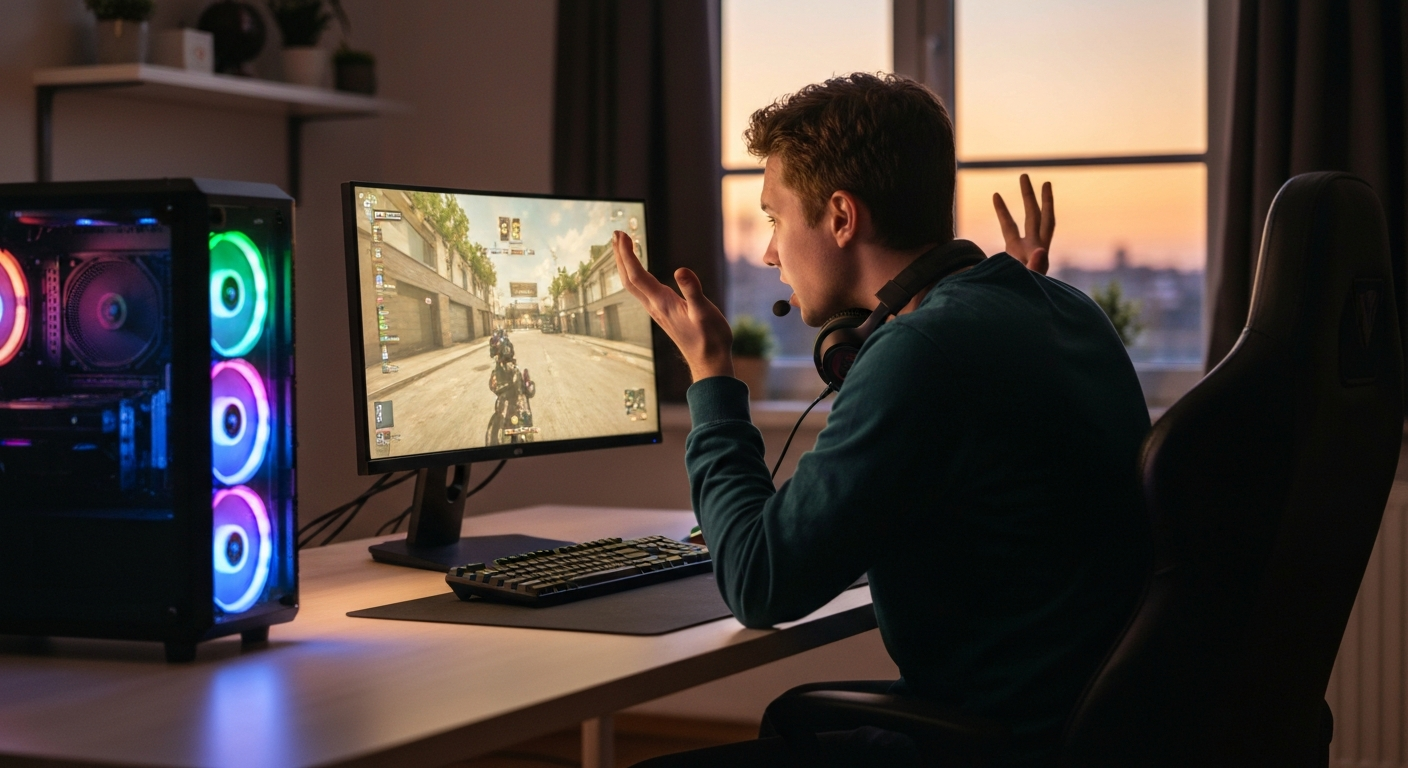

Your ping is high because data packets between your device and the game server are taking too long to travel back and forth, typically due to network congestion, poor Wi-Fi signal, distance to the server, background applications consuming bandwidth, or issues with your internet service provider's routing. High ping—anything consistently above 100 milliseconds—causes the rubber-banding, input delay, and frustrating lag that makes competitive gaming nearly impossible. The good news is that most causes are fixable without upgrading your internet plan or buying new hardware.
| ✓Our Pick |
Top-Rated Gaming Ethernet Cables on Amazon Trusted by professionals and everyday users alike — a smart investment that pays for itself. See on Amazon → |
Ping measures the round-trip time (in milliseconds) for a small data packet to travel from your device to a server and back—essentially the reaction time of your internet connection.
When you press a button in an online game, that input travels as a data packet to the game server, which processes it and sends a response back to your screen. Ping is the total time for that round trip. A ping of 20ms means the round trip takes 20 thousandths of a second. A ping of 200ms means a fifth of a second delay—enough for an opponent to eliminate you before your shot even registers.
Ping is different from download speed. You might have a 500 Mbps connection and still experience high ping. Download speed determines how much data you can receive per second. Ping determines how quickly that data reaches you. Think of download speed as the width of a highway (how many cars fit) and ping as the speed limit (how fast those cars travel).
| Term | What It Measures | Ideal Value |
|---|---|---|
| Ping/Latency | Round-trip time in milliseconds | Under 50ms |
| Download Speed | Data received per second (Mbps) | Depends on usage |
| Upload Speed | Data sent per second (Mbps) | 10+ Mbps for streaming |
| Jitter | Variation in ping over time | Under 30ms |
| Packet Loss | Data packets that never arrive | 0% |
High ping rarely has a single cause—it's usually a combination of factors between your device and the game server, and identifying the bottleneck is the first step to fixing it.
Wi-Fi is the most common culprit behind high ping. Wireless signals weaken as they pass through walls, floors, and furniture. They also compete with interference from neighbouring networks, microwaves, baby monitors, and Bluetooth devices. Every obstacle between your router and device adds latency.
The 2.4 GHz band travels farther but is congested and slower. The 5 GHz band is faster but doesn't penetrate walls as well. If you're gaming on the far side of your home from the router, you'll notice ping spikes even when your signal bars look fine.
Streaming services, cloud backups, Windows updates, and other devices on your network all compete for bandwidth. Netflix streaming in 4K on another device can consume 25 Mbps. A large game update downloading in the background can saturate your connection entirely.
Even applications running silently—cloud storage syncing, antivirus updates, browser tabs with auto-refreshing content—add latency by creating network congestion at your router.
Data travels through fibre optic cables at roughly two-thirds the speed of light. That sounds fast, but physical distance still matters. A player in London connecting to a server in Tokyo will always have higher ping than someone connecting from Osaka, simply because the data has farther to travel.
Most games let you select regional servers. Connecting to a server across an ocean instead of one in your region can add 100–200ms of unavoidable latency.
Older routers struggle with modern network demands. If your router is more than five years old, it may lack the processing power to handle multiple devices efficiently. Consumer routers also tend to slow down over time as their memory fills and software becomes outdated.
"Many consumer routers aren't designed for sustained high-throughput applications like gaming. They work fine for casual browsing but introduce latency under load." — Jim Salter at Ars Technica
Your internet service provider controls the path your data takes between your home and the wider internet. Some ISPs route traffic inefficiently, adding unnecessary hops. Others throttle certain types of traffic (including gaming) during peak hours to manage network load.
If your ping is consistently high regardless of what you try, the problem may be upstream—somewhere between your router and your ISP's connection to the game server.
Network adapter drivers translate software commands into signals your hardware can process. Outdated or corrupted drivers can introduce latency, drop packets, or fail to take advantage of your hardware's full capabilities.
During peak hours—typically evenings and weekends—internet infrastructure in your area handles more traffic. This shared congestion affects everyone on your ISP's local network, not just your household.
Damaged or poor-quality Ethernet cables can cause packet loss and retransmissions, which appear as ping spikes. Older Cat5 cables may also bottleneck gigabit connections. Cat6 or Cat8 cables handle modern speeds without introducing latency.
Your DNS server translates website names into IP addresses. A slow DNS server adds latency to every new connection. While DNS doesn't affect moment-to-moment ping during gameplay, it can impact initial connection times and cause spikes when games need to resolve new addresses.
Also Read: Why Is My House So Dusty? 8 Causes & Proven Fixes (2026)
Most high-ping issues can be resolved with changes you can make in under an hour, starting with the simplest fixes and progressing to more involved solutions.
The single most effective fix for high ping is connecting directly to your router with an Ethernet cable. Wired connections eliminate wireless interference, reduce latency by 10–30ms, and provide a stable signal.
If your gaming setup is far from your router, consider powerline adapters (which send network data through your home's electrical wiring) or a long Ethernet cable run along skirting boards.
| ✓Our Pick |
Cat8 Ethernet Cables for Gaming on Amazon Highly rated by thousands of buyers — this is one of the most effective solutions for this issue you can try at home. See on Amazon → |
Before gaming, check what else is running on your network:
On Windows, open Task Manager (Ctrl+Shift+Esc) and sort by "Network" to see what's consuming bandwidth.
In your game's settings or server browser, choose servers in your geographic region. Many games display server ping before you connect—always pick the lowest-ping option.
For games without server selection, a VPN with gaming-optimised servers can sometimes provide a more direct route to game servers than your ISP's default path.
Routers accumulate memory leaks and connection issues over time. A simple restart clears cached data and re-establishes connections. Unplug your modem and router for 30 seconds, then reconnect the modem first. Wait until it's fully online before powering on the router.
Log into your router's admin panel (usually 192.168.0.1 or 192.168.1.1) and check for firmware updates. Manufacturers regularly release updates that improve performance and security. The update process typically takes a few minutes.
Most modern routers include QoS settings that let you prioritise gaming traffic over other types. In your router's admin panel, look for QoS or "Traffic Prioritisation" settings. Set your gaming device's MAC address or gaming ports as high priority.
| Application | Common Ports to Prioritise |
|---|---|
| General Gaming | UDP 3478-3480 |
| PlayStation Network | TCP 80, 443, 3478-3480 |
| Xbox Live | TCP 3074; UDP 88, 500, 3074 |
| Steam | UDP 27000-27015 |
| Discord | UDP 50000-65535 |
On Windows, open Device Manager, expand "Network adapters," right-click your adapter, and select "Update driver." For the best results, download the latest driver directly from your adapter manufacturer's website rather than using Windows' automatic search.
Change your DNS to a faster public option:
Cloudflare's DNS is generally the fastest option for most locations.
If you've tried everything and your ping remains high, the issue may be with your ISP. Run a traceroute to your game server (using Command Prompt: tracert [server IP]) and note where delays occur. Contact your ISP with this information and ask about their routing to that destination.
Also Read: Why Is There a Bright Spot on My Phone Screen? Causes & Fixes
Testing ping requires more than a simple speed test—you need to check latency to the actual servers you're connecting to during gameplay.
Run these tests for accurate results:
ping google.com -t for a continuous ping test. Press Ctrl+C to stop and see statistics.Test at different times of day—peak hours (6–11 PM) often show higher ping than early morning.
Some causes of high ping are outside your control and require either switching providers or accepting the limitation.
If you're in a rural area with limited infrastructure, satellite internet, or using mobile data, high ping may be inherent to your connection type. Satellite internet typically has 500–700ms latency due to the distance signals travel to orbit and back. Fixed wireless and 4G/5G home internet vary widely depending on tower congestion and distance.
In these cases, the only solutions are:
"Latency is fundamentally limited by the speed of light and the distance your data must travel. No amount of optimisation can overcome physics." — Dave Täht at Bufferbloat Project
| ✓Our Pick |
Gaming Routers with QoS on Amazon Save yourself the frustration — a proven solution with consistently positive feedback from real buyers. See on Amazon → |
High ping is caused by the time it takes data to travel between your device and a game server, and the most common culprits are Wi-Fi interference, background applications, distance to the server, router issues, and ISP routing problems. Switching to a wired Ethernet connection provides the most immediate improvement for most players. Closing bandwidth-heavy applications, selecting closer servers, and updating router firmware address the next tier of causes. If ping remains high after these fixes, the issue likely lies with your ISP's infrastructure or the physical limitations of your connection type.
Ping and download speed measure different things. Download speed is the volume of data you can receive per second. Ping is how quickly any single piece of data makes the round trip. You can have a 1 Gbps connection with 200ms ping if the data takes a long path or encounters delays. High speed with high ping usually points to routing issues, Wi-Fi interference, or network congestion rather than a bandwidth problem.
Random ping spikes typically indicate network instability rather than consistently high latency. Common causes include Wi-Fi interference from other devices, background applications suddenly using bandwidth, other household members starting streams, or your ISP experiencing momentary congestion. Switching to Ethernet eliminates most spike issues.
Sometimes, yes. If your ISP routes your traffic inefficiently, a VPN can provide a more direct path to game servers. However, VPNs usually add latency because your data travels through an additional server. Gaming VPNs marketed as "ping reducers" only help in specific situations where ISP routing is the problem.
Network infrastructure is shared among many users. During peak hours—typically 6 PM to 11 PM—more people in your area are streaming, gaming, and downloading. This congestion affects everyone on your local network segment. The only solutions are off-peak gaming, QoS prioritisation, or switching to a less congested ISP.
Single-player games with no online component have no ping—everything runs locally on your device. However, many modern single-player games include online features like leaderboards, cloud saves, or always-online DRM. These features can stutter with high ping but typically don't affect core gameplay.
Reviewed and Updated on April 13, 2026 by Adelinda Manna