
Health
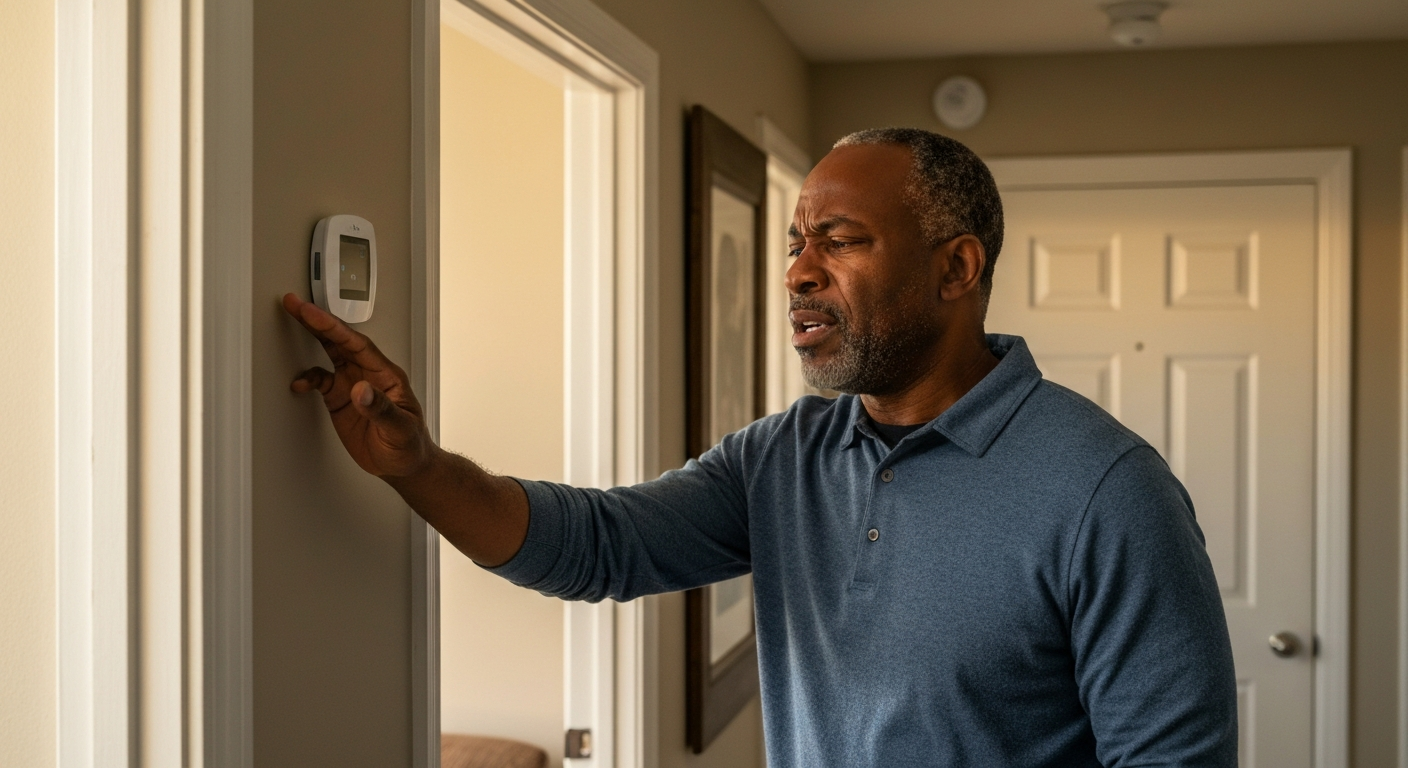

Your Nest thermostat isn't cooling because of incorrect mode settings, wiring issues, a tripped AC safety switch, or a communication breakdown between the thermostat and your HVAC system — and most of these problems can be fixed in under 15 minutes without calling a technician.
When your Nest is not cooling your home, the culprit is almost always one of a handful of common issues: the thermostat is set to the wrong mode, the cooling wire (Y1) isn't connected properly, your AC has triggered a safety shutoff, or the Nest's battery is too depleted to activate your system. The good news is that each of these has a straightforward diagnostic path, and you can work through them systematically to pinpoint exactly what's wrong.
The Nest sends a low-voltage signal through your Y1 wire to tell your AC compressor to turn on — if anything interrupts that signal chain, cooling stops even though the thermostat appears to be working normally.
Your Nest thermostat doesn't actually cool your home. It acts as a switch that tells your HVAC system when to start and stop. When you set the Nest to Cool mode and the temperature rises above your target, the thermostat sends 24 volts through the Y1 (cooling) wire to your air conditioner's control board. That signal activates the compressor and starts the cooling cycle.
Several components must work correctly for this to happen:
- The Nest must have enough battery charge to power its processor and relay
- The thermostat must be in the correct mode (Cool or Heat-Cool)
- The Y1 wire must be properly connected at both the Nest and the HVAC control board
- Your AC system must be operational with no tripped breakers or safety switches
- The C wire (or Nest's internal power management) must provide consistent power
When any link in this chain breaks, your Nest won't cool — even if the display shows the correct temperature and settings.
The most common reason a Nest won't cool is that it's set to Heat, Off, or Eco mode instead of Cool — a 10-second settings check can confirm this.
This sounds obvious, but it catches people constantly. The Nest has several operating modes, and if you're not in Cool or Heat-Cool mode, the air conditioner simply won't activate. Here's how to check:
If your Nest shows "Off," "Heat," or "Eco," that explains everything. Eco mode in particular can prevent cooling if your home temperature is below the Eco cooling threshold — the Nest considers your home comfortable enough and won't run the AC.
Check whether a scheduled temperature change is interfering. Go to Settings > Schedule and look at what temperature is programmed for the current time. If the scheduled cooling setpoint is higher than your current room temperature, the AC won't kick on. You can manually override this by simply turning the ring to your desired temperature.
Also Read: Why Is My Internet Cutting Out? 9 Causes & Fixes
| ✓Our Pick |
Search smart home diagnostic tools on Carputech Save yourself the frustration — a proven solution with consistently positive feedback from real buyers. Learn More → |
A loose, missing, or incorrectly labeled Y1 cooling wire is the second most common cause of a Nest not cooling — and you can verify this in under five minutes.
The Nest needs a properly connected Y1 wire to signal your AC. If this wire came loose during installation, got bumped, or was never connected correctly, the Nest has no way to tell your air conditioner to turn on.
To check your wiring:
| Wire Terminal | Function | What Happens If Missing |
|---|---|---|
| Y1 | Cooling signal | AC compressor won't activate |
| G | Fan control | Fan may not run independently |
| W1 | Heating signal | Heat won't work (unrelated to cooling) |
| Rh or Rc | 24V power | System won't power on at all |
| C | Common/continuous power | Battery may drain, intermittent operation |
If you don't see a wire in Y1, or the wire is loose, that's your problem. Push it firmly into the port until it clicks. If there's no Y1 wire at all, your system may not be wired for cooling control through the thermostat — this happens occasionally with certain HVAC configurations.
"Approximately 90% of homes in the US with central heating and cooling have a low-voltage system (24V) and are compatible with the Nest Thermostat." — Google Nest Support
Even when your Nest is configured correctly, your air conditioner itself can prevent cooling by tripping internal safety switches, blowing fuses, or experiencing a refrigerant pressure problem.
Your Nest can do everything right — send the cooling signal, display the correct mode, show the temperature dropping — and your AC still won't turn on. That's because the AC has its own safety systems that override thermostat commands.
Go to your electrical panel and look for the breaker labeled "AC," "Air Conditioner," or "HVAC." It should be firmly in the ON position. If it's tripped (in the middle position) or off, flip it fully off, wait 30 seconds, then flip it back on. If it trips again immediately, you have an electrical issue that needs professional attention.
Many AC systems have a float switch in the condensate drain pan. When the drain clogs and water backs up, the float rises and shuts off the AC to prevent water damage. Check your indoor unit (usually in a closet, attic, or basement) for standing water in the drain pan. If you find water, clear the clog from the drain line and empty the pan — the AC should start working again.
Your HVAC control board has small automotive-style fuses (usually 3A or 5A). If one blows, the thermostat loses its power source or can't send signals. With the power off, locate your HVAC control board and visually inspect the fuses. A blown fuse will have a broken filament or scorch marks.
Also Read: Why Is My Internet Going In and Out? 9 Causes & Fixes
Nest thermostats rely on either a C wire or internal battery charging — when power drops below a threshold, the thermostat can't activate your AC compressor even though the display appears normal.
The Nest Learning Thermostat and Nest Thermostat E both have internal lithium-ion batteries. These batteries normally stay charged through power stolen from the HVAC wires or through a dedicated C (common) wire. When the battery gets too low, the Nest enters a low-power state and stops sending signals to your HVAC system.
You can check your battery voltage in the Nest app or on the device:
1. Open the Nest app
2. Select your thermostat
3. Tap Settings > Technical Info > Power
4. Look at the "Battery" reading
A healthy Nest battery shows 3.7V or higher. If you're seeing 3.6V or below, the battery is struggling. Readings under 3.5V mean the Nest is running on fumes and may not reliably control your system.
To fix low battery issues:
Specific error codes in the Nest app — like E73, E74, or "No power to Rh wire" — tell you exactly what's preventing cooling and where to look for the fix.
When your Nest detects a problem, it often displays an error code. Here are the codes most relevant to cooling failures:
| Error Code | Meaning | Likely Fix |
|---|---|---|
| E73 | No power to Rc wire | Check Rc connection and HVAC fuse |
| E74 | No power to Rh wire | Check Rh connection and furnace fuse |
| E195 | No power detected | Verify wiring at thermostat and control board |
| W5 | Heating/cooling turned off for safety | System detected short; check for crossed wires |
| No Y1 wire detected | Cooling wire missing | Connect or reconnect Y1 wire |
If you see any of these codes, they point directly to the problem area. Most involve wiring issues that you can fix by turning off power and reseating the relevant wires.
A factory reset clears software glitches and corrupted settings that can prevent your Nest from cooling — but it also erases your schedules and preferences, so try other fixes first.
If you've verified wiring, checked your AC system, and confirmed proper settings but your Nest still won't cool, a reset may clear whatever software issue is blocking operation.
To restart (not reset) your Nest:
1. Press and hold the ring for 10 seconds until the screen turns off
2. Release and wait for the Nest to reboot
3. Test cooling mode
If that doesn't work, try a full factory reset:
1. Press the ring to access the main menu
2. Go to Settings > Reset > All Settings
3. Confirm the reset
4. Reconnect to WiFi and reconfigure your preferences
After a reset, your Nest will need to relearn your schedule. You'll also need to reconnect it to the Nest app.
If your Nest display shows "Cooling" with a blue screen but your AC isn't actually running, the problem is downstream of the thermostat — in your wiring, control board, or AC unit itself.
This situation confirms the Nest is doing its job. It's sending the cooling signal. But something between the thermostat and the compressor isn't responding.
Troubleshooting steps:
1. Listen at your outdoor AC unit — you should hear the compressor and fan running
2. Check that the disconnect box near the outdoor unit is in the ON position
3. Feel the copper lines running from the unit — the larger one should feel cold when the AC is running
4. Verify the indoor blower fan is running by checking airflow at vents
If the Nest shows cooling but nothing is happening at the AC unit, you likely have a control board issue, a failed compressor, or a wiring break between the thermostat and the AC. This typically requires professional diagnosis.
"If your thermostat is calling for cooling but the outdoor unit isn't responding, the issue is usually in the control wiring, the contactor, or the compressor itself — not the thermostat." — HVAC School
Your Nest thermostat not cooling comes down to four main categories: wrong settings, wiring problems, AC system issues, or power/battery failures. Start by verifying you're in Cool mode, then check that your Y1 wire is properly connected. If those check out, investigate your AC's breakers, float switch, and control board fuses. Low Nest battery voltage can also prevent cooling even when everything else looks fine. Most problems resolve with 15 minutes of systematic troubleshooting, but if your Nest shows "Cooling" and nothing happens at the AC unit, you're dealing with an HVAC issue that may need professional repair.
If your Nest is set to Cool but the AC isn't running, the most likely causes are a loose Y1 cooling wire, a tripped AC breaker, or a triggered float switch in your condensate drain pan. Check that the Y1 wire is firmly seated in the thermostat base, verify your AC breaker is on, and look for standing water in your indoor unit's drain pan. If all those check out, your Nest's battery may be too low to send the cooling signal — check the battery voltage in the app under Technical Info.
Yes. When the Nest's internal battery drops below approximately 3.5V, it may not have enough power to activate the relay that sends the cooling signal to your AC. The display might still work because it requires less power than the relay. Fix this by adding a C wire for constant power, installing a Nest Power Connector, or temporarily charging the Nest via USB.
When the Nest display shows "Cooling" with a blue screen, the thermostat is doing its job — it's sending the signal. The problem is downstream in your HVAC system. Check that your outdoor AC unit is running, the disconnect box is on, and the indoor blower fan is operating. If the outdoor unit isn't running despite the Nest calling for cooling, you likely have a failed contactor, compressor issue, or broken control wire that needs professional repair.
Turn off your HVAC power at the breaker, then gently pull the Nest display off its base. Look at the wire terminals — you should see a wire inserted into the port labeled Y1. The wire should be pushed in far enough that you see bare copper entering the port, not just insulation. If there's no wire in Y1 or it's loose, reconnect it firmly until it clicks into place.
Try a simple restart first — press and hold the ring for 10 seconds until the screen turns off, then let it reboot. If that doesn't fix the cooling problem, a factory reset can clear software glitches, but it erases all your schedules and learned preferences. Only do a full reset after you've ruled out wiring issues, AC problems, and incorrect settings, since those are more common causes and don't require losing your configuration.
Reviewed and Updated on June 13, 2026 by Adelinda Manna