Technology
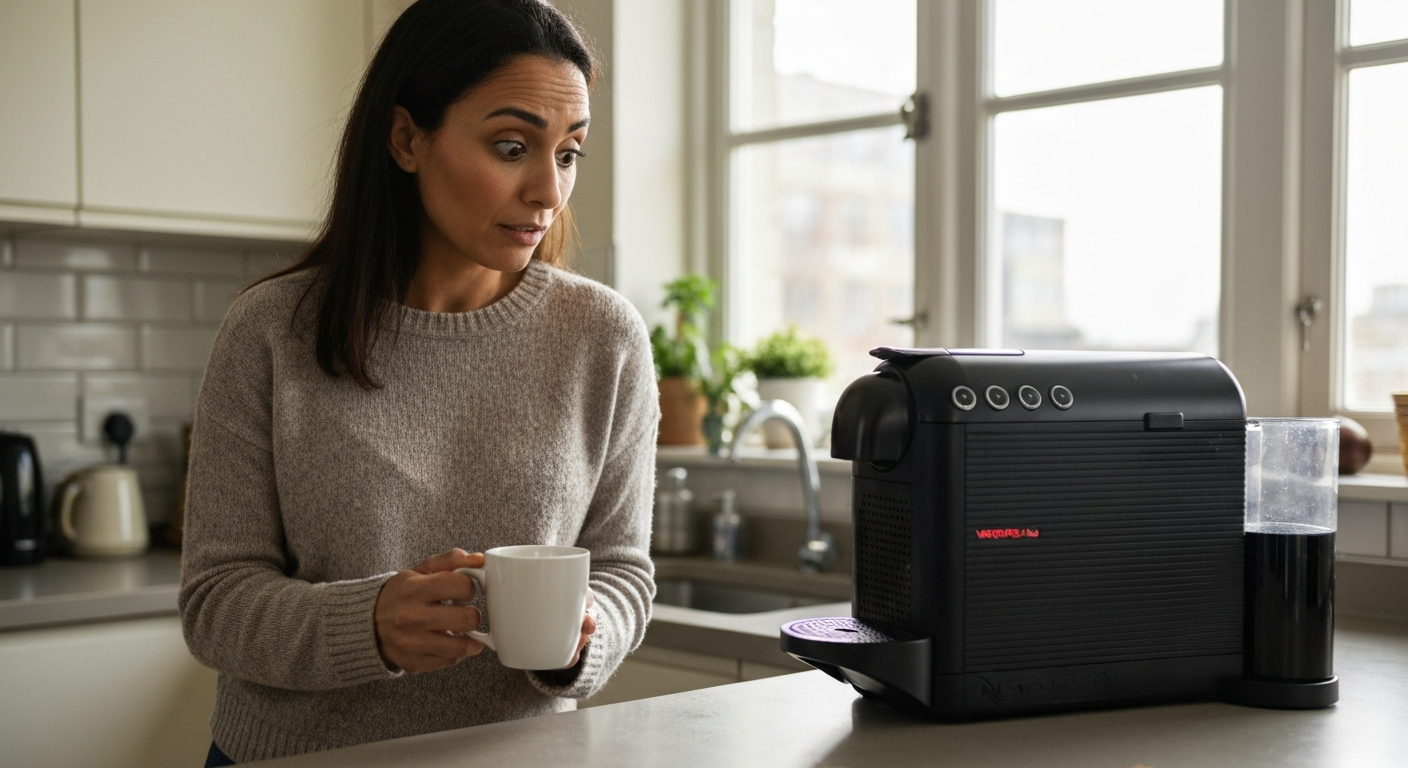

A red blinking light on your Nespresso machine signals that it needs attention — usually the water tank is empty, the capsule container is full, the machine needs descaling, or there's a mechanical error that requires a reset.
The specific pattern of the blinking tells you exactly what's wrong. A steady red blink typically means low water or overheating, while a red light blinking twice (or flashing red in a rapid pattern) often indicates a more serious issue like a brewing error or the need for a factory reset. Once you identify the pattern, most fixes take under five minutes.
| ✓Quick Fix |
The Go-To Fix for This Right Now One of the simplest things to try immediately — no appointment, no waiting. See on Amazon → |
The red light is Nespresso's universal warning signal — the machine detected a problem it cannot resolve on its own and needs you to intervene before it will brew again.
Unlike orange or green lights that indicate normal operations (heating, ready to brew), a red light always means something is preventing the machine from working. Nespresso machines use different blink patterns to communicate different problems, which is helpful once you know how to read them.
The most common causes fall into five categories: water supply issues, capsule container problems, temperature errors, descaling reminders, and mechanical faults. The table below shows what each pattern typically means across popular Nespresso models.
| Blink Pattern | Likely Cause | Typical Fix |
|---|---|---|
| Steady red blink (1 per second) | Empty water tank or overheating | Refill tank; let machine cool 15–20 minutes |
| Red blinking twice, then pause | Brewing error or head position issue | Reposition capsule; close lever firmly; reset |
| Rapid red flashing | System error or factory reset needed | Unplug for 15 seconds; perform reset sequence |
| Red and orange alternating | Descaling required | Run full descaling cycle |
| Red light stays solid (no blink) | Machine locked in error state | Hard reset required |
"The blinking red light indicates your machine has detected an error. The pattern of the blink helps identify the specific issue, whether it's related to water, temperature, or an internal fault." — Nespresso USA Support
The most common reason for a red blinking light is simply that your Nespresso has run out of water or the tank isn't seated correctly.
Before you troubleshoot anything else, remove the water tank completely and check the water level. Even if it looks like there's water inside, the tank may not be making proper contact with the machine's sensor. Here's how to fix it:
If the tank has mineral buildup around its base or the machine's water inlet, wipe both surfaces with a damp cloth. Calcium deposits can prevent the magnetic or mechanical sensor from detecting the tank properly.
Also Read: Why Is My Water Off? 5 Causes & How to Restore Service
A full capsule container or drip tray can trigger a red light on many Nespresso models, even if water supply isn't the issue.
When the used capsule bin reaches capacity, some machines will refuse to brew and display a warning. This is a safety feature — overflowing capsules can jam the mechanism or cause water to back up into the brewing chamber.
To check and clear this:
While you have the tray out, inspect the area underneath for any leaked coffee or debris that might be interfering with sensors.
If your Nespresso is blinking red after brewing several cups in quick succession, it may have triggered its thermal protection system.
Nespresso machines heat water to approximately 83–86°C (181–187°F) for optimal extraction. When you brew multiple cups back-to-back — especially large sizes like Alto or Carafe on Vertuo machines — the internal thermoblock can overheat. The red light tells you the machine has shut down temporarily to protect itself.
The fix is simple: stop using the machine and let it rest.
This is normal behavior during heavy use, like when you're making coffee for a group. It's not a sign of a defect.
A red and orange alternating light — or a persistent red light that started after months of use — often means your Nespresso is overdue for descaling.
Descaling removes mineral buildup from the internal heating element and water pathways. In areas with hard water, this buildup accumulates faster and can eventually trigger error lights or reduce brewing performance. Nespresso recommends descaling every 3–6 months depending on water hardness and usage.
The descaling process varies slightly by model, but the general steps are:
"Regular descaling is essential for maintaining your machine's performance. Mineral deposits can affect water flow, temperature consistency, and trigger warning indicators." — Nespresso Care & Maintenance Guide
After a successful descaling cycle, the red light should turn off and normal operation will resume.
A pattern of two red blinks followed by a pause typically indicates a brewing error — often caused by a capsule that didn't puncture correctly or a lever that isn't fully closed.
This is distinct from a single steady blink. The "blinking red twice" pattern means the machine attempted to brew but something interrupted the process. Common causes include:
To fix this:
If the double-blink persists, the machine may need a reset.
A factory reset clears error states and often resolves persistent red light issues that other fixes don't solve.
The reset process differs between Original line and Vertuo line machines. Here are the most common methods:
After a reset, you may need to run a cleaning cycle before brewing. The machine will typically prompt this with an orange light.
Also Read: Why Is My Google Play Not Working? 8 Causes & Quick Fixes
If you've tried all the above fixes and your Nespresso is still flashing red, the machine may have an internal component failure that requires professional service.
Signs that you need to contact Nespresso:
Nespresso's customer service can often diagnose problems over the phone and will arrange repairs or replacements for machines under warranty. In the US, call 1-800-562-1465 or use the live chat on nespresso.com.
Before calling, have your machine model number ready (found on a sticker on the bottom or back) and note the exact blinking pattern you're seeing.
Regular maintenance dramatically reduces the frequency of red light warnings and extends your machine's lifespan.
Here's a maintenance schedule that keeps Nespresso machines running smoothly:
| Task | Frequency | Why It Matters |
|---|---|---|
| Empty capsule container | After every 10–15 capsules | Prevents overflow and sensor errors |
| Rinse water tank | Weekly | Reduces mineral buildup and bacteria growth |
| Wipe exterior and drip tray | Weekly | Prevents coffee residue from hardening |
| Run cleaning cycle | Monthly | Clears coffee oils from brewing system |
| Descale | Every 3–6 months | Removes limescale from thermoblock and pipes |
| Inspect capsule holder | Monthly | Catches debris before it causes jams |
Using filtered water instead of tap water significantly reduces mineral deposits and can extend the time between descaling cycles. If you live in an area with particularly hard water, consider using bottled spring water.
| ✓Our Pick |
Nespresso machine cleaning and descaling accessories Used by over 10,000 satisfied customers — an easy, affordable option you can start using today. See on Amazon → |
A red blinking light on your Nespresso means the machine needs attention, but it's rarely a serious problem. Check the water tank first — it's empty or unseated in most cases. Empty the capsule container, let an overheated machine cool for 20 minutes, or run a descaling cycle if you haven't in months. For persistent issues, a factory reset clears most error states. If the red light continues after all these steps, contact Nespresso support for warranty service.
A flashing red light that prevents brewing usually means the machine detected a critical error before it could start the extraction process. The three most common causes are an empty water tank, a capsule that isn't seated correctly, or an overheated thermoblock. Remove and reseat the water tank first, then open the lever to check the capsule position. If the machine feels hot to the touch, let it rest for 20 minutes before trying again.
Third-party capsules can contribute to red light errors, especially on Vertuo machines that read barcodes to determine brewing settings. Off-brand pods may not fit precisely in the capsule holder, causing puncture failures or lever-closure issues. If you're experiencing frequent errors, test with official Nespresso capsules to rule out compatibility problems before pursuing other fixes.
Descaling is the issue if you notice weaker coffee, slower flow rates, or unusual sounds during brewing — especially if it's been more than 3 months since your last descale. A reset is appropriate when the machine shows error lights but was working fine recently, or after you've already tried descaling and other physical fixes. Try the reset first since it takes 30 seconds; descaling takes 20–30 minutes.
The two-blink pattern specifically indicates a brewing cycle that started but couldn't complete. This usually means the capsule didn't puncture correctly, the brewing chamber didn't seal, or (on Vertuo machines) the barcode couldn't be read. Open the head, remove any capsule, clean the capsule holder with a damp cloth, insert a fresh official Nespresso pod, and close the lever firmly until it clicks.
With proper maintenance — regular descaling, cleaning cycles, and using quality water — Nespresso machines typically last 5–10 years. The thermoblock and pump are the components most likely to fail over time. If your machine is over 5 years old and experiencing persistent red light errors that resets won't fix, it may be more cost-effective to replace rather than repair.
Reviewed and Updated on June 20, 2026 by George Wright