Technology
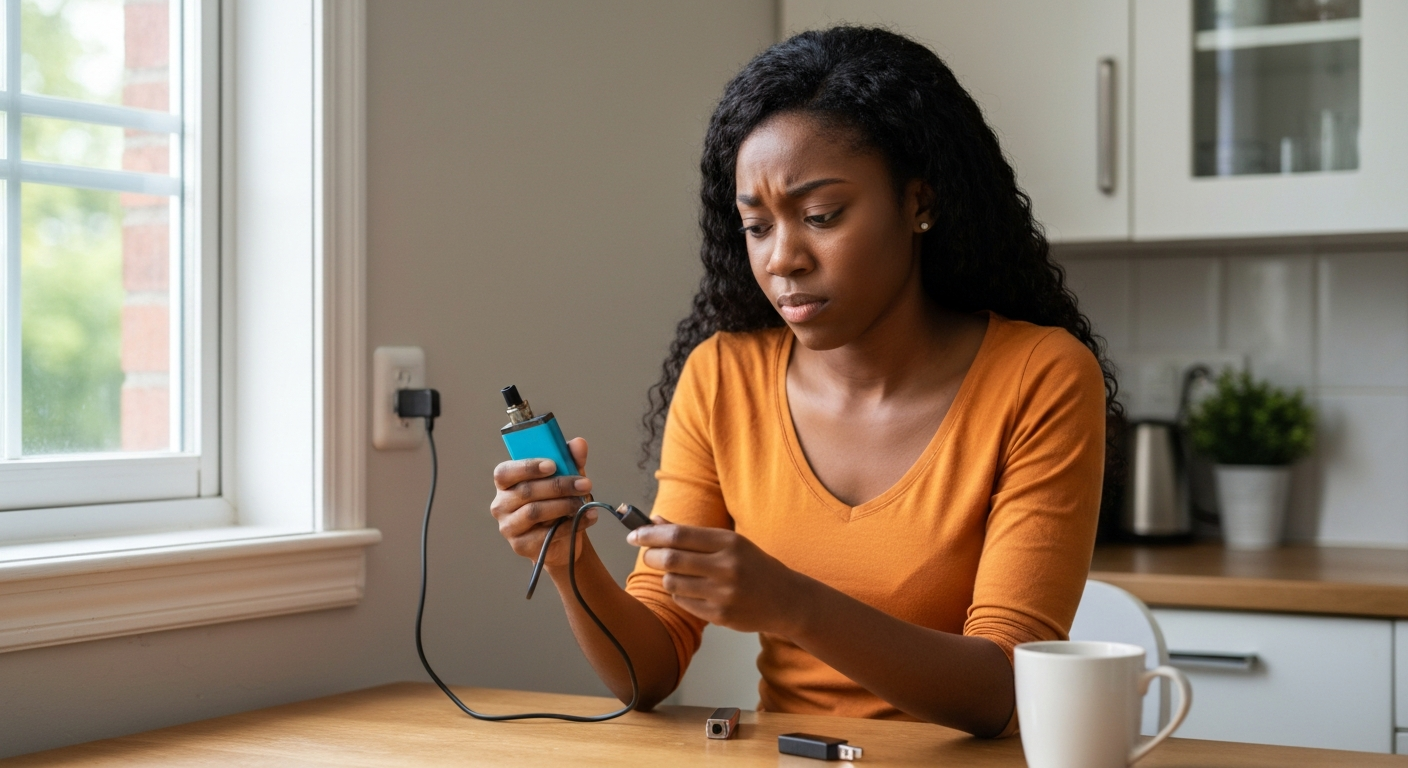

Your Lost Mary isn't charging because of a dirty or blocked charging port, a faulty USB cable, a depleted internal battery that's reached its cycle limit, or moisture trapped inside the device — and in most cases, a quick clean of the contacts is all it takes to get it working again.
The Lost Mary is a disposable vape, which means its battery is designed for a limited lifespan. Unlike rechargeable devices you can use for years, these units are built to last through a specific amount of e-liquid — typically 5,000 to 15,000 puffs depending on the model. When charging fails, it's usually a connection issue you can fix in minutes, though sometimes it signals the device has simply reached the end of its usable life.
| ✓Quick Fix |
What Actually Works for This, Fast Many readers dealing with this exact issue start with something like this before trying anything else. See on Amazon → |
Connection problems, power source issues, and battery limitations account for nearly all Lost Mary charging failures — understanding which one you're dealing with determines whether a quick fix will work or if the device needs replacing.
Lost Mary devices (including the Lost Mary Turbo, MO5000, OS5000, and BM5000 models) all use similar charging systems. The causes below apply across the entire product line, so whether your Lost Mary Turbo not charging is driving you crazy or you're troubleshooting an older model, the same diagnostic steps apply.
The USB-C or micro-USB port on the bottom of your Lost Mary is surprisingly small and collects pocket lint, dust, and residue faster than you'd expect. Even a thin film of debris can prevent the charging pins from making proper contact.
Hold your device up to a bright light and look directly into the port. If you see any fuzz, lint, or dark buildup, that's likely your culprit. This is the single most common reason Lost Marys stop charging, and it's also the easiest to fix.
A damaged or low-quality cable fails to deliver adequate power even when it appears to be functioning normally.
USB cables degrade over time, especially at the connection points where they bend repeatedly. The cable might work fine for transferring data or charging your phone slowly, but vape devices are more sensitive to voltage drops. Try a different cable — ideally one that came with another device you own — before assuming your Lost Mary is broken.
Not all USB ports deliver the same amount of power. Laptop USB ports, older wall adapters, and car chargers often provide lower amperage than what your Lost Mary needs for efficient charging.
| Power Source | Typical Output | Charging Performance |
|---|---|---|
| Direct wall adapter (5V/1A+) | 5W or higher | Best — fastest, most reliable |
| Powered USB hub | 2.5W–5W | Usually adequate |
| Laptop USB port | 2.5W | Slow, may not work |
| USB extension through keyboard | Under 2.5W | Often fails entirely |
| Car USB port | Variable | Hit or miss |
Plug directly into a wall adapter when possible. The small adapters that come with phones work perfectly for this.
Disposable vapes use lithium-ion batteries that can only be recharged a limited number of times. Most Lost Mary models are rated for approximately 300–500 charge cycles before the battery degrades significantly.
"Lithium-ion batteries experience capacity fade with each charge-discharge cycle. After several hundred cycles, internal resistance increases and the battery may no longer accept a charge." — Battery University
If you've been refilling or reusing your Lost Mary beyond its intended lifespan, the battery may simply be worn out. The device was designed to be disposed of once the original e-liquid runs out, not recharged indefinitely.
Condensation from temperature changes, humidity, or accidental exposure to liquid can short-circuit the charging contacts. If your Lost Mary was in a humid bathroom, left in a hot car that later cooled down, or got splashed, moisture may be the issue.
Signs of moisture damage include:
- Gurgling sounds when you draw
- Reduced vapor production before charging failed
- Visible condensation in the mouthpiece
- The device feeling warmer than usual during use
Lost Mary devices communicate through their LED lights. When you plug in the device, watch what happens — the light behavior tells you a lot about what's wrong.
| LED Behavior When Plugged In | What It Means |
|---|---|
| Solid light (any color) | Charging normally |
| Blinking rapidly | Connection issue or battery error |
| No light at all | No power reaching the device |
| Light turns on then off immediately | Possible short circuit |
| Flashing 10+ times then stopping | Battery fully depleted or damaged |
Most charging problems can be resolved in under five minutes with basic household items — no special tools required.
Work through these steps in order. Each one addresses a different potential cause, and you'll likely find your solution before reaching the end.
Use a wooden toothpick or a dry cotton swab to gently remove any debris from the charging port. Avoid metal objects like pins or paperclips — they can damage the internal contacts or cause a short circuit.
If the port looks grimy, lightly dampen a cotton swab with isopropyl alcohol (90% or higher) and carefully swab the inside. Let it dry completely — at least five minutes — before attempting to charge again.
Swap your USB cable for one you know works reliably. Plug it directly into a wall adapter rated for at least 5V/1A. Avoid USB hubs, laptop ports, and extension cables for this test.
If the device charges with a different cable or power source, your original equipment was the problem. If it still won't charge, move to the next step.
Examine the charging port closely for bent pins, cracks, or burn marks. Look at the exterior of the device for any signs of impact damage or swelling. A swollen battery — visible as the device case bulging outward — means you should stop using it immediately and dispose of it properly.
If you suspect moisture, stand the device upright with the charging port facing down and leave it in a dry, warm (not hot) location for 24 hours. Some people use a container with uncooked rice or silica gel packets to speed up the drying process, though simply leaving it in a dry room works too.
Some Lost Mary models respond to a soft reset. Cover the airflow sensor (usually on the side of the device) and attempt to draw on it five times in quick succession. Then try charging again. This can sometimes clear minor electronic glitches.
If you have access to another Lost Mary or similar vape device that uses the same charging cable, test the cable with that device. This confirms whether the problem is with your cable or your vape.
If you've tried all troubleshooting steps and the device still won't charge, it has likely reached the end of its functional lifespan and needs to be replaced.
Disposable vapes are not designed for long-term use. The economics simply don't support building them with replaceable batteries or repairable components. When a Lost Mary fails after you've gotten its rated number of puffs, that's not a defect — it's the product working exactly as intended.
Signs it's time to replace rather than repair:
- The device is more than 3–4 weeks old with regular use
- You've already recharged it multiple times
- The e-liquid reservoir appears empty
- There's visible internal damage or battery swelling
- The LED no longer responds to anything — drawing, charging, or button presses
For e-liquid refills, coil replacements, and troubleshooting ongoing vaping issues, you might find Also Read: Vape device accessories and replacement coils helpful for maintaining your devices properly.
Also Read: Why Is My Joint Not Pulling? 6 Causes & Easy Fixes
Your Lost Mary not charging is almost always caused by a dirty charging port, a faulty cable, an inadequate power source, or a battery that's reached its natural end of life. Clean the port first — this fixes most cases instantly. Test with a different cable and a wall adapter rated for at least 5V/1A. If none of that works and you've been using the device for several weeks, the battery has likely hit its cycle limit, and replacement is the only solution.
New devices that won't charge out of the box usually have a manufacturing defect or shipping damage. First, try the port cleaning and cable swap described above — sometimes even new devices have debris from packaging. If that doesn't work, contact the retailer for a replacement. Keep your receipt and take photos of the device and its packaging as proof of purchase date.
Most Lost Mary models charge from empty to full in 45–90 minutes depending on the battery size and power source. The LED will typically change from blinking to solid, or turn off entirely, when charging is complete. If your device is taking significantly longer than this, you likely have a weak power source or a cable issue.
Modern disposable vapes include basic overcharge protection circuits that stop drawing power once the battery is full. Leaving your Lost Mary plugged in overnight won't damage it, though there's no benefit to doing so either. If your device is getting hot while charging, unplug it immediately — that indicates a malfunction.
If the device charges successfully but won't produce vapor, the problem isn't the battery — it's likely a clogged airflow sensor, a burned-out coil, or an empty e-liquid reservoir. Check the airflow holes for blockages, and look through the mouthpiece for any visible liquid remaining. A completely dry device won't produce vapor no matter how charged the battery is.
Disposable vapes contain lithium batteries and should not be thrown in regular household trash. Many electronics retailers, vape shops, and municipal recycling centers accept them. Look for battery recycling drop-off locations at stores like Best Buy, Staples, or Home Depot. Never puncture, crush, or incinerate a vape device — lithium batteries can catch fire when damaged.
Reviewed and Updated on June 20, 2026 by George Wright