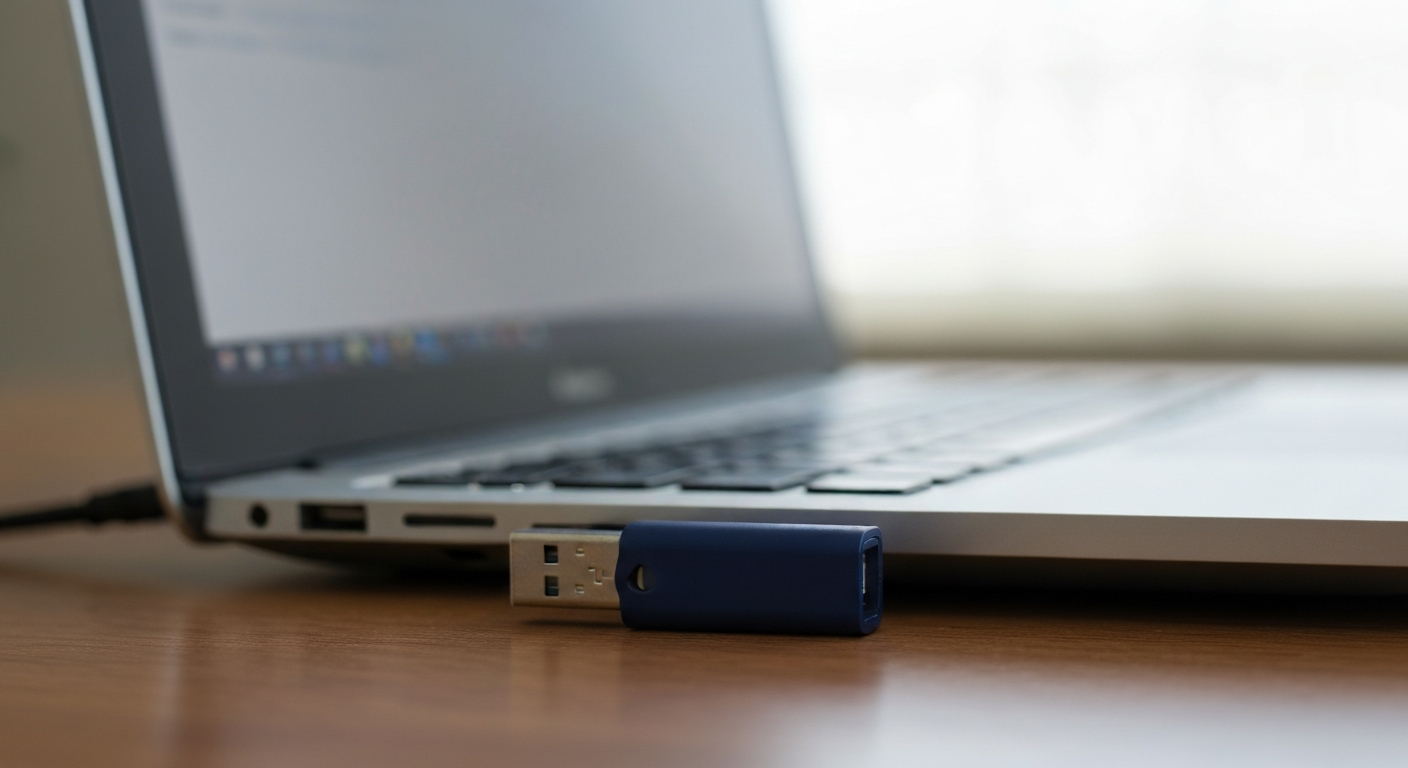
A flash drive that won't work is almost always one of four things: a file system your computer doesn't recognize, a write-protection lock, a driver glitch, or a drive that's actually dying — and the fix depends entirely on which one you're dealing with.
Common Reasons a Flash Drive Stops Working
The most common cause is a file system mismatch or corruption, not a dead drive — Windows often can't read drives formatted on a Mac or Linux machine, and a drive that was unplugged improperly can end up in a corrupted state that looks like total failure but isn't.
A tech writer who covers exactly this problem explained one of the most common triggers:
"This can occur if you format a drive with the APFS file system on a Mac or with the ext4 file system on a Linux PC." — Chris Hoffman at How-To Geek
If the drive is genuinely failing rather than just unreadable, the warning signs are usually physical, not just a missing icon. As Hoffman put it plainly:
"Any number of physical or electrical problems could cause a drive to die." — Chris Hoffman at How-To Geek
A few signs point specifically toward hardware failure rather than a fixable software issue: the drive's light doesn't turn on at all when plugged in, the drive shows up with a bizarre capacity (like 8MB instead of 128GB), or it doesn't appear anywhere — not even in Disk Management — on multiple different computers.
Also Read: Replacement flash drive many people keep on hand for backups
Is Your Flash Drive Write-Protected?
A "write protected" error means the drive can be read but not written to or formatted — usually caused by a physical switch, a full drive, file permission issues, or in some cases, malware.
A tech writer covering this exact error described one cause that catches people off guard:
"Viruses often fill your USB drive with nonsense files, which can make your USB drive respond with the Write Protected error." — Gavin Phillips at MakeUseOf
Before assuming the worst, check the simple things first: many USB sticks have a small physical lock switch on the side that's easy to accidentally bump, and a completely full drive can sometimes throw a write-protected error instead of a normal "disk full" message.
Quick Fixes to Try First
Most flash drive problems resolve with a few basic steps, in this order, before you need to consider the drive a lost cause:
- Plug the drive into a different USB port, and then a different computer entirely, to rule out a port or driver issue on your specific machine
- Open Disk Management (right-click the Start button on Windows) to check whether the drive shows up there even if it's not appearing in File Explorer
- Update or reinstall the USB drive's driver through Device Manager if Windows shows the drive but won't communicate with it properly
- Avoid formatting a drive that shows as RAW or unreadable until after you've tried to recover your files, since formatting will erase them
What If It's Just a Port or Cable Issue, Not the Drive Itself?
If other USB devices also have trouble on the same computer, the issue may be your USB port or controller rather than the flash drive itself. We've covered general USB troubleshooting separately:
Also Read: Why Is My USB Not Working?
When the Drive Itself Has Failed
If a flash drive doesn't appear anywhere — not in File Explorer, not in Disk Management, on more than one computer — the controller chip inside the drive has likely failed, and that's a hardware problem no software fix can resolve.
The controller chip manages how the drive communicates with your computer and how data is written to its memory chips. When it fails, the drive can show up with an impossible capacity, refuse to be recognized at all, or appear and disappear repeatedly even when left untouched. At that point, the drive itself needs professional data recovery rather than a driver update or a different USB port.
How to Recover Data Before You Give Up On It
If the drive is still detected by your computer at all — even if it won't open normally or shows as RAW — there's a real chance your files are still recoverable before you reformat or replace it.
Dedicated recovery software can often pull files off a drive that Windows itself can't read properly, since it bypasses the normal file system and scans the raw data directly. This works best the sooner you try it, and before you write any new data to the drive, since new files can overwrite the very data you're trying to recover.
| ✓Our Pick |
Data recovery software many people use to rescue files from an unreadable drive You'll wonder why you didn't try this sooner — practical, well-reviewed, and easy to get started. Learn More → |
In Short
A flash drive that won't work is usually a file system mismatch, a write-protection lock, or a driver issue — all fixable without losing your data. True hardware failure shows up as an impossible capacity reading or a drive that won't appear on any computer at all. Try a different port and computer first, check Disk Management, and avoid formatting until you've attempted to recover your files if the drive shows as RAW or unreadable.
What You Also May Want To Know
Why does my computer not recognize my flash drive at all?
This is most often a file system the computer doesn't support, a driver issue specific to that computer, or in more serious cases, a failed controller chip inside the drive. Testing the drive on a different computer is the fastest way to narrow down which one it is.
Can I fix a write-protected flash drive without losing my files?
Often yes. Check for a physical lock switch on the drive first, then check if the drive is full or has a permissions issue. These fixes don't erase your data, unlike formatting, which should be a last resort.
Is it safe to format a flash drive that shows up as RAW?
Not immediately. Try to recover your existing files first using data recovery software, since formatting will erase what's currently on the drive. Only format once you've either recovered your files or confirmed there's nothing on the drive you need.
How do I know if my flash drive is permanently dead?
If it doesn't appear in File Explorer or Disk Management on more than one computer, shows an impossible storage capacity, or its light never turns on when plugged in, the drive has likely suffered a hardware failure that software can't fix.
Will a flash drive that won't open still let me recover my files?
In many cases, yes, as long as the computer can still detect the drive at all. Data recovery software can often read raw data off a drive even when the normal file system can't open it.
Reviewed and Updated on June 25, 2026 by George Wright