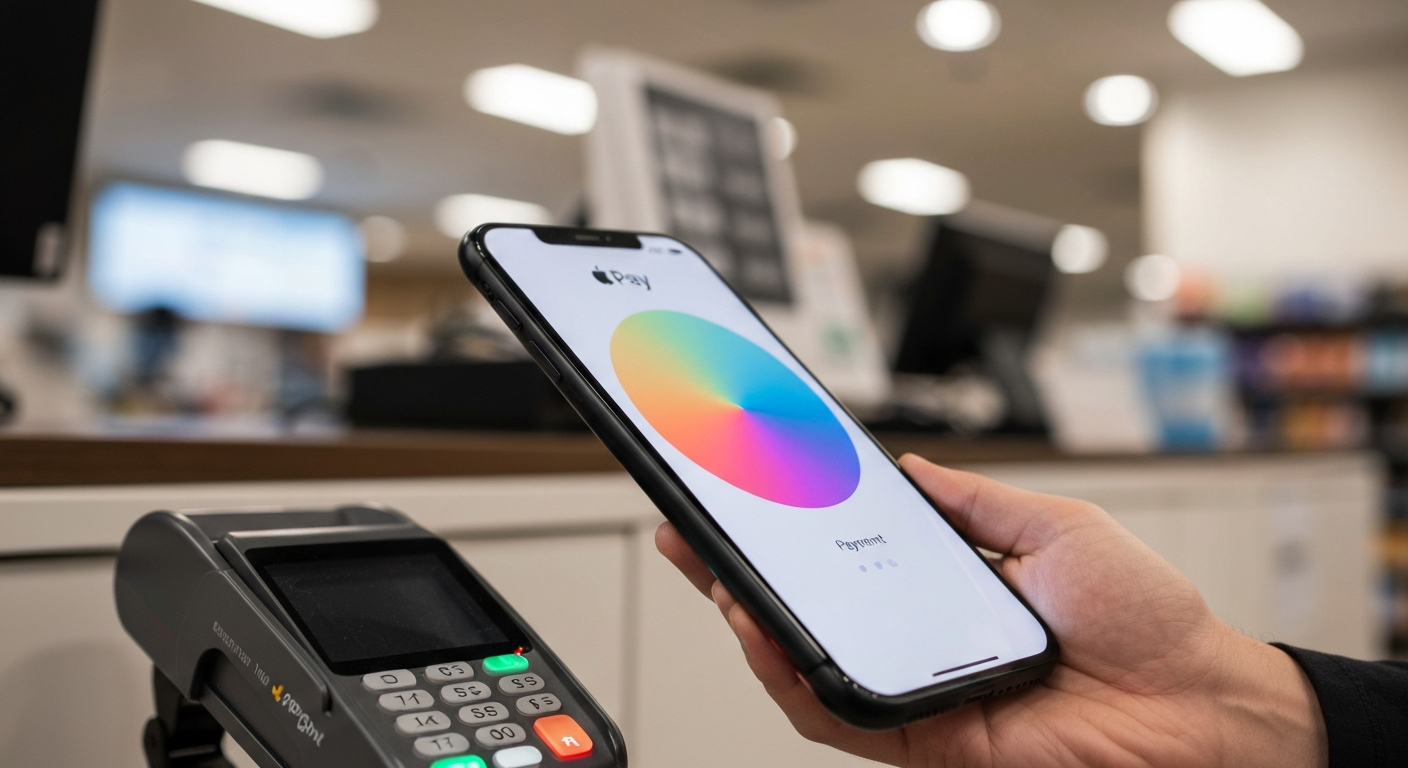
Apple Pay gets restricted because of one of five reasons: a bank-side hold (fraud detection or card issuer policy), Face ID or Touch ID failing to verify, Screen Time content restrictions blocking payments, a suspended Apple ID, or the card being added to Apple Pay on a new device that hasn't been verified yet.
Why Is My Apple Pay Restricted? The 5 Main Causes
Apple Pay restrictions come from two different systems: Apple's platform controls and your bank's payment processing controls. Most "Apple Pay restricted" messages are bank-side — the card issuer flagged the transaction or your account — not an Apple platform problem.
"If your Apple Pay transaction is declined or you see a message that Apple Pay is restricted, the first step is to verify that your card status in Wallet shows as Active. If it shows Pending or Inactive, contact your bank." — Apple Support at Apple Inc.
Is Your Card Suspended or Pending Verification?
When you add a new card to Apple Pay, your bank sends a verification code via text or email. Until you enter that code, the card shows as "Pending Verification" in Wallet and won't process payments. Open Wallet → tap the card → follow the verification prompt.
An existing card can also go inactive if your bank suspects fraud, your card expired, or your billing address was updated and needs re-verification. Open the Wallet app, tap the affected card, and check its status.
Is Screen Time Blocking Apple Pay?
iOS Screen Time includes a restriction called "Allowed Changes" that can block Apple Pay entirely. Parents or MDM (Mobile Device Management) administrators often enable this restriction without realizing it prevents payments.
To check: Settings → Screen Time → Content & Privacy Restrictions → Allowed Changes → "Allow Changes" for Apple Pay. If this is set to "Don't Allow," Apple Pay will appear disabled for non-payment transactions and restricted for others.
Did Your Apple ID Get Suspended?
An Apple ID suspension (due to a security flag, unpaid App Store balance, or multiple failed sign-in attempts) can restrict Apple Pay because Apple Pay is tied to your Apple ID credentials. Sign out of your Apple ID and sign back in: Settings → [Your Name] → Sign Out → Sign In. If sign-in fails, visit iforgot.apple.com to restore account access.
Is Face ID or Touch ID the Problem?
Apple Pay requires biometric authentication to authorize each payment. If Face ID or Touch ID fails to recognize you — or if they've been disabled — the payment won't go through. Test: open Settings → Face ID & Passcode (or Touch ID & Passcode) and confirm the sensor is active and recognizes you.
If you recently had facial surgery or changed fingerprints (injury, calluses), you may need to re-enroll your biometric data.
How to Fix Apple Pay Restricted
Step 1 — Check card status in Wallet. Open the Wallet app → tap your default card → view card status. If it shows "Pending," complete the bank verification process. If it shows "Suspended" or "Inactive," call your bank.
Step 2 — Call your bank. Bank-side restrictions are the most common Apple Pay issue. Call the number on the back of your card and ask if there's a hold on digital wallet transactions. Some banks require you to call or opt in to approve Apple Pay use.
Step 3 — Check Screen Time settings. Settings → Screen Time → Content & Privacy Restrictions. If enabled, go to Allowed Changes and ensure Apple Pay is not restricted.
| ✓Our Pick |
NFC payment stickers and physical wallet accessories compatible with iPhone Consistently earns five-star reviews — reliable, well-supported, and genuinely effective. See on Amazon → |
Step 4 — Sign out and back into your Apple ID. Settings → [Your Name] → Sign Out (scroll to bottom) → Sign Back In. This refreshes Apple Pay credentials without affecting your saved cards.
Step 5 — Remove and re-add the card. In Wallet, tap and hold the card → Remove Card → add it back fresh. This forces a new verification process with your bank and can clear any suspended state.
Step 6 — Update iOS. Settings → General → Software Update. An outdated iOS version occasionally causes Wallet authentication failures. The fix ships in the next iOS point release.
Also Read: What most people reach for as a backup payment method when Apple Pay fails
Apple Pay Restriction Scenarios
| Restriction Type |
Cause |
Fix |
| "Apple Pay is not available" |
Screen Time block |
Check Content & Privacy Restrictions |
| Card shows Pending |
New card, verification incomplete |
Complete bank SMS/email verification |
| Card declined at terminal |
Bank fraud hold |
Call bank |
| Face ID not working |
Biometric enrollment issue |
Re-enroll Face ID |
| All cards removed |
Apple ID suspended |
Restore via iforgot.apple.com |
In Short
Apple Pay restrictions almost always come from the bank side (card suspended, fraud hold, verification incomplete) or from Screen Time settings blocking payment features. Check your card's status in Wallet, call your bank, and review Screen Time settings. If Apple Pay was working and suddenly stopped, a bank hold is the most likely cause.
What You Also May Want To Know
Why does Apple Pay say it's not set up?
This appears when no card is added to Wallet, when your Apple ID is signed out, or when the device doesn't support Apple Pay (older than iPhone 6). Open Wallet and add a card — tap the + icon in the top right to begin.
Can Apple Pay be restricted by my employer?
Yes. Company-managed iPhones running MDM (Mobile Device Management) profiles can disable Apple Pay entirely, restrict which cards can be added, or block payments above certain amounts. Contact your IT department if you're on a company-managed device.
Why won't Apple Pay work abroad?
Apple Pay works in countries where your card network (Visa, Mastercard, Amex) supports contactless payments and the merchant's terminal accepts it. Some cards issued in the US are not enrolled for international Apple Pay use — contact your bank to confirm your card is cleared for international contactless payments.
Is Apple Pay more secure than a physical card?
Yes. Apple Pay uses a device-specific virtual card number (Device Account Number) instead of your real card number, and each transaction requires biometric authorization. Merchants never see your actual card number. This makes Apple Pay safer than tap-to-pay with a physical card.
Why did my Apple Pay stop working after updating iOS?
A small percentage of users experience Apple Pay disruptions after major iOS updates due to authentication token refresh issues. Sign out of your Apple ID and back in (Settings → [Your Name]) after the update. If the issue persists, remove and re-add your cards in Wallet.
Reviewed and Updated on July 3, 2026 by Adelinda Manna