Technology
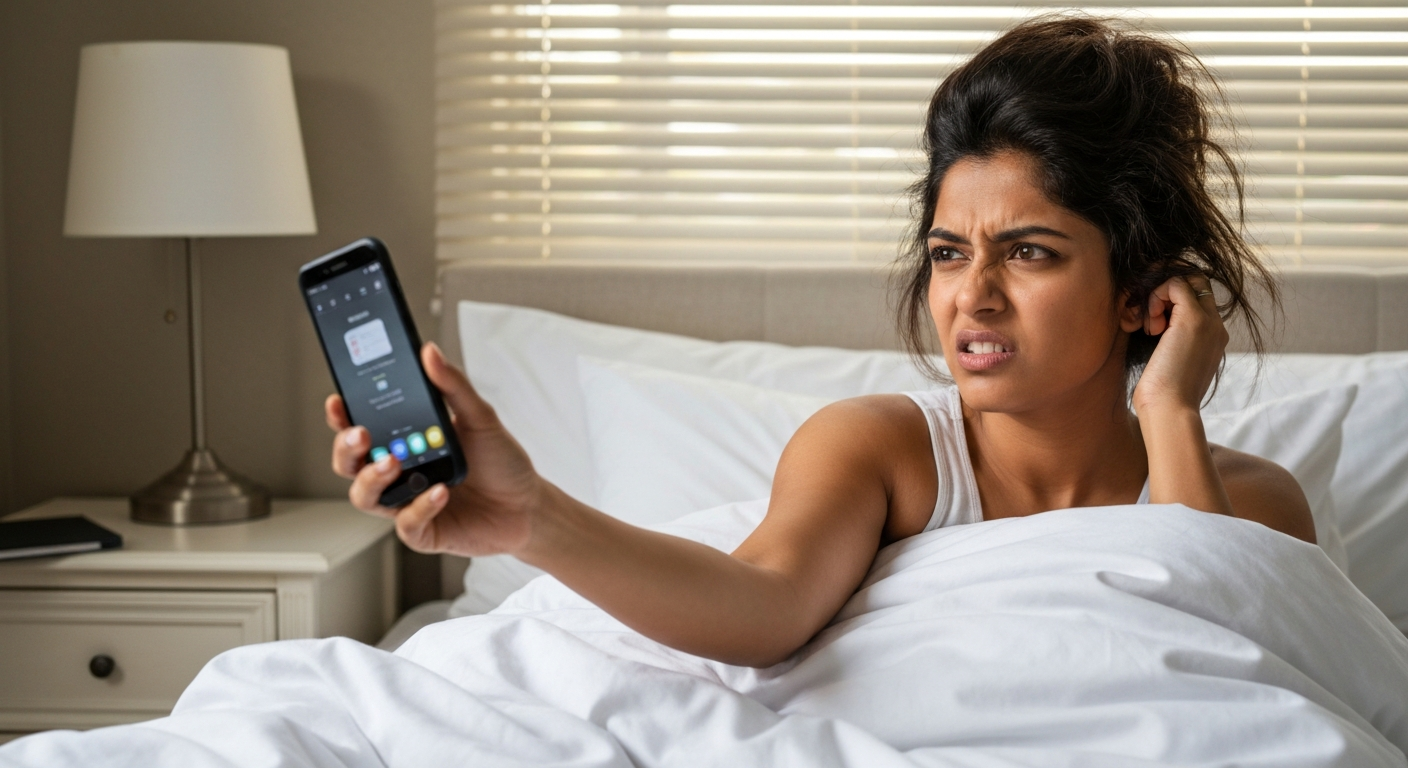

Your iPhone alarm sounds quiet because a hidden setting called "Attention Aware Features" automatically lowers the volume when Face ID detects you're looking at the screen — and this happens even if your ringer is at maximum.
This single setting catches most iPhone users off guard, but it's far from the only culprit. Your alarm volume is controlled separately from your media volume, so cranking up your music won't help. Focus modes, Bluetooth connections, and even debris in your speaker grille can all silence your morning wake-up call. The good news: every cause has a straightforward fix, and you'll find them all below.
Your iPhone has multiple independent volume controls, and the alarm uses the "Ringer and Alerts" slider — not the side buttons you press for music or videos.
This distinction trips up nearly everyone. When you adjust volume while playing a Spotify track or watching YouTube, you're changing media volume only. Your alarm lives under a completely different system: the ringer volume, which also controls text tones and notification sounds.
Here's how the volume hierarchy works on iPhone:
| Volume Type | What It Controls | How to Adjust |
|---|---|---|
| Media Volume | Music, videos, games, apps | Side buttons (while media is playing) |
| Ringer Volume | Alarms, ringtones, text alerts | Settings → Sounds & Haptics → Ringer and Alerts slider |
| Call Volume | Phone and FaceTime calls | Side buttons (during a call) |
| Notification Volume | App alerts, reminders | Tied to Ringer Volume |
If your alarm sounds low even at "full volume," you've likely been adjusting the wrong slider entirely.
Also Read: Why Is My Alarm Not Going Off? 9 Causes & Quick Fixes
Yes — if you have an iPhone with Face ID, the "Attention Aware Features" setting automatically reduces your alarm volume the moment it detects you're looking at the screen.
Apple designed this as a convenience feature. The logic: if you're already awake and staring at your phone, you don't need a blaring alarm. The problem: Face ID is sensitive enough to trigger this reduction even if you're half-asleep, squinting, or just glancing in the phone's direction from your pillow.
To disable it:
1. Open Settings
2. Tap Face ID & Passcode
3. Enter your passcode
4. Toggle off Attention Aware Features
After disabling this, your alarm will play at full volume regardless of whether you're looking at your phone. Many users report this single change fixes their quiet alarm problem entirely.
Standard Do Not Disturb and Focus modes won't silence alarms by default, but a misconfigured Focus filter or Sleep Focus can reduce how loud or long your alarm sounds.
Apple specifically designed alarms to bypass Focus modes — your 7 AM alarm should ring even if you have Do Not Disturb on. However, Sleep Focus behaves slightly differently. If you use the Health app's sleep schedule, your iPhone may apply different sound settings during your wind-down period.
Check your Focus settings:
1. Go to Settings → Focus
2. Tap each Focus mode you use
3. Look under Focus Filters for any audio-related settings
4. For Sleep Focus specifically, tap Sleep and review the "Wake Up" alarm settings
If your alarm sounds quiet only at certain times, a scheduled Focus mode is likely the cause.
Also Read: Why Is My Do Not Disturb Not Turning Off? 7 Causes & Fixes
If "Change with Buttons" is enabled in your sound settings, every time you lower volume for a video or call, you might be silently reducing your alarm volume too.
This setting links your physical side buttons to your ringer volume. It sounds convenient until you realize that turning down a loud video at night also turns down tomorrow's alarm.
To check:
1. Open Settings → Sounds & Haptics
2. Look at the Ringer and Alerts slider — drag it to maximum
3. Below the slider, find Change with Buttons
4. Toggle it off if you want your alarm volume locked in place
With this disabled, your alarm volume stays fixed no matter how much you adjust media volume throughout the day.
Newer iPhones running iOS 17 and iOS 18 have additional audio processing features that can inadvertently lower alarm perception, including enhanced noise cancellation and spatial audio defaults.
Users upgrading to iPhone 15 or iPhone 16 often notice their alarms seem quieter than on older devices. This isn't always a volume issue — it's sometimes how the speakers are processing sound.
Check these settings:
- Settings → Accessibility → Audio/Visual → Headphone Accommodations — turn off if you don't need it
- Settings → Sounds & Haptics → Headphone Safety — ensure this isn't limiting output
- Settings → Music → Sound Check — disable to prevent automatic volume normalization
Also verify you're running the latest iOS version. Apple patched several alarm-related bugs in iOS 17.4 and iOS 18.1.
If your iPhone is connected to Bluetooth headphones, a speaker, or your car's audio system, your alarm might be playing through that device instead of your phone's built-in speakers.
This is especially frustrating when your AirPods are charging in another room or your car is parked in the garage. The alarm plays — just not anywhere you can hear it.
To prevent this:
1. Before bed, check Settings → Bluetooth and disconnect devices, or
2. Swipe down from the top-right corner to open Control Center
3. Long-press the audio output box (top-right section)
4. Ensure iPhone is selected as the output device
Some users keep Bluetooth off entirely while sleeping. You can automate this with a Shortcuts automation that disables Bluetooth at bedtime.
Dust, lint, and debris in your iPhone's speaker grille can muffle sound output by 30–50%, making even a maximum-volume alarm sound distant and quiet.
Your iPhone's bottom speakers collect pocket lint, skin oils, and dust over time. The mesh grille is small enough that particles get trapped easily.
Safe cleaning methods:
- Use a soft-bristled toothbrush to gently sweep across the speaker grille
- Compressed air from a distance (don't spray directly into the port)
- A wooden or plastic toothpick to carefully dislodge visible debris
- Never use metal objects, water, or excessive force
If cleaning doesn't help and your speaker sounds muffled for calls and music too, you may have hardware damage requiring professional repair.
Follow this sequence to guarantee your iPhone alarm wakes you at full volume.
If you've done all seven steps and your alarm is still quiet, try restarting your iPhone (hold power + volume down until the slider appears, then slide to power off). A fresh restart clears audio glitches that accumulate over time.
| ✓Our Pick |
Fix phone audio and microphone issues A top-rated pick that works — readers who tried this reported noticeable improvement within days. See on Amazon → |
Your iPhone alarm sounds quiet because it runs on a separate volume control from your media, and features like Attention Aware automatically lower it when Face ID sees you looking. Fix this by going to Settings → Sounds & Haptics to manually max out your Ringer and Alerts slider, then disable Attention Aware Features under Face ID & Passcode. Also check that "Change with Buttons" is off so your alarm volume stays locked. Clean your speaker grille, disconnect Bluetooth devices before bed, and keep iOS updated — these steps solve quiet alarm problems for the vast majority of iPhone users.
Your phone has separate volume controls for media and alarms. The side buttons typically adjust media volume, while your alarm uses the "Ringer and Alerts" volume found in Settings → Sounds & Haptics. You need to manually drag that slider to maximum — pressing the side buttons while no media is playing won't help.
A completely silent alarm usually means your iPhone is connected to Bluetooth headphones or speakers, routing the sound elsewhere. Check Control Center to verify audio output is set to "iPhone." Also confirm your phone isn't in Silent Mode (the physical switch on the left side should show no orange).
The iPhone 16 uses the same core alarm settings as previous models, but iOS 18 introduced some audio processing changes. Check Settings → Accessibility → Audio/Visual for any accommodations that might affect output, and ensure Attention Aware Features is disabled under Face ID & Passcode.
You cannot exceed the built-in maximum volume, but you can maximize perceived loudness by choosing a sharp, high-frequency alarm tone (like "Radar" or "Alarm"), cleaning your speakers, and placing your phone on a hard surface that amplifies sound. Third-party alarm apps sometimes offer louder or more persistent tones.
This is almost always Attention Aware Features at work. Your iPhone detects that you've looked at the screen (even a sleepy glance triggers Face ID) and automatically lowers the volume. Disable this feature in Settings → Face ID & Passcode to keep your alarm at full volume until you manually dismiss it.
Reviewed and Updated on June 2, 2026 by George Wright