
Technology
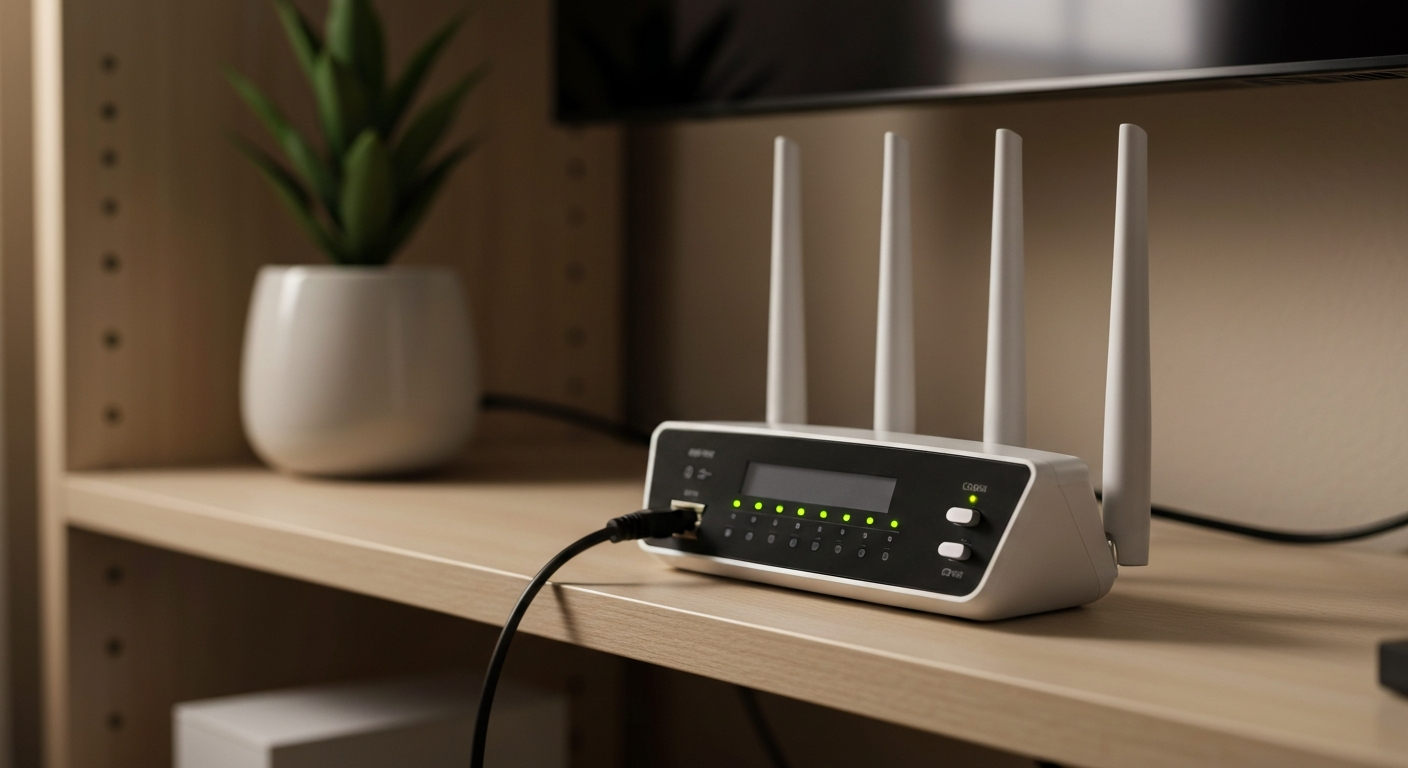

Spectrum internet problems are caused by one of six things: a service outage in your area, a loose or damaged coax cable, a modem/router that needs rebooting, signal line noise from old cables or splitters, a router configuration issue, or ISP throttling of specific traffic types during peak hours.
| ✓Our Pick |
Stop ISP throttling with a VPN — Spectrum users report 3x speed improvement This is the go-to fix recommended by professionals — save time and money by getting it right the first time. Learn More → |
Spectrum internet troubleshooting starts with checking whether the problem is outside your home (Spectrum's infrastructure) or inside (your modem, router, or coax lines). An outage outside your home requires waiting for Spectrum to repair it; an inside problem is yours to fix.
"If you're experiencing an internet outage or slow speeds, check the My Spectrum app for outage information in your area. If no outage is reported, restart your modem by unplugging it for 30 seconds and plugging it back in." — Spectrum Support at Charter Communications
Before troubleshooting your equipment, check for a Spectrum service outage:
1. Open the My Spectrum app on your phone (mobile data, not Wi-Fi)
2. Go to the Services tab → check for outage alerts
3. Alternatively, check downdetector.com/status/spectrum for real-time reports
If an outage is confirmed in your area, no modem reboot or cable check will restore internet — wait for Spectrum to resolve it. Outages are typically resolved within 1–4 hours.
Spectrum delivers internet via the same coaxial cable used for cable TV. A loose connection at the modem or at the wall outlet causes intermittent outages that look like the internet randomly going out. Check:
Also check whether there's a signal splitter on the coax line. Splitters divide signal strength — a low-quality splitter or one that's failing can degrade the Spectrum modem's downstream signal below usable levels. If possible, remove the splitter and connect the modem directly to the incoming coax line.
Cable modems accumulate memory errors and network state information over weeks of continuous use. Most Spectrum internet issues that "just happen" after weeks of stable operation are resolved with a simple modem reboot.
Step 1 — Check for outages. Use the My Spectrum app (on mobile data) or Downdetector. Skip to Step 2 only if no outage is confirmed.
Step 2 — Reboot the modem. Unplug the power cord from the back of the Spectrum modem. Wait 30 seconds. Plug it back in. Wait 2–3 minutes for the modem to fully reconnect (the online light should go solid). This resolves the majority of Spectrum internet issues that aren't outage-related.
Step 3 — Reboot the router separately (if separate from modem). If you have a separate Wi-Fi router connected to the modem, reboot it after the modem is back online. Reboot the modem first, then the router — order matters.
Step 4 — Check coax cable connections. Verify all coax connections are hand-tight and the cable shows no visible damage. If there's a splitter, try removing it and connecting the modem directly.
Step 5 — Check modem lights. On a Spectrum modem:
- Power light solid: modem has power
- Receive/DS light solid: downstream connection established
- Send/US light solid: upstream connection established
- Online light solid: internet connection active
If the Online light is blinking or off, the modem can't connect to Spectrum's network — this indicates a signal or account issue, not a Wi-Fi problem.
Step 6 — Test wired vs. wireless. Connect a laptop directly to the modem or router with an Ethernet cable. If wired works but Wi-Fi doesn't, the router (not the modem or Spectrum's network) is the problem.
Step 7 — Run the Spectrum speed test. Go to spectrum.net/speedtest using a wired connection. Compare your result to your plan's advertised speed. If you're getting significantly less than expected consistently (not just during peak hours), contact Spectrum to run a line test from their end — signal noise on the coax line is not visible without their diagnostic tools.
"Internet speeds can vary based on the number of devices on your home network, the websites you visit, and peak usage times. If your internet seems slow, disconnect devices you're not using and run a speed test on a single device connected by Ethernet." — Spectrum Internet Support at Spectrum
| Symptom | Type | Likely Cause | Fix |
|---|---|---|---|
| No internet at all | Outage or modem issue | Check app for outage, reboot modem | |
| Slow at certain times only | ISP throttling or congestion | Use VPN, contact Spectrum | |
| Slow on Wi-Fi, fast wired | Router issue | Reboot router, check router settings | |
| Intermittent drops | Coax signal noise | Check coax cables, remove splitters | |
| Some sites slow, others fast | DNS issue | Change DNS to 8.8.8.8 |
Also Read: The quick upgrade most Spectrum users make when speeds drop below plan speeds
| ✓Our Pick |
Wi-Fi routers compatible with Spectrum internet for faster home speeds A well-reviewed choice that delivers real results — worth every penny for anyone dealing with this. See on Amazon → |
Spectrum internet troubleshooting starts with checking for outages in the My Spectrum app (on mobile data), then rebooting the modem for 30 seconds. If that doesn't work, check coax cable connections, remove any splitters, and test with a wired Ethernet connection to isolate whether it's a modem or router issue. Persistent slow speeds that only affect video streaming often indicate ISP throttling, which a VPN can bypass.
Open the My Spectrum app on your phone using mobile data (not your home Wi-Fi) → go to the Services tab. The app will show an active outage alert if there's a confirmed issue in your area. You can also call Spectrum's automated line at 1-833-780-1576, which reports area outages automatically.
Intermittent drops are usually caused by coax cable signal quality issues — a loose connector, a damaged cable, or a failing splitter. They can also result from the modem overheating or a firmware bug. Contact Spectrum for a line check if drops persist after tightening all coax connections.
Slow speeds vs. plan speeds are caused by congestion (too many devices on your home network), Wi-Fi interference (use 5 GHz band for fast devices), ISP throttling of certain traffic types, or a modem that's too old for your plan tier. Ensure you have a DOCSIS 3.1 modem if you're on a Gigabit plan.
Spectrum's terms of service state they do not throttle specific content or applications. However, network management practices during peak congestion can effectively reduce speeds to high-bandwidth applications. A VPN encrypts your traffic, preventing the ISP from distinguishing streaming from general browsing traffic, which some users report improves streaming speeds on congested networks.
Yes. Spectrum supports customer-owned modems (DOCSIS 3.0 or 3.1, depending on your plan tier). Buying your own modem eliminates the monthly modem rental fee ($12–$15/month) and often provides better performance. Check Spectrum's compatible device list at spectrum.net before purchasing.
Reviewed and Updated on July 3, 2026 by Adelinda Manna