
Finance
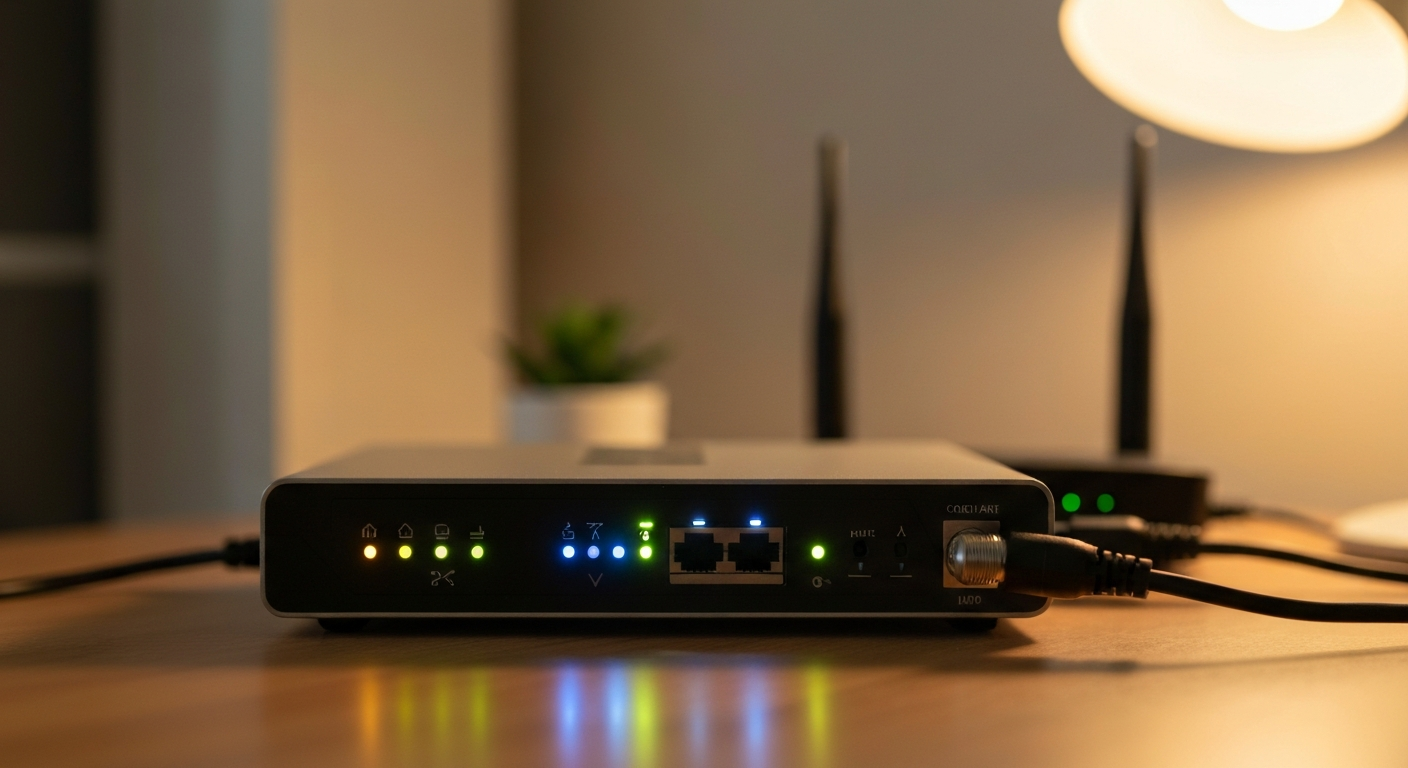

Spectrum internet problems — lagging, buffering, dropping, not connecting — trace back to a handful of fixable settings and hardware issues. The most effective first step is always a modem and router restart, followed by checking the Spectrum app for outage notices in your area before spending time on advanced settings.
Access the Spectrum modem admin panel. The IP address for Spectrum's modem admin page is typically 192.168.100.1. Type this into your browser while connected to your Spectrum network. From here you can check signal levels, view connected devices, and confirm the modem is receiving a healthy downstream signal. A Spectrum-issued modem showing "Power Level" readings outside the -7 to +7 dBmV downstream range or SNR below 30 dB typically indicates a line problem that requires a Spectrum technician.
Find your Spectrum router IP address. If Spectrum has issued you a separate router (or you're using your own), the router admin panel is usually at 192.168.1.1 or 192.168.0.1. Log in with the credentials printed on the router's label. From the router admin page, you can: change your WiFi network name (SSID), update the WiFi password, configure guest networks, view which devices are connected, and adjust the WiFi channel to reduce interference.
Change the WiFi channel. In dense apartment buildings, WiFi channels become congested when many routers broadcast on the same frequency. On the 2.4 GHz band, channels 1, 6, and 11 are the only non-overlapping options — switch your router to one of these if it's set to Auto and you're noticing interference. The 5 GHz band has more channels and less congestion but shorter range.
Check the Spectrum network upgrade text. Spectrum sends SMS messages to account holders about planned outages, network upgrades, and service interruptions in specific areas. If you received a text about a network upgrade in progress, service disruption during that window is expected and requires no action on your end — it resolves automatically when the upgrade completes.
"Connected but no internet" on Spectrum. This means your device sees the WiFi network but cannot reach the internet. It's almost always one of three things: (1) the modem has lost its upstream connection to Spectrum's network — restart it by unplugging power for 60 seconds; (2) your router's DHCP lease has expired — restart the router separately from the modem; or (3) Spectrum has a local outage — check the Spectrum app or spectrum.com/outage/outage-information.
Spectrum WiFi not showing up. If your network doesn't appear in the available WiFi list on any device, the router's 2.4 GHz or 5 GHz radio may have crashed. Restart the router. If the network still doesn't appear, log into the modem admin page at 192.168.100.1 to confirm the modem is online, then factory reset the router (the reset button on the back, held for 10 seconds). If Spectrum issued the router, call Spectrum support — they can remotely reset it.
Spectrum internet lagging. Lag — high latency, not low speed — means the round-trip time between your device and a server is elevated. The most common causes: an overloaded router (restart it), a congested WiFi channel (switch channels as described above), or a wiring issue on the coaxial line into your home. Run a ping test to 8.8.8.8 to check latency directly: open Command Prompt on Windows and type ping 8.8.8.8 -n 20. Consistent latency above 50ms on a cable connection, or packet loss in the results, points to a line or modem issue that requires a technician.
Spectrum internet intermittent or unstable. Intermittent connections — service that works for a period, drops, then recovers — often indicate a loose or corroded coaxial connection somewhere between the street and your modem. Check that the coaxial cable is screwed firmly into the back of the modem (hand-tight). If the problem persists, Spectrum can test the signal remotely; a technician visit may be required to inspect the external line.
Spectrum buffering. Constant buffering while streaming despite having the correct plan speed almost always points to one of: WiFi congestion between your device and router, a speed plan that's too low for your household's concurrent usage, or (less commonly) throttling on specific streaming services during peak hours. Run a speed test at speedtest.net from the device that's buffering; if it shows less than half the plan speed, check your WiFi signal strength. If the speed is normal, try connecting via Ethernet to confirm the issue is WiFi rather than the internet connection itself.
Frequent disconnects on Spectrum most commonly trace to one of these causes:
Modem overheating. A Spectrum modem in an enclosed cabinet or stacked on top of other electronics will throttle and eventually restart when it reaches a thermal limit. Move it to an open, ventilated space.
Degraded coaxial splitter. If your coaxial cable runs through a splitter to serve multiple devices (TV + internet), a cheap or failing splitter attenuates the signal enough to cause instability. Replace the splitter with a quality unit, or bypass it to run the modem on a direct line from the wall.
Outdated modem firmware. Spectrum pushes firmware updates to its modems automatically, but the updates require the modem to restart. If you notice disconnects occurring at the same time each night, a scheduled firmware update may be the cause. Check the Spectrum app's Equipment section to confirm your modem firmware is current.
ISP-side node congestion. In some neighborhoods, Spectrum's local node (the shared infrastructure serving multiple homes) becomes overloaded during peak evening hours (7–11 PM). This produces intermittent slowdowns and disconnects that affect the whole area simultaneously. If your neighbors on Spectrum are experiencing the same issues at the same times, node congestion is the likely cause — report it to Spectrum so they can document the pattern and plan a node split upgrade.
According to the FCC's 2025 Broadband Consumer Report, 22% of cable internet complaints related to intermittent service were attributed to overloaded distribution nodes rather than in-home equipment. (FCC, Measuring Fixed Broadband Report 2025, fcc.gov, accessed 2026.)
Spectrum's upload speeds are limited by its DOCSIS cable infrastructure: 10 Mbps on the base plan, 20 Mbps on Ultra, and 35 Mbps on the Gig plan. These are hard limits of the plan tier — you cannot increase upload speed beyond the plan maximum through any modem or router settings adjustment.
What you can do:
- Upgrade your plan. Moving from the base to Ultra doubles upload from 10 to 20 Mbps; moving to Gig gives 35 Mbps.
- Connect via Ethernet for upload-heavy tasks. WiFi overhead reduces effective upload speed on wireless devices. An Ethernet cable directly to the router eliminates this.
- Prioritize upload traffic using QoS. If your router supports Quality of Service (QoS) settings, you can assign higher priority to specific devices (your work computer, your streaming camera) so they get the available upload bandwidth before other devices.
- Schedule large uploads for off-peak hours. Cloud backup services like OneDrive, Google Drive, and iCloud can be configured to run during overnight hours when the network is less congested and upload speeds are more consistent.
Also see: How to Stop Internet Throttling: 5 Fixes That Work and Is My Internet Being Throttled? 4 Ways to Check Now.
Spectrum App on PC. The Spectrum app (My Spectrum) is available for iOS and Android and as a web portal at spectrum.net. From the app, you can: pay your bill, check for outages in your area, restart your modem remotely, view connected devices, and manage your account. On PC, use spectrum.net in a browser — there is no dedicated Windows app, but the mobile app can be sideloaded on Windows 11 through the Amazon Appstore.
Spectrum Hotspot Limit. Spectrum includes access to over 500,000 Spectrum WiFi hotspots for internet customers. There is no data cap on these hotspots, but streaming performance may vary significantly by location. Access your Spectrum hotspot by connecting to any "SpectrumWiFi" or "SpectrumWiFiPass" network and signing in with your Spectrum account credentials.
Why Spectrum internet prices go up. Spectrum uses an introductory pricing model — rates are promotional for the first 12 to 24 months, then increase to standard rates. The exact timing of the price increase is stated in the original service agreement. To negotiate a rate reduction, call Spectrum retention (ask for the retention department specifically), mention competitor offers in your area, and ask to be placed on a new promotional rate. This works most reliably at the point of price increase, not before.
Our Pick: DOCSIS 3.1 cable modem for Spectrum — eliminates rental fee and improves performance
Our Pick: NordVPN — protects your connection on Spectrum and all public hotspots
Also Read: Shop routers, modems, and network tools for Spectrum on Amazon
Reviewed and Updated on July 2, 2026 by Adelinda Manna