Signal strength is measured in decibel milliwatts (dBm), a negative number where anything above -70 dBm is strong enough for calls and streaming. Below -90 dBm, you're in weak-signal territory. Understanding the scale tells you exactly how bad your connection actually is — and what to do about it.
What the Numbers Actually Mean
Signal strength is expressed as a negative dBm value. The scale is logarithmic, meaning a 10 dBm difference represents a tenfold change in power. Here is what each range means in practical terms:
| dBm Range |
Signal Level |
What You Can Expect |
| -50 to -65 dBm |
Excellent |
Full LTE/5G, fast data, clear calls |
| -65 to -75 dBm |
Good |
Normal browsing, HD streaming, voice calls |
| -75 to -85 dBm |
Fair |
Slower data, occasional buffering |
| -85 to -95 dBm |
Weak |
Frequent call drops, sluggish data |
| Below -95 dBm |
Very poor |
Near-unusable; emergency calls only |
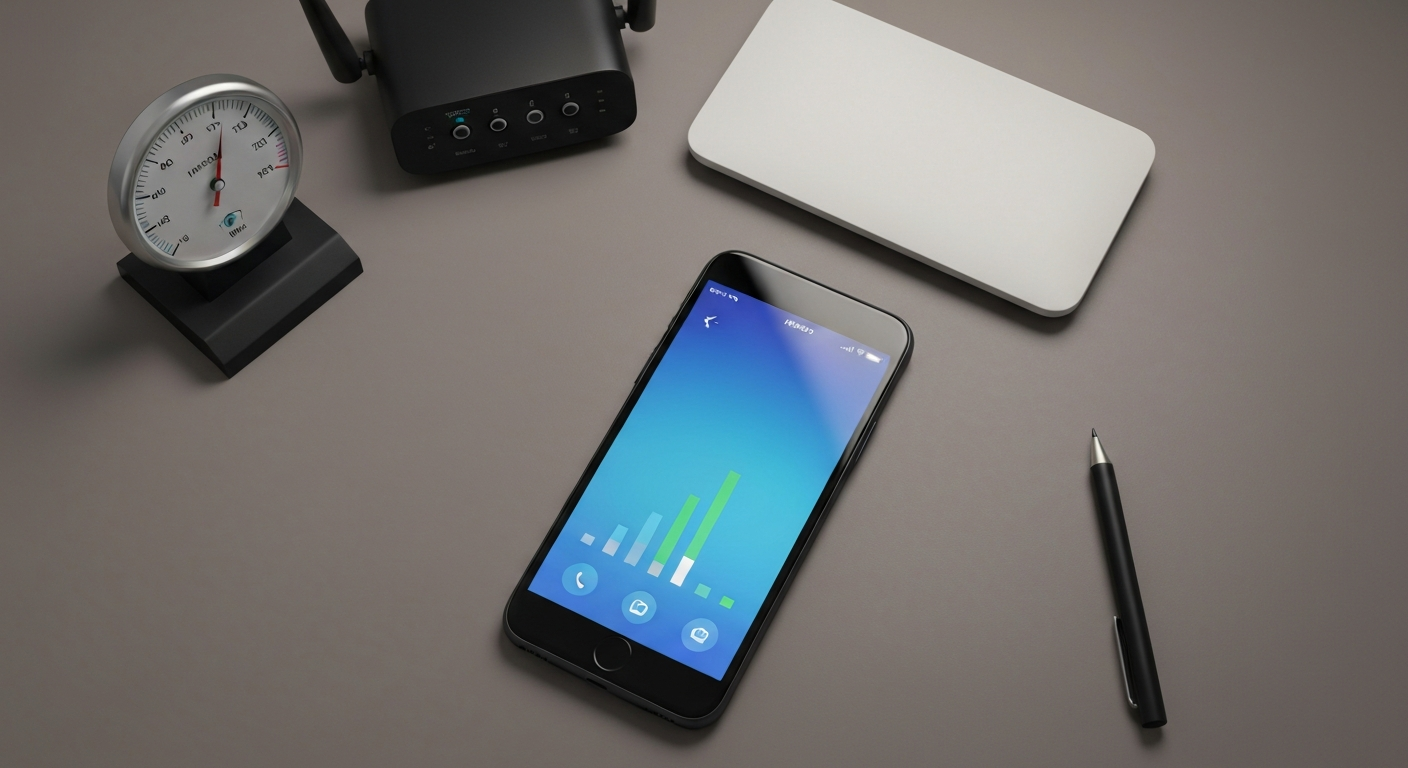
The bars on your phone's status indicator are a simplified visual — they map roughly to these ranges but vary by manufacturer and carrier. A phone showing three bars on one carrier may actually be at -82 dBm while another showing three bars is at -74 dBm. The raw dBm number is always the more accurate indicator.
How to check your exact dBm on iPhone: Open Phone > Dial *3001#12345#* > press Call > tap "LTE" or "Serving Cell Measurements" in the Field Test app. The number labeled "rsrp0" is your current LTE signal in dBm.
How to check dBm on Android: Go to Settings > About Phone > Status > SIM Status > Signal Strength. Some Android skins (Samsung, OnePlus) display it directly in Settings > About Phone > Status without additional steps.
Why Your Signal Is Weak
Signal strength drops below usable levels for several identifiable reasons.
Distance from a cell tower. Every carrier's network is built around tower density. If you live in a rural area, a suburb at the edge of a coverage zone, or a building more than two miles from the nearest tower, low signal is structural — it reflects the physical infrastructure, not a problem with your phone.
Building materials. Concrete, brick, metal framing, and low-emissivity (Low-E) window glass all attenuate radio frequency signals. According to the National Institute of Standards and Technology, building materials can reduce 700 MHz LTE signals by 10 to 30 dB depending on wall thickness and composition — enough to shift a strong outdoor signal into weak or unusable territory indoors. (NIST, Propagation Measurements for Wireless Networks in Modern Buildings, nist.gov, accessed 2026.)
Network congestion. Carrier signal strength and data throughput are separate issues. You can have strong signal (-65 dBm) but slow data because many users are competing for the same tower. This is common at stadiums, shopping centers, and commuter transit hubs during peak hours.
Phone hardware. Older phones with degraded antennas, cracked rear glass (which houses the antenna array on many flagship models), or a loose SIM card produce artificially low signal readings. A phone that suddenly shows worse signal than it used to — especially after a drop — may have antenna damage.
Carrier band mismatches. 5G signals on high-frequency mmWave bands travel only a few hundred feet and are blocked by most solid surfaces. A phone showing "5G" may actually be receiving a marginal mmWave signal that's weaker than the low-band LTE signal it could fall back to. Forcing the device to 4G LTE in network settings sometimes produces better real-world performance in this scenario.
Our Pick: Cell signal booster for home and office — amplifies all US carriers
How to Improve Your Cell Signal
Move toward exterior walls or windows. Signal penetrates windows more easily than walls. Positioning yourself near a window facing the tower direction can improve signal by 5 to 15 dBm in thick-walled buildings.
Try a cell signal booster. Signal boosters (also called repeaters) capture the outdoor signal with an external antenna, amplify it, and rebroadcast it indoors. They work on all major US carriers simultaneously and are especially effective in rural locations and concrete buildings. The FCC requires all cell signal boosters sold in the US to be carrier-approved. Wilson Electronics (weBoost) and SureCall produce the most widely reviewed home units.
Switch carrier bands manually. On iPhone: Settings > Cellular > Cellular Data Options > Voice & Data. Try LTE if you are on 5G and seeing poor performance. On Android: Settings > Connections > Mobile Networks > Network Mode. Switching from "5G/LTE/3G/2G Auto" to "LTE Only" can improve consistency in areas where 5G coverage is thin.
Update your carrier settings (iPhone). Go to Settings > General > About. If a carrier settings update is available, iOS prompts you immediately. These updates contain antenna configuration data optimized for your carrier's current network and are separate from iOS software updates.
Check the SIM card. Power off the phone, remove the SIM, blow any dust out of the tray, and reseat it. A poorly seated SIM produces erratic signal that can look like a carrier problem.
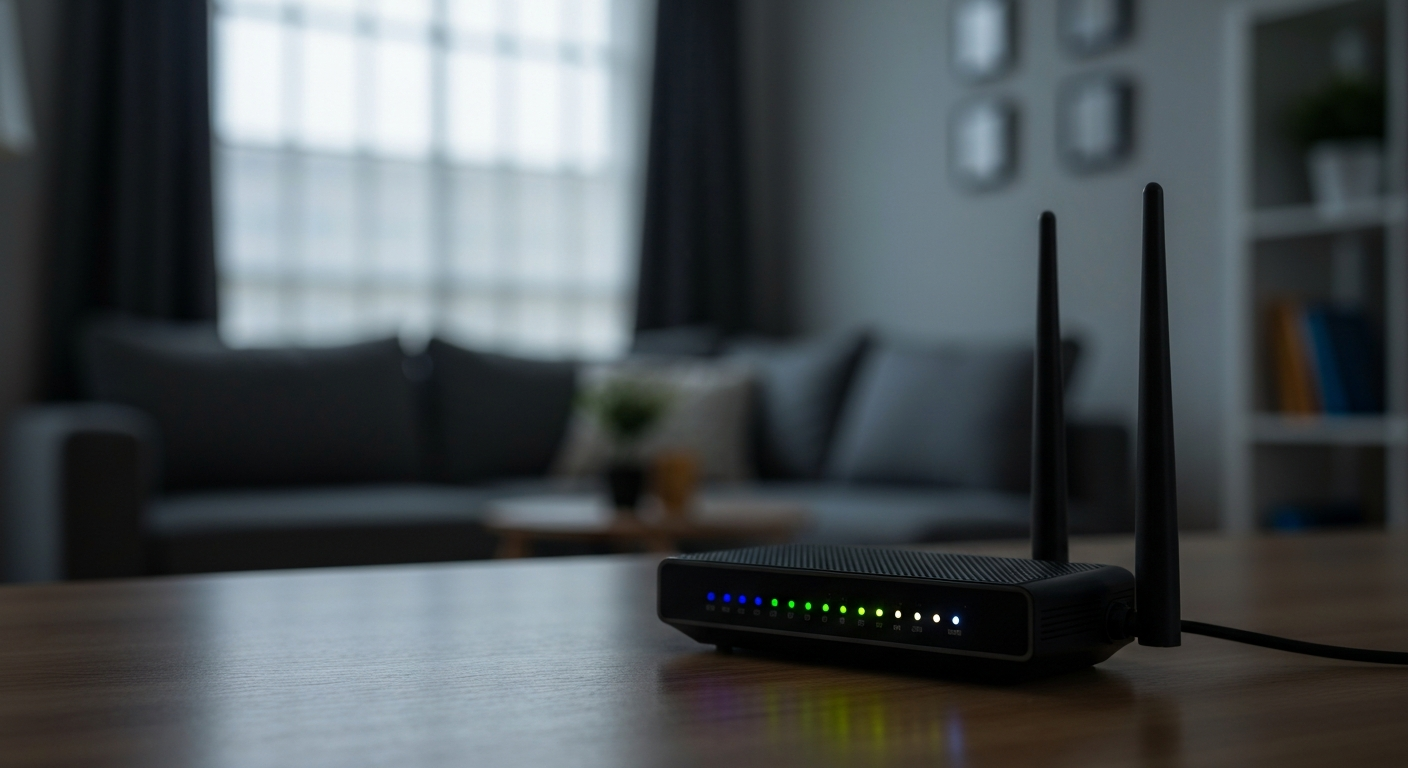
For WiFi signal: if your issue is wireless internet rather than cellular, the same principle applies — distance and obstacles between your device and router determine your received signal. WiFi signal is also measured in dBm; -50 dBm is excellent, -70 dBm is acceptable, and below -80 dBm produces noticeable drops and buffering. A WiFi extender or mesh node placed between the router and the weak-signal area typically resolves the problem.
Also see: Is My Internet Being Throttled? 4 Ways to Check Now and Best VPN for T-Mobile Home Internet in 2026 for related network troubleshooting.
Also Read: Shop WiFi extenders and mesh network systems on Amazon
Signal Strength vs. Signal Quality: The Distinction That Matters
Signal strength (dBm) tells you how powerful the received signal is. Signal quality — measured as SINR (Signal-to-Interference-plus-Noise Ratio) or RSRQ on LTE — tells you how clean that signal is. You can have strong signal but poor quality if the tower is serving hundreds of simultaneous users or the signal is bouncing off multiple surfaces before reaching your device.
A PCMag analysis of LTE network performance noted that "raw signal strength alone does not predict real-world download speeds; network load and spectral efficiency are equally important variables." (PCMag Labs, Understanding LTE Network Testing, pcmag.com, accessed 2026.) This is why carrier speed tests conducted during off-peak hours often show dramatically different results than the same test run at noon on a weekday.
If your speed tests show slow performance even with a signal above -75 dBm, congestion on the tower — not signal weakness — is the more likely culprit. Options include switching to a carrier that has invested more in tower density in your area, or timing data-intensive tasks (large downloads, video uploads) for overnight or early morning hours when network load is lower.
Our Pick: Portable WiFi router and mobile hotspot for backup connectivity on Amazon
Reviewed and Updated on July 2, 2026 by George Wright