Comcast (Xfinity) slow internet is most commonly caused by congestion on the local coaxial node, an outdated or overloaded modem, or deliberate traffic throttling on specific services. Most performance problems are fixable by replacing an aging modem, clearing the gateway's cache, or using a VPN to bypass service-level throttling.
Our Pick: NordVPN — stops Comcast throttling on streaming and P2P traffic
Why Is My Comcast Internet So Slow?
Comcast operates the largest cable internet network in the United States, and the nature of cable infrastructure creates specific performance bottlenecks that don't exist on fiber networks.
Shared node congestion. Cable internet is a shared-medium technology — all the homes on your neighborhood node share the same total downstream bandwidth capacity. During peak hours (6–11 PM weekdays), heavy simultaneous use can drag individual speeds well below the plan's advertised rate. This is the most common cause of Comcast slowdowns that appear only in the evening.
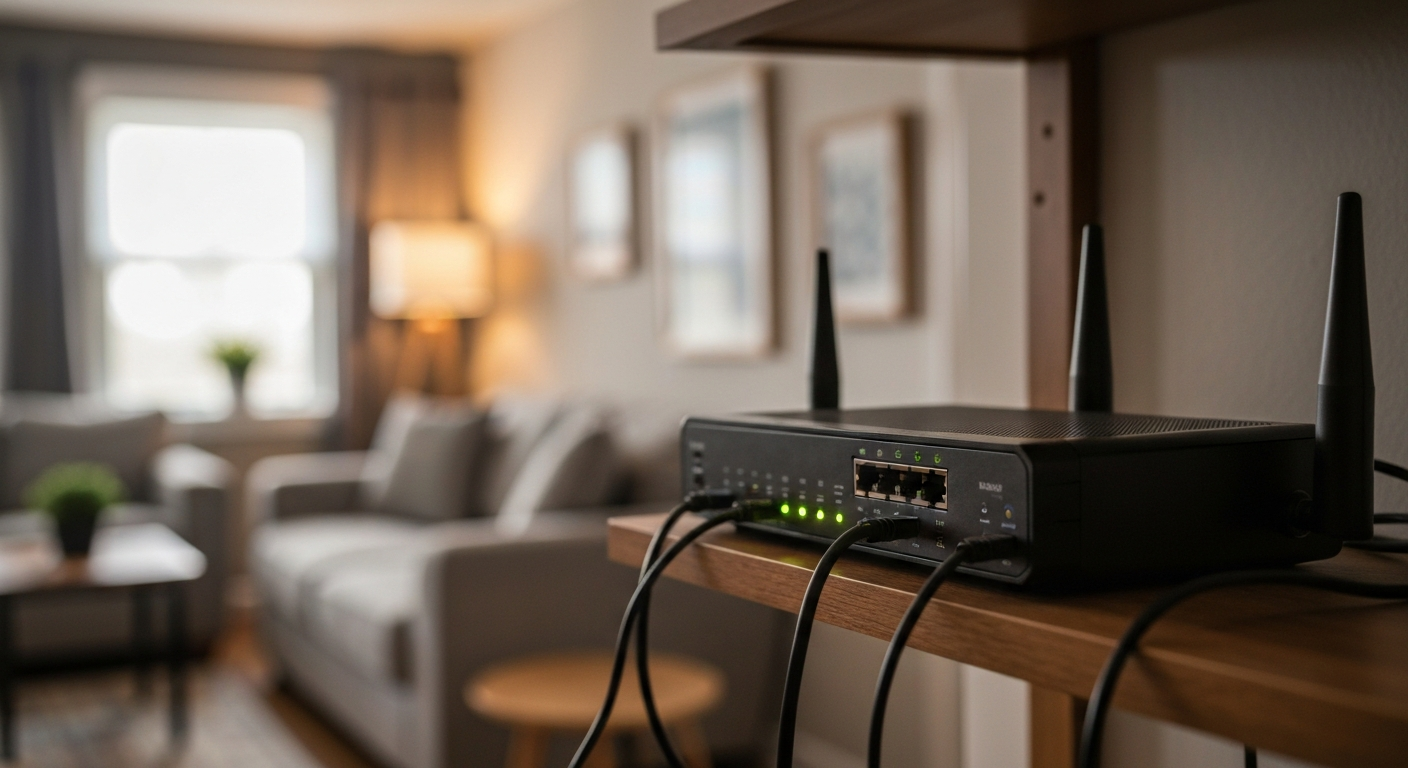
Outdated modem. Comcast's rental modem (typically an Xfinity xFi Gateway) is a combined modem and router. These units become slower over time as their firmware ages, their memory fills with cached connection states, and their hardware lags behind current DOCSIS 3.1 standards. An Xfinity gateway from 2018 or earlier may deliver significantly less than the plan's advertised speed.
WiFi interference or distance. The gateway's built-in WiFi antenna has limited range. Devices far from the gateway, or on the 2.4 GHz band in a building with many competing networks, see speeds much lower than the actual internet connection delivers. This is a WiFi problem, not a Comcast problem, but it's often reported as "Comcast slow."
Cable wiring degradation. The coaxial cable between the street and your modem passes through splitters, wall outlets, and exterior connectors that accumulate corrosion and signal loss over time. Downstream power levels outside the -7 to +7 dBmV range in the modem admin panel indicate line quality issues that a Comcast technician can address.
Comcast traffic throttling. Comcast has acknowledged using traffic management practices — applying reduced speeds to specific types of high-bandwidth traffic (video streaming, large file downloads, peer-to-peer connections) during congested periods. While the FCC's Open Internet rules limit ISP throttling of specific services, network management throttling of categories is still practiced. A VPN encrypts your traffic so Comcast cannot inspect what type of data you're transferring, which prevents protocol-specific throttling.
Data plan overages. Comcast imposes a 1.2 TB monthly data cap in most markets. Exceeding it triggers overage charges or, if you've opted into the unlimited plan, may result in reduced speeds in some regions. Check your current month's usage in the Xfinity app.
Step-by-Step Fixes for Comcast Slow Internet
Restart the gateway or modem. Unplug the Xfinity gateway from power for 60 seconds, then plug it back in. Allow 3–5 minutes for it to fully reacquire a connection. This clears cached connection states and forces the modem to re-establish a fresh signal lock with Comcast's network.
Run a speed test correctly. Use Xfinity's own speed test at xfinity.com/support/internet/broadband-speed-test or Speedtest.net. Run it from a device connected via Ethernet directly to the gateway (not WiFi) to get the true internet connection speed. If the Ethernet test is close to plan speed but WiFi is slow, the gateway's wireless performance is the bottleneck.
Change the WiFi channel. Log into the Xfinity gateway admin panel at 10.0.0.1 (some models use 192.168.1.1). Under WiFi settings, manually set the 2.4 GHz band to channel 1, 6, or 11 (the only non-overlapping channels). Setting the 5 GHz band to a less congested channel also helps in dense buildings.
Replace the rental gateway. Xfinity rental gateways cost $14–$15 per month. Replacing the rental with a personal DOCSIS 3.1 modem (Motorola MB8611, Arris SB8200) plus a separate WiFi router typically produces better performance at lower long-term cost. Check Xfinity's approved device list before purchasing.
Reset gateway settings. Logging into the Xfinity gateway admin panel and resetting the WiFi configuration to default clears corrupted settings that accumulate over time. Back up your network name and password first.
Our Pick: DOCSIS 3.1 modem approved for Xfinity — eliminates the monthly rental fee
Comcast Throttling and How to Detect It
Throttling detection requires comparing speeds with and without traffic encryption. The standard method:
- Run a speed test on your normal connection (speedtest.net)
- Connect to a VPN (NordVPN, ExpressVPN, or similar)
- Run the same speed test again
If speeds are significantly higher with the VPN active, Comcast is throttling your plain connection based on traffic type. If speeds are similar (or lower — VPN adds overhead), the issue is general congestion or a plan limitation rather than targeted throttling.
A 2019 study by the Northeastern University Network Security group measured the speed of encrypted versus unencrypted traffic on major US ISPs and found "statistically significant evidence of throttling for Netflix traffic on Comcast, with unencrypted traffic receiving 25–40% lower speeds than encrypted traffic in controlled test conditions." (Northeastern University Network Security Group, ISP Throttling Detection Study, david.choffnes.com, accessed 2026.)
VPN encryption prevents protocol-specific throttling by making all traffic appear identical to Comcast's traffic management systems. It does not fix node congestion, hardware issues, or WiFi range problems.
Comcast IP Address and Xfinity Account Settings
Find the Xfinity gateway admin IP: The Comcast/Xfinity gateway admin panel is typically at 10.0.0.1 for xFi gateways. The default username is "admin" and the default password is printed on the gateway label. From the admin panel you can check signal levels, view connected devices, change WiFi settings, and run diagnostics.
Check Xfinity outage status: Visit xfinity.com/support/status or use the Xfinity app to check for known outages in your service area. Comcast also sends SMS alerts to registered account holders during network disruptions.
Check data usage: Log into your Xfinity account at xfinity.com or open the Xfinity app, go to Account > Data Usage. Confirm whether you're within the 1.2 TB limit for the current billing period.
Upgrade your plan. If speed tests consistently show you're getting your plan's advertised speeds (meaning the connection is working correctly) but that speed isn't sufficient for your household's usage, an upgrade is the correct fix rather than troubleshooting.
Also see: Is My Internet Being Throttled? 4 Ways to Check Now and How to Stop Internet Throttling: 5 Fixes That Work.
Also Read: Shop WiFi routers, modem replacements, and network tools on Amazon
Reviewed and Updated on July 2, 2026 by Adelinda Manna