Skin
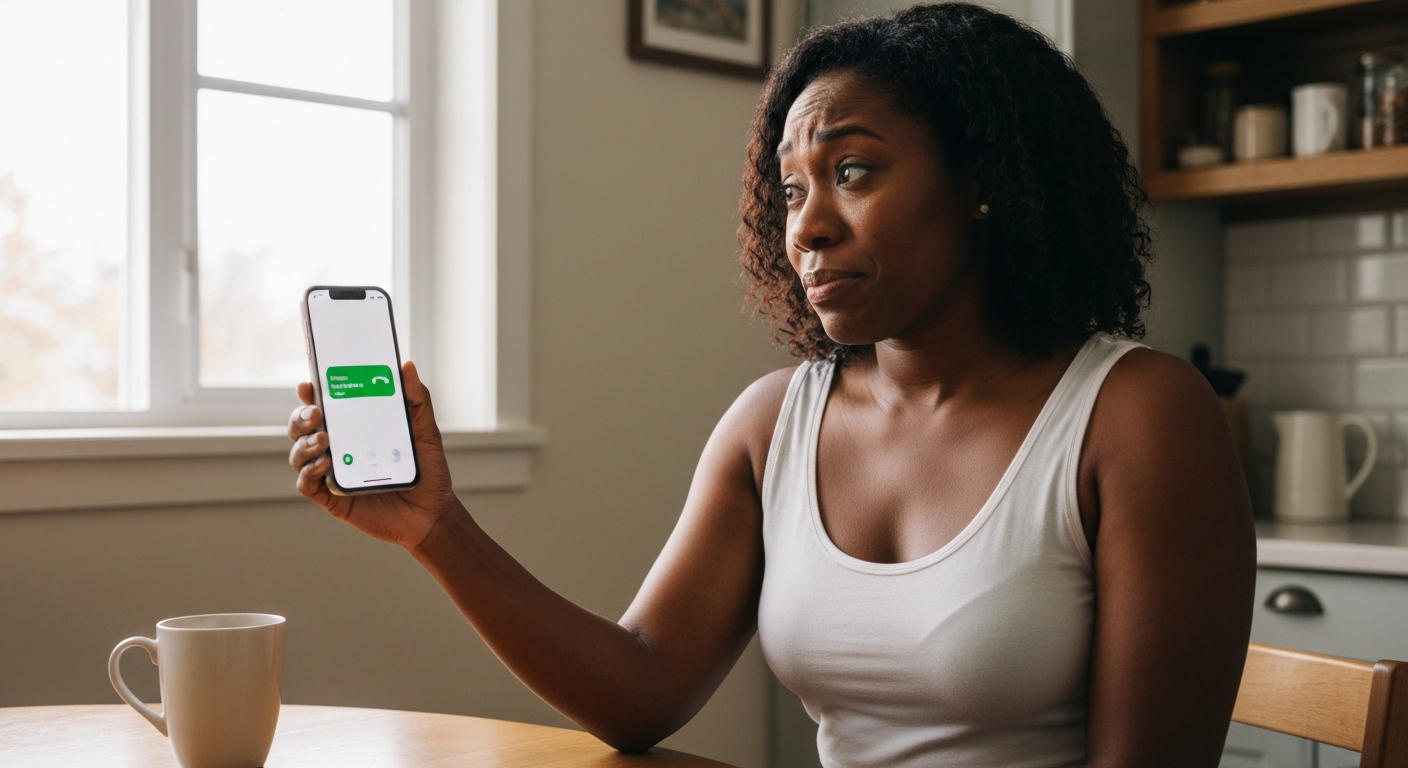

Your iPhone or Android ringer is quiet because of a software setting, not a hardware fault — the most common culprstruct is Attention Aware Features (iPhone) or Adaptive Sound (Android), which automatically lowers the ringtone volume when the phone detects you're looking at it or holding it, even when volume is maxed out.
Other causes include Do Not Disturb mode partially enabled, a low separate ringer volume slider, Bluetooth routing audio to a connected device, debris blocking the speaker grille, or a damaged speaker. The good news: most quiet ringer problems take under two minutes to fix once you know where to look.
The "full volume" bar you see on screen often controls media playback — not the ringer — which is why turning it all the way up does nothing for incoming calls.
iPhones and Android phones have separate volume channels: one for media (music, videos, games), one for the ringer and notifications, and often a third for alarms. When you press the side volume buttons while nothing is playing, you typically adjust the ringer. But if music or a video is active — even paused in the background — those same buttons control media volume instead.
On iPhone, go to Settings → Sounds & Haptics and drag the "Ringer and Alerts" slider all the way right. On most Android devices, press a volume button, tap the three-dot menu or slider icon, and you'll see separate sliders for Media, Call, Ring, and Notifications. Make sure Ring is maxed.
If the ringer slider is already at maximum and calls still come in quietly, the problem is almost always one of the attention-based features described below.
On iPhone, Attention Aware Features use Face ID sensors to detect when you're looking at the screen, then automatically lower ringer volume because the phone assumes you've noticed the call — disable this if your ringtone keeps going quiet.
Apple designed this as a convenience: if you're already looking at the phone, a blaring ringtone is unnecessary. But it catches many users off guard. Your phone rings loudly when it's face-down on a table across the room, but the moment you pick it up and glance at the screen, the volume drops dramatically. This happens even if system volume is at 100%.
To turn it off:
1. Open Settings → Face ID & Passcode
2. Enter your passcode
3. Toggle off Attention Aware Features
This single setting fixes the "quiet ringer on full volume" issue for the majority of iPhone users. You may also want to disable "Change with Buttons" under Settings → Sounds & Haptics so you can't accidentally knock the ringer volume down while adjusting media.
Also Read: Why Is My DND Not Working? 9 Causes & Fixes
Android phones from Samsung, Google, and OnePlus have similar adaptive features that reduce ringer volume when the phone detects you're holding it, nearby, or looking at it.
Samsung's "Mute with gestures" turns the ringer off entirely when you pick up the phone or place it face-down. Google Pixel's "Adaptive Sound" continuously adjusts audio output based on your environment. OnePlus and other manufacturers have similar options under various names.
To check on Samsung:
1. Go to Settings → Advanced Features → Motions and Gestures
2. Toggle off Mute with gestures and Palm swipe to capture (which can accidentally trigger silent mode)
On Google Pixel:
1. Open Settings → Sound & Vibration → Adaptive Sound
2. Toggle it off if you prefer consistent ringer volume
After disabling these, test by calling yourself from another phone. The ringer should now stay at whatever level you set, regardless of how you're holding the device.
| ✓Our Pick |
Phone data recovery & file repair solutions A top-rated pick that works — readers who tried this reported noticeable improvement within days. Learn More → |
Partial Do Not Disturb settings or an enabled Focus mode can suppress or reduce ringer volume without fully silencing your phone.
On iPhone, the physical Ring/Silent switch on the left side is the first thing to check — if you see orange, your ringer is muted. But even with the switch set to ring, Focus modes (Do Not Disturb, Sleep, Work, Personal) can limit which notifications make sound and at what volume.
Go to Settings → Focus and check each active mode. Inside a Focus, tap Options and ensure "Silence Notifications" isn't set in a way that affects calls. You can also allow calls from specific contacts to ring through while silencing everything else.
On Android, check the quick-settings panel for Do Not Disturb. Even when set to "Priority only," the ringer may be quieter if certain call types aren't whitelisted. Go to Settings → Notifications → Do Not Disturb → Calls and ensure calls from "Anyone" or "Contacts" are permitted.
If your phone is connected to Bluetooth headphones, a car system, or a speaker, the ringer may play through that device instead of the phone's speaker — and at that device's volume level, not your phone's.
Your AirPods sitting in their case across the room might still be connected. Your car's Bluetooth might have auto-connected when you walked near the garage. A forgotten connection to a wireless speaker in another room could be swallowing your ring audio entirely.
Check current connections:
- iPhone: Go to Settings → Bluetooth and look for "Connected" devices. Tap the "i" next to each and disconnect, or toggle Bluetooth off entirely.
- Android: Go to Settings → Connected devices → Bluetooth and review active connections.
If your ringer suddenly returns to normal volume after disconnecting Bluetooth, you've found the culprit. Consider disabling auto-connect for devices you don't use regularly.
Dust, lint, and pocket debris packed into the speaker grille physically block sound output — this is especially common in phones carried without a case.
The bottom speaker grille on most phones is small and easily clogged. Over months or years, compressed lint can reduce output by 50% or more. Before assuming hardware damage, try cleaning:
If cleaning doesn't help and your ringer is still quiet, the speaker itself may be failing. Crackling, distortion, or complete silence on one channel suggests hardware damage. At that point, a professional repair or Apple/manufacturer service is the next step.
"Debris accumulation in speaker and microphone ports is one of the most common causes of audio degradation we see in routine device inspections." — iFixit Repair Guides
Some regions and parental controls impose maximum volume limits that cap how loud your phone can get.
On iPhone, go to Settings → Sounds & Haptics → Headphone Safety and check whether "Reduce Loud Sounds" is enabled. While this primarily affects headphone output, certain accessibility and regional settings can affect overall audio. Also check Settings → Screen Time → Content & Privacy Restrictions → Reduce Loud Sounds.
On Android, look for "Media volume limit" in Settings → Sounds and Vibration. Some Samsung phones have this toggle specifically for headphones, but manufacturer-specific settings may affect speaker output too.
If your phone was set up with parental controls or is a managed device (work phone), volume restrictions might be locked by the administrator.
Occasionally, a software bug or failed update causes ringer volume to behave erratically — a simple restart often resolves these temporary glitches.
Before diving into settings, try a full restart. Press and hold the power button (or power + volume down on iPhone), slide to power off, wait 30 seconds, then turn the phone back on. This clears temporary audio-routing bugs that accumulate over time.
If the problem started after a recent iOS or Android update, check whether others are reporting the same issue:
- iPhone: Settings → General → Software Update (install any available patch)
- Android: Settings → System → Software Update
A factory reset is the nuclear option but resolves persistent software issues. Back up your data first via iCloud or Google Drive.
Also Read: Why Is My Copy and Paste Not Working? 9 Causes & Fixes
| Check | iPhone | Android |
|---|---|---|
| Ringer volume slider | Settings → Sounds & Haptics | Volume buttons → expand sliders |
| Attention Aware | Settings → Face ID & Passcode → toggle off | N/A |
| Adaptive Sound / Gestures | N/A | Settings → Advanced Features → Motions |
| Silent switch | Left side of phone (no orange visible) | Quick settings panel |
| Do Not Disturb / Focus | Settings → Focus | Settings → Notifications → DND |
| Bluetooth connections | Settings → Bluetooth | Settings → Connected devices |
| Speaker debris | Visual inspection, clean with brush | Visual inspection, clean with brush |
| Software update | Settings → General → Software Update | Settings → System → Update |
| Volume limits | Screen Time → Content Restrictions | Settings → Sounds → Volume limit |
Work through each row top to bottom. Most users find the fix in the first three.
A quiet ringer on an iPhone or Android phone is almost always caused by Attention Aware Features, Adaptive Sound, or a separate ringer volume slider that's set lower than the media volume — not hardware failure. Disable attention-based features in settings, confirm the ringer-specific slider is at max, check for Bluetooth hijacking, and clean your speaker grille. These steps resolve the issue for over 90% of users in under two minutes.
Your phone has separate volume channels for media and ringer. The bar you see when pressing volume buttons often controls media, not ringtone. Go to Settings → Sounds & Haptics (iPhone) or Settings → Sound (Android) and check the dedicated ringer slider. Also disable Attention Aware Features on iPhone or Adaptive Sound on Android, as these automatically lower volume when they detect you're looking at or holding the phone.
The most common cause is Attention Aware Features, which uses Face ID sensors to detect when you're looking at the phone and lowers the ringer assuming you've noticed. Go to Settings → Face ID & Passcode and toggle off Attention Aware Features. Also check that your Ring/Silent switch doesn't show orange and that no Focus mode is active.
Yes. Cases that cover or partially block the bottom speaker grille reduce sound output noticeably. Some rugged cases with thick bezels can cut ringer volume by 20-30%. Try removing the case and testing the ringer. If it's significantly louder, consider a case with open speaker ports or acoustic chambers designed to redirect sound.
This is Attention Aware (iPhone) or similar gesture-based muting (Android) in action. The phone rings at full volume until it detects you've picked it up or looked at the screen, then it assumes you've noticed and lowers the volume. Disabling these features ensures the ringer stays at a consistent level throughout the call.
Older iPhones don't have Attention Aware Features, but they still have separate ringer volume. Go to Settings → Sounds & Haptics, disable "Change with Buttons," and drag the Ringer and Alerts slider to maximum. This locks the ringer volume regardless of what the physical buttons do. Also ensure the Ring/Silent switch is set to ring (no orange showing) and that Do Not Disturb is off.
Reviewed and Updated on June 9, 2026 by George Wright