Skin
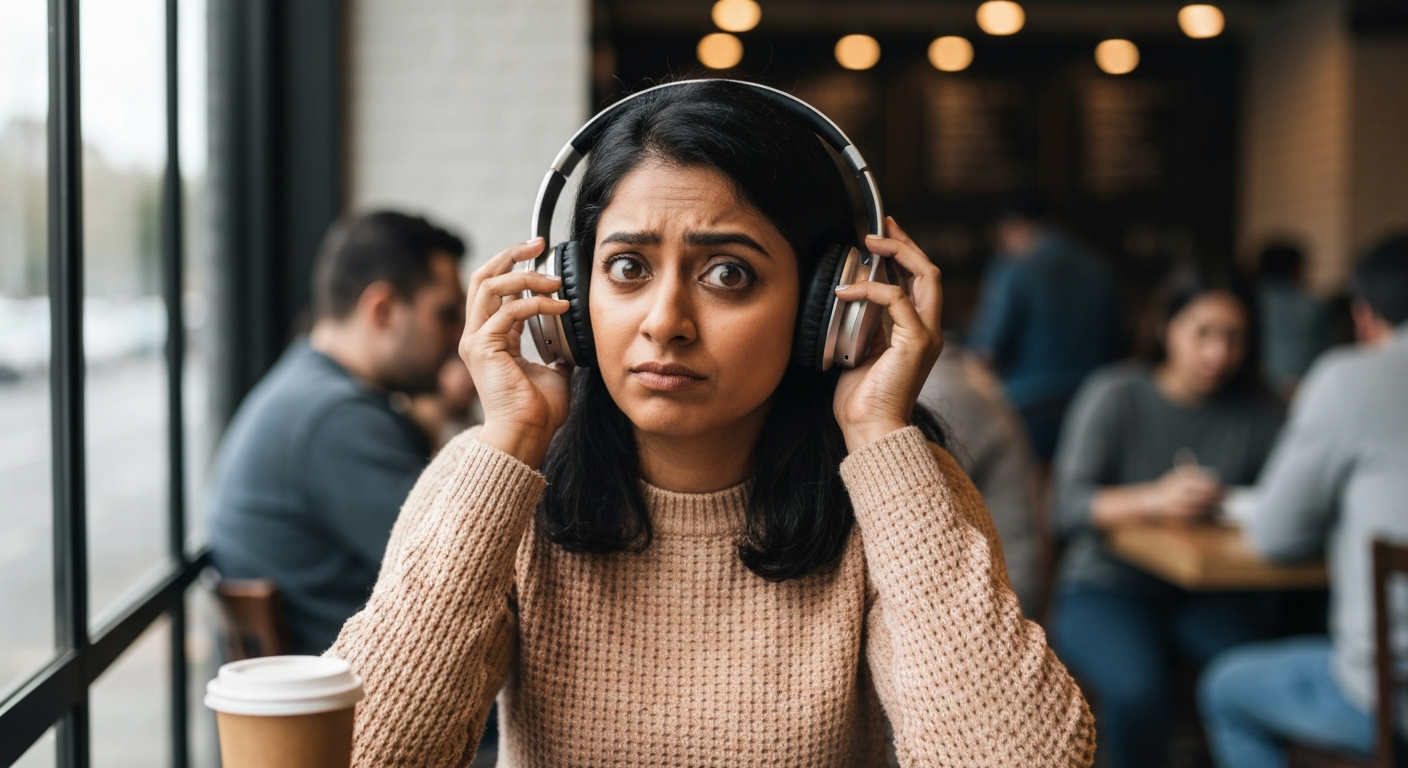

Your noise cancelling isn't working because of a poor ear seal, low battery, dirty microphones, software glitches, or environmental conditions that exceed your headphones' capabilities—all fixable in minutes once you know where to look.
| ✓Our Pick |
Top-rated replacement ear cushions and headphone accessories One of the highest-rated products in its category — a reliable fix used by thousands of people. See on Amazon → |
Active noise cancellation (ANC) uses tiny external microphones to detect ambient sound, then generates an "anti-sound" wave through your speakers that cancels out the noise. When any part of this system breaks down—microphone, seal, processor, or battery—silence turns into frustration.
The technology relies on destructive interference. Your headphones sample incoming sound waves and produce an inverted version (sound waves that are 180 degrees out of phase). When these two waves meet, they neutralize each other. This works beautifully for low-frequency, consistent sounds like airplane engine drone or air conditioning hum.
But ANC has limits. High-pitched, sudden, or irregular sounds—like human voices, keyboard clicks, or car horns—are harder to cancel because they change too fast for the processor to react. Understanding this helps you set realistic expectations and troubleshoot actual malfunctions versus normal limitations.
A broken seal is the most common reason ANC underperforms, and it's the easiest to miss because you might not feel the gap.
Passive noise isolation (the physical barrier created by ear cups or ear tips pressing against your head or ear canal) does most of the heavy lifting in any noise-cancelling setup. Even the best ANC processor can't compensate for sound leaking directly into your ear around a loose cushion.
Check for these seal-breakers:
- Glasses frames creating gaps in over-ear headphones
- Hair caught under ear cups
- Worn-out or flattened ear cushions
- Wrong-sized ear tips on in-ear models
- Headband too loose or too tight
The fix is often free. Adjust the headband, sweep hair aside, or try different ear tip sizes. If your ear cushions are more than 18 months old, replacement pads typically cost $15–30 and restore factory-level isolation.
Yes—ANC requires significant processing power, and most headphones automatically reduce or disable noise cancellation when battery drops below 10–20%.
This is by design. Manufacturers prioritize keeping audio playback alive over maintaining ANC. You might notice a sudden increase in background noise without any warning, especially on older firmware.
| Battery Level | Typical ANC Behavior |
|---|---|
| 100–30% | Full ANC performance |
| 30–15% | Reduced ANC on some models |
| Below 15% | ANC disabled, audio-only mode |
| Below 5% | Shutdown warning |
Charge your headphones fully before testing other fixes. If ANC works perfectly at full charge but fails at 50%, your battery may be degrading. Most lithium-ion batteries lose significant capacity after 500 charge cycles.
Absolutely. The external microphones that sample ambient noise are tiny, exposed, and collect debris fast—a single blocked mic can cut ANC effectiveness by half.
ANC microphones sit on the outer surface of your headphones, often as small mesh-covered ports. Earwax, skin oils, pocket lint, and dust accumulate here. Unlike speakers, these mics need to "hear" clearly to do their job.
Clean them with a dry, soft-bristled brush (an old toothbrush works). For stubborn grime, lightly dampen a cotton swab with isopropyl alcohol and dab—don't press hard or push debris further into the mesh. Let them dry completely before testing.
"The feedforward microphones on the exterior of ANC headphones are most susceptible to environmental contamination, which directly degrades noise cancellation performance." — Audio Engineering Society
Also Read: Why Is My Mbps So Low? 11 Causes & How to Fix Them
Software bugs are a leading cause of ANC failure after firmware updates—or when updates are overdue.
Headphone manufacturers push firmware updates that adjust ANC algorithms, fix bugs, and sometimes change how noise cancellation sounds. A corrupted update or outdated firmware can cause ANC to behave erratically, stay stuck in one mode, or fail entirely.
To fix firmware issues:
Some users report that ANC improved after rolling back to a previous firmware version, though this isn't officially supported by most brands.
Many modern headphones offer multiple ANC modes, and being in the wrong one makes it seem like noise cancelling isn't working.
Common modes include:
| Mode | What It Does |
|---|---|
| High/Max ANC | Maximum noise reduction, highest battery drain |
| Low/Adaptive ANC | Reduced cancellation, better battery life |
| Transparency/Ambient | Lets outside sound IN on purpose |
| Off | No active cancellation at all |
It's surprisingly easy to accidentally toggle modes. A single button press, an app setting, or even a gesture on touch-sensitive ear cups can switch you from Max ANC to Transparency mode. Open your headphone app and verify you're in the mode you expect.
Wind is ANC's worst enemy—even a light breeze creates turbulent air pressure that overwhelms external microphones and produces a roaring, crackling mess instead of silence.
This isn't a defect. It's physics. The microphones interpret wind as noise and try to cancel it, but wind is chaotic and constantly changing direction. The processor can't keep up, so you hear distortion rather than cancellation.
Solutions for windy conditions:
- Switch to a wind-reduction mode if your headphones have one (Sony calls this "Wind Noise Reduction")
- Use passive isolation only—disable ANC and rely on the physical seal
- Move to a sheltered location
- Consider headphones with recessed or shielded microphones for regular outdoor use
If you've tried everything else, internal damage to speakers, microphones, or the ANC processor board may be the culprit.
Signs of hardware failure include ANC working on only one ear, a constant hissing or buzzing when ANC is enabled, or ANC that turns itself off randomly. Water damage, drops, and excessive heat can all harm the delicate components.
Check your warranty status. Most premium ANC headphones carry a one- to two-year warranty. If you're outside warranty, third-party repair shops specializing in headphones can sometimes replace individual components cheaper than buying new.
Follow this sequence to isolate the problem quickly—start with the free fixes before assuming hardware failure.
If ANC still fails after all these steps, contact the manufacturer's support line with your troubleshooting log. This documentation speeds up warranty claims.
Also Read: Why Is My Message Not Delivering? 8 Causes & Quick Fixes
ANC excels at low-frequency, steady sounds but struggles with high-pitched, sudden, or human-voice-range audio—this is a technology limitation, not a malfunction.
| Sound Type | ANC Effectiveness |
|---|---|
| Airplane engine drone | Excellent (90%+ reduction) |
| Train/subway rumble | Excellent |
| Air conditioner hum | Excellent |
| Office HVAC | Very good |
| Keyboard typing | Moderate |
| Human conversation | Poor to moderate |
| Dog barking | Poor |
| Baby crying | Poor |
| Car horns, sirens | Very poor |
If you bought ANC headphones expecting to block your coworker's phone calls, you'll be disappointed. Voices fall in the 300Hz–3000Hz range, which changes rapidly and unpredictably. ANC works best below 500Hz. For voice blocking, you need high passive isolation (a tight seal) combined with music or white noise playing through the headphones.
"Active noise control is inherently limited by the speed of sound and processing latency, making it most effective against sustained, predictable noise sources below 1kHz." — Journal of the Acoustical Society of America
If your headphones are over three years old, ANC performance will naturally decline as batteries degrade and components wear—sometimes replacement makes more financial sense than repair.
Consider replacement when:
- Battery life has dropped below 50% of original spec
- ANC works inconsistently even after troubleshooting
- Physical damage is visible on microphones or ear cups
- Repair costs exceed 60% of new headphone price
- Your headphones lack features now standard in 2026 (adaptive ANC, spatial audio, multipoint connectivity)
Entry-level ANC headphones start around $80, while premium models from Sony, Bose, and Apple range from $250–550. Mid-range options from Jabra, Sennheiser, and Soundcore often deliver 90% of flagship performance at 50% of the price.
Also Read: Why Is My Google Chrome So Slow? 12 Causes & Fast Fixes
Noise cancelling failures almost always trace back to a poor ear seal, dying battery, dirty microphones, or software glitches—not broken hardware. Start by charging fully, checking your seal, cleaning the mic ports, and updating firmware. If ANC works at full charge but not at 50%, your battery is aging. If it only works when you press the cups tight, replace your ear cushions. And remember: ANC can't block voices or sudden sounds by design, so set realistic expectations before assuming something is wrong.
A faint hiss is normal with ANC because the system generates anti-noise, which isn't perfectly silent. However, loud or intrusive hissing usually indicates a microphone problem—either dirt blocking the mic, a damaged mic capsule, or a software bug in the ANC algorithm. Clean your external mics first, then try a firmware update or factory reset. If hissing persists only in one ear, that side likely has a hardware defect.
This typically happens when ANC automatically disables to save battery, or when the headphones detect a seal problem and reduce processing power. Check your battery level and make sure power-saving modes aren't kicking in prematurely. Some headphones also pause ANC when they detect you've removed them—the sensors may be malfunctioning if ANC cuts out while you're still wearing them.
Yes. Most ANC headphones let you enable noise cancellation without any audio playing—useful for focusing in silence or reducing travel fatigue. Simply pause your music while keeping ANC on. If your model requires audio playback to maintain ANC, this is a firmware or model-specific limitation rather than a universal ANC rule.
Uneven ANC usually means one external microphone is blocked, dirty, or damaged. Clean both sides' mic ports and check for debris. If the problem persists, one microphone may have failed internally. This is a common issue after dropping headphones or exposing them to moisture. Warranty replacement is often the only fix for hardware-level mic failure.
No. ANC reduces the total sound pressure reaching your eardrums, which is actually protective. The anti-noise it generates doesn't add volume—it subtracts from external noise. However, ANC can let you hear music more clearly at lower volumes, which is better for long-term hearing health. The concern would only arise if you crank volume to dangerous levels because ANC makes the music seem quieter than it is.
Reviewed and Updated on June 12, 2026 by George Wright