
Health
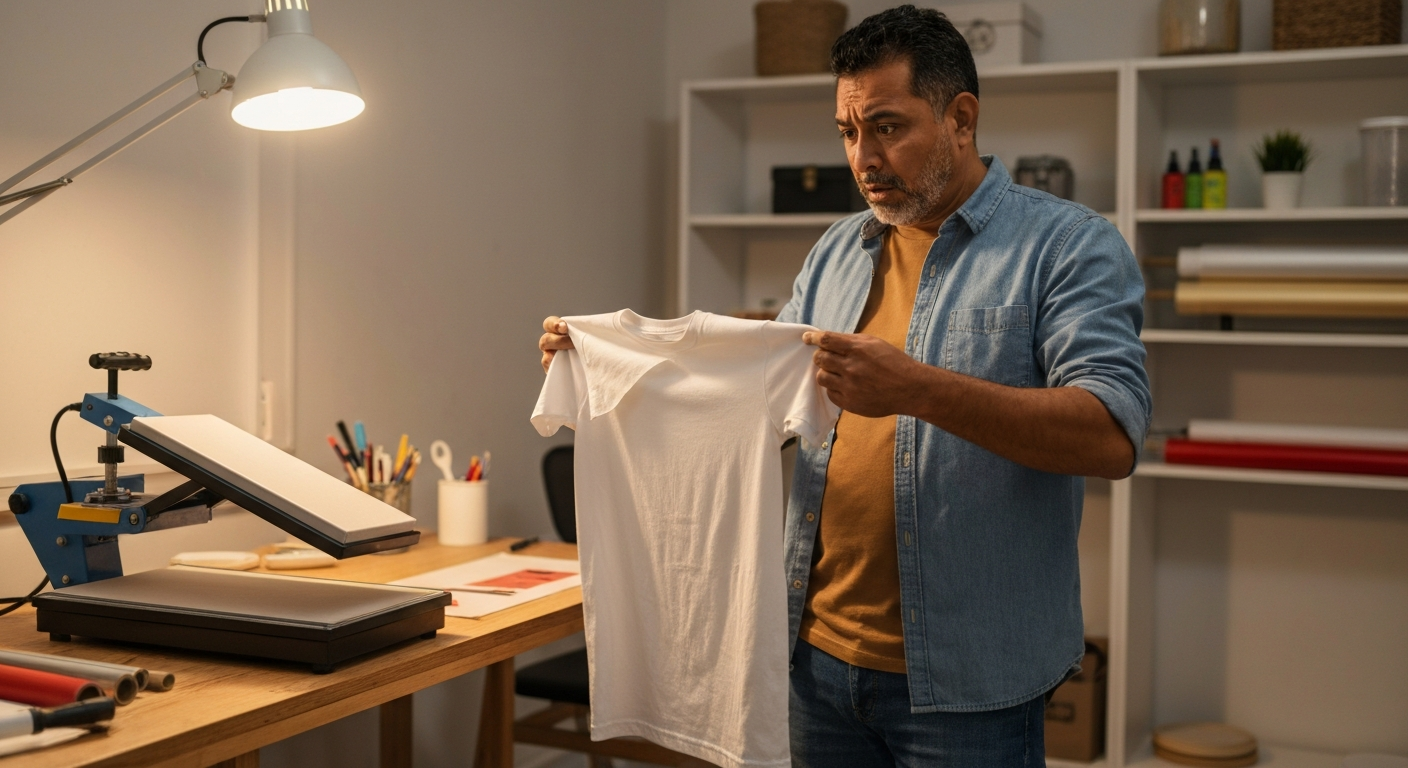

Your DTF transfer isn't sticking because of incorrect heat press settings — temperature too low (below 300°F), insufficient pressure, or pressing time under 10 seconds are the most common culprits, followed by fabric contamination, moisture in the transfer, or incompatible materials.
Direct-to-Film (DTF) transfers and iron-on vinyl (HTV) fail for surprisingly similar reasons, and the good news is that most adhesion problems are fixable without replacing your equipment or materials. Whether you're running a small print business or crafting at home, understanding why your transfers peel, crack, or refuse to bond will save you hours of frustration and wasted supplies.
DTF and HTV transfers rely on a heat-activated adhesive layer that must reach a specific temperature and pressure threshold to bond permanently with fabric fibers — fall short on any variable, and the transfer lifts off.
The adhesive powder on DTF transfers (typically polyurethane-based) melts at temperatures between 285°F and 330°F. This melted adhesive needs to penetrate the weave of the fabric, then cool and solidify to create a mechanical bond. Iron-on vinyl works similarly, with a heat-activated adhesive backing that liquefies under heat and pressure.
Three conditions must align simultaneously:
- Temperature must reach the adhesive's activation point
- Pressure must force the melted adhesive into fabric fibers
- Time must allow complete melting and penetration
When transfers don't stick, at least one of these variables is off. The tricky part is that different materials, fabrics, and even humidity levels shift the ideal settings.
Heat press displays are notoriously inaccurate — a reading of 320°F could actually be 280°F at the platen surface, which is below the activation threshold for most DTF adhesives.
This is the single most common cause of DTF transfer failure in 2026, especially with budget heat presses. The temperature sensor sits in the heating element, not at the platen surface where your transfer actually sits. Heat loss between the sensor and the platen can be 20–50°F.
To diagnose this:
1. Purchase an infrared thermometer or heat press temperature strips
2. Heat your press to your normal setting
3. Measure the actual platen surface temperature
4. Adjust your display setting to compensate for the difference
If your platen runs 30°F cold, set your display 30°F higher than your target. For most DTF transfers, you want an actual surface temperature of 300–325°F.
"The number one issue we see with heat press adhesion problems is calibration. Most entry-level presses ship with displays that read 15–40 degrees higher than actual platen temperature." — Heat Press Nation Technical Support
Medium pressure on one heat press might equal light pressure on another — there's no universal standard, and insufficient pressure is the second most common reason DTF transfers fail.
The adhesive needs physical force to push it into the fabric weave. Without enough pressure, the adhesive sits on top of the fibers rather than embedding into them. This creates a weak surface bond that peels off after one wash — or immediately when you remove the carrier film.
Signs your pressure is too low:
- Transfer looks fully applied but peels when cold
- Edges lift while the center holds
- Adhesive residue remains on the carrier film after peeling
- Transfer washes off completely
How to test pressure: Place a sheet of paper in your press and close it at your normal setting. Try to pull the paper out — you should feel significant resistance. If the paper slides out easily, increase pressure until you feel a firm grip.
For clamshell presses, this usually means tightening the pressure knob 1–2 full turns. For swing-away presses, adjust the pressure dial until the handle requires noticeable force to close.
DTF transfers typically need 10–15 seconds of press time, but rushing the process by even 3–4 seconds can prevent complete adhesive melting and result in partial or failed bonds.
Time allows heat to transfer from the platen through the carrier film into the adhesive layer. Cut the time short, and the adhesive never fully liquefies. The result is a transfer that looks applied but releases when the carrier film is peeled.
| Transfer Type | Minimum Press Time | Optimal Press Time |
|---|---|---|
| DTF (standard) | 10 seconds | 12–15 seconds |
| DTF (thick ink deposit) | 12 seconds | 15–18 seconds |
| Iron-on vinyl (HTV) | 10 seconds | 12–15 seconds |
| Glitter HTV | 15 seconds | 18–20 seconds |
| Stretch/athletic HTV | 12 seconds | 15 seconds |
Use a timer every single press — don't count in your head. Even experienced operators underestimate seconds when working quickly.
Moisture in DTF transfers or fabric creates steam during pressing, which forms a barrier between the adhesive and fibers and causes immediate or delayed peeling.
DTF transfers absorb humidity from the air. If your transfers have been sitting in a humid environment or were stored improperly, they may contain enough moisture to sabotage adhesion. Fabrics straight from the washer (even if tumble-dried) can retain moisture in the weave.
Pre-press protocol:
1. Pre-press your garment for 3–5 seconds before applying the transfer (this drives out fabric moisture and removes wrinkles)
2. Store DTF transfers in sealed bags with silica gel packets
3. If transfers feel soft or limp, dry them with a heat gun on low or pre-press them adhesive-side-up for 2–3 seconds
You'll know moisture was the problem if you see steam escaping from the edges during pressing, or if the transfer initially sticks but releases as the garment cools.
Waterproof coatings, fabric softener residue, silicone treatments, and certain synthetic blends actively repel DTF adhesive — no amount of heat or pressure will create a permanent bond on these materials.
DTF works best on 100% cotton, cotton-polyester blends, and untreated polyester. It struggles or fails completely on:
If your fabric is new, wash it once without fabric softener before pressing. If you've been using fabric softener on your blanks, switch to a fragrance-free, softener-free detergent and rewash.
For iron-on vinyl not sticking, the same fabric rules apply. Additionally, HTV struggles on very loose weaves (the adhesive can't grip enough fiber) and textured fabrics like waffle-knit or terry cloth.
DTF transfers require a cold peel — removing the carrier film while the transfer is still warm breaks the bond before it fully sets, causing partial adhesion or complete transfer failure.
After pressing, wait until the transfer cools to room temperature (about 60–90 seconds) before peeling. The adhesive solidifies as it cools, and peeling too early disrupts this process.
Correct cold-peel technique:
1. Remove garment from press
2. Let it cool completely — touch the transfer; it should feel cool, not warm
3. Peel the carrier film slowly at a 45-degree angle
4. If any part lifts with the film, re-press for 5 seconds and cool again
Some HTV requires a hot peel (remove film immediately) or warm peel (wait 10–15 seconds). Check your specific material's instructions — using the wrong peel method is a common cause of vinyl not sticking properly.
Many DTF transfers require a second press after removing the carrier film to fully seat the adhesive and smooth the transfer surface — skipping this step causes premature peeling and cracking.
The second press doesn't need paper between the platen and transfer for most DTF applications, though some operators prefer a Teflon sheet to prevent any sticking. Press for 5–10 seconds at the same temperature and pressure as the first press.
This step:
- Pushes any lifted edges back into the fabric
- Smooths the transfer surface
- Ensures complete adhesive penetration
- Improves wash durability significantly
If your transfers look fine initially but fail after washing, adding a proper second press often solves the problem.
If a transfer is partially lifting or peeling after application, you can often rescue it with a re-press — but only if the adhesive hasn't been contaminated by washing or wear.
Re-press rescue process:
1. Place the garment back on the press with the transfer face-up
2. Cover with a Teflon sheet or parchment paper
3. Press at 300°F for 10 seconds with firm pressure
4. Cold peel the protective sheet
5. Press again for 5 seconds without any covering
This works for transfers that peeled too early, were pressed with insufficient heat/pressure, or partially released during the original application. It won't save transfers that have already been washed or worn extensively.
| ✓Our Pick |
DTF transfer starter kit with heat press This is what many people find solves the problem quickly, without a costly professional visit. See on Amazon → |
Iron-on vinyl (HTV) fails on cotton for the same core reasons as DTF: temperature, pressure, or time settings are off, or the fabric has a barrier like fabric softener residue. Cotton is actually ideal for HTV, so if adhesion fails, verify your heat press temperature with an infrared thermometer (display readings are often inaccurate), increase pressure until you feel significant resistance when closing, and pre-press the shirt for 5 seconds to remove moisture and sizing chemicals.
Technically yes, but household irons produce inconsistent heat and pressure, making reliable DTF application extremely difficult. Irons heat unevenly across the plate, have no pressure adjustment, and the steam holes create cold spots. If you must use an iron, disable steam completely, use the highest non-steam setting, apply heavy body-weight pressure, and expect a higher failure rate than with a proper heat press.
Cracking after washing indicates the adhesive bonded to the fabric surface rather than penetrating the fibers — typically caused by insufficient pressure or pressing time during application. The transfer sits on top of the weave and flexes separately from the fabric. Re-pressing surviving transfers with higher pressure and adding a proper second press can improve durability. Use the gentle cycle and turn garments inside-out to extend transfer life.
Low-quality DTF transfers have inconsistent powder adhesive coverage (visible gaps or clumps), ink that smears when touched, or carrier film that peels with difficulty before pressing. Good transfers should have an even, slightly textured adhesive layer covering the entire print, ink that's fully cured and dry, and carrier film that releases cleanly. If you're experiencing adhesion issues across all garments, test a transfer from a different supplier before troubleshooting your press settings.
Set your heat press display to achieve 300–325°F at the actual platen surface. Since most presses read 15–40°F higher than actual surface temperature, you may need to set the display to 330–360°F depending on your specific machine. Always verify with an infrared thermometer or temperature strips rather than trusting the display reading.
DTF and iron-on vinyl transfers fail because of the heat-pressure-time triangle — all three must hit their targets simultaneously for permanent adhesion. Verify your actual platen temperature with a thermometer (don't trust the display), increase pressure until you feel significant resistance, press for the full 10–15 seconds without rushing, pre-press fabrics to remove moisture, use a cold peel, and always finish with a second press. Most failed transfers can be traced to one or more of these variables being off, and the fix is usually a settings adjustment rather than new equipment.
Reviewed and Updated on May 23, 2026 by George Wright