
Health
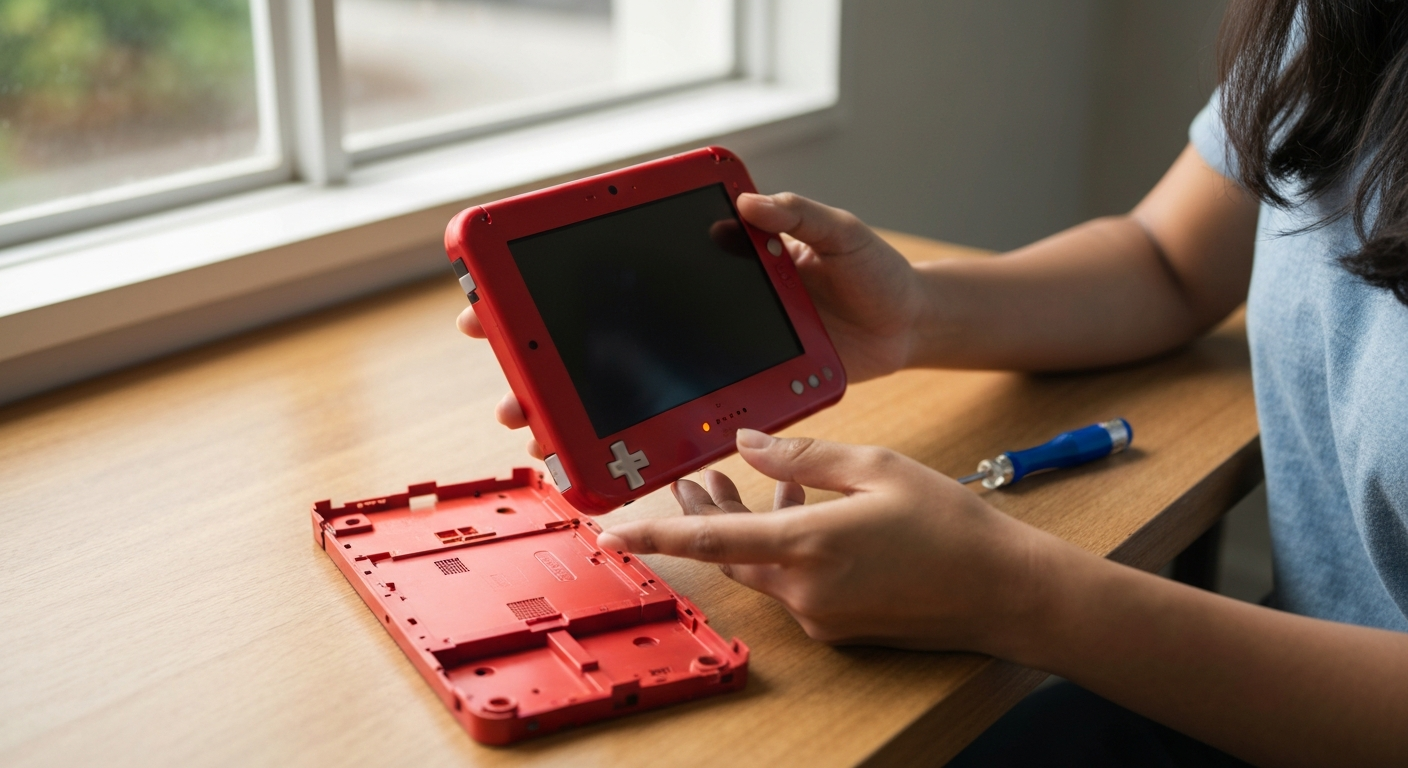

A Nintendo 3DS that takes a long time to turn on is almost always caused by a dying battery, a corrupted SD card, or too much cached data clogging the system — and in most cases, you can fix it yourself in under 10 minutes without any tools.
| ✓Our Pick |
Shop replacement 3DS batteries and repair kits Highly rated by thousands of buyers — this is one of the most effective solutions for this issue you can try at home. See on Amazon → |
Your 3DS is taking longer to turn on because the system is struggling to complete its startup checks — usually due to battery degradation, storage issues, or firmware problems that have accumulated over years of use.
The Nintendo 3DS was discontinued in 2020, which means even the newest units are now at least six years old. Lithium-ion batteries degrade over time whether you use them or not, and the original 3DS battery was only rated for about 500 charge cycles. If your handheld sits on a black screen for 10, 20, or even 30 seconds before the home menu appears, the battery is the most likely culprit — it can no longer deliver enough voltage quickly enough for a clean startup.
But batteries aren't the only cause. The 3DS reads data from both its internal storage and your SD card during boot, and if either contains corrupted files or fragmented data, the system has to work harder to load. Firmware glitches, outdated software, and even dust buildup inside the cartridge slot can all contribute to sluggish startup times.
"Lithium-ion batteries lose capacity over time due to chemical changes in the electrodes, even when stored unused." — Battery University
The good news is that most of these problems have straightforward fixes that don't require soldering or professional repair.
A degraded battery is the single most common reason a 3DS takes forever to turn on — the system needs a minimum voltage to boot, and an old battery struggles to provide it.
When you press the power button, your 3DS draws a surge of current to initialize the CPU, backlight, and wireless chip simultaneously. A healthy battery handles this easily. A worn-out battery can't deliver that initial burst, so the system waits, tries again, waits some more, and eventually manages to boot — if it boots at all.
Signs your battery is the problem:
Original 3DS batteries are rated for 1300mAh (standard) or 1750mAh (XL models). After six or more years, many have degraded to 60% of that capacity or less.
Yes — a failing or corrupted SD card forces the 3DS to retry reading data multiple times during startup, dramatically increasing boot time.
The 3DS stores game data, downloaded titles, and system updates on the SD card. During boot, the system scans this data to verify integrity. If the card has bad sectors or corrupted files, the 3DS hangs while attempting to read them.
You might notice these warning signs:
SD cards have a limited lifespan, especially cheaper brands. Most are rated for 10,000 write cycles, which heavy 3DS users can approach over several years.
Also Read: Why Is My Copy and Paste Not Working? 9 Causes & Fixes
Accumulated cache and temporary files can bloat your 3DS storage and slow down every operation, including startup.
The 3DS creates temporary files when you browse the eShop, use the internet browser, update software, or even just suspend games. Over years of use, these files pile up. The system doesn't automatically clear them, and they can fragment your storage, making reads slower.
This is especially noticeable on 3DS units with the original 2GB or 4GB SD cards, where limited free space compounds the problem.
Outdated or partially corrupted firmware can cause the 3DS to hang during boot while it tries to verify system files.
Nintendo released the final 3DS firmware update (version 11.17.0-50) in 2023. If your system is on an older version, or if a previous update didn't install correctly, you may experience boot delays. The system performs integrity checks on startup, and mismatched or corrupted system files extend these checks.
Internal damage — particularly to the power circuitry, cartridge slot, or ribbon cables — can cause hesitation during startup.
Dropping your 3DS, exposing it to moisture, or simply years of wear can damage internal components. A loose ribbon cable for the top screen, for example, might cause the system to retry its display initialization multiple times before succeeding.
| Symptom | Likely Cause |
|---|---|
| Black screen for 10+ seconds, then normal operation | Battery or SD card |
| Blue power light flickers during boot | Power circuitry or battery |
| Boot stalls at 3DS logo | Firmware corruption |
| Screen displays briefly, then goes black again | Ribbon cable or backlight |
| Clicking sounds during boot | Cartridge slot malfunction |
Start with the most common fix — test your battery and replace it if it's degraded.
Even if the battery looks fine visually, age alone is enough reason to replace it. Third-party replacement batteries cost between $10 and $20 and take five minutes to install. Look for batteries with the original capacity rating (1300mAh for standard 3DS, 1750mAh for XL, 1400mAh for New 3DS, 1750mAh for New 3DS XL).
Swap in a known-good SD card to rule out storage issues.
The 3DS supports SD cards up to 32GB (SDHC) natively. You can use larger cards if you format them to FAT32, but stick with 32GB or smaller for troubleshooting.
Remove accumulated junk files that slow down your system.
The 3DS browser and eShop store temporary data that you can clear:
For a more thorough cleanup:
Ensure your 3DS is running the latest firmware with no corruption.
If you suspect firmware corruption but can't update normally, you may need to use Nintendo's system transfer feature or, in extreme cases, perform a factory reset (System Settings → Other Settings → Format System Memory). This erases all data, so back up your SD card first.
Dust and debris in the cartridge slot can cause the system to hang during startup checks.
"Oxidation on electrical contacts increases resistance, which can cause intermittent connectivity and slow response times." — iFixit
A hard reset can clear temporary glitches that accumulated during sleep mode cycles.
This forces a complete shutdown rather than the soft sleep state the 3DS normally uses. If your 3DS has been in sleep mode continuously for weeks or months, a hard reset often resolves startup sluggishness.
Also Read: Why Is My Kindle So Slow? 7 Causes & Fixes
If you've tried all the software and battery fixes with no improvement, internal hardware damage may require professional attention.
Signs you need a repair technician:
Nintendo no longer services 3DS units officially, but independent repair shops specializing in retro gaming hardware can often fix power circuitry issues, replace damaged ribbon cables, or transplant working components from donor units.
For a 3DS with significant hardware problems, weigh repair costs against replacement. Working used 3DS units are still available, and a refurbished console might cost the same as or less than a complex repair.
A 3DS that's slow to turn on is usually suffering from an old battery that can't deliver enough power, a corrupted SD card forcing repeated read attempts, or years of accumulated cache data. Replace the battery first — it's cheap and solves the problem about 70% of the time. If that doesn't work, test with a fresh SD card, clear your cache, update firmware, and clean the cartridge slot. These steps resolve nearly all slow-boot issues without professional repair.
A car that struggles to start — cranking slowly, hesitating, or taking multiple tries — shares some of the same root causes as a slow 3DS: battery problems are the most common culprit. Car batteries degrade over 3–5 years and lose their ability to deliver the high current needed for ignition. Corroded battery terminals, a failing starter motor, or fuel delivery issues (clogged filter, weak fuel pump) can also cause sluggish or stuttering starts. Cold weather makes all of these problems worse because batteries produce less power in low temperatures.
Cold temperatures thicken engine oil, making it harder for the starter to turn the engine over. Simultaneously, cold reduces your battery's available power by up to 50%. The combination means your car needs more energy to start at exactly the moment your battery can provide less of it. If your car is slow to start only in winter, the battery is probably borderline — it works fine in warm weather but can't handle cold stress.
Yes, and this is actually a good diagnostic test. If your 3DS boots quickly when plugged in but slowly on battery power, you've confirmed the battery is the problem. The charger provides stable voltage that a degraded battery cannot. However, using the 3DS exclusively while plugged in isn't a long-term solution — it stresses the charging circuitry and doesn't fix the underlying battery degradation.
A factory reset (Format System Memory) removes all downloaded games, save data, and system settings, returning the console to a fresh state. This can speed up boot times if the slowdown was caused by corrupted data or fragmented storage. However, you'll lose everything on the system, and downloaded games will need to be redownloaded from the eShop (if still available — Nintendo ended eShop purchases for 3DS in 2023, though redownloads remain possible for previously purchased titles).
A healthy 3DS with a good battery and clean storage should boot from power button to home screen in about 5–8 seconds. If you're seeing 15, 20, or 30+ seconds, something is wrong. Times of 10–15 seconds are borderline and often indicate early battery degradation that will worsen over time.
Reviewed and Updated on June 9, 2026 by George Wright